Items 1 to 3: the employee
Employee name (last, first, middle), date of birth, and place of birth (city and state).
GSA2910
Contract Employee Suitability Record
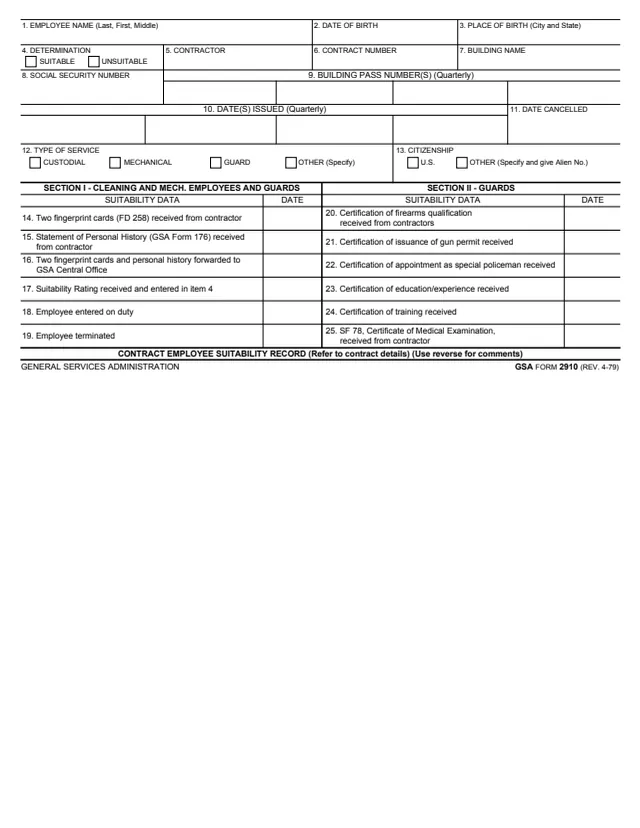
GSA Form 2910, Contract Employee Suitability Record, is a General Services Administration form. Its footer reads GSA FORM 2910 (REV. 4-79), and GSA hosts it in its forms library. GSA's page lists 04/1979 as the current revision date and gives no authority or regulation.
The one-page record covers one contract employee. Items 1 to 13 identify the employee, the contractor, the contract number, the building, building passes and the type of service, with a Suitable or Unsuitable determination in item 4. Section I dates each suitability step for cleaning and mechanical employees and guards, and Section II adds certifications for guards. The bottom line says to refer to contract details and use the reverse for comments. It prints no instructions, OMB number or privacy statement.
You can fill it out free in your browser on this page and download the result without an account.
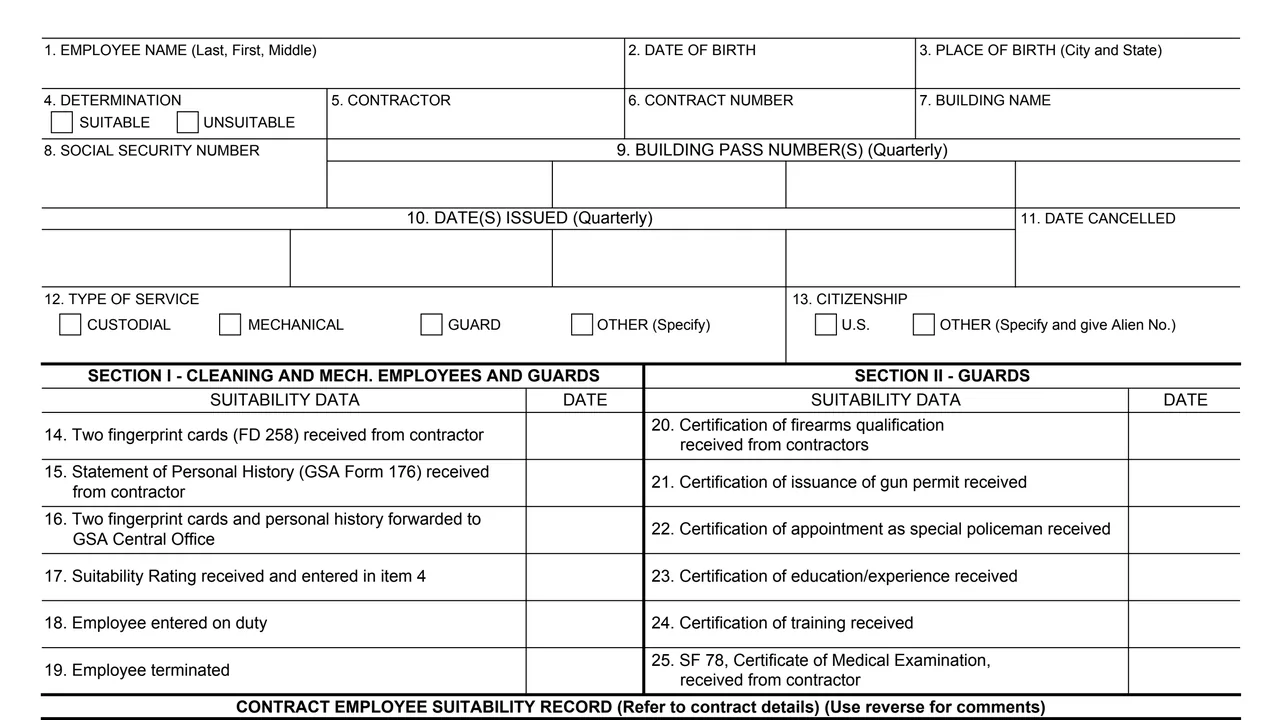
Employee name (last, first, middle), date of birth, and place of birth (city and state).
A Suitable or Unsuitable determination, the contractor, the contract number, the building name and the Social Security number.
Building pass numbers and dates issued, each by quarter, the date cancelled, the type of service, and citizenship, U.S. or other with the Alien No.
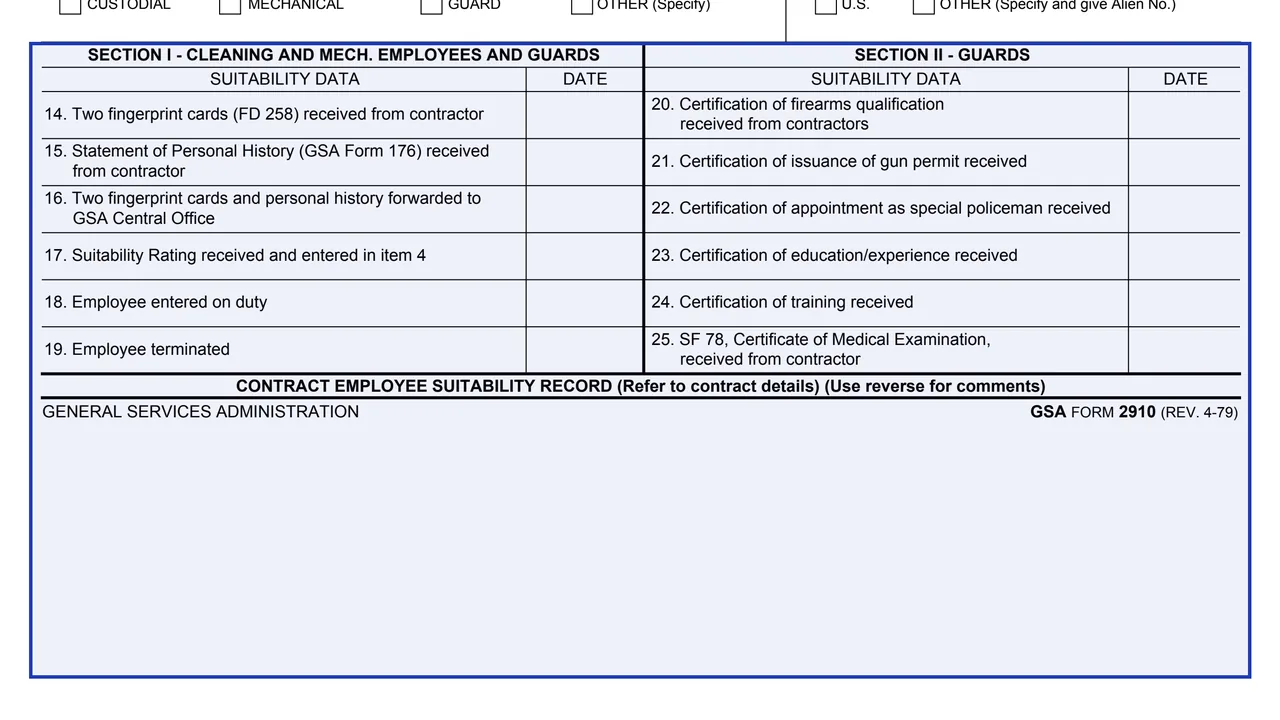
Dates for two fingerprint cards (FD 258) and the Statement of Personal History (GSA Form 176) received from the contractor, forwarding to GSA Central Office, the suitability rating, entry on duty and termination.
For guards, dates for certifications of firearms qualification, gun permit, appointment as special policeman, education or experience, training, and SF 78, Certificate of Medical Examination.
Fill in items 1 to 3 and item 8, then the citizenship in item 13, giving the Alien No. if other than U.S.
Enter the contractor, contract number and building name in items 5 to 7, and check the type of service in item 12.
Enter building pass numbers and the dates issued in the quarterly boxes of items 9 and 10, and any date cancelled in item 11.
In Section I, write the date beside each step as it happens. Item 17 says the suitability rating is received and entered in item 4.
For guards, date each certification received in items 20 to 25.
The bottom line says to refer to contract details and use the reverse for comments.
You get the real form, filled in a browser tab, with nothing standing between you and the finished PDF.
The PDF prints no filing address or routing. Item 16 records forwarding fingerprint cards and personal history to GSA Central Office.
The form's title line says to refer to contract details, and to use the reverse for comments.
The footer reads GSA FORM 2910 (REV. 4-79). GSA's page lists 04/1979 as the current revision date and leaves the authority or regulation blank.
The record asks for a Social Security number and date and place of birth. The PDF prints no Privacy Act statement.
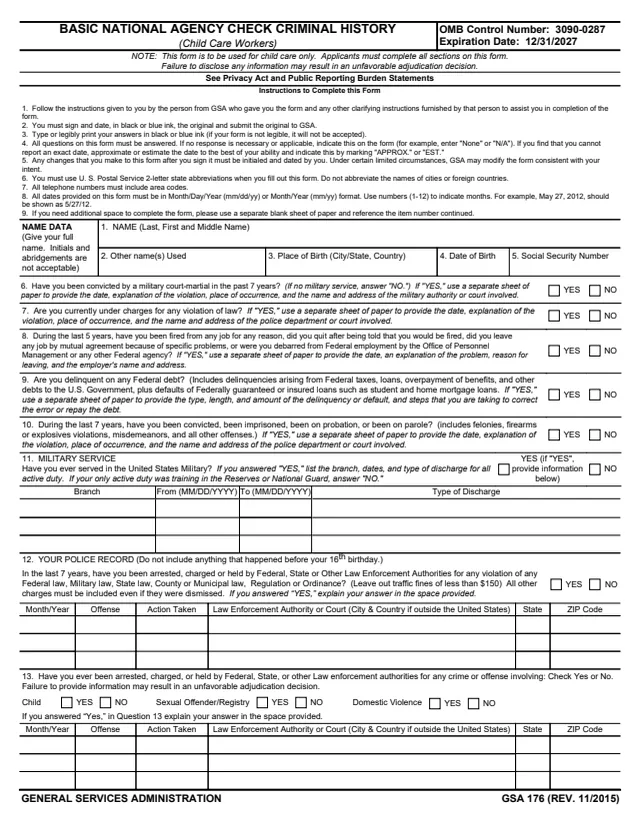
GSA176
75 fields, 2 pages
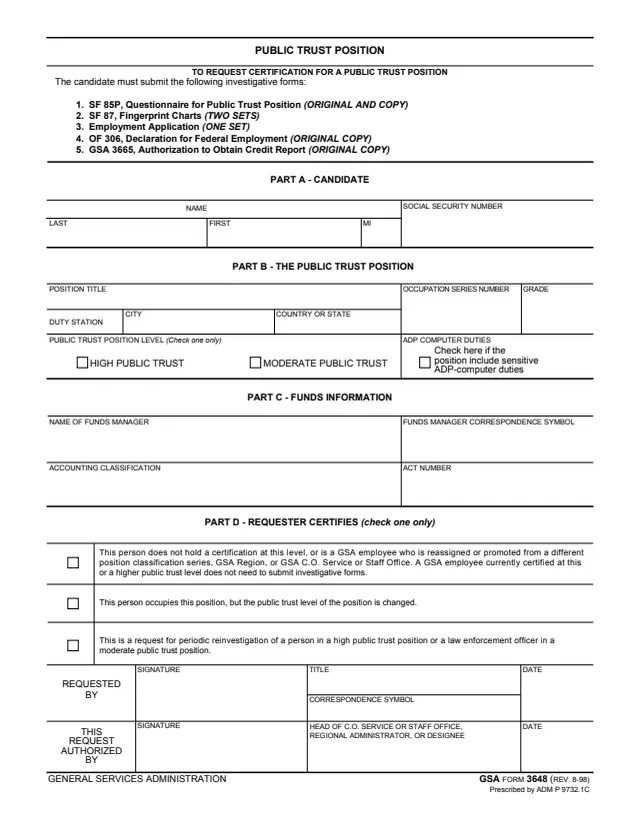
GSA3648
26 fields, 1 page
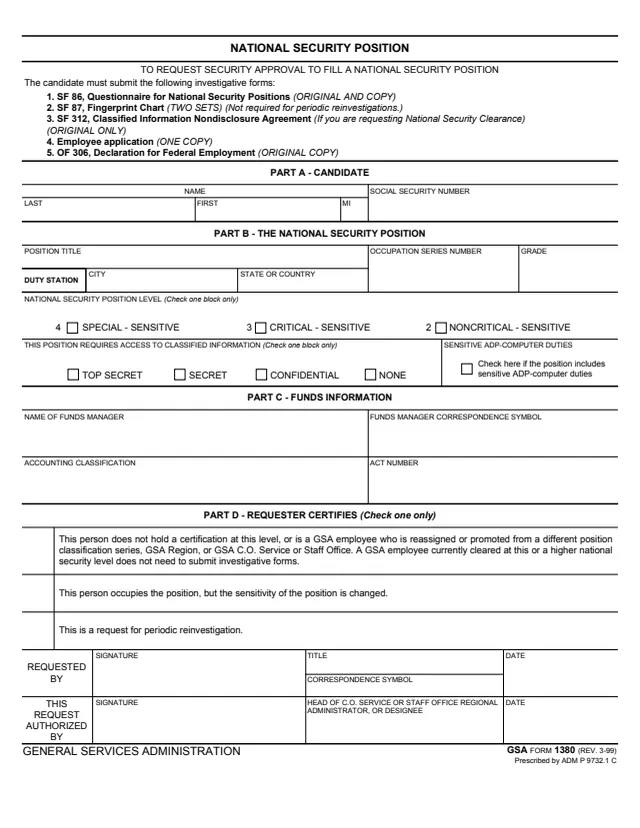
GSA1380
31 fields, 1 page
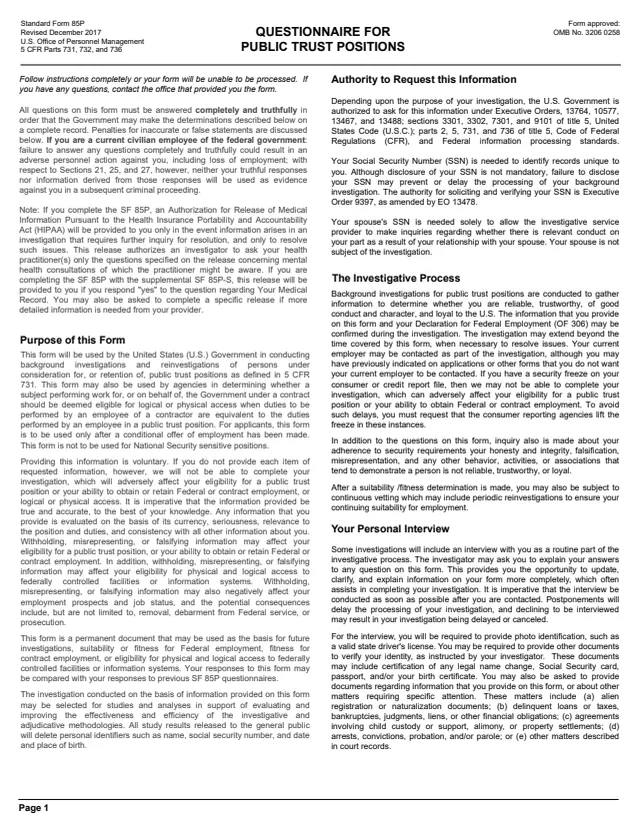
SF85P
4,128 fields, 95 pages
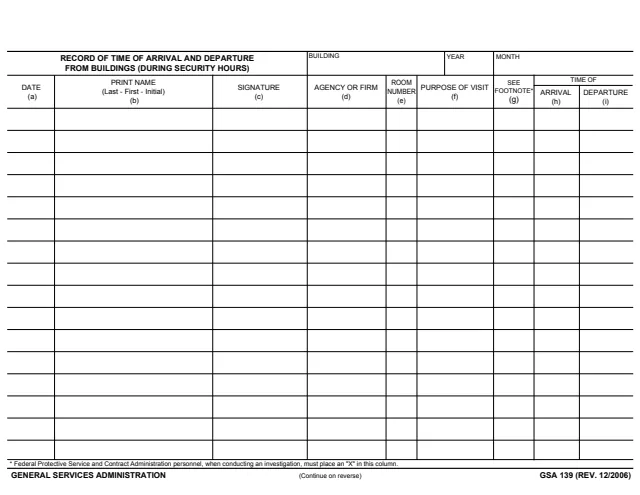
GSA139
323 fields, 2 pages
The form does not name the office that keeps it. Its items show who and what it tracks.
No tool matches that search.
The footer names the General Services Administration. GSA hosts the form in its forms library, and its page lists no authority or regulation.
The form does not say. Its items record documents received from the contractor and forwarded to GSA Central Office for one contract employee.
Two fingerprint cards (FD 258) and the Statement of Personal History (GSA Form 176) received from the contractor, plus dates for forwarding them to GSA Central Office, the suitability rating, entry on duty and termination.
Section II dates certifications of firearms qualification, issuance of a gun permit, appointment as special policeman, education or experience, training, and SF 78, Certificate of Medical Examination, received from the contractor.
Item 4 has Suitable and Unsuitable boxes. Item 17 says the suitability rating is received and entered in item 4.