Made for LibreOffice and OpenOffice files
Add a document saved as .odt and get a .docx back. Nothing is installed on your computer, and the conversion runs on indox servers, so it works from Windows, Mac, Linux or a phone browser.
Add an ODT file from LibreOffice or OpenOffice and get a DOCX that Word opens. Read what changed in our test before you rely on the layout.
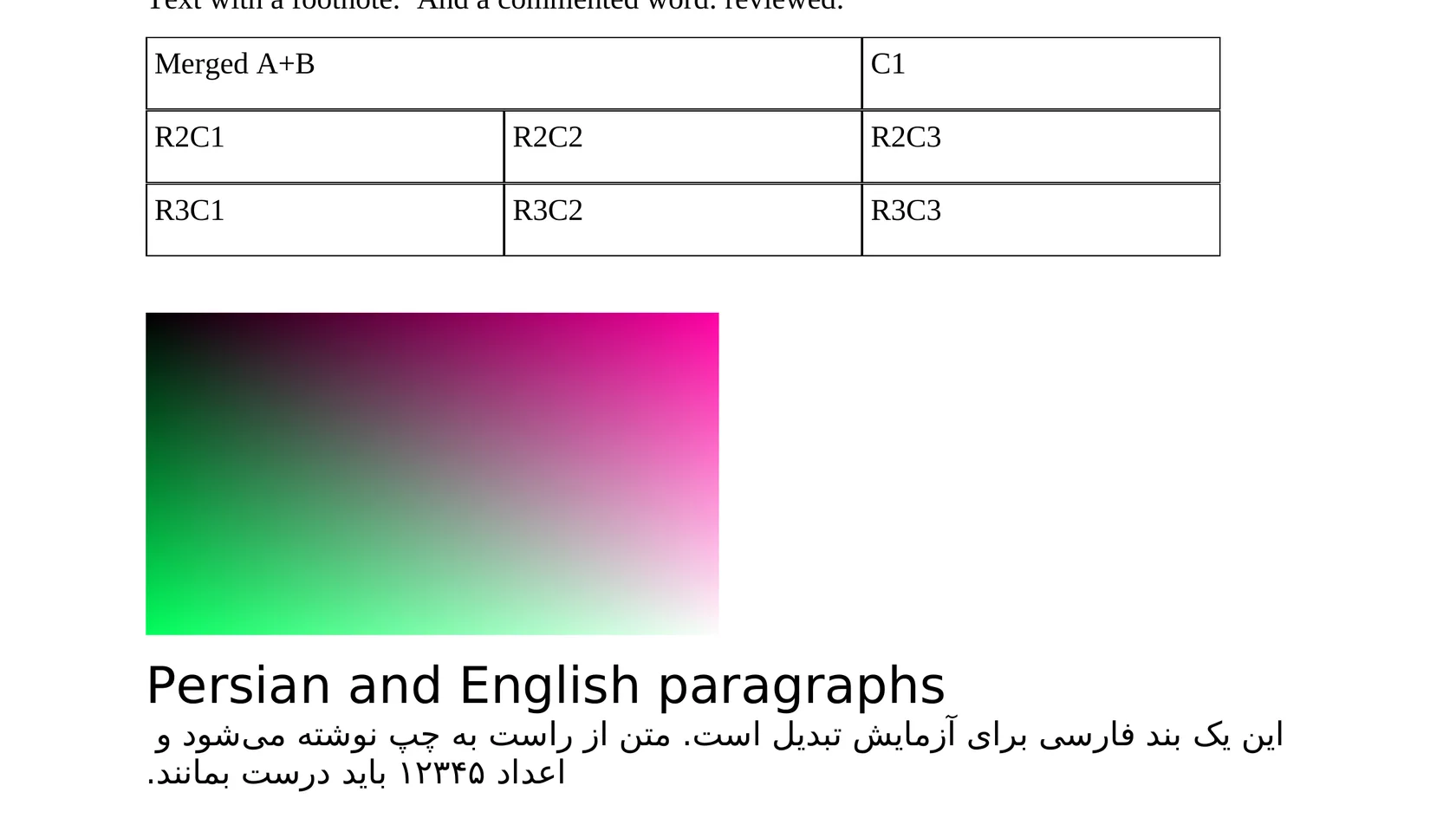
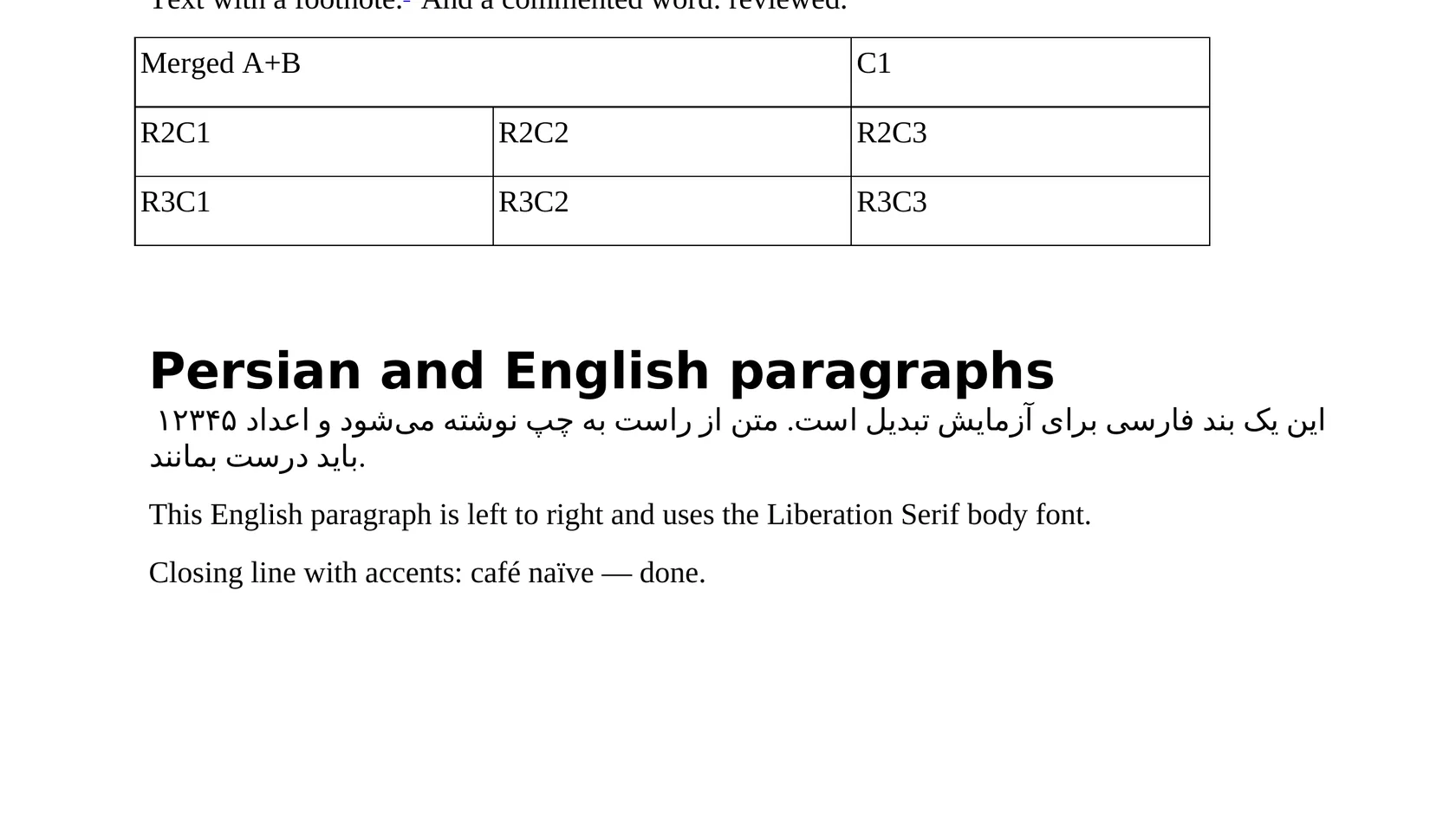
To convert odt to docx, add the .odt file, keep DOCX as the output format and download the result. In our test a 203 KB ODT became a 5.5 KB docx in 5.9 seconds. The text, table and fonts came through, but the picture, header, footer and comment did not, so check those parts of your own file.
Transfers use HTTPS, and files converted on the free tier are deleted after 24 hours, so the result is not a long-term archive. Quality depends on the source file, so open the DOCX file once before you share it.
ODT (OpenDocument Text)
The word-processor format of the OpenDocument standard, native to LibreOffice and OpenOffice. A ZIP package of XML parts (content, styles, metadata) standardised by OASIS and ISO/IEC 26300. Text reflows to the page and the fonts installed, so a missing font can change line breaks and page count.
DOCX (Office Open XML Document)
The default Microsoft Word format since Word 2007, a ZIP package of XML parts defined by the Office Open XML standard. Text reflows to fit the page, printer and fonts available, so the same file can paginate differently on two computers.
An ODT test file we made (one page, a table, a picture, header and footer, Persian text), converted on indox.org
Add a document saved as .odt and get a .docx back. Nothing is installed on your computer, and the conversion runs on indox servers, so it works from Windows, Mac, Linux or a phone browser.
In our test every word, the heading look, a table with a merged cell and its borders were all present in the DOCX. The details of what stays and what changes are listed below, with numbers from a real file.
Formatting can change in any conversion. This page lists the parts our test file lost, so you know what to look at before you send the DOCX to anyone.
In our test no sign-up was asked for and no limit or paywall text appeared for one file. Limits can change, so the page itself is the place to confirm them.
| You need | Send | Why |
|---|---|---|
| The reader only needs to look at the document | Layout, pictures and fonts stay as they are; use ODT to PDF | |
| A colleague must edit the text in Word | DOCX | Text, headings and tables come across; plan to restore images, headers and footers |
| You and the reader both use LibreOffice | ODT | No conversion, so nothing is lost |
| A portal accepts DOCX only | DOCX | Convert, then check page size, footer and footnotes before uploading |
Drop the .odt file on the box or choose it from your device. Keep the original, because it holds the picture, header and footer that the DOCX will not.
Check that DOCX is the output format, then start the conversion and wait for it to finish. In our test it took 5.9 seconds from the click to Completed for a 203 KB file.
Save the DOCX and go through it page by page. Look for the missing image, header and footer, the extra first and last page, the page size and, if you write in Persian or Arabic, the text direction.
You hand over an ODT file and take away a DOCX that opens in Word, without installing LibreOffice or a plug-in. The page also lists, from a real test, which parts of a document did not survive.
The upload box shows the live size limit before you add a file. Signing in raises it; a paid plan does not change it.
ODT in, DOCX out. Pick another output on the converter if you need a different format.
Files are encrypted in transit over HTTPS and processed on indox infrastructure.
Free-tier files are kept for 24 hours after the job finishes, then deleted automatically.
| What you see | Why | What to do |
|---|---|---|
| The picture is missing | The engine did not carry the image into the DOCX | Insert the picture again in Word, or send a PDF with ODT to PDF |
| There is no header, footer or page number | They were dropped in our test | Add them in Word under Insert, Header and Footer |
| The file has a contents page and a Notes page you did not write | Calibre adds both | Delete the contents page, and move or delete the Notes page after reading it |
| Persian or Arabic lines sit on the left | The right-to-left setting was not written | Select the text in Word and switch the paragraph direction to right-to-left |
| The page looks shorter or wider | The page size changed from A4 to Letter | Set the page size back to A4 in Word's Layout tab |
| Compared on | ODT | DOCX |
|---|---|---|
| Made for | LibreOffice and OpenOffice | Microsoft Word |
| Standard | OpenDocument 1.2, ISO/IEC 26300 family, published by OASIS | Office Open XML, ISO/IEC 29500 and ECMA-376 |
| Package | XML parts inside a ZIP file | XML parts inside a ZIP file |
| Where it opens | LibreOffice, OpenOffice and other OpenDocument editors; recent Word can open it | Word and most office suites |
| Moving between them | Convert to reach Word users; layout may shift | Convert back with DOCX to ODT |
Facts checked on November 5, 2026
No tool matches that search.
Add the .odt file to the converter in your browser, keep DOCX as the output and download the result. Word opens a DOCX. Then check the file, because in our test the image, header, footer and comment were not kept.
Recent versions of Word can open ODT files directly, and many people never need to convert. A DOCX is still the better choice when the recipient expects a Word file or a portal accepts only DOCX. Word's own handling of an ODT changes the layout too, so open the file and look.
Part of it. In our test the text, the heading look, a table with a merged cell and the fonts came through. The image, header, footer, page number and comment did not, and the page size changed from A4 to Letter.
The engine, Calibre, added a first page titled Table of Contents and a last page titled Notes. Our one-page source rendered as three pages. You can delete both extra pages in Word. The footnote text sits on the Notes page.
The look is mostly kept, the names are not. Six named styles became eleven generic ones such as Para 1 and Text0. If you restyle documents by style name, plan to rebuild them in Word.
The letters and digits are kept, but the right-to-left direction is not. Paragraphs came out left-aligned and a right-to-left table lost its direction. Set the paragraphs to right-to-left in Word after converting.
In our test one file converted with no sign-up and no limit or paywall text. Terms can change, so read the page before you rely on it for a large or regular job.
If the reader only needs to look at the document, a PDF keeps the layout, pictures and fonts. Use [ODT to PDF](/convert/odt-to-pdf) for that, and DOCX only when someone has to edit the file in Word.