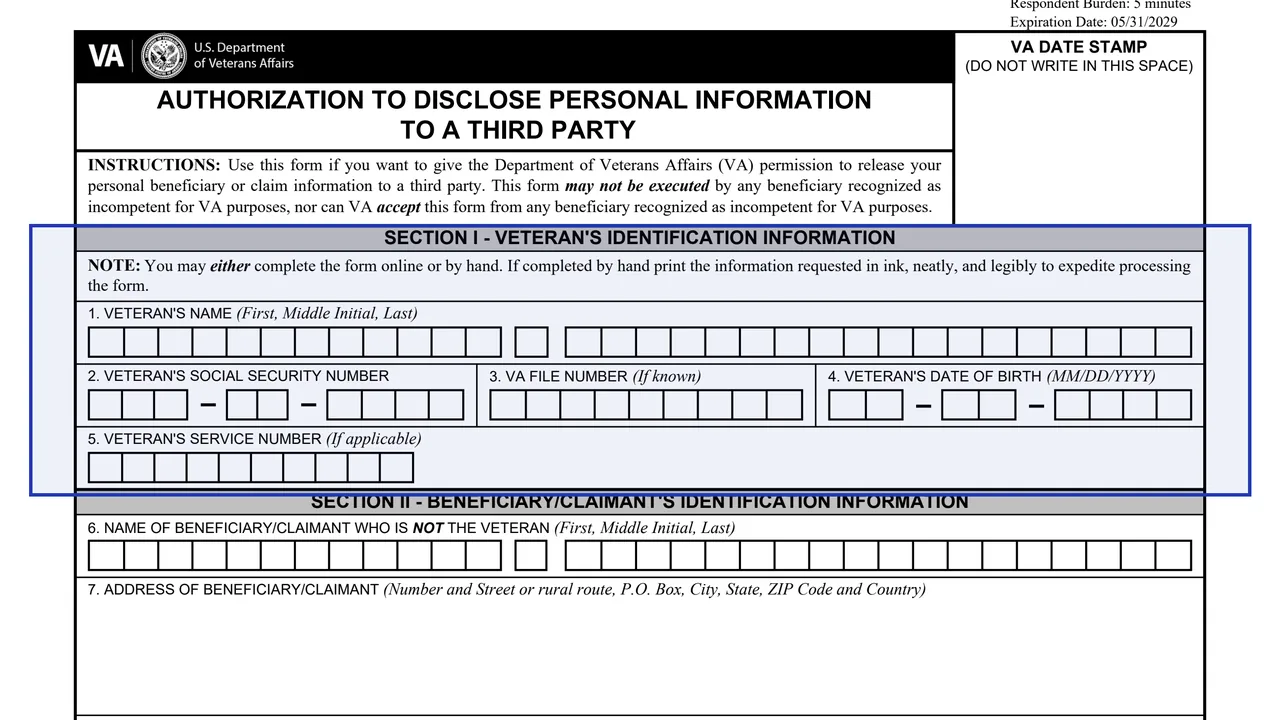
Section I: Veteran's identification
Items 1 to 5 ask for the Veteran's name, Social Security number, VA file number if known, date of birth and service number if applicable.
21-0845
Authorization to Disclose Personal Information to a Third Party (VA Form 21-0845)
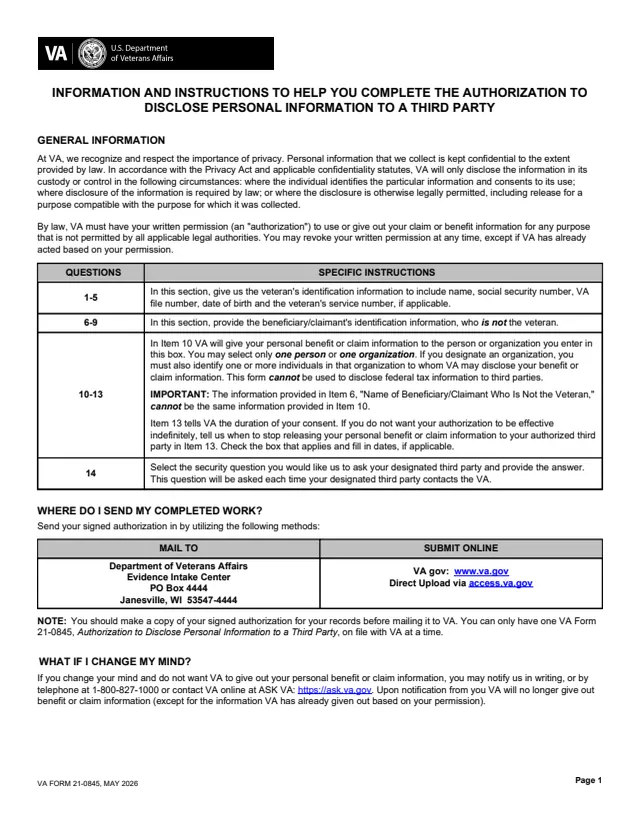
VA Form 21-0845 is the U.S. Department of Veterans Affairs Authorization to Disclose Personal Information to a Third Party. VA's form page says to use it to authorize VA to share your personal information with a non-VA (third-party) individual or organization. The instructions explain that VA needs written permission, an authorization, to use or give out claim or benefit information for any purpose not permitted by all applicable legal authorities, and that the permission can be revoked at any time, except where VA has already acted on it.
The PDF has three pages: one page of information and instructions, then the authorization in Sections I to IV. It names one person or one organization to receive the information, says whether the release covers limited or any information, and sets a security question VA asks the third party each time they contact VA. The form says it cannot be used to disclose federal tax information, and that only one VA Form 21-0845 can be on file with VA at a time.
VA's page says the authorization can also be submitted online. You can fill out the PDF free in your browser on this page and download the result without an account.
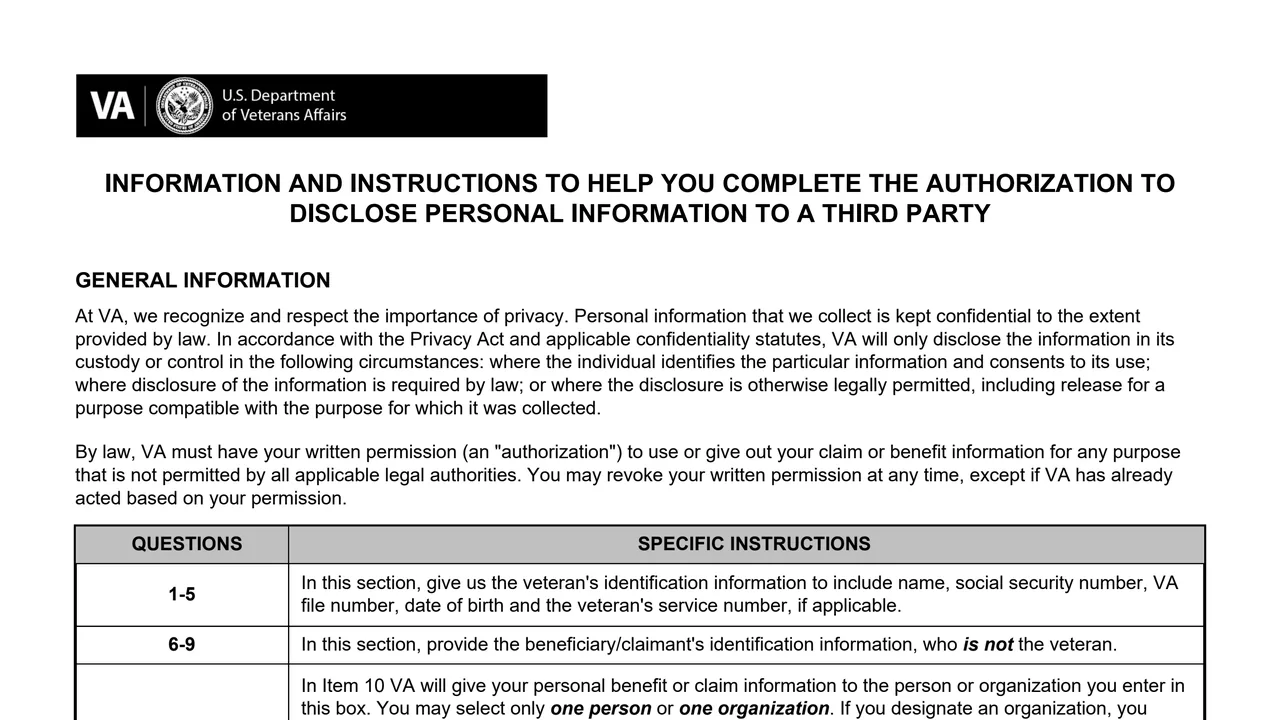
Items 1 to 5 ask for the Veteran's name, Social Security number, VA file number if known, date of birth and service number if applicable.
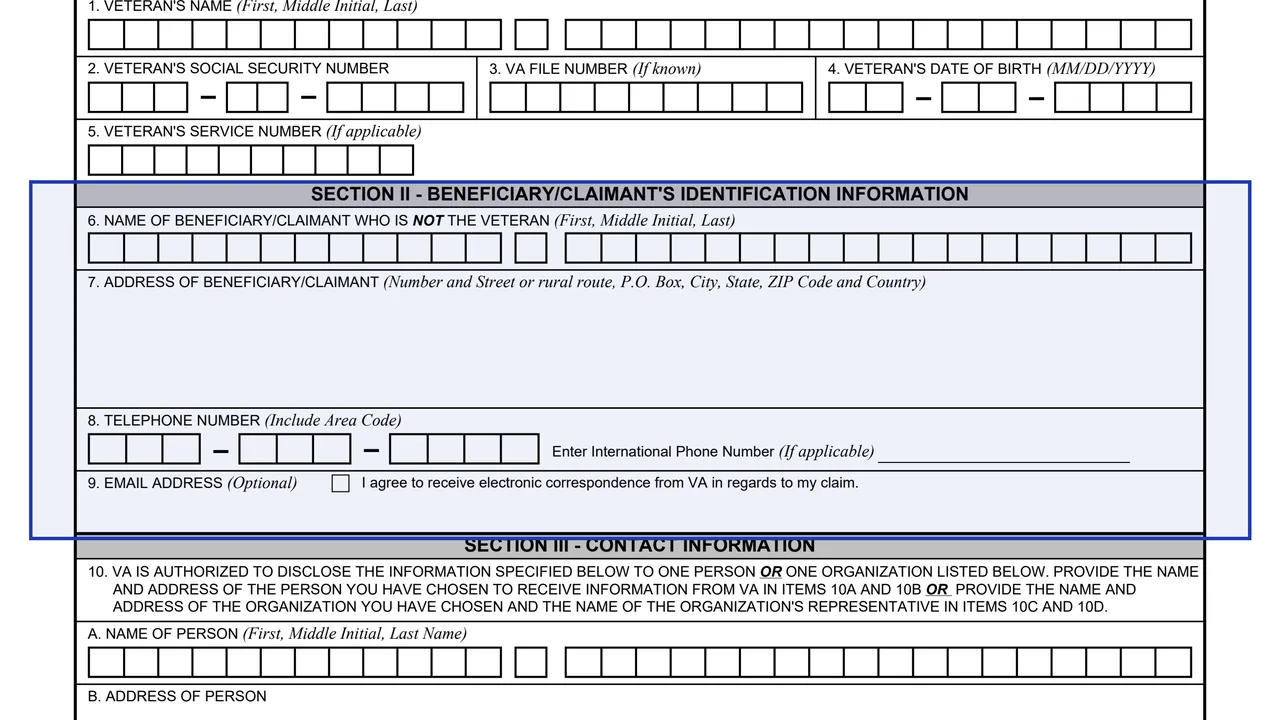
Items 6 to 9 ask for the name and address of a beneficiary or claimant who is not the Veteran, a telephone number and an optional email address, with a box to agree to electronic correspondence.
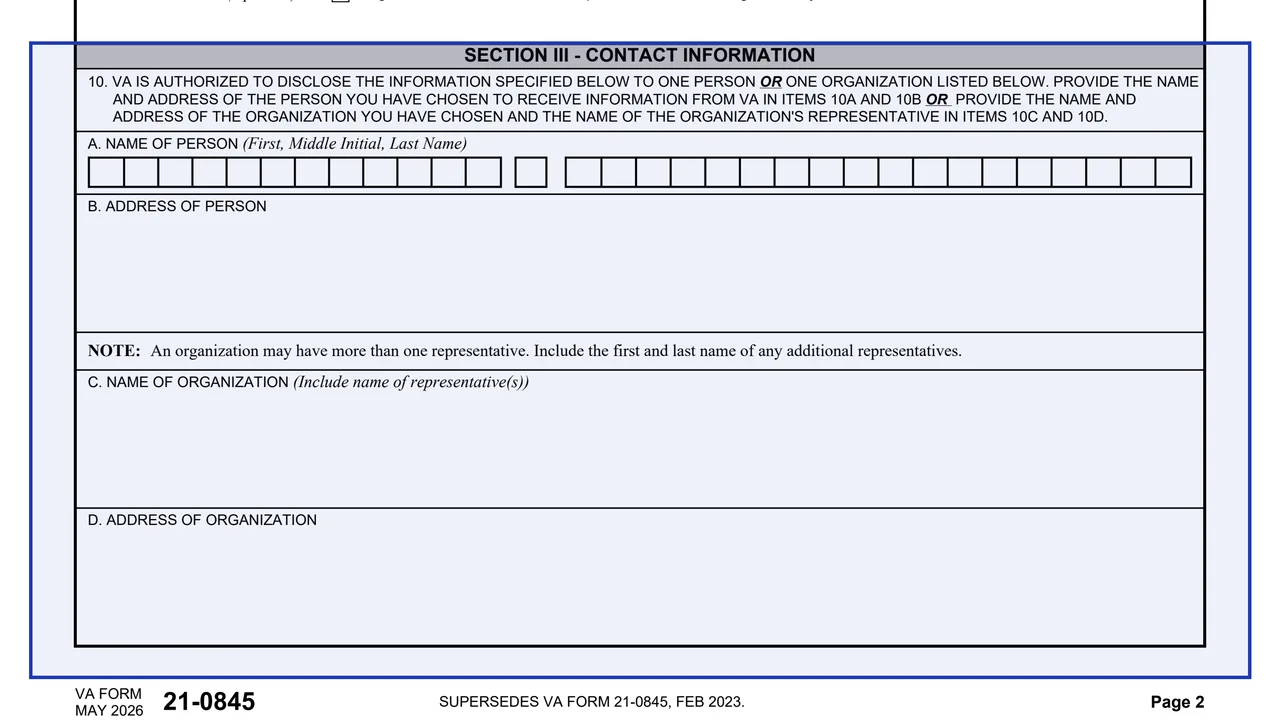
The name and address of one person in Items 10A and 10B, or the name and address of one organization and its representatives in Items 10C and 10D.
Limited information, such as the status of a pending claim or appeal, money owed VA, current benefit and rate, a benefit payment letter, payment history or a change of address or direct deposit. Or any information, one time only, ongoing until written notice, or until a set date.
One of five questions, such as the name of the high school you attended or your first pet's name, with the answer in Item 14B. VA asks it each time the third party contacts VA.
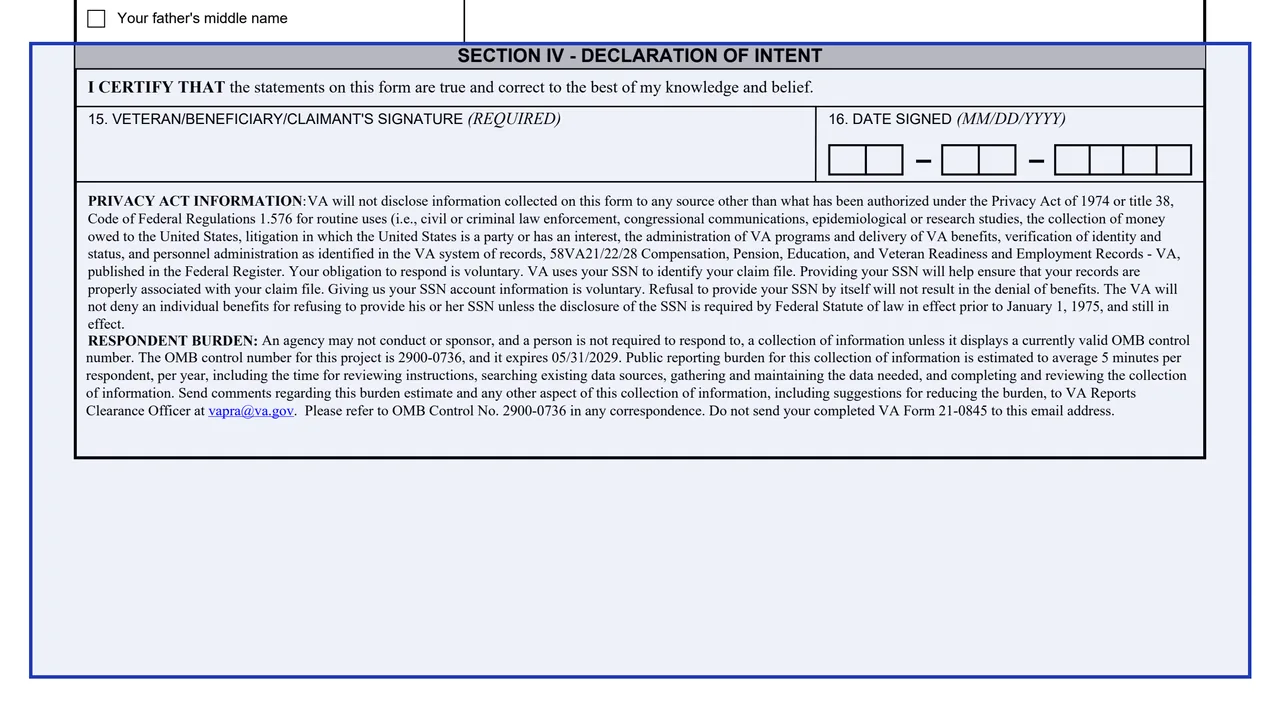
A certification that the statements are true and correct to the best of your knowledge and belief, the required signature in Item 15 and the date in Item 16, followed by the Privacy Act and respondent burden notices.
Page 1 explains each group of items, where to send the form and how to change your mind later.
Enter the Veteran's details, and Section II only for a beneficiary or claimant who is not the Veteran. If completed by hand, the form asks for ink and neat, legible printing.
Enter one person or one organization in Item 10, check Limited or Any information in Item 11, then complete Item 12 or Item 13.
Check one question in Item 14A and write the answer in Item 14B.
Sign Item 15, which the form marks as required, and date Item 16. The form says to make a copy of the signed authorization for your records before mailing it.
Mail it to the Evidence Intake Center in Janesville, Wisconsin, or submit it online through VA.gov or Direct Upload via access.va.gov.
You get the real form, filled in a browser tab, with nothing standing between you and the finished PDF.
Department of Veterans Affairs, Evidence Intake Center, PO Box 4444, Janesville, WI 53547-4444.
The form lists VA.gov (www.va.gov) and Direct Upload via access.va.gov. VA's form page says you can submit your authorization online instead of sending the paper form.
The form says you may notify VA in writing, by telephone at 1-800-827-1000, or online at ASK VA: https://ask.va.gov. VA then stops giving out the information, except what it has already given out based on your permission.
The May 2026 edition supersedes the FEB 2023 edition. It carries OMB Approved No. 2900-0736, which expires 05/31/2029, and a respondent burden of 5 minutes.
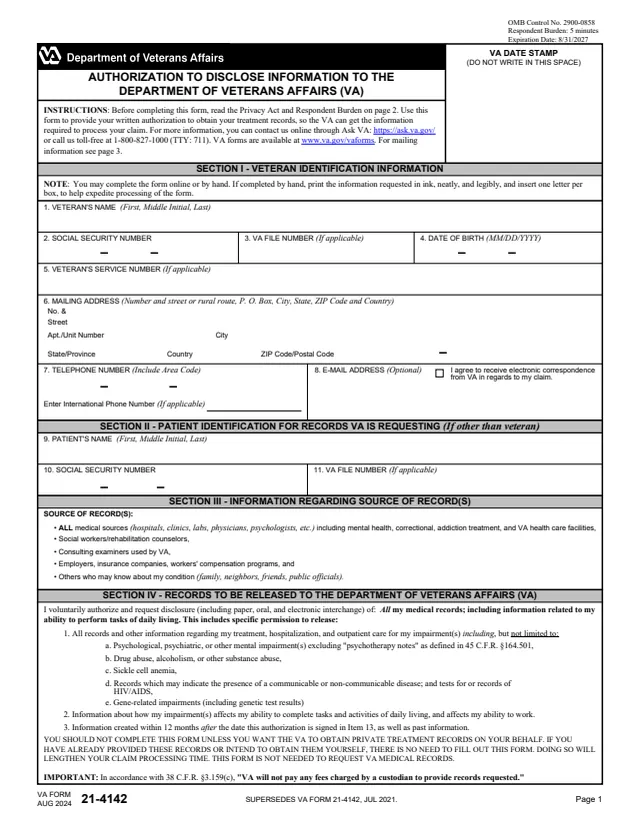
21-4142
140 fields, 5 pages
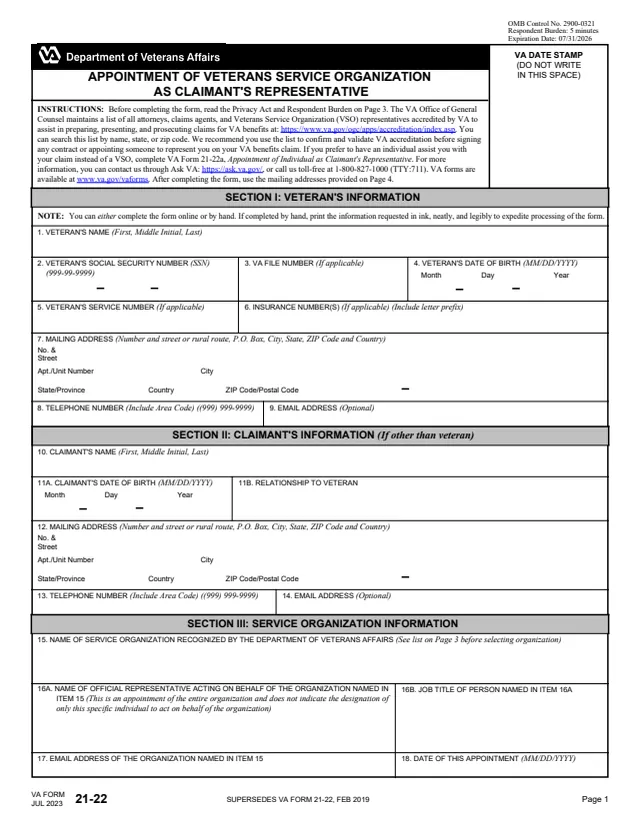
21-22
63 fields, 4 pages
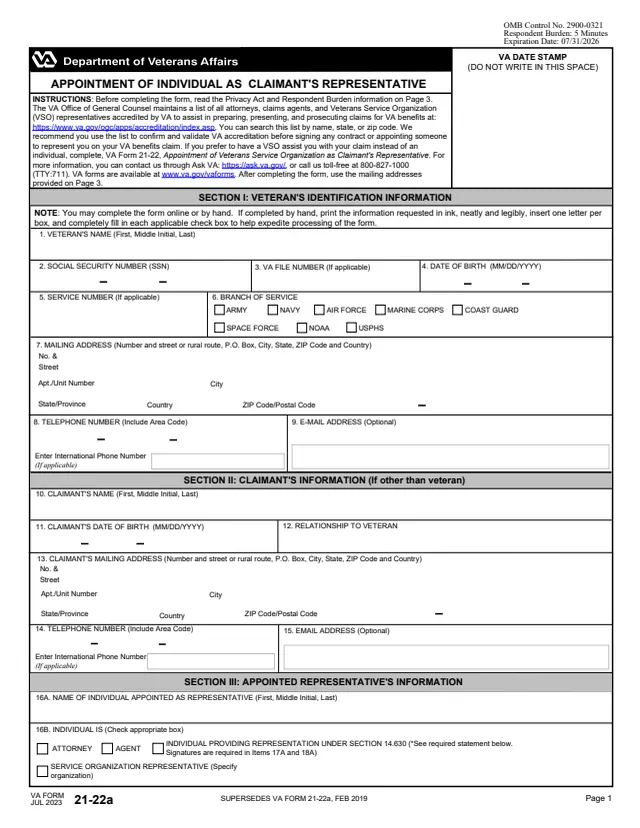
21-22a
90 fields, 3 pages
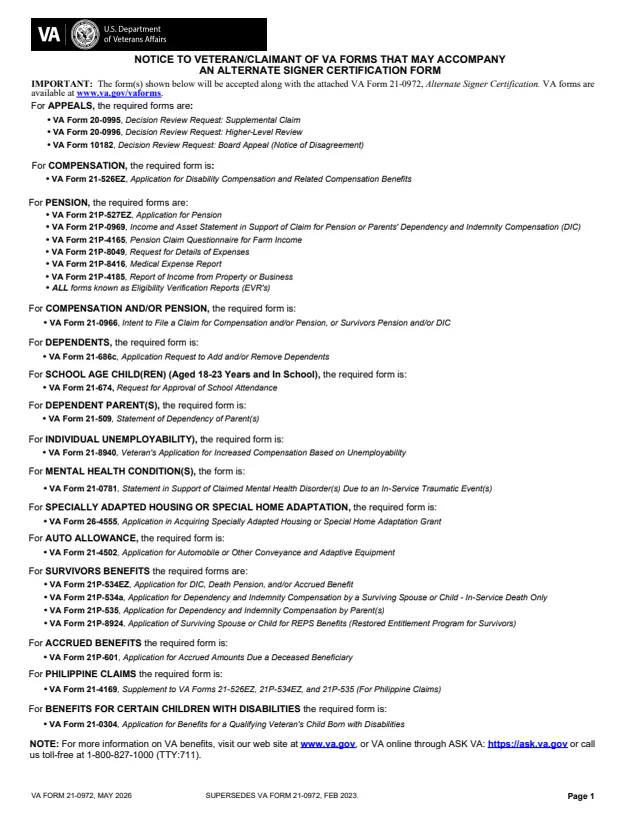
21-0972
49 fields, 3 pages
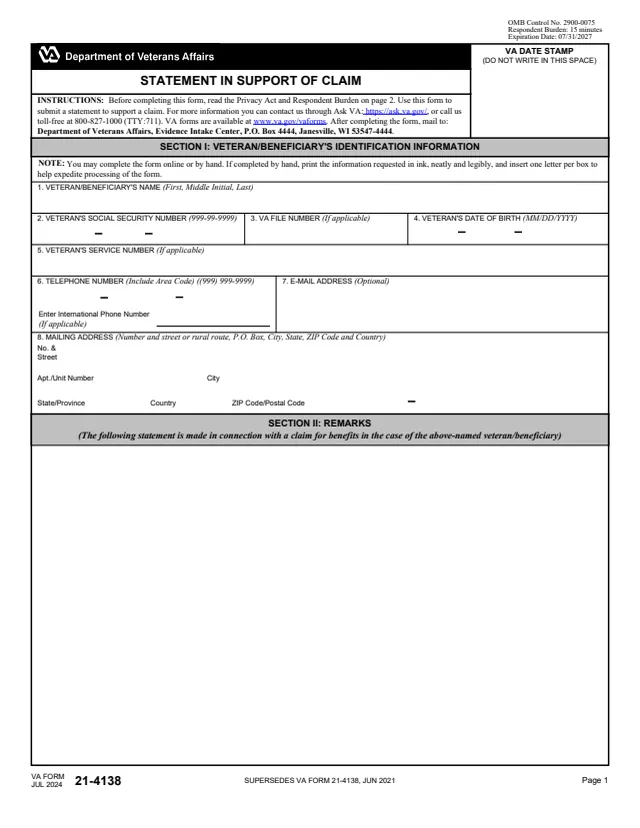
21-4138
33 fields, 2 pages
The form and its instructions describe who fills in which parts and who receives the information.
No tool matches that search.
VA's form page says to use it to authorize VA to share your personal information with a non-VA (third-party) individual or organization.
The instructions say you may select only one person or one organization. An organization may have more than one representative, and the form asks for the first and last name of each.
With Any information checked, Item 13 offers one time only, ongoing until written notice is given to VA, or from the date of signing until a date you enter. The instructions say to use Item 13 if you do not want it effective indefinitely.
The form says you may notify VA in writing, by telephone at 1-800-827-1000, or online at ASK VA: https://ask.va.gov. Information VA has already given out based on your permission is not affected.
No. The instructions say this form cannot be used to disclose federal tax information to third parties.
No. The form says you can only have one VA Form 21-0845 on file with VA at a time.
Yes. VA's form page says you can submit your authorization online instead of sending the paper form, and the form lists Direct Upload via access.va.gov.