21-0972

Alternate Signer Certification (VA Form 21-0972)

Agency
VA
Revision
May 2026
Fillable fields
49
Pages
3
Official source
VA form page
Checked
October 20, 2026
Fill 21-0972 online
Page 1 of form 21-0972

VA Form 21-0972: Alternate Signer Certification

VA Form 21-0972 is the U.S. Department of Veterans Affairs Alternate Signer Certification. VA's form page says to use it if you're signing an application form for benefits on behalf of a Veteran or non-Veteran. The form calls that person the alternate signer, and says it is completed by the individual signing the benefit application form on behalf of the veteran/claimant.

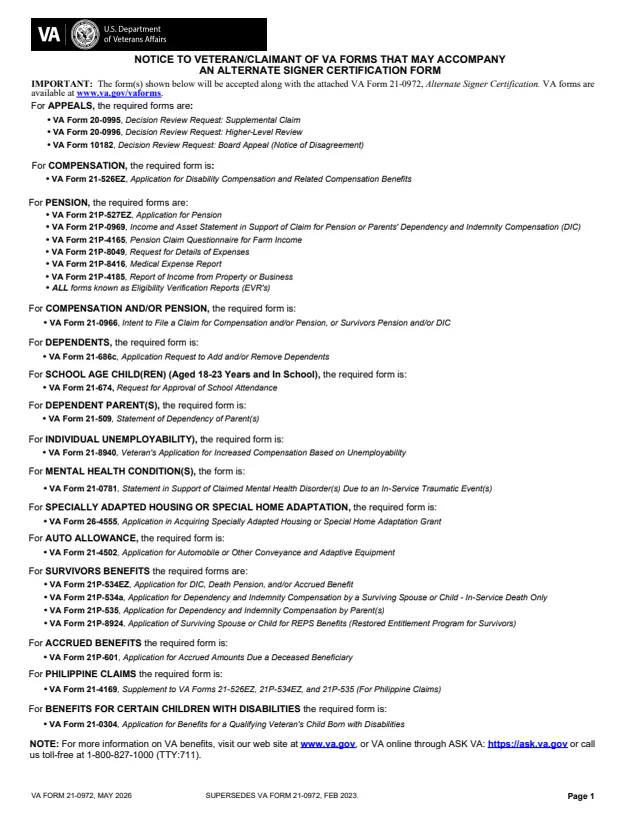
The PDF has three pages. Page 1 lists the VA forms that will be accepted along with it, grouped by benefit, from appeals and compensation to pension, dependents and survivors benefits. Pages 2 and 3 hold the certification in Sections I to V. The form says to submit it along with the appropriate benefit application form, together with any supporting documents or evidence.

VA's page says the form can also be submitted online. You can fill out the PDF free in your browser on this page and download the result without an account.

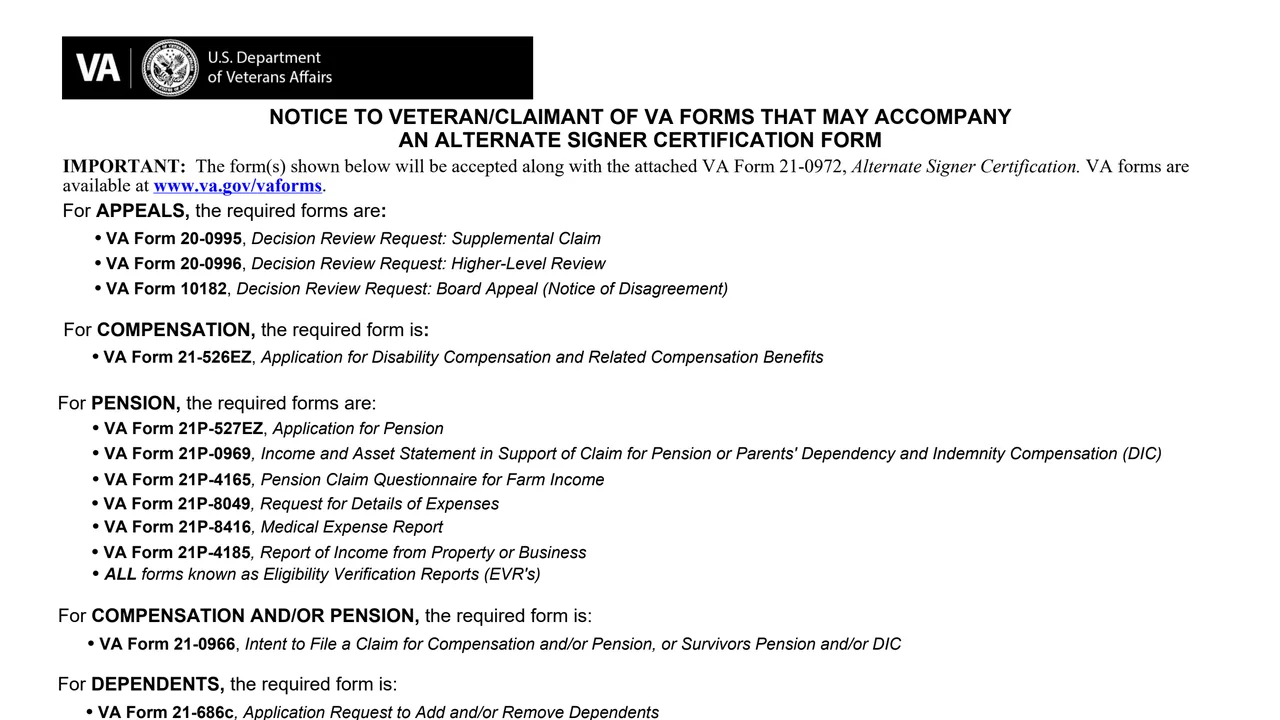
Top of page 1 of VA Form 21-0972: Alternate Signer Certification, as printed by VA

What's on VA Form 21-0972

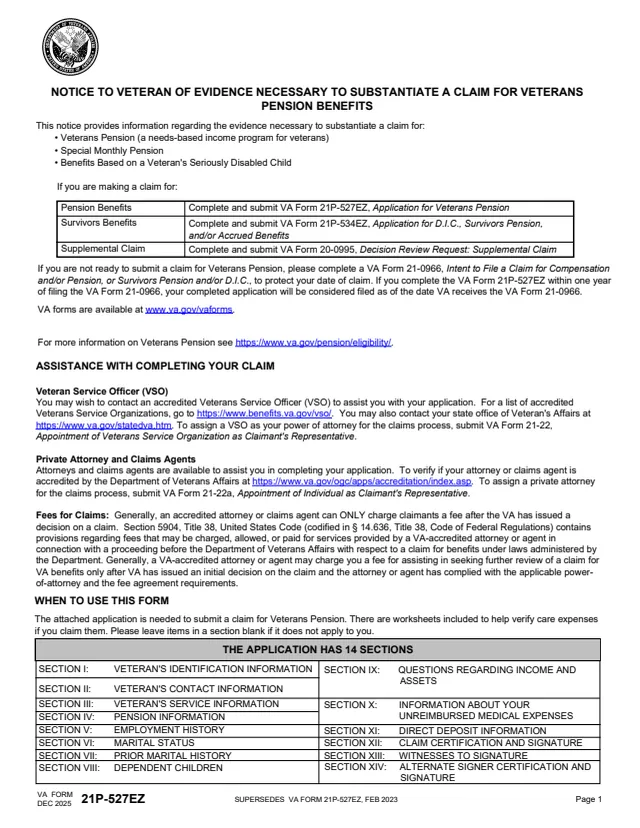
Page 1: forms that may go with it

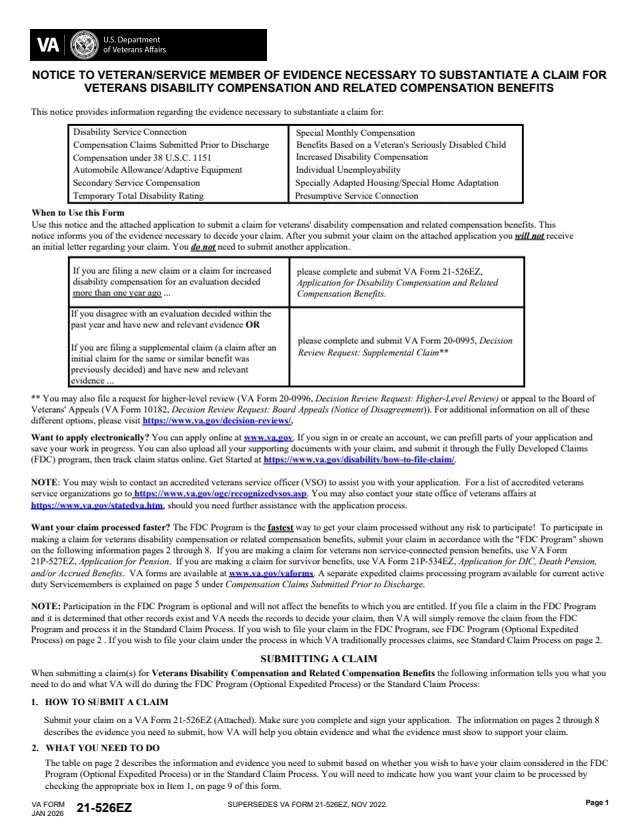
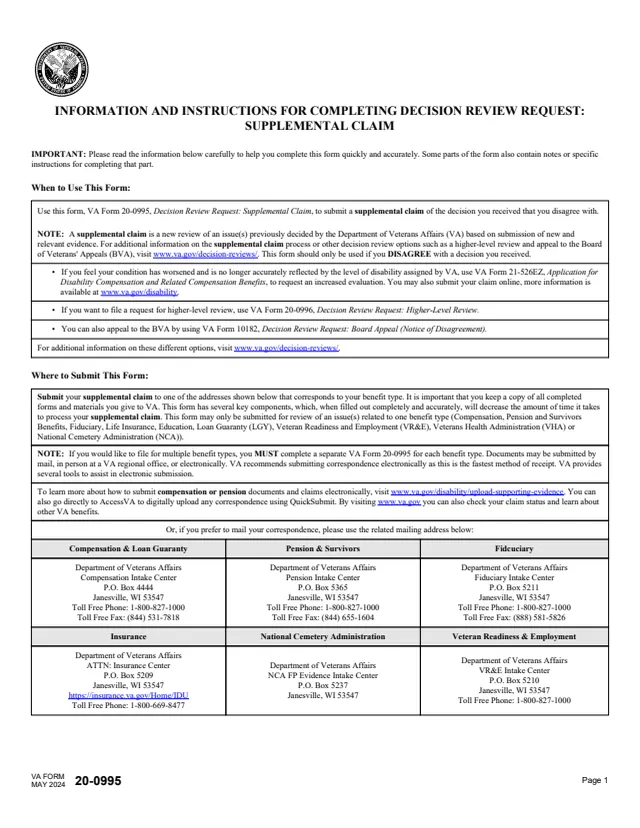
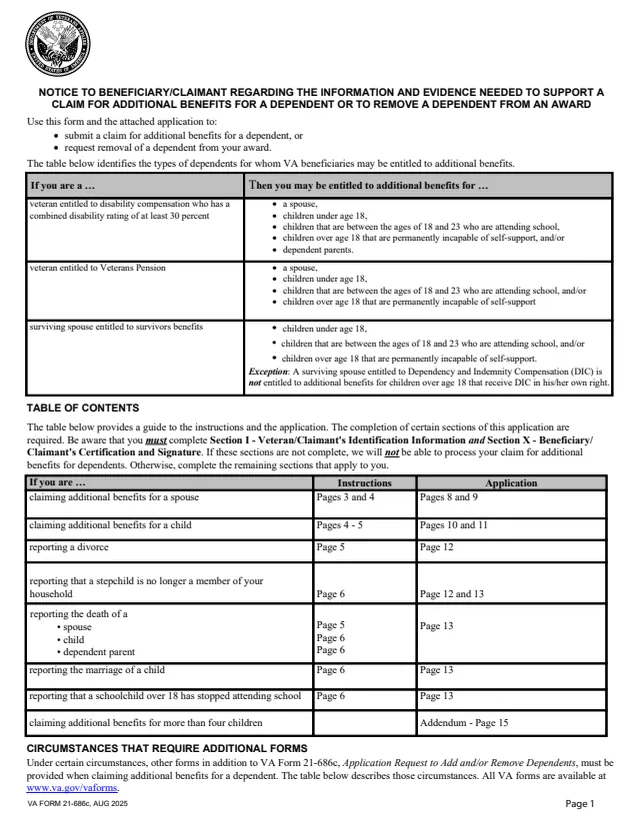
A notice listing the forms accepted along with VA Form 21-0972, such as VA Form 21-526EZ for compensation, VA Form 21P-527EZ for pension, VA Forms 20-0995, 20-0996 and 10182 for appeals and VA Form 21-686c for dependents.
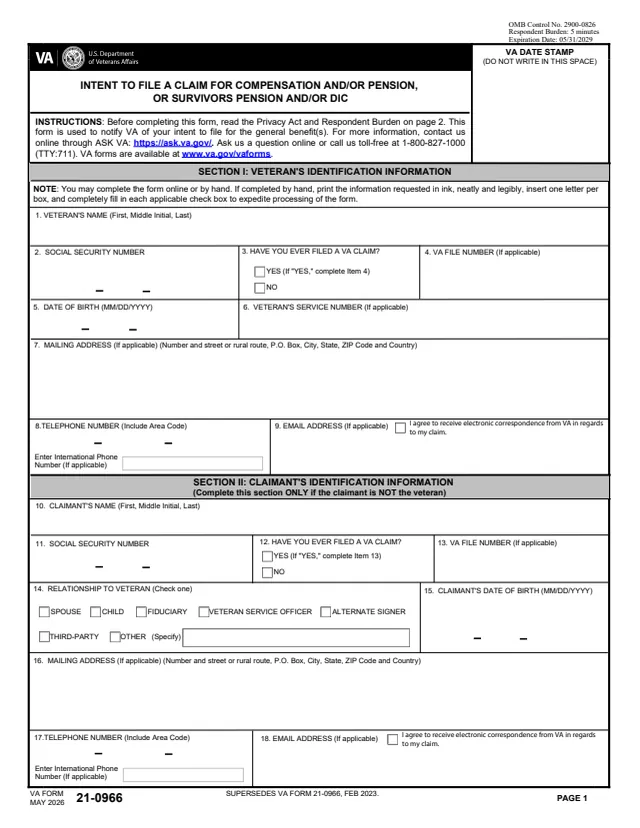
Section I: Veteran's identification

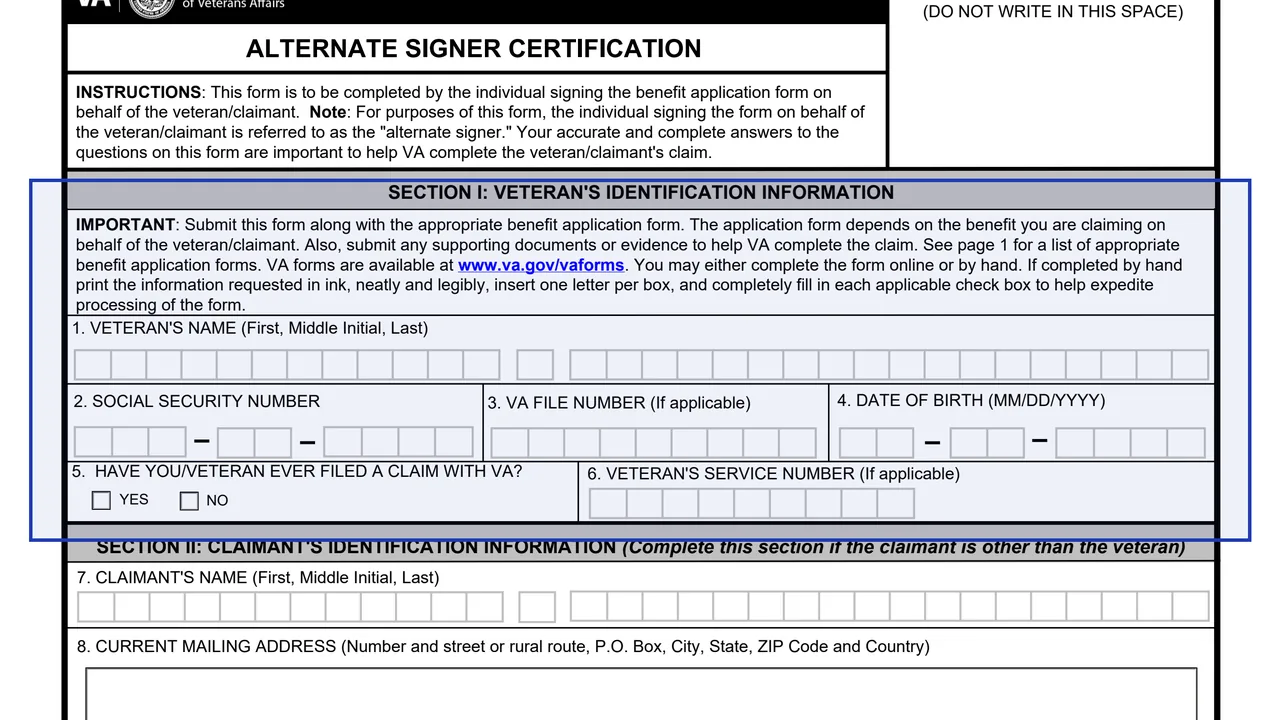
Items 1 to 6 ask for the Veteran's name, Social Security number, VA file number if applicable, date of birth, whether a claim was ever filed with VA and service number if applicable.

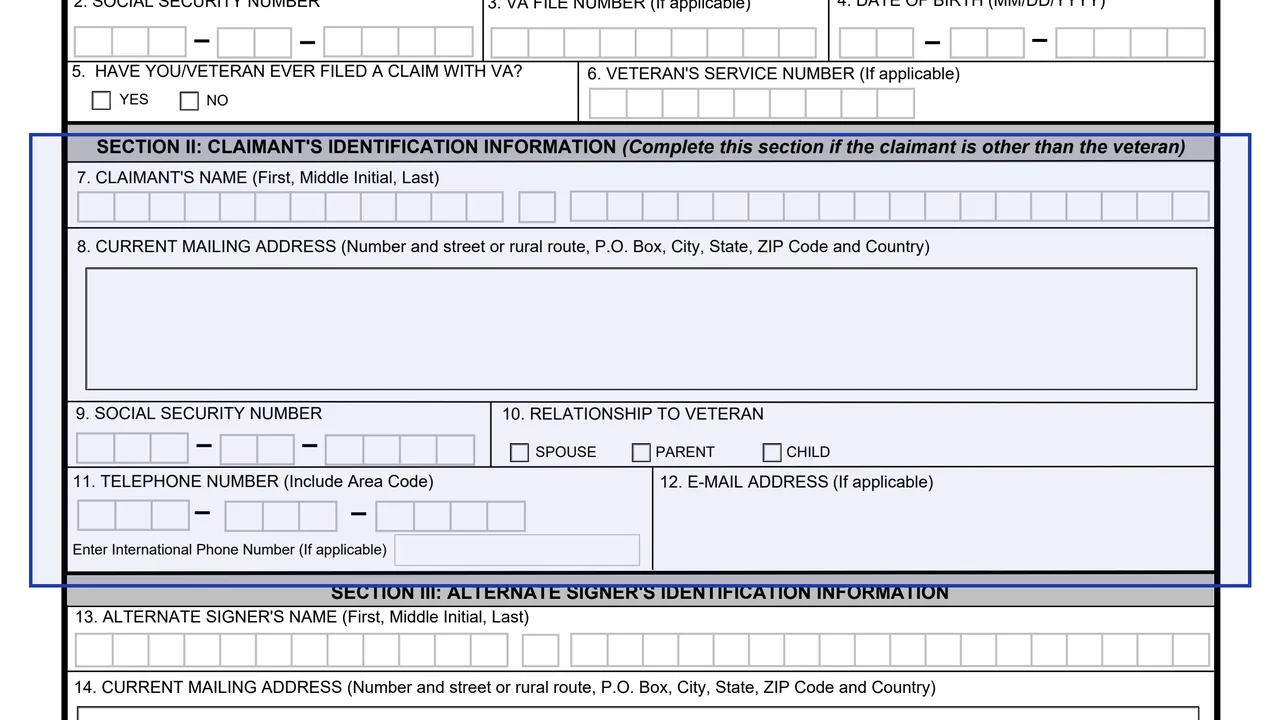
Section II: Claimant's identification

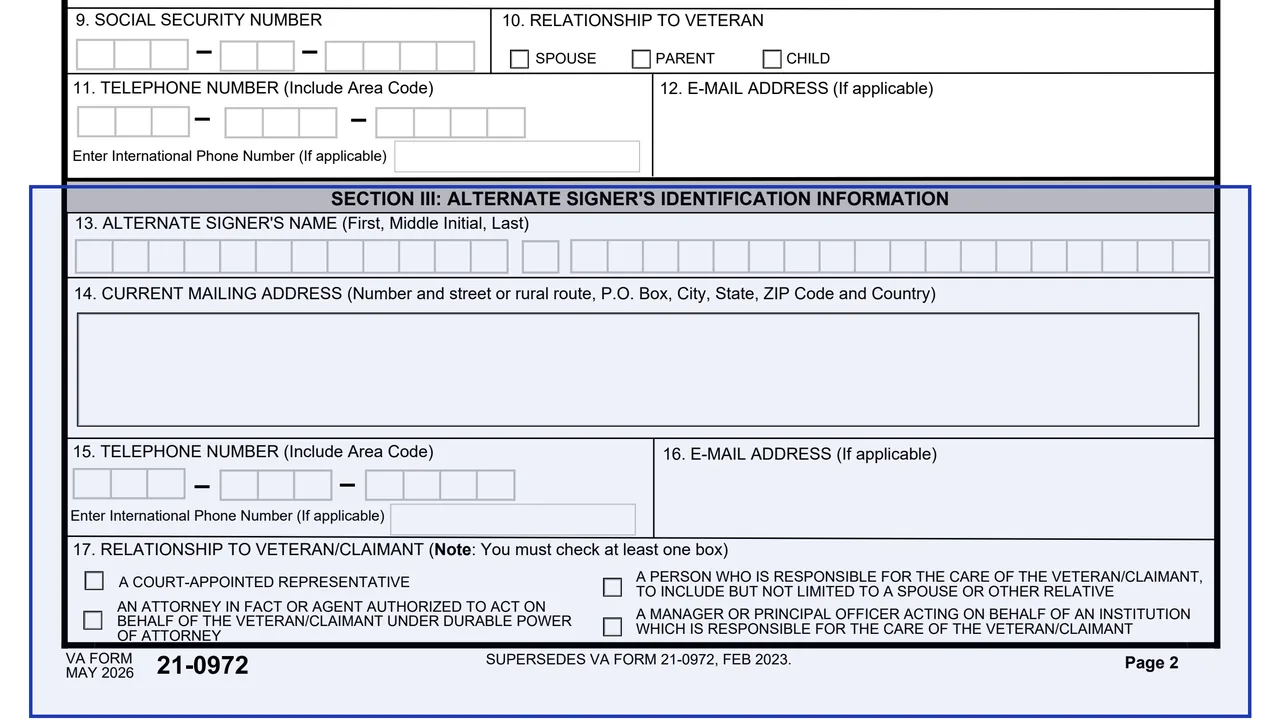
Completed if the claimant is other than the veteran. Items 7 to 12 ask for the claimant's name, mailing address, Social Security number, relationship to the Veteran (spouse, parent or child), telephone and email.

Section III: Alternate signer's identification

Items 13 to 17 ask for the alternate signer's name, mailing address, telephone, email and relationship to the veteran/claimant.

Section IV: Veteran/claimant information

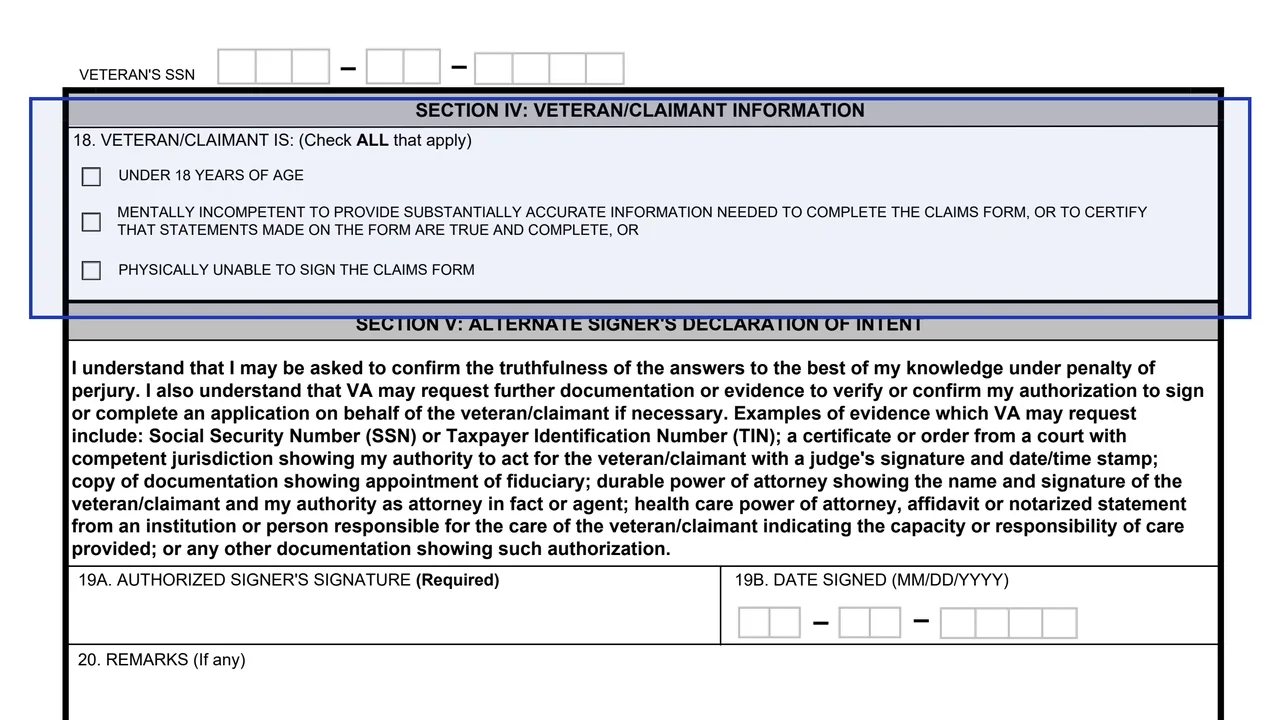
Item 18 asks the signer to check all that apply: the veteran/claimant is under 18 years of age, mentally incompetent as the form describes, or physically unable to sign the claims form.

Section V: declaration, signature and remarks

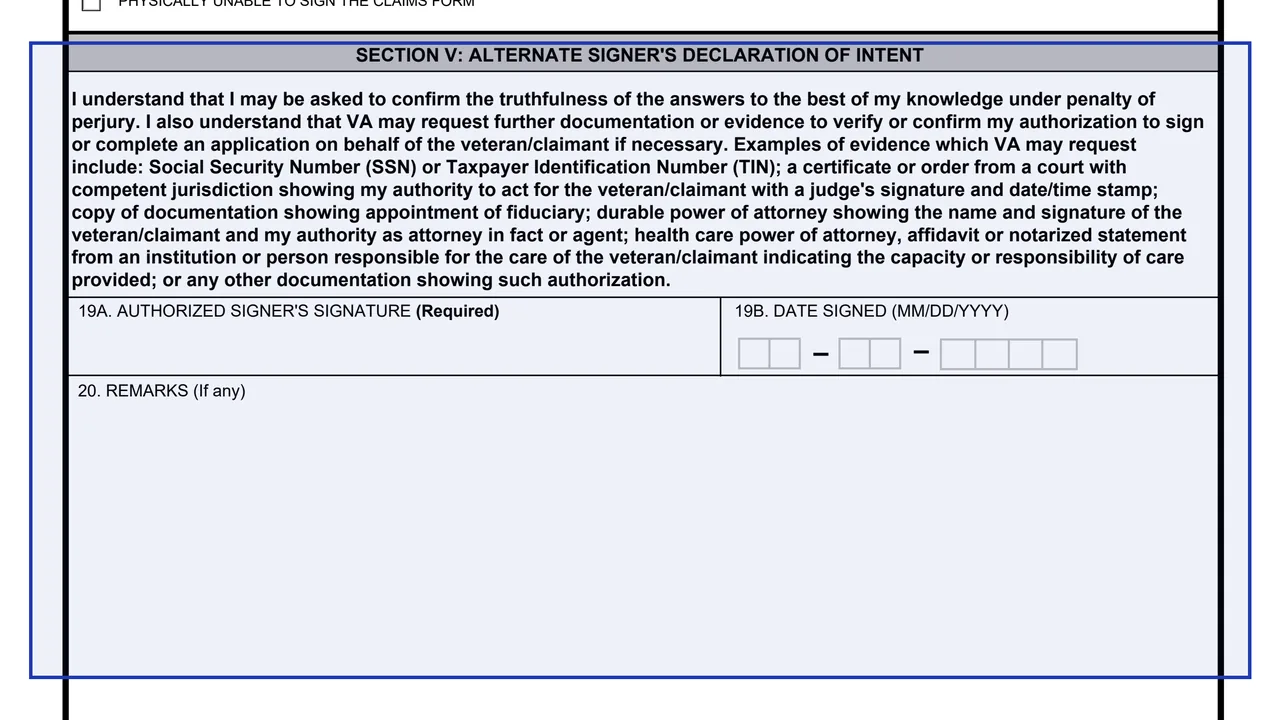
The alternate signer's declaration of intent, the required signature in Item 19A, the date in Item 19B and optional remarks in Item 20, followed by the Privacy Act and respondent burden notices.

How to file VA Form 21-0972

  1. 1

    Find the matching benefit form

    Page 1 lists the application forms that will be accepted along with VA Form 21-0972, by benefit.

  2. 2

    Fill in Sections I and II

    Enter the Veteran's details, and Section II only if the claimant is other than the veteran. If completed by hand, the form asks for ink, neat and legible printing, one letter per box and fully filled check boxes.

  3. 3

    Describe yourself as the alternate signer

    Complete Section III and check at least one relationship box in Item 17, then check all that apply in Section IV.

  4. 4

    Read the declaration and sign

    The declaration says the signer may be asked to confirm the truthfulness of the answers under penalty of perjury. Sign Item 19A, which the form marks as required, and date Item 19B.

  5. 5

    Note the evidence VA may request

    The declaration lists evidence VA may request, such as a court order, documentation of a fiduciary appointment, a durable or health care power of attorney, or an affidavit or notarized statement from an institution or caregiver.

  6. 6

    Submit it with the application

    Send it along with the appropriate benefit application form and any supporting documents, or submit it online through VA's form page.

Why fill Form 21-0972 on indox

You get the real form, filled in a browser tab, with nothing standing between you and the finished PDF.

  • Fill the form right in your browser, no software to install
  • Free to fill and free to download, with no account
  • The official blank straight from the VA, not a copy someone retyped
  • Works on a phone, tablet or computer

Where to send it and getting help

With the benefit application

The form says to submit it along with the appropriate benefit application form. It does not print a separate mailing address of its own.

Online

VA's form page says you can submit your form online instead of sending the paper form.

Questions

The form points to www.va.gov, ASK VA at https://ask.va.gov and the toll-free number 1-800-827-1000 (TTY:711).

Edition

The May 2026 edition supersedes the FEB 2023 edition. It carries OMB Control No. 2900-0849, which expires 05/31/2029, and a respondent burden of 15 minutes.

Who uses VA Form 21-0972?

  • Court-appointed representatives

    A court-appointed representative of the veteran/claimant who signs the benefit application for them.

  • Attorneys in fact or agents

    An attorney in fact or agent authorized to act on behalf of the veteran/claimant under durable power of attorney.

  • People responsible for the person's care

    A person who is responsible for the care of the veteran/claimant, to include but not limited to a spouse or other relative.

  • Institution managers or principal officers

    A manager or principal officer acting on behalf of an institution which is responsible for the care of the veteran/claimant.

  • The Veteran or claimant signed for

    Section IV asks the signer to check all that apply: under 18 years of age, mentally incompetent to provide substantially accurate information or to certify the claims form, or physically unable to sign the claims form.

Item 17 lists four kinds of alternate signer, and the form asks the signer to check at least one box.

Official sources and the blank

Do it all with indox

View all 94 tools

Questions about Form 21-0972

Who fills out VA Form 21-0972?

The form says it is completed by the individual signing the benefit application form on behalf of the veteran/claimant, called the alternate signer.

Is VA Form 21-0972 sent on its own?

The form says to submit it along with the appropriate benefit application form, plus any supporting documents or evidence. Page 1 lists the forms that will be accepted with it.

Which relationships does the form list?

Item 17 lists a court-appointed representative, an attorney in fact or agent under durable power of attorney, a person responsible for the care of the veteran/claimant, and a manager or principal officer of an institution responsible for that care.

What proof might VA ask for?

The declaration lists examples such as an SSN or Taxpayer Identification Number, a court certificate or order, documentation of a fiduciary appointment, a durable or health care power of attorney, or an affidavit or notarized statement about the care provided.

Who signs VA Form 21-0972?

The form has one signature line, Item 19A, for the authorized signer, with the date in Item 19B.

Can I submit it online?

Yes. VA's form page says you can submit your form online instead of sending the paper form.