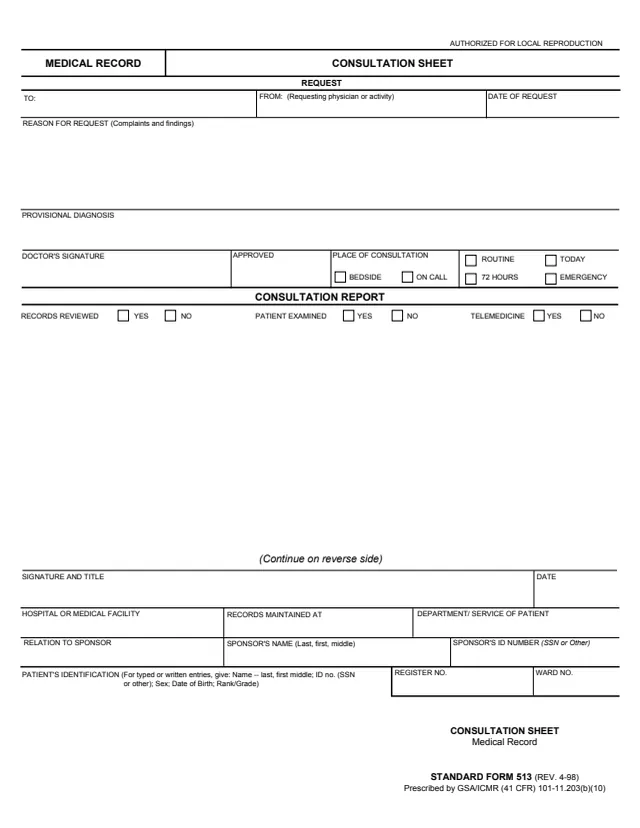
Title and form ID
Plotting Chart as the title at the top of the form, and Standard Form 512 (Rev. 3/1994) as the form ID in the bottom right corner.
SF512
Medical - Plotting Chart
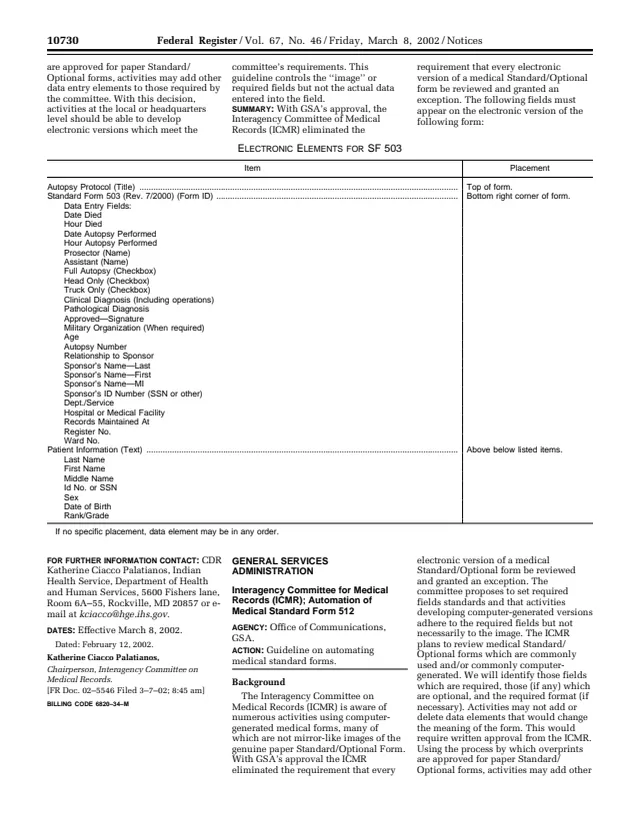
Standard Form 512 (SF 512), Plotting Chart, is a medical form listed in GSA's forms library as Medical - Plotting Chart, with a current revision date of 03/1994. GSA's page lists the authority as FMR (41 CFR) §102-194.30(h) and says the form has been authorized for automation per Federal Register notice dated March 8, 2002.
The PDF linked from GSA's page is that Federal Register notice, not a blank copy of the form. In it, GSA's Office of Communications publishes a guideline from the Interagency Committee on Medical Records (ICMR) on automating SF 512. The notice lists the elements an electronic version shows: the title Plotting Chart at the top, the form ID Standard Form 512 (Rev. 3/1994) in the bottom right corner, a title or purpose for the graph, data and time entries, a graphic area for plots, and the patient and facility details.
The notice says the guideline controls the required fields, not the actual data entered into them.
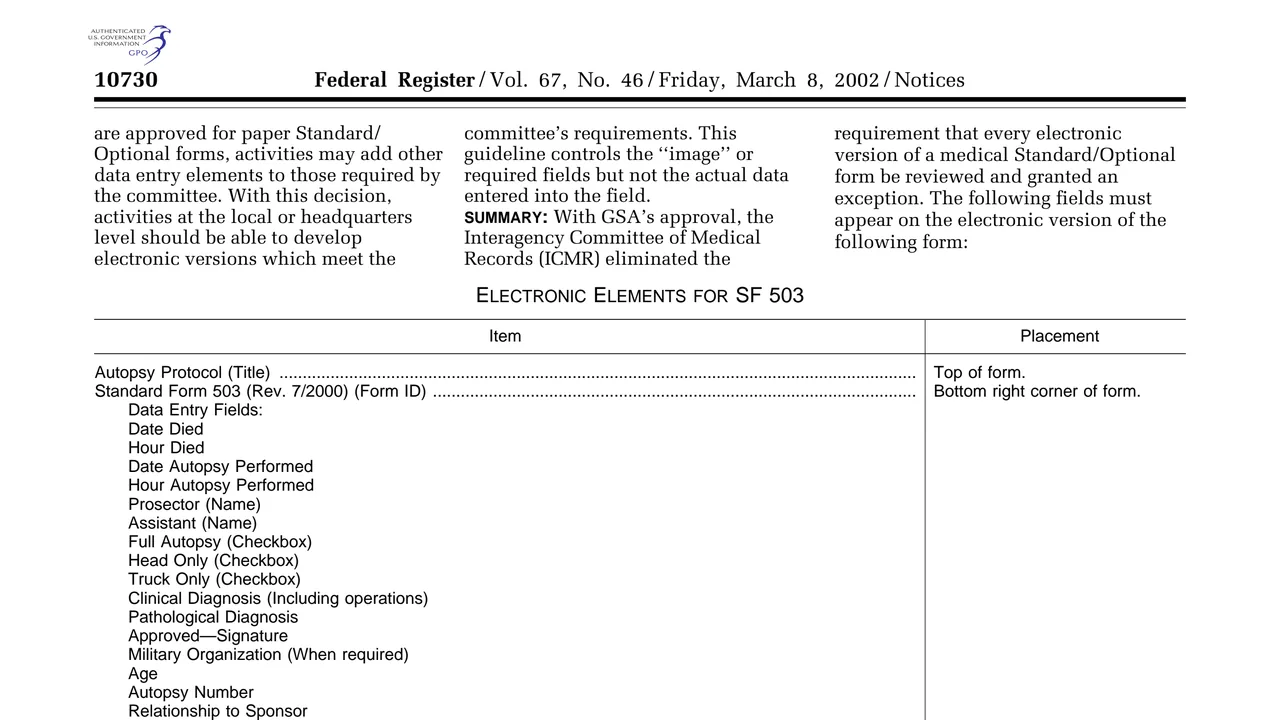
Plotting Chart as the title at the top of the form, and Standard Form 512 (Rev. 3/1994) as the form ID in the bottom right corner.
A data entry field the notice lists as Title of Purpose of Graph, naming what the chart tracks.
A Data field and a Time field, each set to allow for at least 14 entries.
A graphic area set to allow for at least 14 plots.
Patient information text with Last Name, First Name, Middle Name, Rank, Rate and Hospital or Medical Facility, plus Register No. and Ward No.
The notice lists these electronic elements for SF 512. It says that if no specific placement is given, a data element may be in any order.
Enter the patient's last, first and middle name, rank and rate, and the hospital or medical facility.
Fill in the Register No. and Ward No. elements the notice lists.
Enter the title or purpose of the graph so the chart shows what is being plotted.
Record each value with its time. The notice says the form allows for at least 14 data entries and 14 time entries.
Mark each value in the graphic area, which the notice says allows for at least 14 plots.
The notice prints no step-by-step instructions. These steps follow the fields it lists.
You get the real form, filled in a browser tab, with nothing standing between you and the finished PDF.
The PDF linked from GSA's page is the Federal Register notice of Friday, March 8, 2002 (FR Doc. 02-5545), effective March 8, 2002, not a blank copy of SF 512.
The notice gives no filing address for the chart. It lists Hospital or Medical Facility, Register No. and Ward No. as elements of the form.
The notice says activities may not add or delete data elements that would change the meaning of the form without written approval from the ICMR, and may add other data entry elements to those the committee requires.
GSA's page lists the authority or regulation as FMR (41 CFR) §102-194.30(h).
The Federal Register notice linked from GSA's page describes the chart's fields and who may build electronic versions of it. It does not say who enters each value.
No tool matches that search.
GSA hosts it in its forms library and lists the authority as FMR (41 CFR) §102-194.30(h). The linked Federal Register notice was published by GSA's Office of Communications for the Interagency Committee on Medical Records (ICMR).
No. The PDF linked from GSA's page is a Federal Register notice dated March 8, 2002, which lists the required elements for electronic versions of SF 512.
GSA's page lists a current revision date of 03/1994, and the notice gives the form ID as Standard Form 512 (Rev. 3/1994).
The notice says the Data and Time fields each allow for at least 14 entries, and the graphic allows for at least 14 plots.
The notice says activities developing computer-generated versions adhere to the required fields but not necessarily to the image. Activities may not add or delete data elements that would change the meaning of the form without written approval from the ICMR.