Part I: administrative data
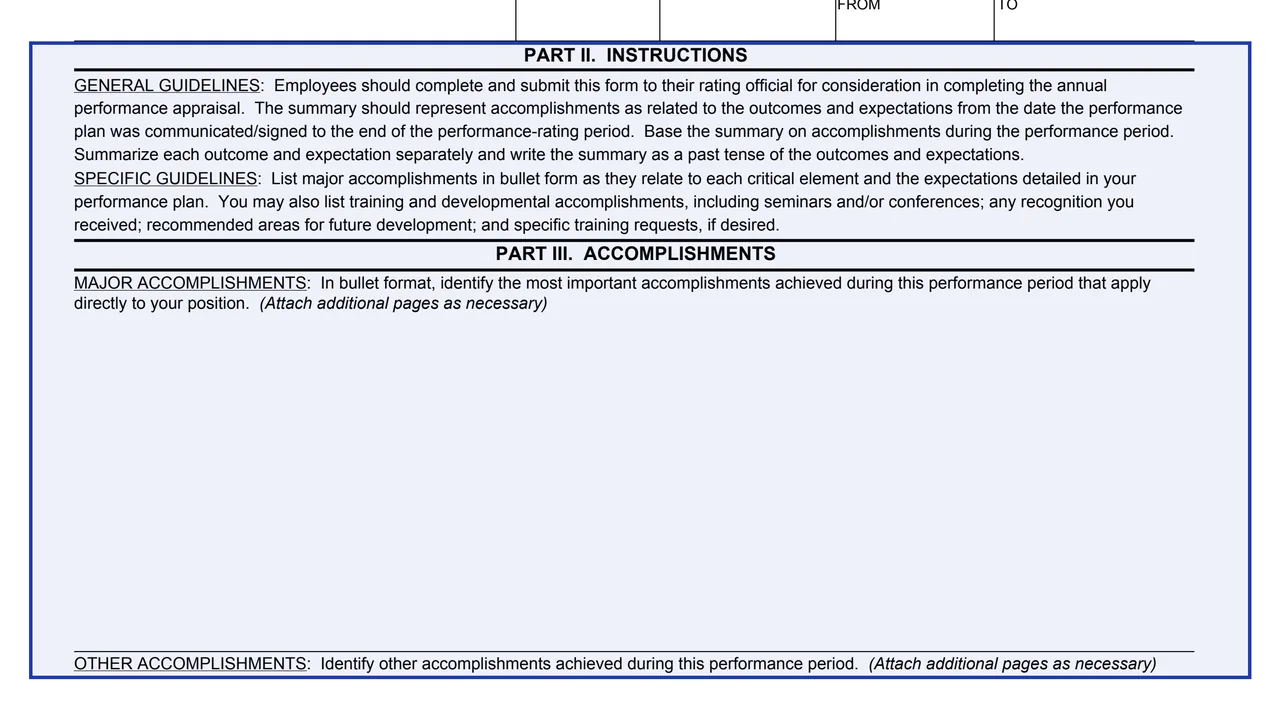
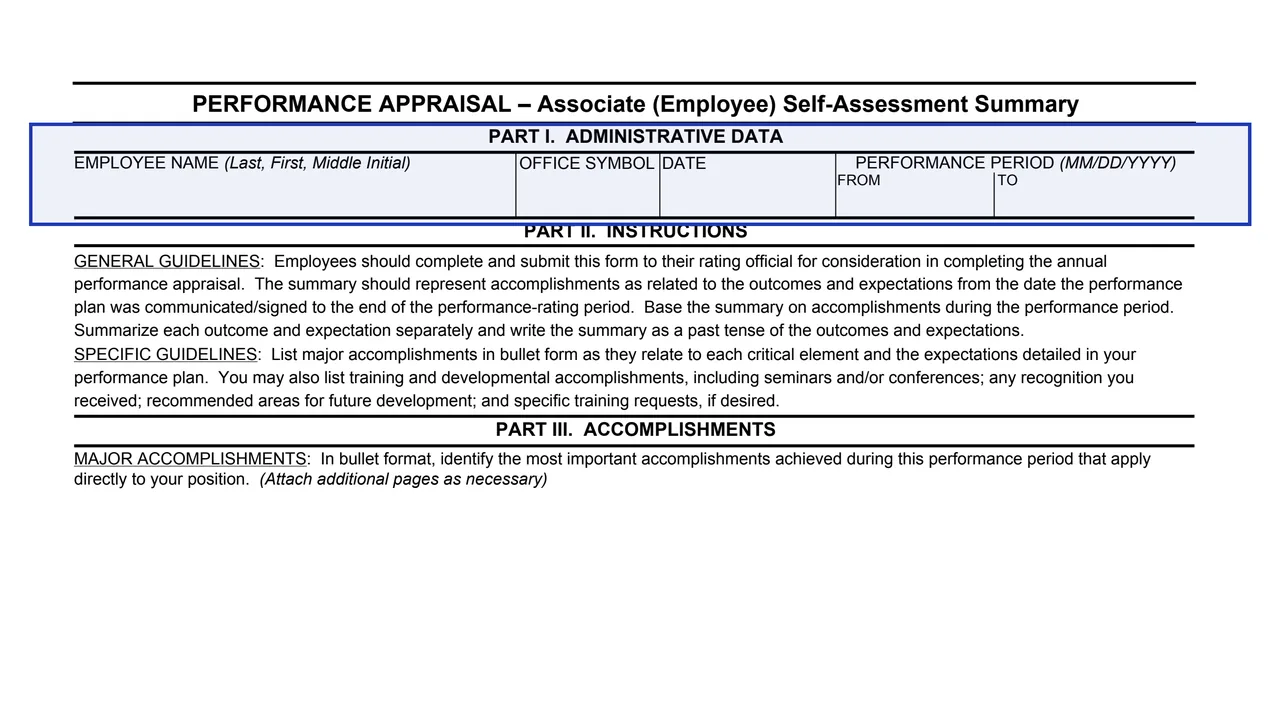
Employee name (Last, First, Middle Initial), office symbol, date, and the performance period from and to in MM/DD/YYYY.
GSA3683
Performance Appraisal – Associate (Employee) Self-Assessment Summary
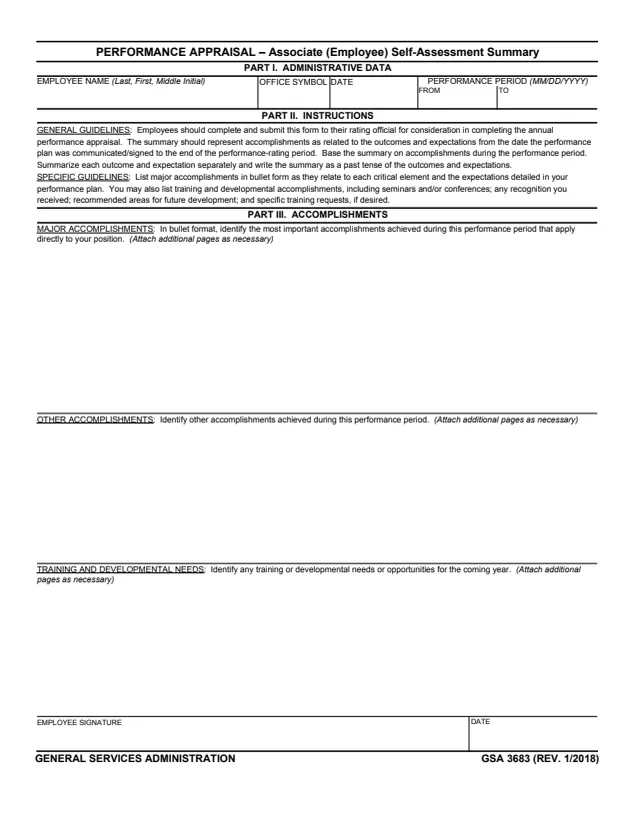
GSA Form 3683, Performance Appraisal, Associate (Employee) Self-Assessment Summary, is a U.S. General Services Administration form. Its footer reads GENERAL SERVICES ADMINISTRATION, GSA 3683 (REV. 1/2018), and GSA's page lists HRM 9430.2 as its authority or regulation. GSA hosts it in its forms library.
The form says employees should complete and submit it to their rating official for consideration in completing the annual performance appraisal. It is an internal GSA personnel form, not a form the public files. The summary covers accomplishments from the date the performance plan was communicated or signed to the end of the performance-rating period.
The form has three parts: administrative data, instructions, and accomplishments, followed by the employee's signature and date. You can fill it out free in your browser on this page and download the result without an account.
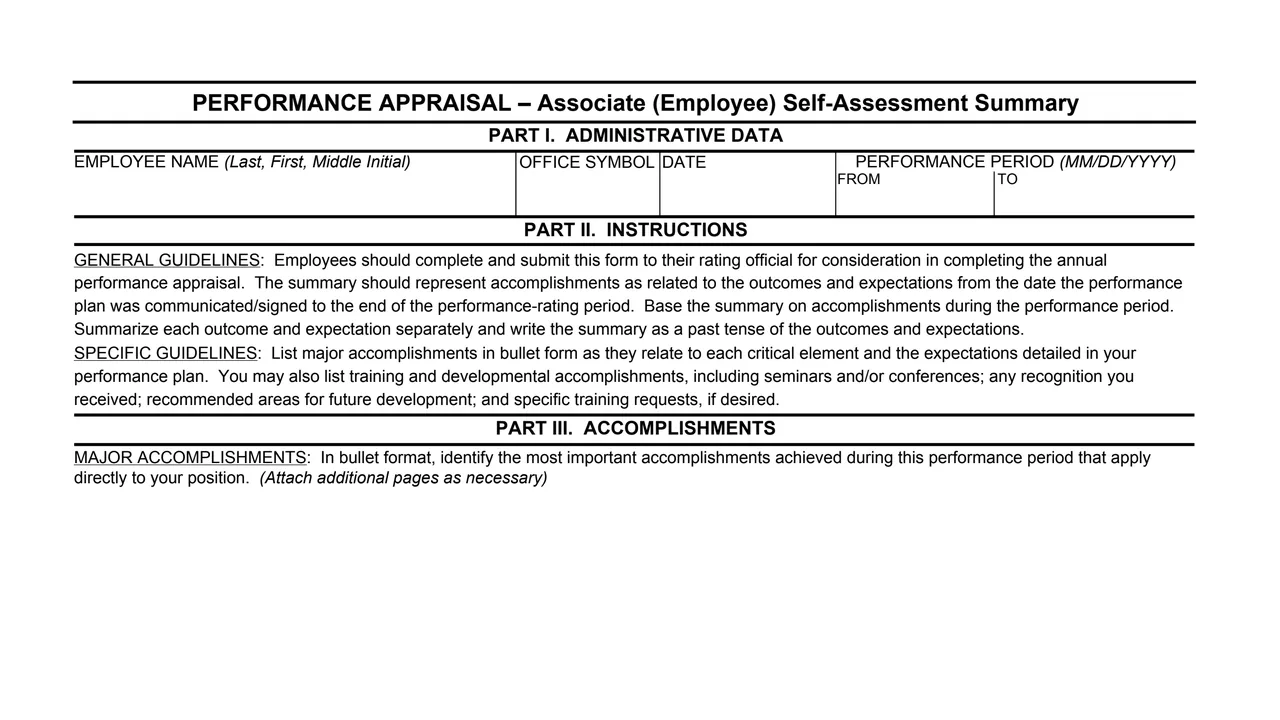
Employee name (Last, First, Middle Initial), office symbol, date, and the performance period from and to in MM/DD/YYYY.
General guidelines on what the summary covers and how to write it, and specific guidelines on listing accomplishments, training, recognition and training requests.
In bullet format, the most important accomplishments achieved during the performance period that apply directly to the position.
Other accomplishments achieved during the performance period.
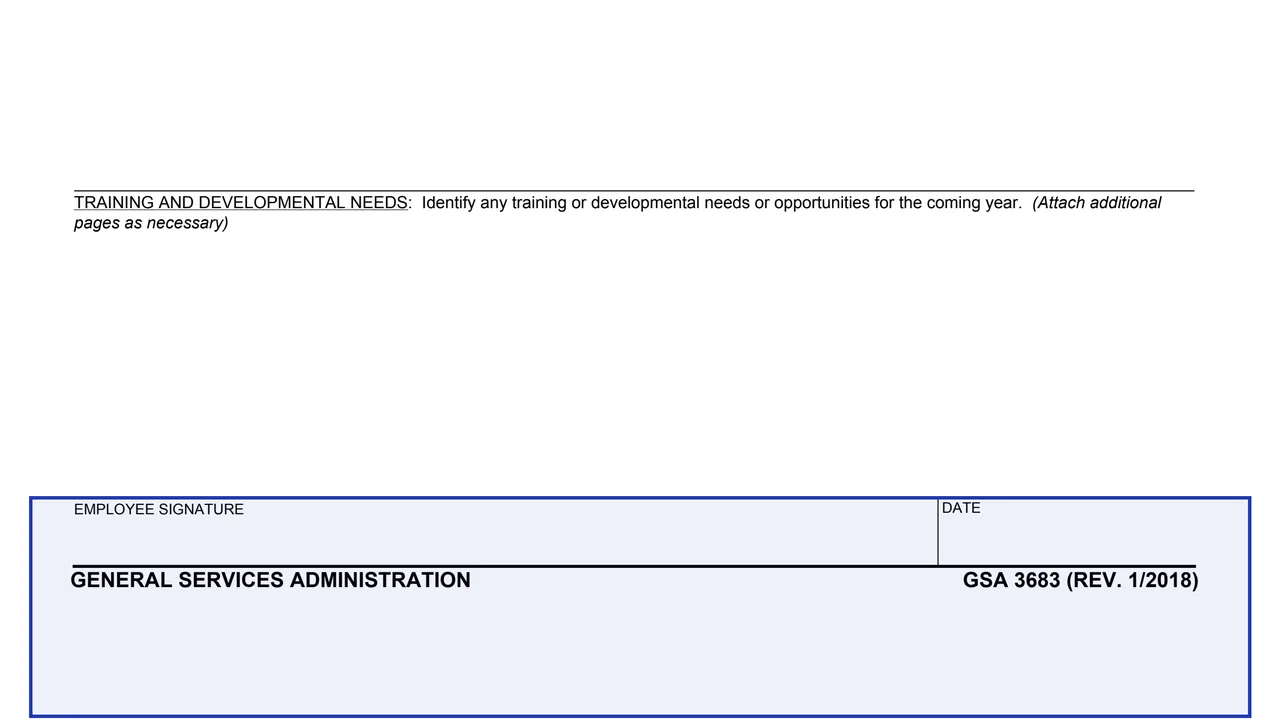
Any training or developmental needs or opportunities for the coming year.
The employee's signature and date at the bottom of the page.
The form is one page.
Enter your name (Last, First, Middle Initial), office symbol and the date, and the performance period from and to in MM/DD/YYYY.
The form says to summarize each outcome and expectation separately and to write the summary in the past tense, based on accomplishments during the performance period.
List major accomplishments in bullet form as they relate to each critical element and the expectations detailed in the performance plan.
The form says you may also list training and developmental accomplishments, including seminars and/or conferences, any recognition received, recommended areas for future development, and specific training requests.
Identify any training or developmental needs or opportunities for the coming year. Each box says to attach additional pages as necessary.
Sign and date the form, then submit it to your rating official, as the general guidelines say.
These steps follow the guidelines printed in Part II of the form.
You get the real form, filled in a browser tab, with nothing standing between you and the finished PDF.
To the employee's rating official, for consideration in completing the annual performance appraisal. The PDF gives no address.
The form says the summary should represent accomplishments from the date the performance plan was communicated/signed to the end of the performance-rating period.
Each of the three accomplishment boxes says to attach additional pages as necessary.
GSA's page lists HRM 9430.2 as the authority or regulation. The PDF prints no OMB number or Privacy Act notice.
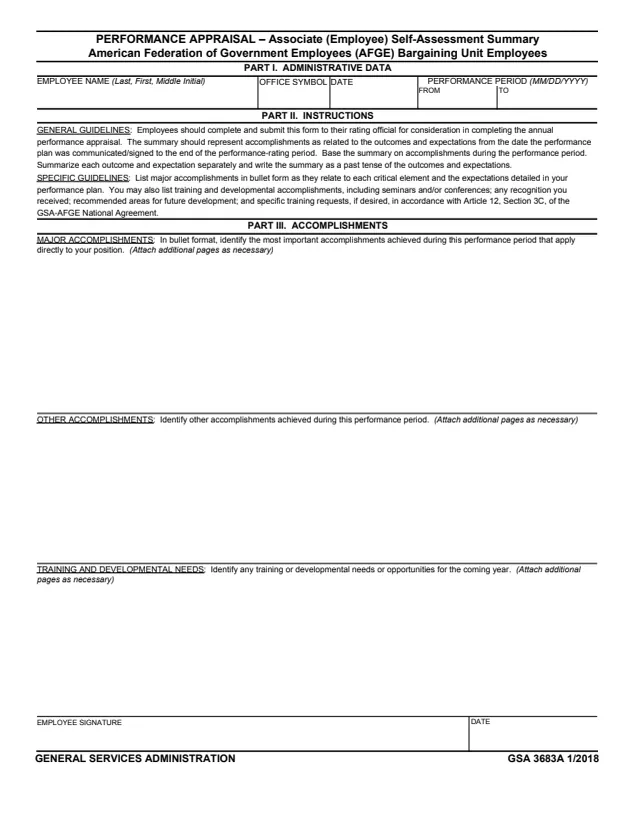
GSA3683A
10 fields, 1 page
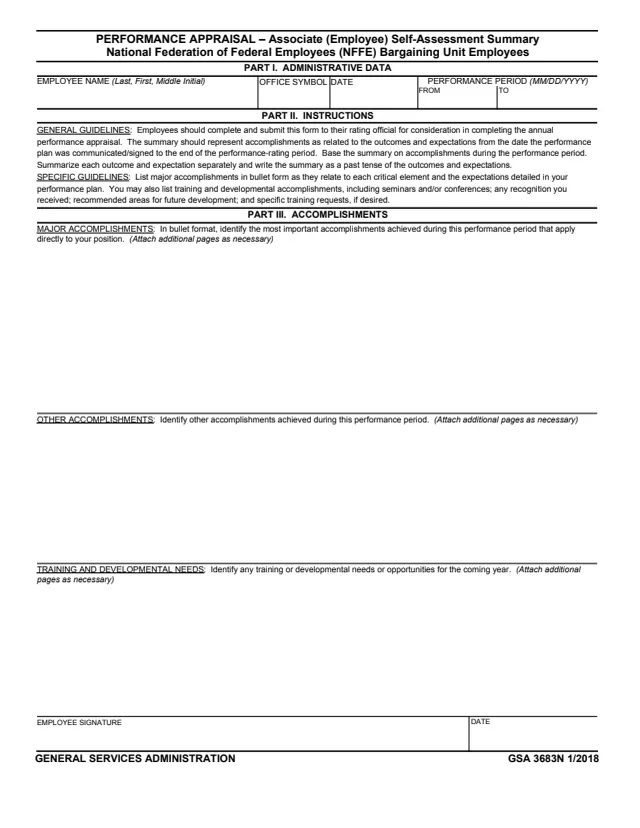
GSA3683N
10 fields, 1 page
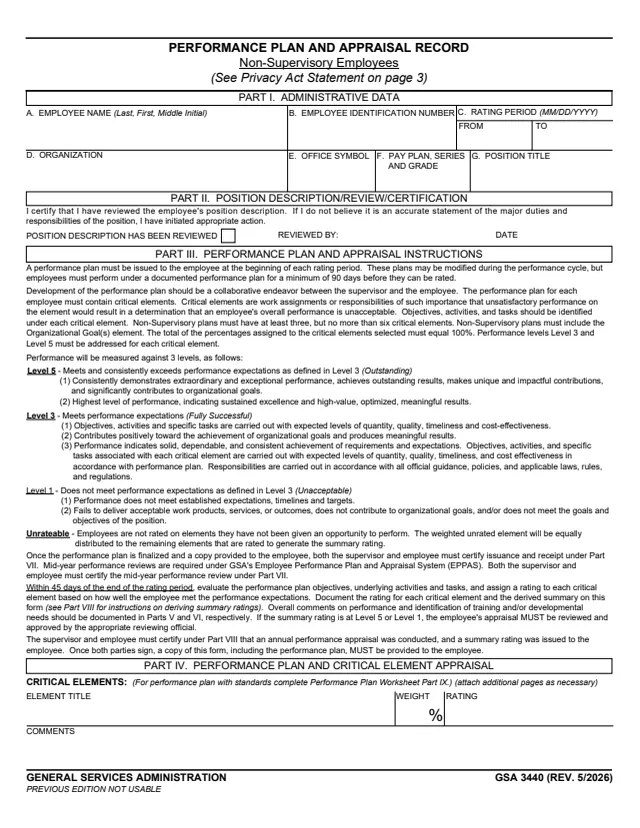
GSA3440
113 fields, 6 pages
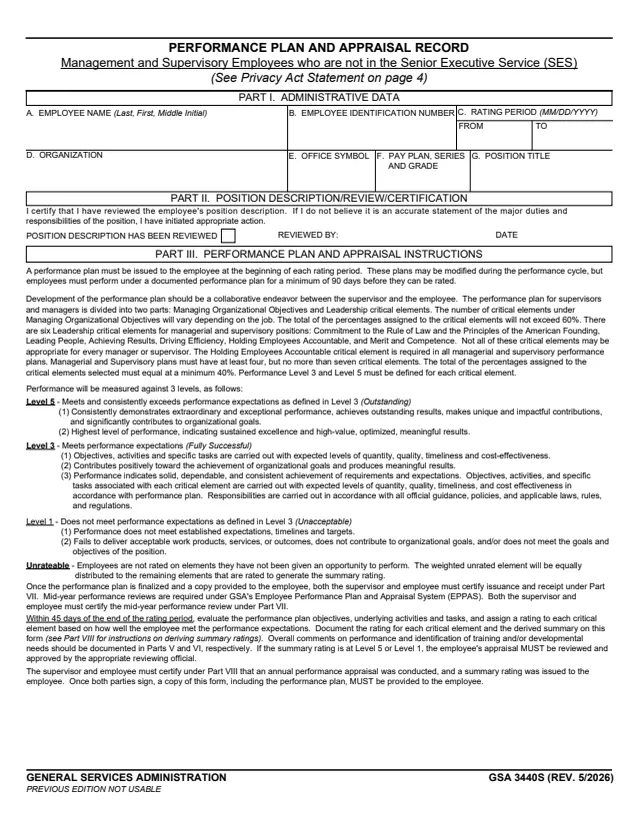
GSA3440S
159 fields, 9 pages
Part II of the form names who completes it and who receives it.
No tool matches that search.
The form's footer reads GENERAL SERVICES ADMINISTRATION, GSA 3683 (REV. 1/2018), and GSA's page lists HRM 9430.2 as its authority or regulation. GSA hosts it in its forms library.
The form says employees should submit it to their rating official for consideration in completing the annual performance appraisal.
The form says it should represent accomplishments from the date the performance plan was communicated/signed to the end of the performance-rating period. Part I records the period in MM/DD/YYYY.
The form asks for major accomplishments in bullet form, as they relate to each critical element and the expectations in the performance plan. It also says to write the summary in the past tense.
Yes. The form says you may list training and developmental accomplishments, recognition received, recommended areas for future development and specific training requests, if desired.
Each of the three accomplishment boxes says to attach additional pages as necessary.