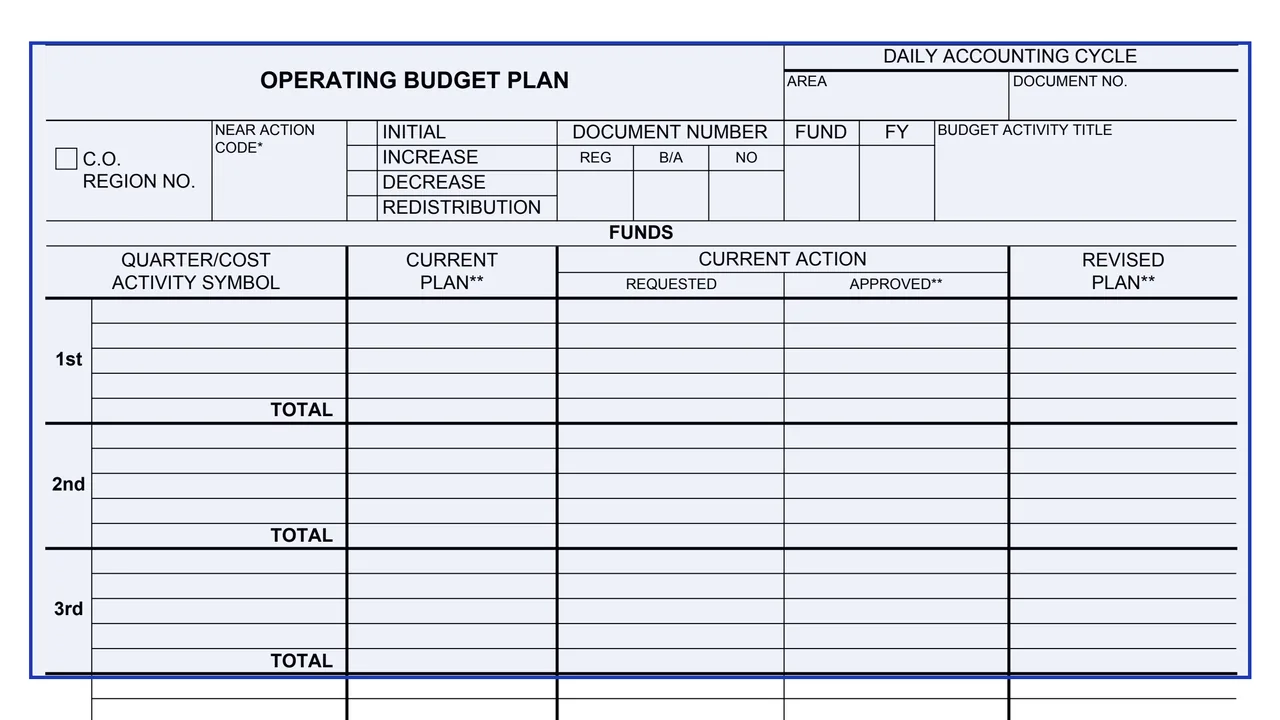
Daily accounting cycle
Area and document number in the top right corner.
GSA3282A
Operating Budget Plan
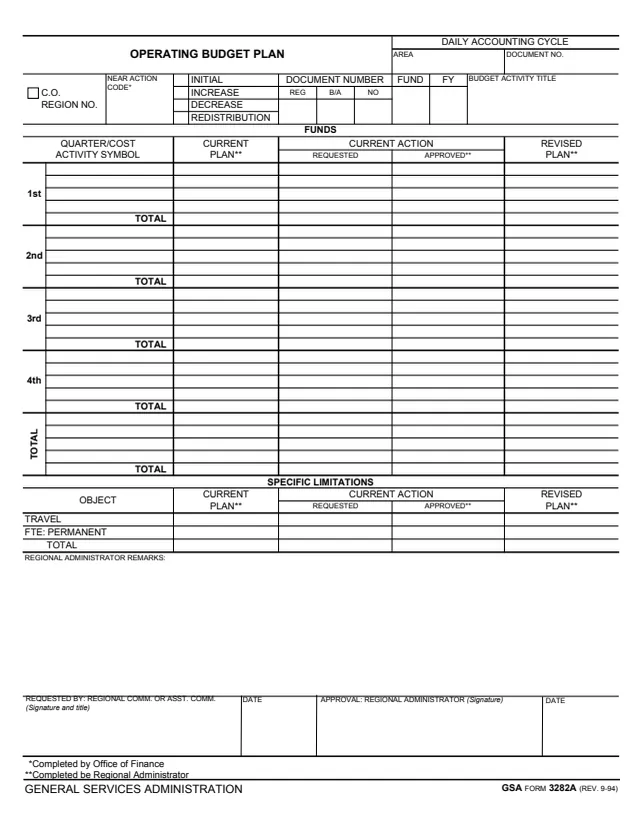
GSA Form 3282A, Operating Budget Plan, is a one-page form. Its footer reads GENERAL SERVICES ADMINISTRATION and GSA FORM 3282A (REV. 9-94). GSA hosts it in its forms library; GSA's page lists a current revision date of 09/1979 and no authority or regulation.
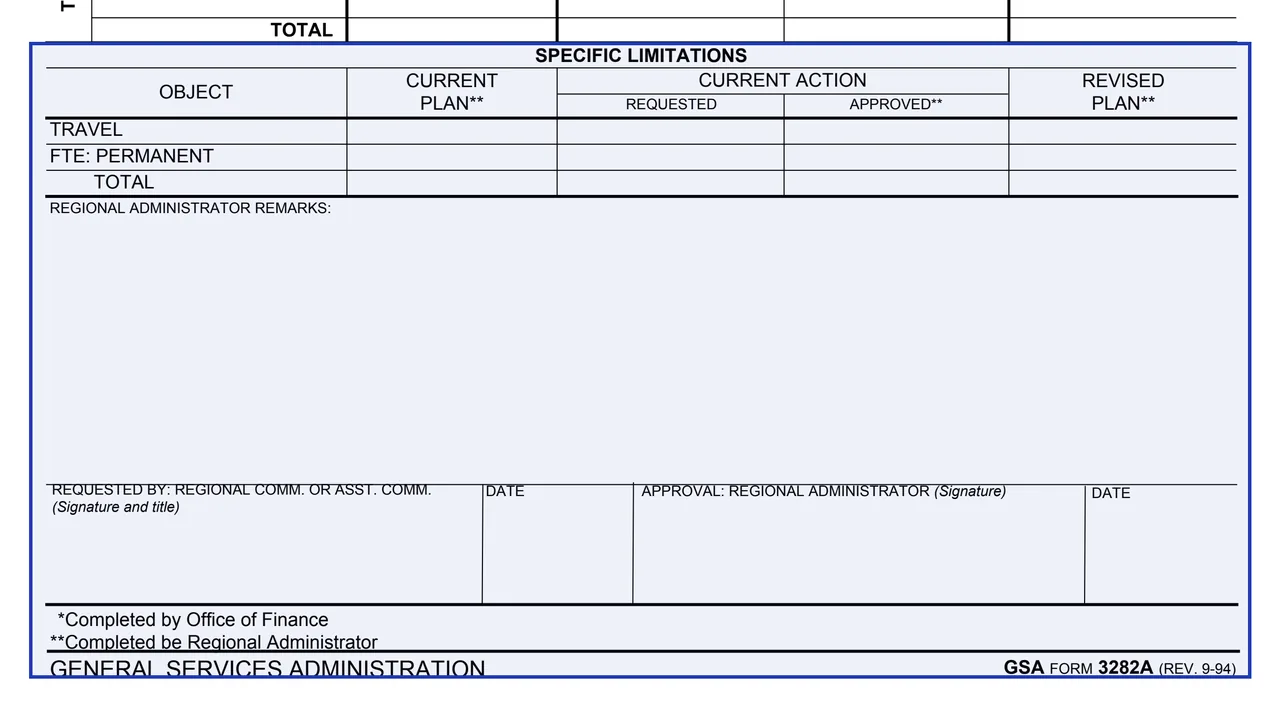
The form records a budget plan action: initial, increase, decrease or redistribution. A Funds table shows the current plan, the requested and approved current action and the revised plan for each quarter by cost activity symbol, and a Specific Limitations table does the same for travel and permanent FTE. It ends with Regional Administrator remarks, a Requested By line for the Regional Comm. or Asst. Comm. and an approval line for the Regional Administrator. Footnotes mark the blocks completed by the Office of Finance and by the Regional Administrator. The form prints no instructions, OMB number or privacy statement.
You can fill it out free in your browser on this page and download the result without an account.
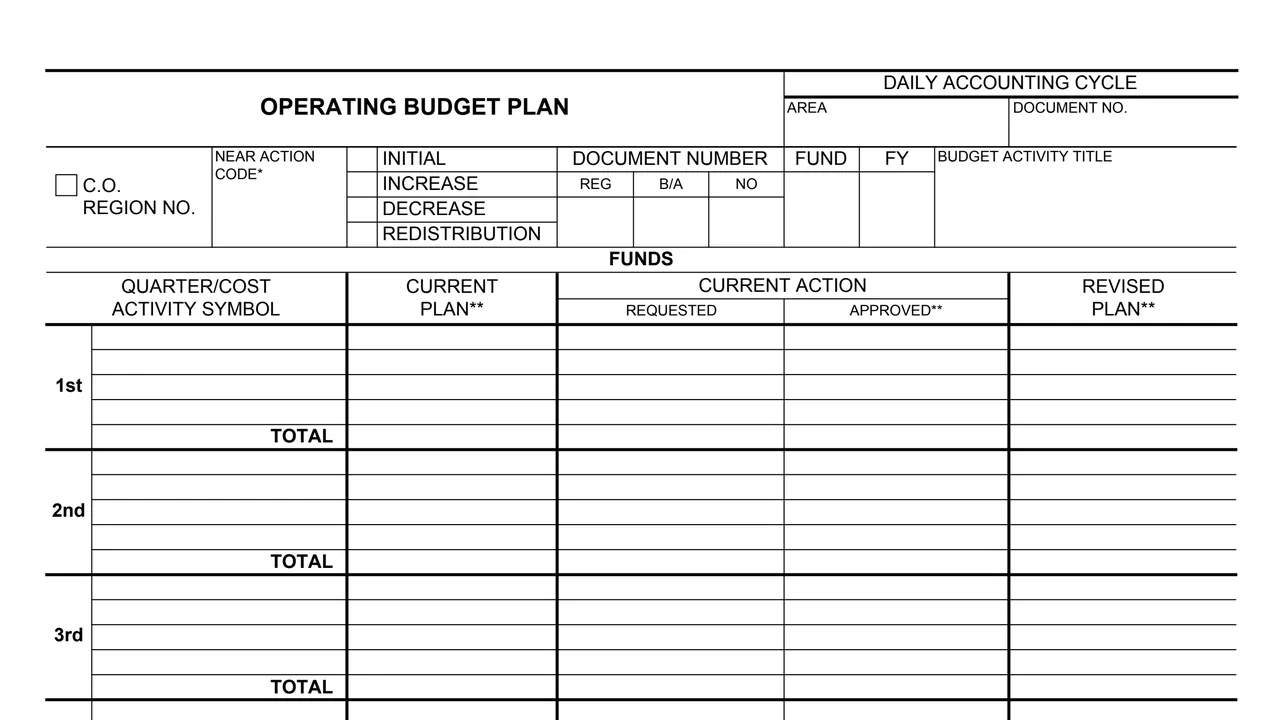
Area and document number in the top right corner.
C.O. box and region number, near action code, initial, increase, decrease or redistribution, the document number (REG, B/A, NO), fund, FY and budget activity title.
Rows for the 1st, 2nd, 3rd and 4th quarter and a total, each by quarter or cost activity symbol with its own total line. Columns: current plan, current action requested and approved, and revised plan.
Travel, FTE: permanent and a total, with the same current plan, requested, approved and revised plan columns.
Regional Administrator remarks, the Requested By signature and title with a date, and the Regional Administrator approval signature with a date.
Check initial, increase, decrease or redistribution, and fill in the document number, fund, FY and budget activity title.
The footnote says the near action code is completed by the Office of Finance.
For each quarter, list the cost activity symbols and enter the current action requested, with a total line for each quarter and for the Total section.
Enter the requested figures for travel and permanent FTE, and the total.
The Regional Comm. or Asst. Comm. signs, adds a title and dates the Requested By line.
The footnote says the current plan, approved and revised plan columns are completed by the Regional Administrator, whose remarks block and approval signature close the form.
The form prints no instructions. These steps follow its blocks and footnotes.
You get the real form, filled in a browser tab, with nothing standing between you and the finished PDF.
The form prints no address or routing instructions. Its approval line is for the Regional Administrator.
The footer reads GSA FORM 3282A (REV. 9-94), while GSA's page lists a current revision date of 09/1979.
The PDF has no instruction page, OMB number or privacy statement, and GSA's page lists no authority or regulation.
The form's signature lines and footnotes name these roles.
No tool matches that search.
The footer reads GENERAL SERVICES ADMINISTRATION, GSA FORM 3282A (REV. 9-94). GSA hosts it in its forms library.
The footnotes say blocks with one asterisk are completed by the Office of Finance and blocks with two asterisks by the Regional Administrator. One asterisk marks the near action code; two mark the current plan, approved and revised plan columns.
The footer prints REV. 9-94. GSA's forms page lists a current revision date of 09/1979.
The Specific Limitations table lists travel and FTE: permanent, with a total, in the same current plan, requested, approved and revised plan columns as the Funds table.
The Requested By line is for the Regional Comm. or Asst. Comm. (signature and title), and the approval line is for the Regional Administrator (signature), each with a date.