Header
Schedule identification (FSC/IG), contractor telephone number and contractor fax number.
GSA3024
Contract Information Multiple Award Federal Supply Schedule
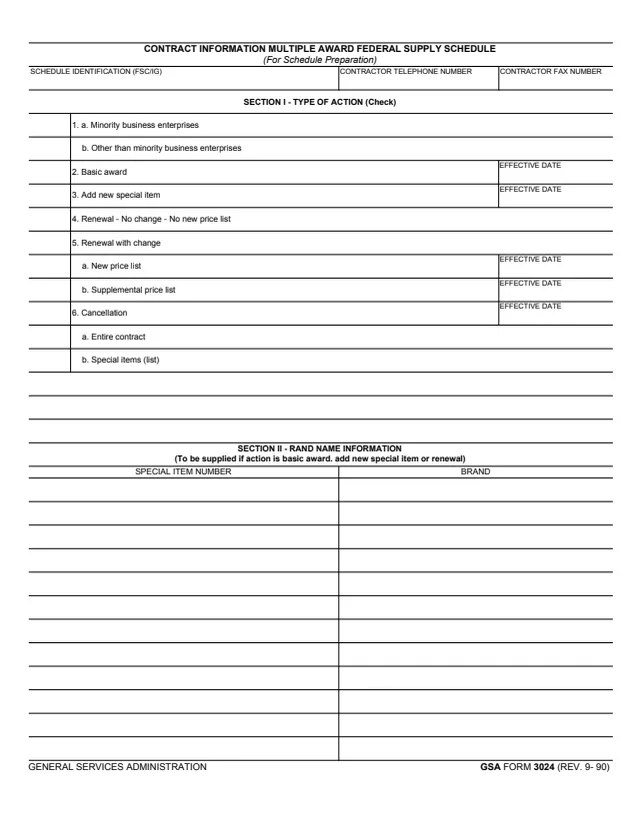
GSA Form 3024, Contract Information Multiple Award Federal Supply Schedule, is a one-page General Services Administration form, GSA FORM 3024 (REV. 9-90), hosted in GSA's forms library. A line under the title reads (For Schedule Preparation).
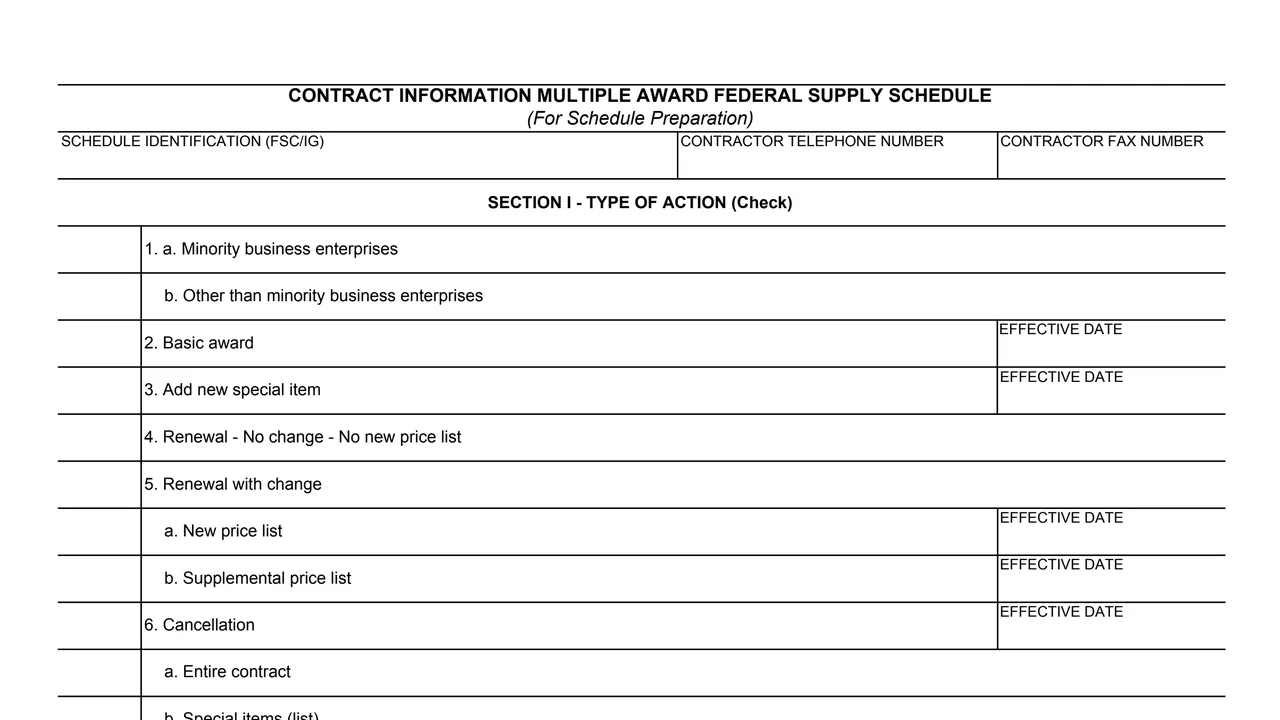
The top asks for the schedule identification (FSC/IG) and the contractor's telephone and fax numbers. Section I, Type of Action, has check boxes for minority business enterprises or other than minority business enterprises, basic award, add new special item, renewal with or without change, a new or supplemental price list, and cancellation of the entire contract or of listed special items, several with an effective date. Section II, printed as RAND NAME INFORMATION, lists special item numbers and brands, to be supplied if the action is a basic award, a new special item or a renewal. The form prints no instructions, signature line, OMB number or filing address.
You can fill it out free in your browser on this page and download the result without an account.
Schedule identification (FSC/IG), contractor telephone number and contractor fax number.
Minority business enterprises, or other than minority business enterprises.
Basic award and add new special item, each with an effective date.
Renewal with no change and no new price list, or renewal with change through a. New price list or b. Supplemental price list, each with an effective date.
Cancellation with an effective date, of a. Entire contract or b. Special items (list), with blank lines for the list.
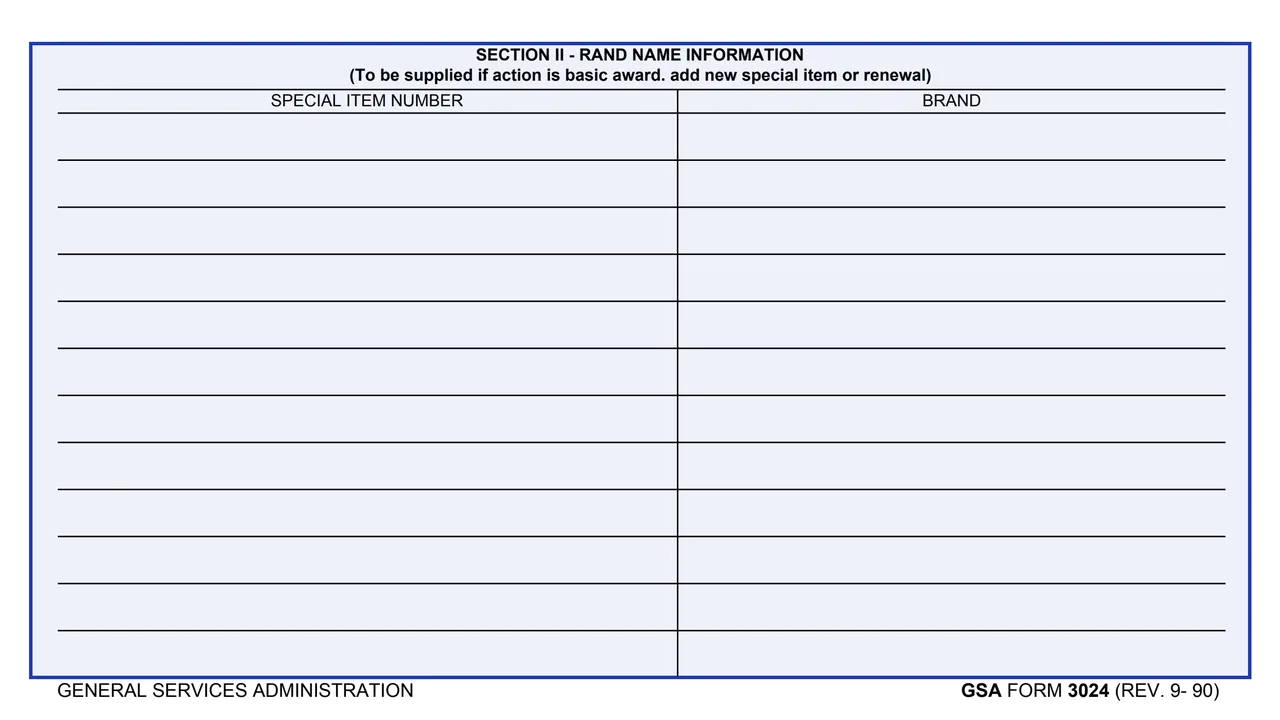
Printed as RAND NAME INFORMATION, with Special Item Number and Brand columns, to be supplied if the action is a basic award, add new special item or renewal.
Enter the schedule identification (FSC/IG) and the contractor's telephone and fax numbers.
Check item 1a or item 1b.
Section I is headed Type of Action (Check). Mark the matching item from 2 to 6.
Basic award, add new special item, new price list, supplemental price list and cancellation each have an Effective Date box.
Under 6b, Special items (list), enter each special item on the blank lines.
Section II says to supply it if the action is a basic award, add new special item or renewal. Enter each special item number and its brand.
You get the real form, filled in a browser tab, with nothing standing between you and the finished PDF.
The form prints no address and no routing instructions.
The form has no signature, date signed, name or title line.
The footer reads GSA FORM 3024 (REV. 9- 90). GSA's page gives a current revision date of 09/1990 and lists no authority or regulation.
The form does not say who completes or receives it. Its blocks refer to these.
No tool matches that search.
The footer reads GENERAL SERVICES ADMINISTRATION and GSA FORM 3024 (REV. 9- 90). GSA hosts it in its forms library.
Basic award, add new special item, new price list, supplemental price list and cancellation each have an Effective Date box.
Its heading says it is to be supplied if the action is a basic award, add new special item or renewal. It lists each special item number with its brand.
The PDF prints neither, and it prints no OMB number or privacy statement. GSA's page lists no authority or regulation.