Items 1 to 4: lease and building
The RLP or lease number, the statement date, the rental area in square feet for the entire building (3A) and for the area leased by the Government (3B), and the building name and address.
GSA1217
Lessor's Annual Cost Statement
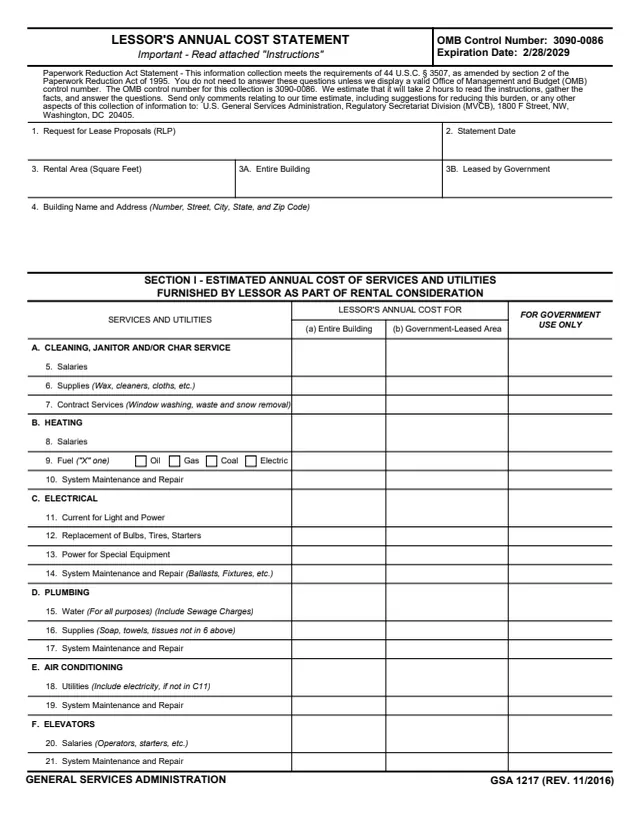
GSA Form 1217, Lessor's Annual Cost Statement, is a General Services Administration form, GSA 1217 (REV. 11/2016), with OMB Control Number 3090-0086 and an expiration date of 2/28/2029. GSA hosts it in its forms library, and GSA's page lists the authority as APD 2800.12B.
The lessor enters estimated annual costs for the entire building in column (a) and for the area leased by the Government in column (b). Section I covers services and utilities the lessor furnishes as part of the rental consideration: cleaning, heating, electrical, plumbing, air conditioning, elevators and miscellaneous items. Section II covers the annual cost of ownership exclusive of capital charges, such as real estate taxes, insurance and management.
The instructions say it is GSA's established policy to enter into leases only at rental charges consistent with prevailing scales in the community. GSA estimates 2 hours to read the instructions, gather the facts and answer the questions. You can fill it out free in your browser on this page and download the result without an account.
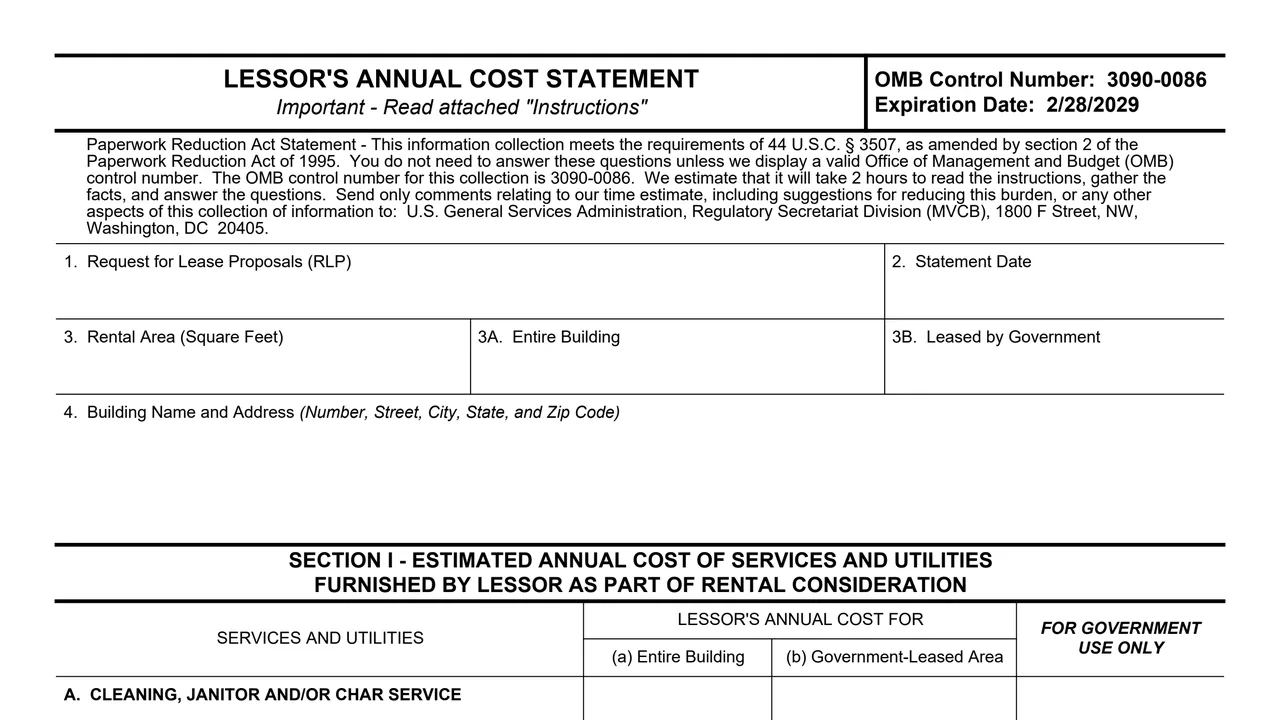
The RLP or lease number, the statement date, the rental area in square feet for the entire building (3A) and for the area leased by the Government (3B), and the building name and address.
Items 5 to 14: cleaning salaries, supplies and contract services; heating salaries, fuel type (oil, gas, coal or electric) and system repair; current for light and power, bulb replacement, power for special equipment and electrical repair.
Items 15 to 21: water including sewage charges, plumbing supplies and repair, air conditioning utilities and repair, and elevator salaries and repair.
Items 22 to 27: building engineer or manager, security, Social Security tax and workperson's compensation insurance, lawn and landscaping, other costs explained on a separate sheet, and a total.
Items 28 to 33: real estate taxes, insurance, building maintenance and reserves for replacement, lease commission, management, and a total, exclusive of capital charges.
The lessor certifies that the amounts in columns (a) and (b) are a best estimate of the annual costs of services, utilities and ownership, and signs as Owner or Legal Agent.
Items 1 to 35 run over two pages, followed by a page of instructions.
Items 1 and 2 take the lease or RLP number, if available, and the date the statement was prepared and signed. Item 4 identifies the property by name and address.
The instructions say 3A is measured to the inside finish of permanent outer building walls and corridor walls, and 3B only to the center of partitions separating the Government's area from other rentable areas.
The instructions say to review the RLP and/or the proposed lease to identify the services and utilities furnished by the lessor as part of the rental consideration.
The instructions say to enter a best cost estimate, or the actual cost from the previous year, in column (a) for the entire building and column (b) for the Government's area. A category total may replace its items if records are not kept item by item.
The instructions say items 28 to 32 are completed whether or not Section I applies. Item 32 includes administrative expenses but not financial charges such as income or corporate taxes.
The form asks for a separate sheet to explain any service not furnished throughout the building, any that costs more in the Government's space, and Other costs in item 26. Then the lessor signs the certification.
These steps follow the instructions page of the form.
You get the real form, filled in a browser tab, with nothing standing between you and the finished PDF.
The PDF gives no filing address for the completed statement. It refers to the Request for Lease Proposals and the proposed lease the statement goes with.
GSA estimates it will take 2 hours to read the instructions, gather the facts and answer the questions.
The form says to send only comments on the time estimate to U.S. General Services Administration, Regulatory Secretariat Division (MVCB), 1800 F Street, NW, Washington, DC 20405.
OMB Control Number 3090-0086, expiration date 2/28/2029. The form cites 44 U.S.C. § 3507 and says the questions need not be answered unless a valid OMB control number is displayed.
GSA's page lists APD 2800.12B as the authority or regulation and a current revision date of 11/2016.
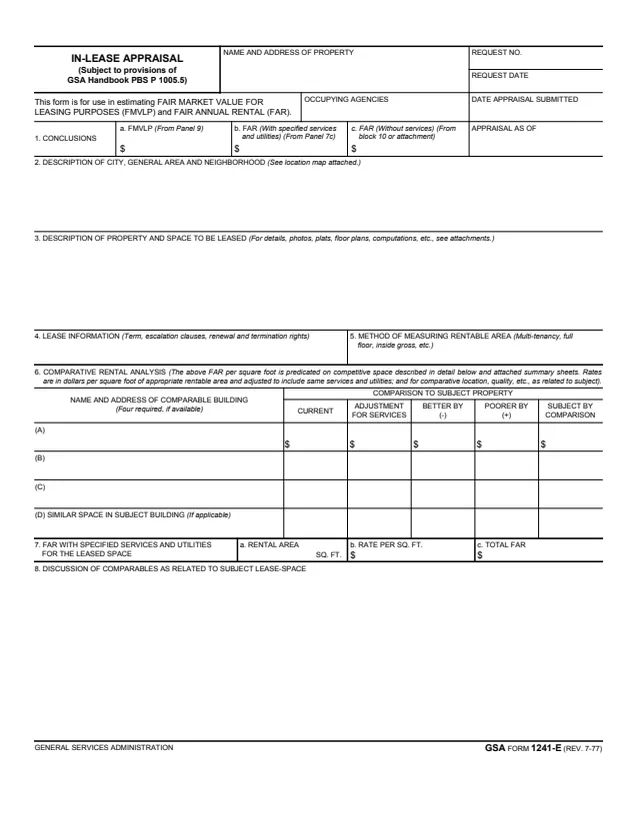
GSA1241E
70 fields, 2 pages
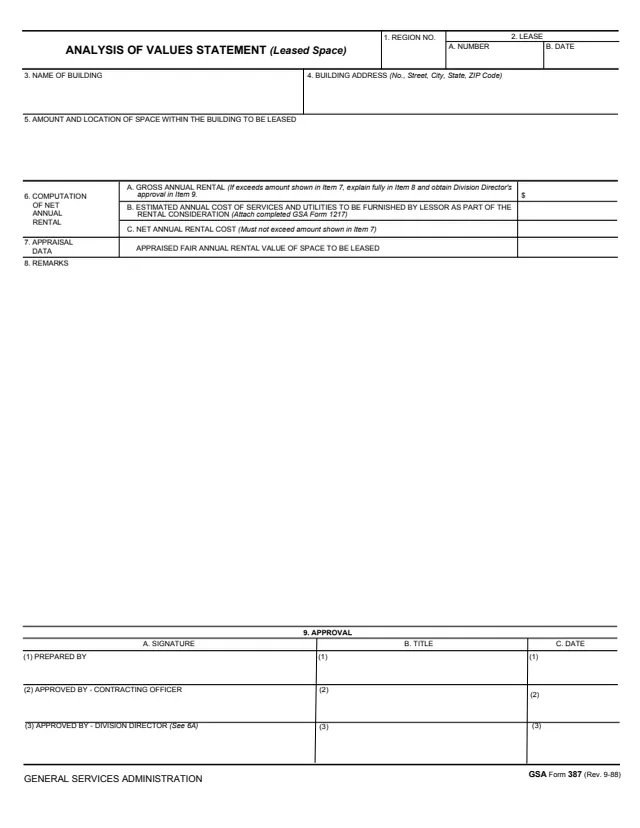
GSA387
20 fields, 1 page
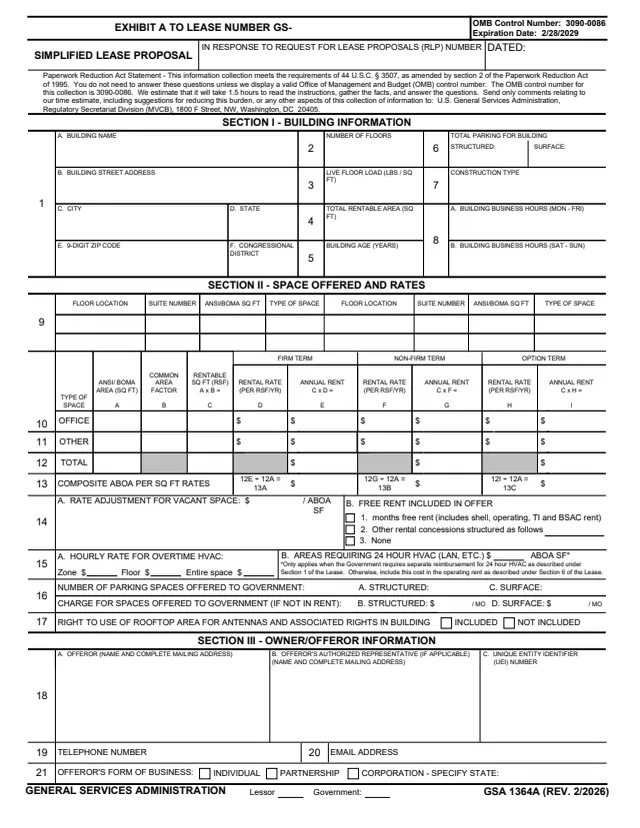
GSA1364A
100 fields, 2 pages
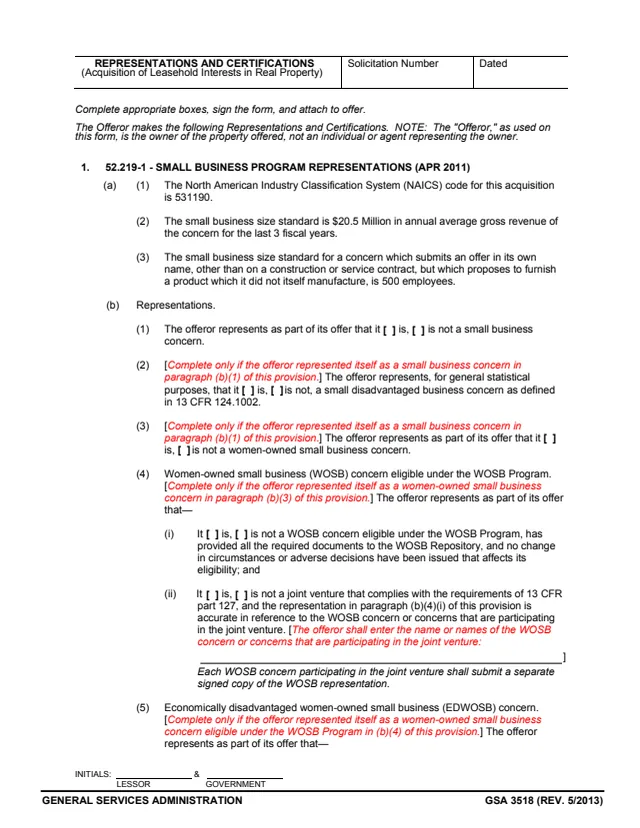
GSA3518
48 fields, 10 pages
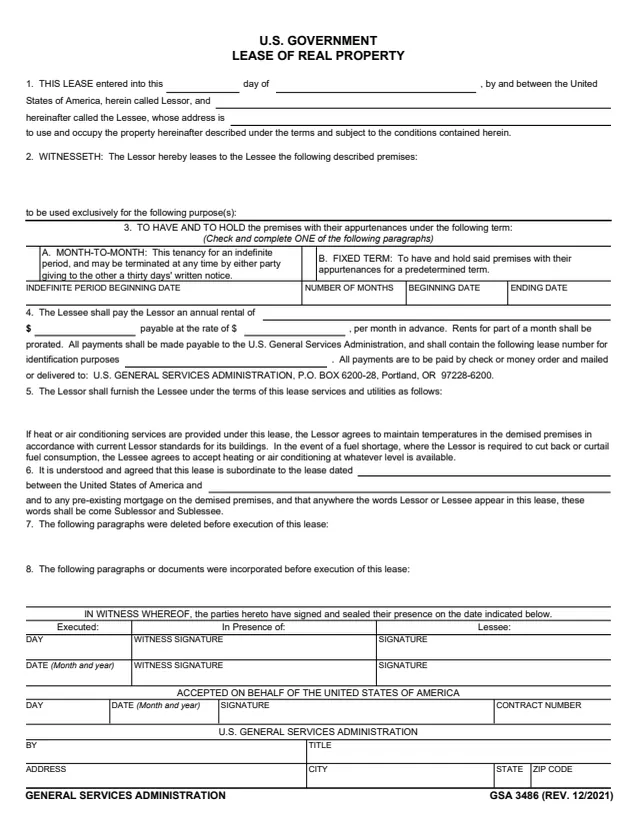
GSA3486
50 fields, 5 pages
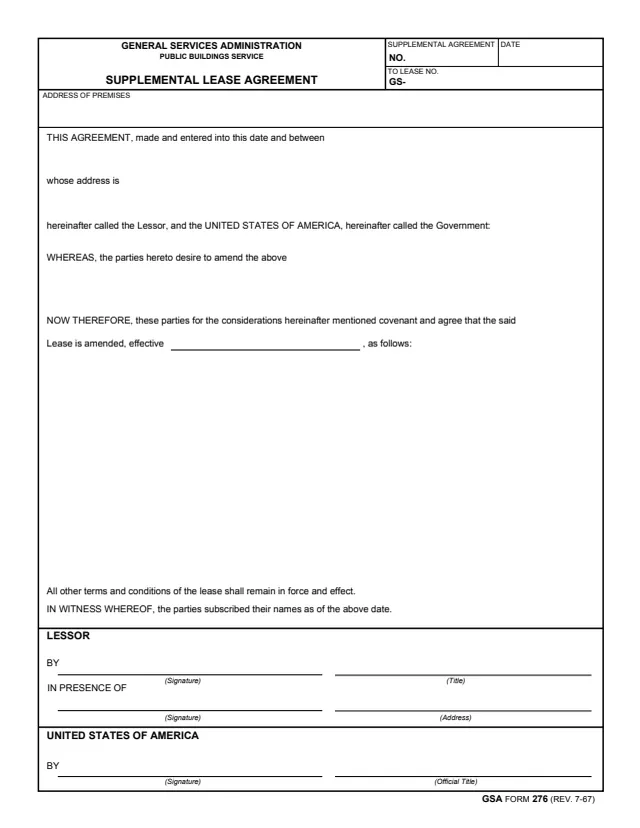
GSA276
15 fields, 1 page
The form is completed and certified by the lessor. A separate column is kept for the Government.
No tool matches that search.
The lessor. The certification in item 34 is signed by the Owner or a Legal Agent, with a typed name and title, a signature and a date.
Column (a) is the lessor's annual cost for the entire building. Column (b) is the cost for the area leased by, or to be rented to, the Government.
The instructions say to enter your best cost estimate, or the actual cost from the previous year, for each service and utility.
The instructions say the total for a major category, A through F, may be entered under the category heading in columns (a) and (b) instead of the specific items.
The instructions say items 28 through 32 shall be completed irrespective of whether Section I is applicable, because they will be useful in the Government's determination of the fair market value of the space.
The instructions say to include administrative expenses such as agency fees, legal fees, auditing and advertising, and not financial charges such as income or corporate taxes or organization expense.
GSA estimates 2 hours to read the instructions, gather the facts and answer the questions.