1. Type of request
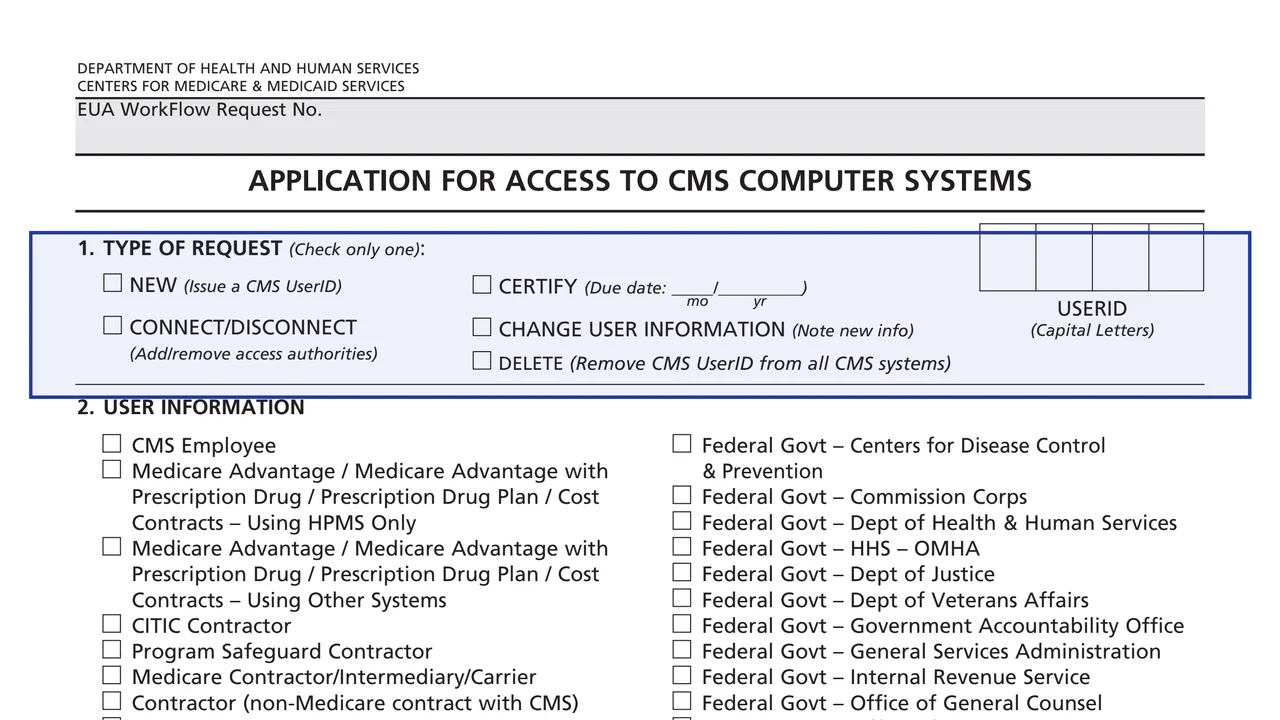
Check only one: New, Certify (with a due date by month and year), Connect/Disconnect, Change User Information or Delete, plus the UserID in capital letters and the EUA WorkFlow Request No.
CMS-20037
APPLICATION FOR ACCESS TO CMS COMPUTER SYSTEMS
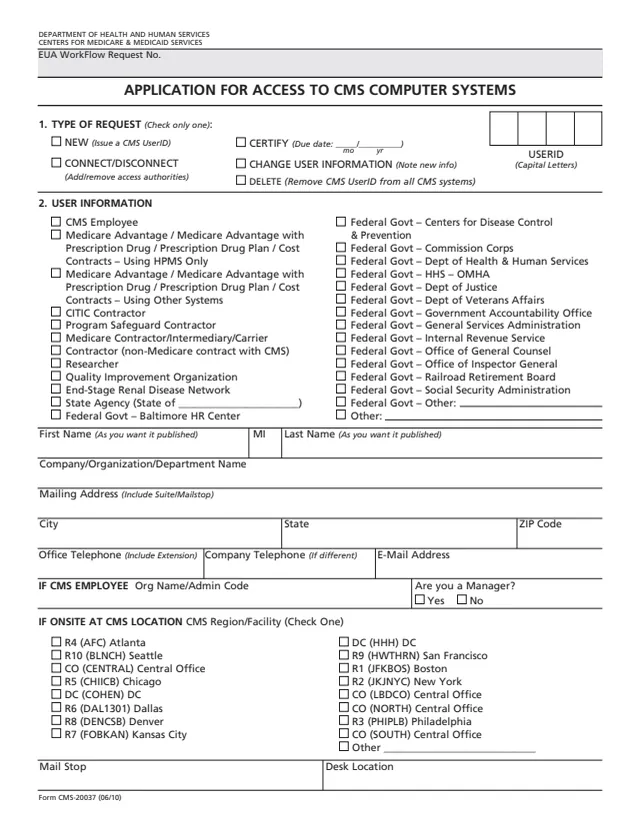
Form CMS-20037 is the Application for Access to CMS Computer Systems from the Centers for Medicare & Medicaid Services. It handles a CMS UserID: the request types are New (issue a CMS UserID), Certify, Connect/Disconnect (add or remove access authorities), Change User Information and Delete (remove the CMS UserID from all CMS systems). The CMS page lists the form as OMB Exempt.
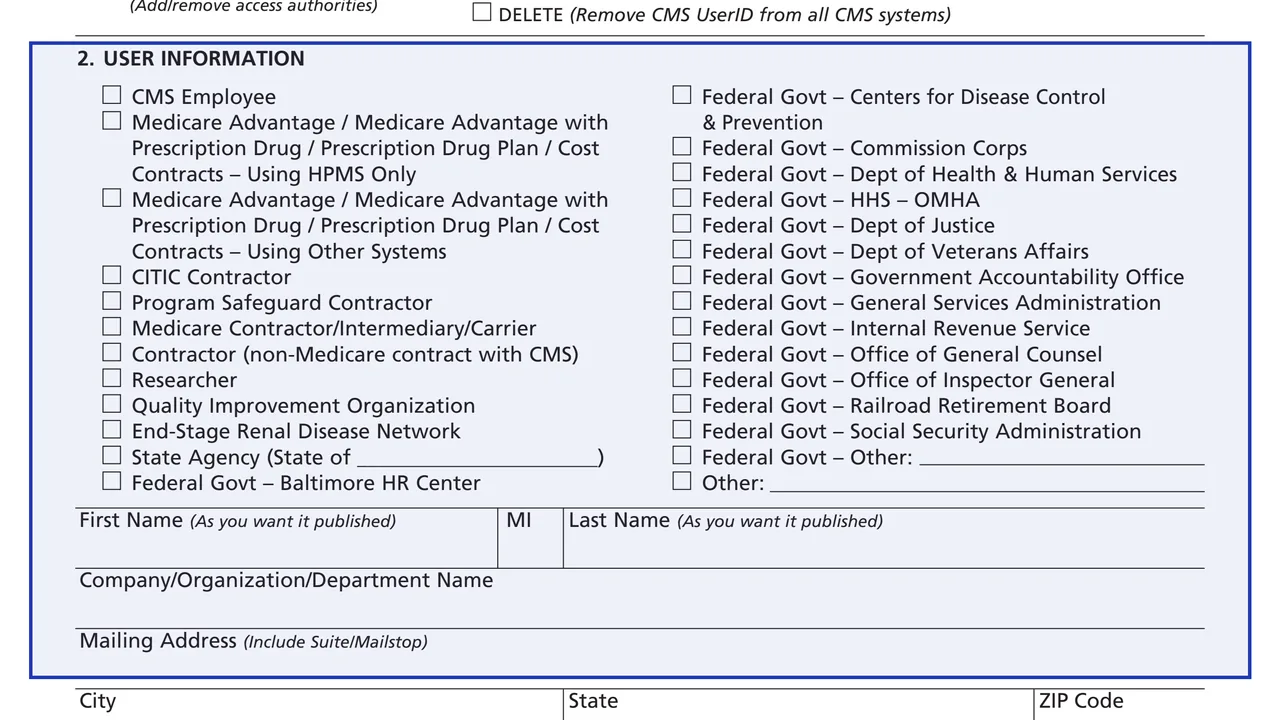
The user types on the form include CMS employees, Medicare Advantage and Prescription Drug Plan contract users, Medicare and other CMS contractors, researchers, Quality Improvement Organizations, End-Stage Renal Disease Networks, State agencies and other federal agencies. The form asks for user details, workload numbers, the access job codes needed and a justification, then one or two approver signatures. Page 3 carries a Privacy Act statement, the security requirements for users of CMS computer systems and the applicant's signature.
The form says approvers can sign on the form or approve online through the EUA WorkFlow request number referenced on page 1. You can fill it out free in your browser on this page and download the result without an account.
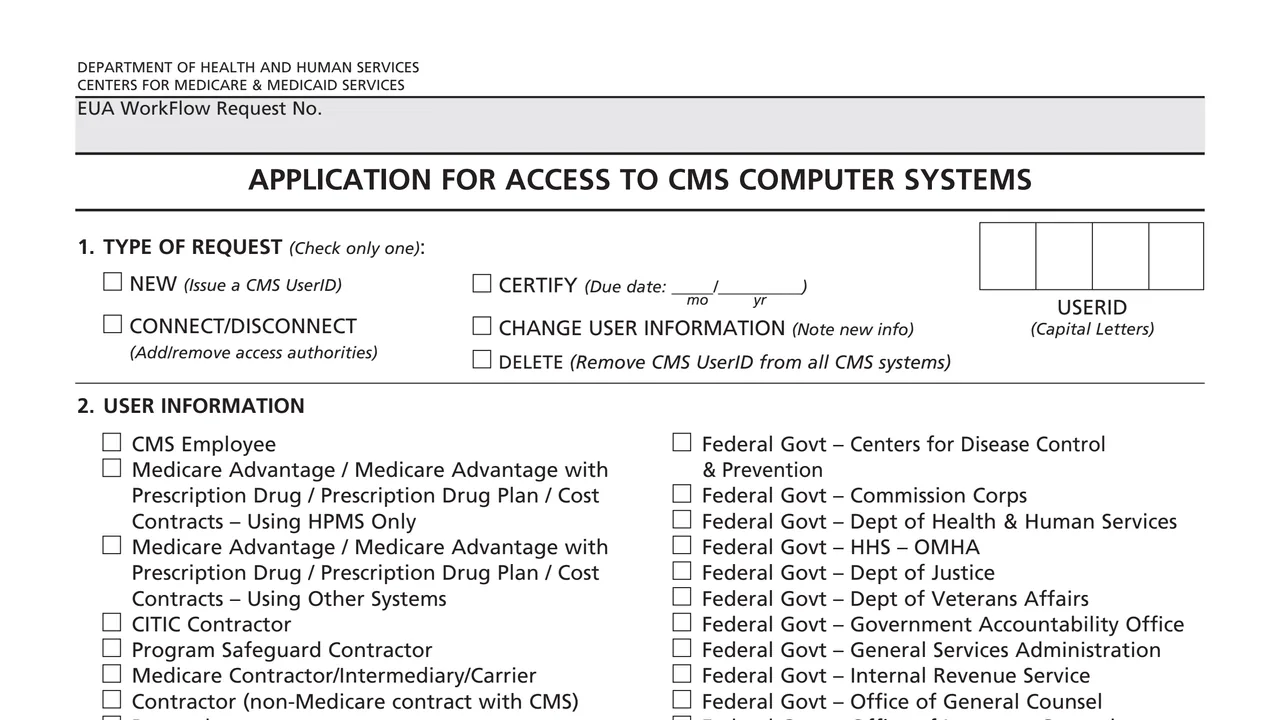
Check only one: New, Certify (with a due date by month and year), Connect/Disconnect, Change User Information or Delete, plus the UserID in capital letters and the EUA WorkFlow Request No.
User type, name as it should be published, company or organization, mailing address, office and company phone and email. Onsite users add their CMS region or facility, mail stop and desk location.
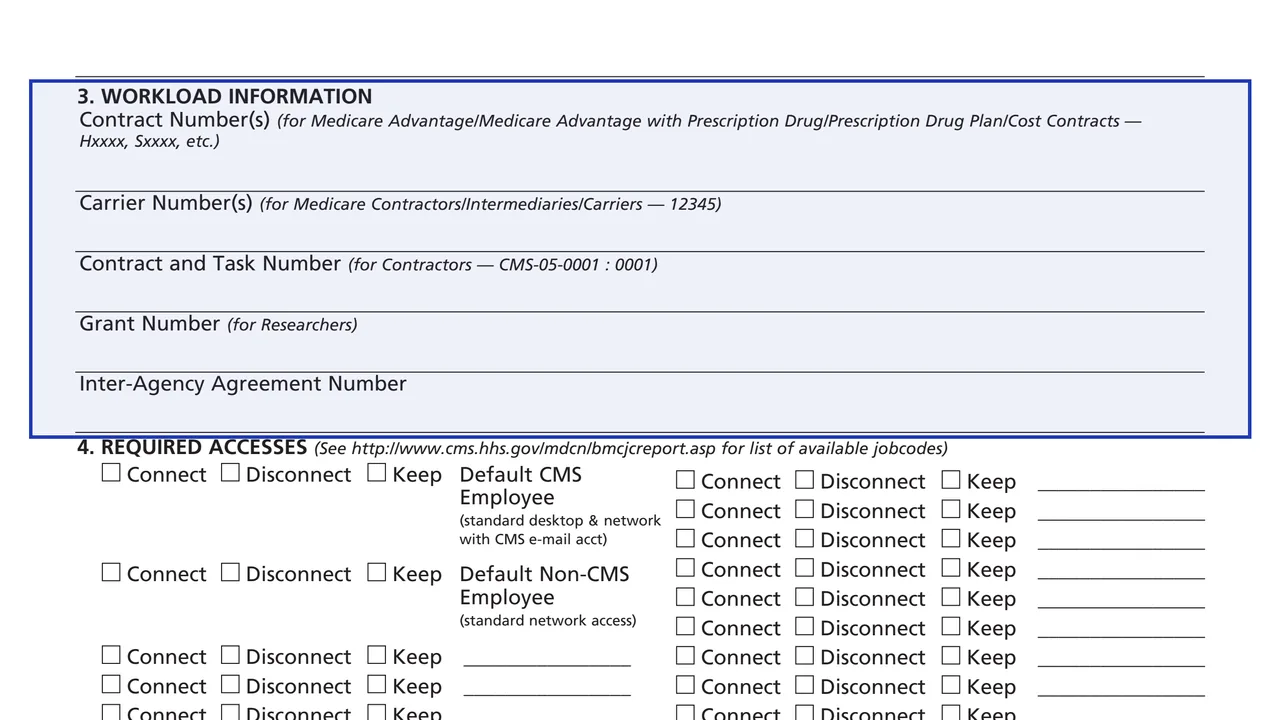
Contract numbers, carrier numbers, contract and task number, grant number and inter-agency agreement number, whichever applies.
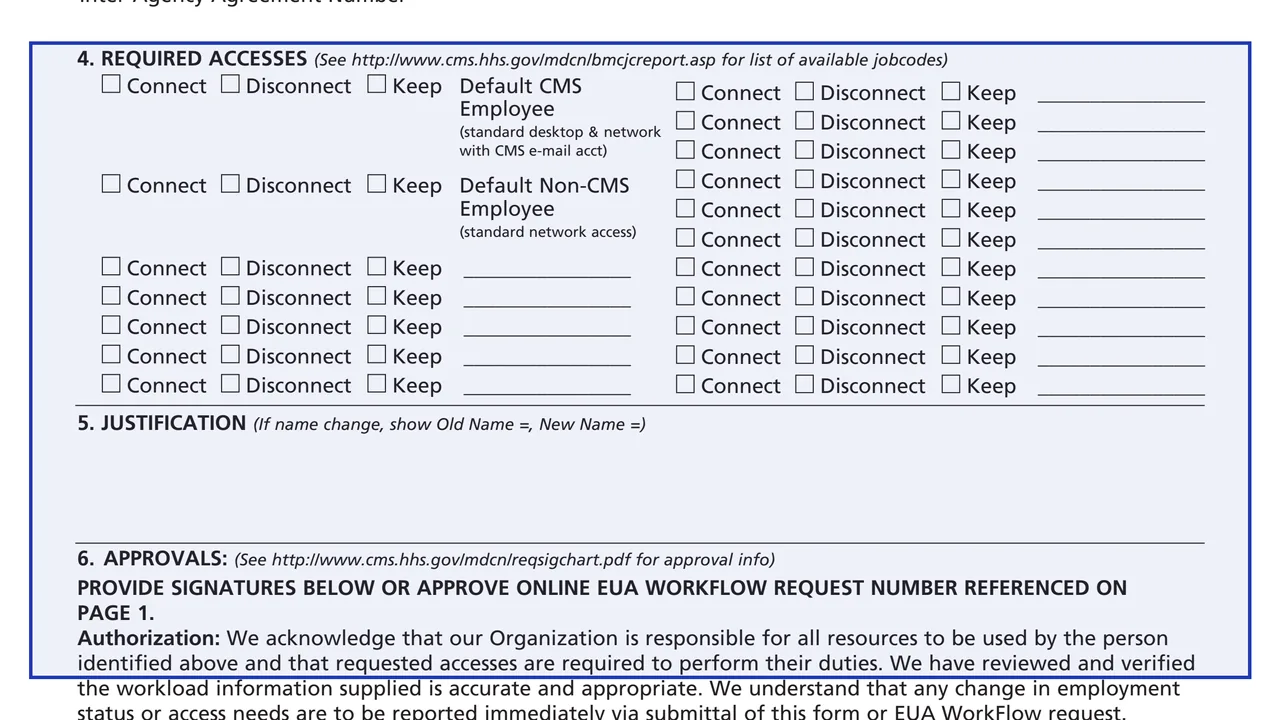
Connect, Disconnect or Keep for the default CMS Employee or Non-CMS Employee access and for each job code written in.
A justification (for a name change, the old and new name), an authorization statement, and each approver's printed name, phone, CMS UserID, signature and date.
Printed name, Social Security Number, date of birth and CMS UserID, the Privacy Act statement, the security requirements and the applicant's signature and date.
Check only one request type. For Certify, enter the due date month and year.
Pick the user type and enter the name, organization, address, phone and email, plus the CMS employee and onsite details where they apply.
Enter the contract, carrier, task, grant or inter-agency agreement number that matches the user type.
Mark Connect, Disconnect or Keep for each access. The form points to a CMS web page for the list of available job codes.
Write the justification, then have the approvers sign page 2 or approve online through the EUA WorkFlow request.
The form says the applicant reads, completes and signs page 3, which holds the Privacy Act statement and the security requirements.
You get the real form, filled in a browser tab, with nothing standing between you and the finished PDF.
The form does not print a mailing address. Approvals are given by signature on page 2 or online through the EUA WorkFlow request number referenced on page 1.
The Privacy Act statement says furnishing the information, including the Social Security Number, is voluntary, but without it access to CMS computer systems will not be granted.
The authorization statement says any change in employment status or access needs is to be reported immediately, by this form or an EUA WorkFlow request.
Page 3 lists rules for users, such as not lending an identification number or password, which the form says serve as an electronic signature, and not using CMS data files for unauthorized purposes.
The form says a suspected violation, or a password that may have been used by someone else, is reported to the component's Information Systems Security Officer.
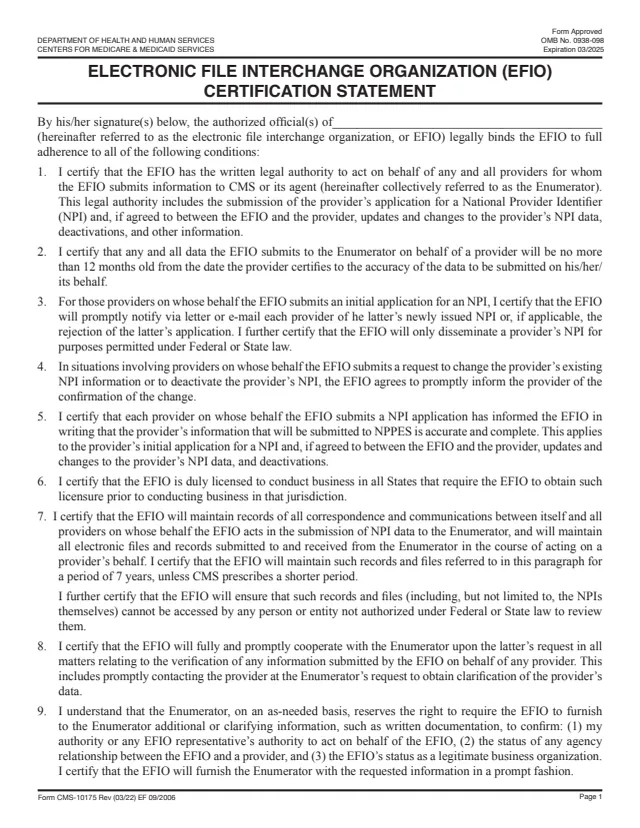
CMS-10175
8 fields, 3 pages
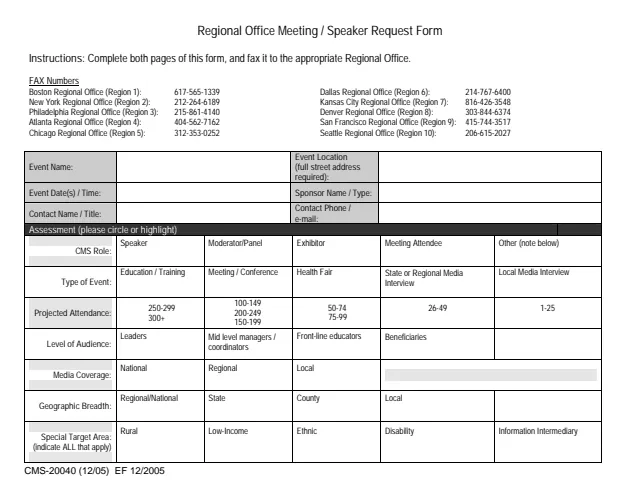
CMS-20040
50 fields, 2 pages
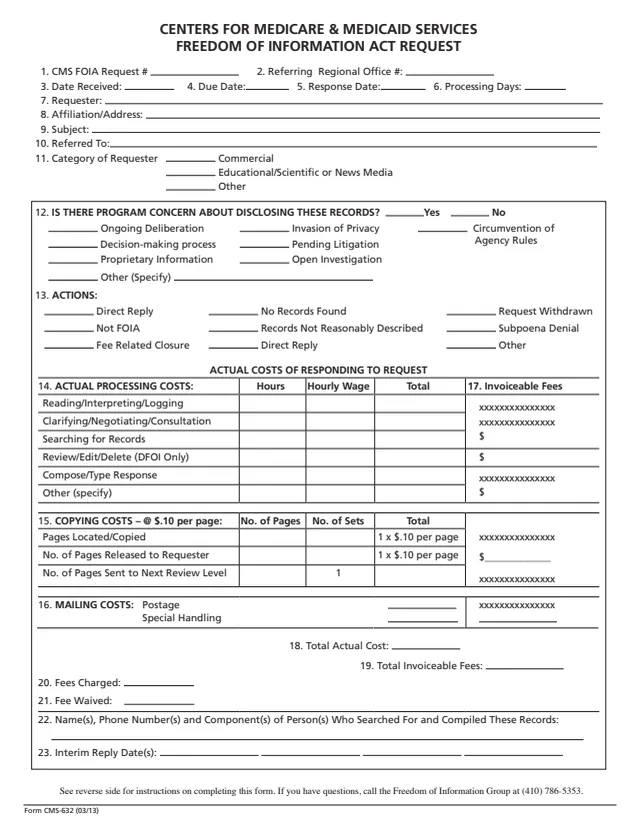
CMS-632FOI
73 fields, 2 pages
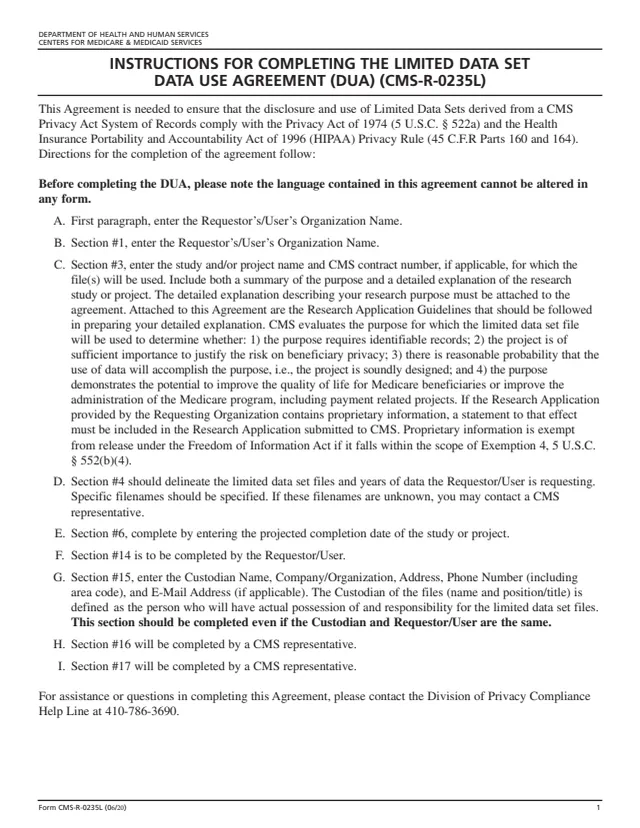
CMS-R-0235L
50 fields, 6 pages
Section 2 lists the user types, and Section 6 names the approvers.
No tool matches that search.
It is the Application for Access to CMS Computer Systems. Its request types issue a new CMS UserID, certify one, add or remove access authorities, change user information or delete the UserID from all CMS systems.
A 1st approver, such as a CMS Project Officer, CMS contact, CMS supervisor or MCIC contact. The form says a 2nd approver is not required for CMS employees, BHRC or Commissioned Corps.
The form says approvers can provide signatures on page 2 or approve online through the EUA WorkFlow request number referenced on page 1.
The Privacy Act statement says furnishing the information, including the Social Security Number, is voluntary. It also says access to CMS computer systems will not be granted without it.
The authorization statement says changes in employment status or access needs are to be reported immediately by submitting this form or an EUA WorkFlow request.
The form says a violation could result in termination of systems access privileges and disciplinary or adverse action, depending on how serious it is, and that laws may provide criminal penalties for illegal access.