One row per contact card
Every BEGIN:VCARD to END:VCARD block becomes one line. A file with many contacts gives a CSV with many rows, and in our test the row count matched the card count.
Add a .vcf contacts file and get a CSV back with one row per contact. This page covers contact vCards only, not the genomics file that shares the extension.
To convert vcf to csv, add the .vcf file exported from your phone, Google, Outlook or iCloud, keep CSV as the output format and download the result. In our test, a 1,378 byte file with 4 contact cards became a 658 byte csv with a header line and 4 rows, and photos and phone labels were left out.
Transfers use HTTPS, and files converted on the free tier are deleted after 24 hours, so the result is not a long-term archive. Quality depends on the source file, so open the CSV file once before you share it.
VCF (vCard, Virtual Contact File)
A plain text file that holds one or more contact cards, each with names, phone numbers, email addresses, addresses and optionally an embedded photo. Versions 2.1, 3.0 and 4.0 are in use, and the current one is defined in RFC 6350, which requires UTF-8.
CSV (Comma-Separated Values)
Comma-separated values, a plain text format in which each line is a row and a delimiter separates the fields. It has no data types, no styling and no official single standard, although RFC 4180 describes the most common conventions.
A 4 contact VCF with invented names (vCard 3.0 and 4.0), converted on indox.org
Every BEGIN:VCARD to END:VCARD block becomes one line. A file with many contacts gives a CSV with many rows, and in our test the row count matched the card count.
The header is full_name, structured_name, organization, title, phone, email, address, url and note. The columns are the same for every file, so you can build a spreadsheet formula or an import map once.
When a contact has more than one phone number, email or address line, they are joined in one cell with a semicolon and a space. In our test a card with three numbers kept all three.
Persian, Chinese and accented names such as Zoë Müller were written as UTF-8 text without replacement characters. What your spreadsheet program does when it opens the file is covered below.
In your phone, Google Contacts, Outlook or iCloud, export the contacts you want as vCard. Keep the original file, because the CSV does not carry photos or labels.
Drop the .vcf file on the box or choose it from your device, and check that CSV is the output format. We did not need an account for the run described on this page.
In our test it took 2.7 seconds from the click to Completed for a 4 card file. Open the CSV in a text editor first to check the rows, then import it into your spreadsheet.
You hand over a .vcf contacts export and take away a CSV that a spreadsheet, CRM or mail tool can read. The page lists what the CSV leaves out before you convert, so you can tell whether it fits the job.
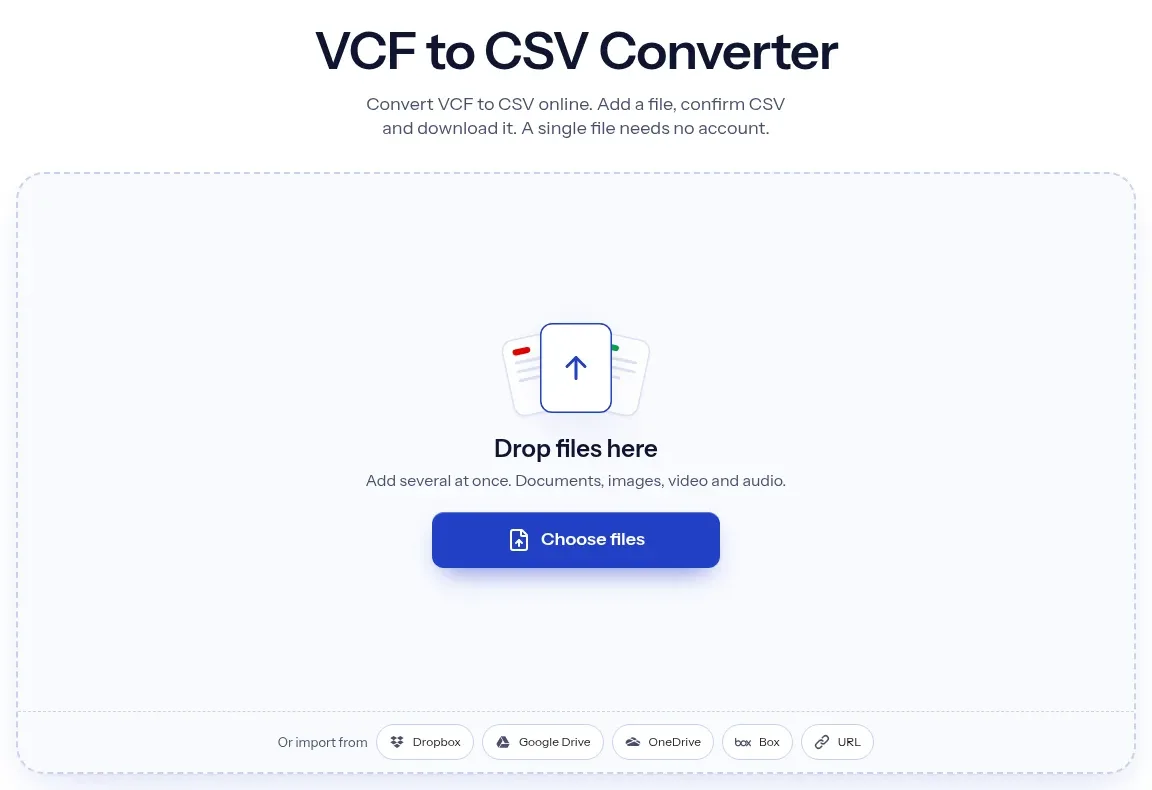
The upload box shows the live size limit before you add a file. Signing in raises it; a paid plan does not change it.
VCF in, CSV out. Pick another output on the converter if you need a different format.
Files are encrypted in transit over HTTPS and processed on indox infrastructure.
Free-tier files are kept for 24 hours after the job finishes, then deleted automatically.
| What you see | Why | What to do |
|---|---|---|
| Garbled letters in Excel | The CSV has no byte order mark, so Excel can guess the wrong encoding | Open Excel, use Data, From Text/CSV and pick UTF-8 (65001) as the file origin |
| Several numbers in one cell | Repeated phone fields are joined with a semicolon and a space | Split the column with Text to Columns on the semicolon |
| Numbers start with tel: | vCard 4.0 stores phones as tel: links and the prefix is kept | Remove the prefix with Find and Replace in your sheet |
| A phone number is missing | Apple grouped fields such as item1.TEL are not matched | Check the VCF in a text editor and copy the number by hand |
| Text like =C3=9Cber | A vCard 2.1 file used quoted-printable encoding, which is not decoded | Re-export the contacts as vCard 3.0 or 4.0 and convert again |
| No photos | The CSV has no photo column | Keep the original VCF if you need the pictures |
| Family and given name in one cell | structured_name keeps the raw N field | Split the column on the semicolon, or use full_name |
| Compared on | VCF | CSV |
|---|---|---|
| What it is | A text file of contact cards, defined in RFC 6350 for version 4.0 | A plain text table of rows and columns, described in RFC 4180 |
| Structure | Each contact is a block of fields such as FN, N, TEL and EMAIL | One line per record, with the same columns on every line |
| Several phones per contact | Repeated TEL fields, each with an optional type | One cell, joined with a semicolon in this converter |
| Photo | Can embed a picture as base64 or a link | No place for it, so it is dropped |
| Opens best in | Phone, Google, Outlook and iCloud contact apps | Spreadsheets, CRMs and mail-merge tools |
Facts checked on November 4, 2026
No tool matches that search.
Add the .vcf file to the converter, keep CSV as the output format and download the result. Each contact card becomes one row with nine columns.
Yes, in one cell. They are joined with a semicolon and a space, for example two or three numbers in the phone column. In a spreadsheet, split that column on the semicolon with Text to Columns to get one number per column.
The CSV is UTF-8 and the names were intact in our test, but the file has no byte order mark. We did not test Excel itself. If letters look wrong, use Data, then From Text/CSV, and choose UTF-8 (65001) as the file origin instead of double-clicking the file.
They are dropped. The CSV has no photo column, and a card with an embedded picture came out with text fields only.
One known cause is Apple's grouped fields such as item1.TEL, which are not matched. Another is an old vCard 2.1 file in a different encoding. Open the VCF in a text editor to see how the number is stored.
Not without mapping. Our headers are full_name, structured_name, organization, title, phone, email, address, url and note, which are not the template headers of those apps. Rename or map the columns when you import.
No. This converter reads contact vCards. The Variant Call Format used in genomics shares the .vcf extension but is a different file type and is not supported here.
We ran vCard 3.0 and 4.0 cards in one file and both converted. Version 2.1 is the weak spot: quoted-printable text is not decoded.