Files other than PDF are converted first. Signing in raises the size limit.
You add
One PDF
You set
Your signature, plus any initials, name, date, text or stamp
You get
The signed PDF, ready to download
To sign a PDF here, you make your signature once and place it wherever it belongs. Draw it with a mouse or your finger, type it in a handwriting style, or upload a PNG or JPEG of your own handwriting. Initials, your name, the date, a line of text and a company stamp work the same way. Press Sign and the signed PDF downloads, so you do not need to print or scan it. Signing it yourself needs no account. When other people have to sign too, you can email the file to them from the same page. The signature is a visible image stamp on the page. For a certificate signature, use Certificate Sign.
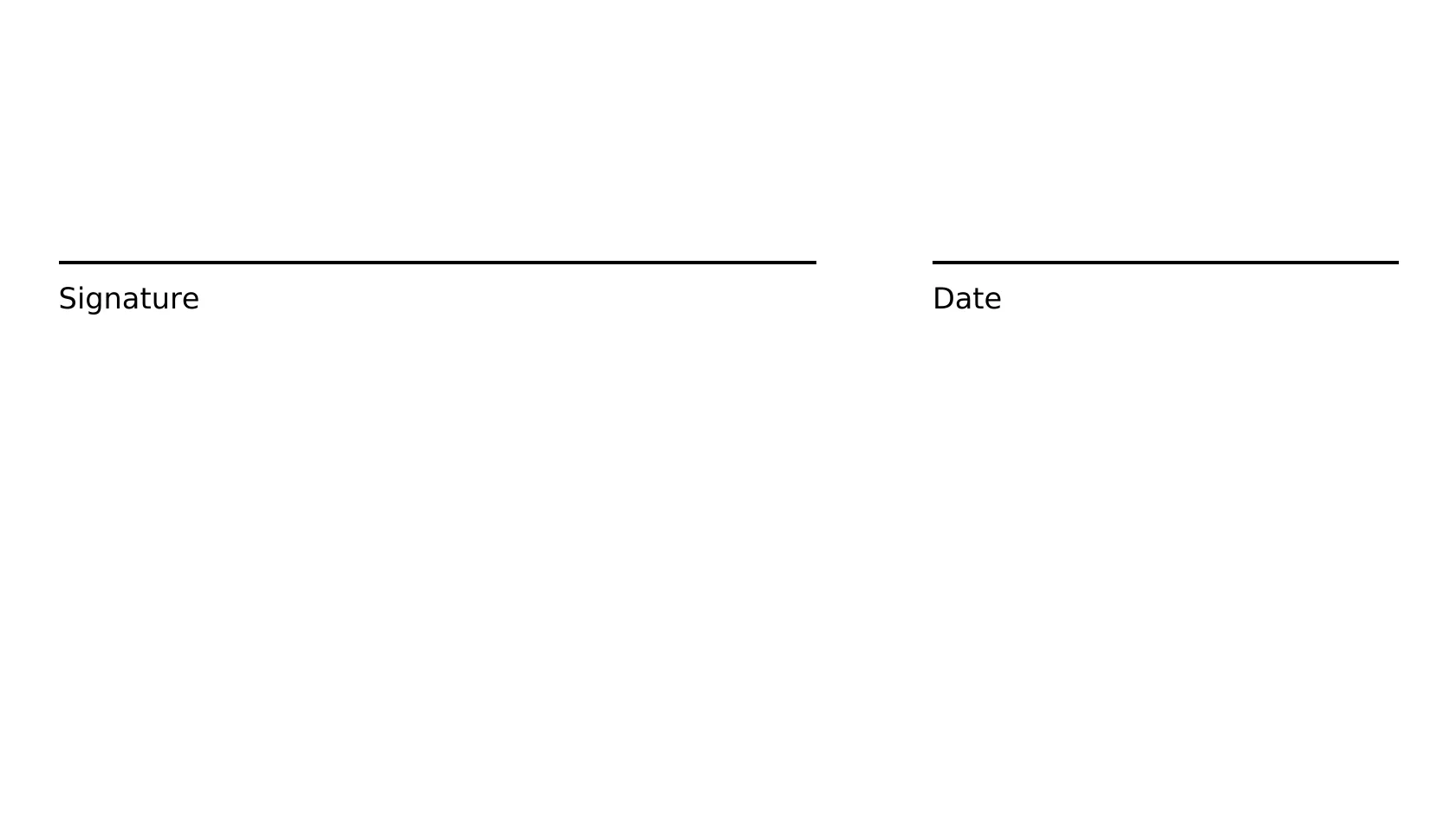
Our own 2-page A4 agreement PDF with a signature line on page 2, 42,339 bytes, no signatures before
Original PDF2 pages, 0 signature fields
42,339 bytes
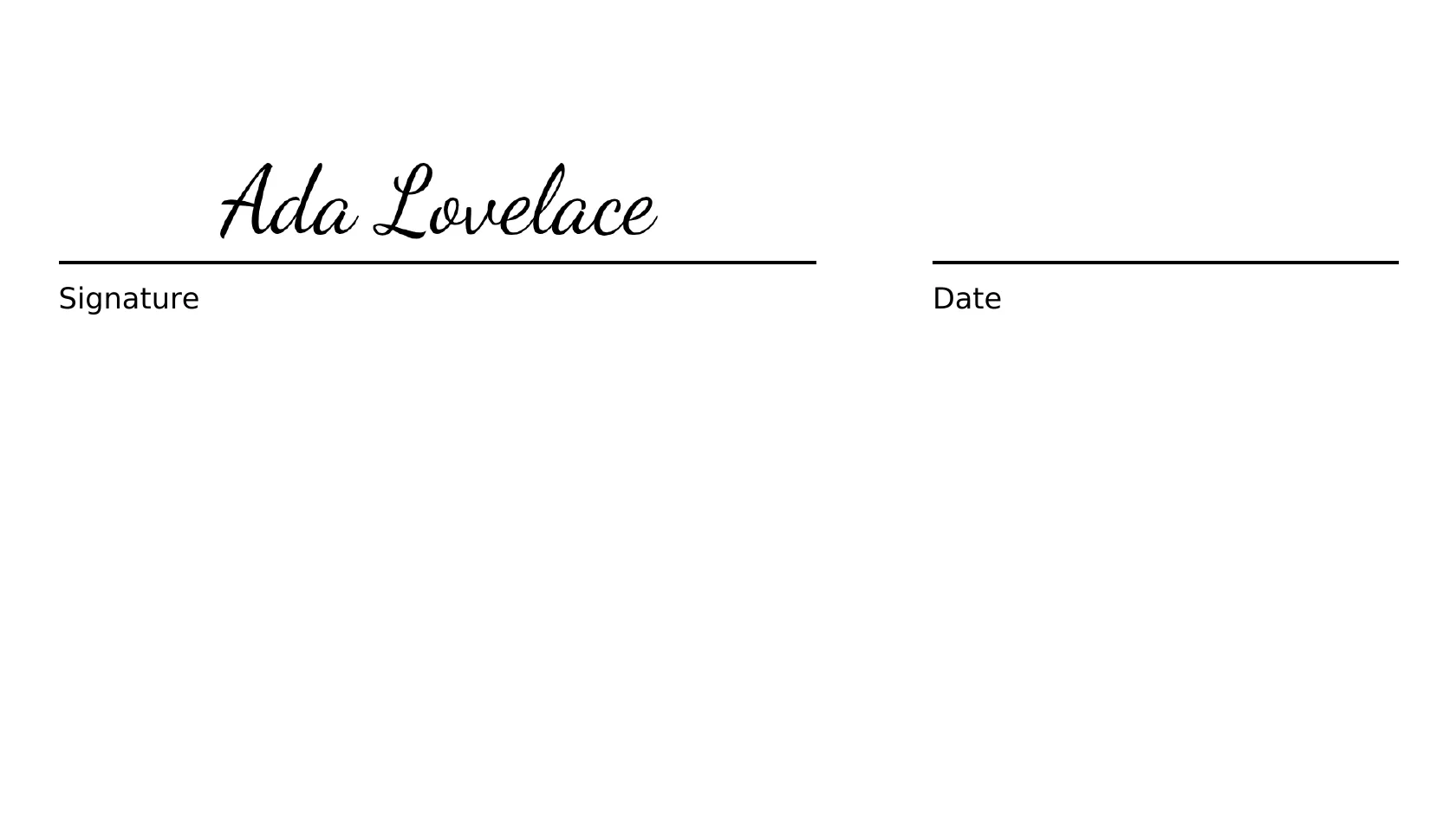
Signed, typed signature on an upright pageabout 5.4 s from clicking Sign to the download; 2 pages, 0 signature fields, text unchanged; one image of 608 by 104 px added
54,626 bytes+12,287 bytes
Signed, page with /Rotate 90about 6.9 s; the stamp came out turned and about 120 pt of it was off the page
54,273 bytes
‹›Before signingAfter signing
Measured on indox.org on 5 November 2026: signing our sample without signing in. Drag the handle to compare the signature line on page 2 before and after.
What can you do when you sign a PDF?
Draw, type or upload your signature
Draw lets you pick a pen width of Thin, Medium or Bold and an ink colour. Type turns your name into a handwriting style you choose. Upload takes a PNG or JPEG, such as a photo of a signature on paper, and can remove its white background.
Place it as many times as you need
A signature is made once and placed any number of times, on any page. That covers a contract that needs your signature on every page and a form with several signature lines.
Add initials, name, date, text or a stamp
Optional fields sit beside the signature. The date comes in five formats, from Short to ISO 8601. A company stamp can be round, a rectangle or a badge, and it can carry a second line such as a registration number.
Sign on iPhone, Android or Mac
The page runs in your browser, so the steps are the same on a phone, a tablet and a Mac. There is nothing to install. The page has a phone layout, and you can draw your signature with a finger.
Email a PDF to others to sign
With an account, choose Several people, add each signer's name and email, and mark where each one signs, writes a name or dates. You can ask for an email code before signing and add a message. Every signer gets a private link.
See who has signed
Sent requests are listed under Sent from this file with a count such as 2 of 3 signed. You can manage participants and resend an invitation. When everyone has signed, Open signed copy loads the result into the editor.
What signing keeps and what it changes
Stays the same
The page count, the text and the fonts: in our test the 2 pages and the extracted text matched the original.
Your upload. You get a new file, named like agreement-edited.pdf in our test.
No password or encryption is added.
Changes
One image is added to the page: in our test 608 by 104 px at 292 ppi, about 150 by 26 pt on page 2.
File size: a 42,339-byte PDF became 54,626 bytes in our test.
No signature field is written: in our test the file had 0 signature fields and 0 byte ranges, so nothing in it lets a reader check who signed.
The signature is a picture, so it is not in the text layer and a search for the name finds nothing.
On a page with /Rotate 90 the stamp comes out turned and partly off the page.
How to sign a PDF electronically in 5 steps
Add your PDF
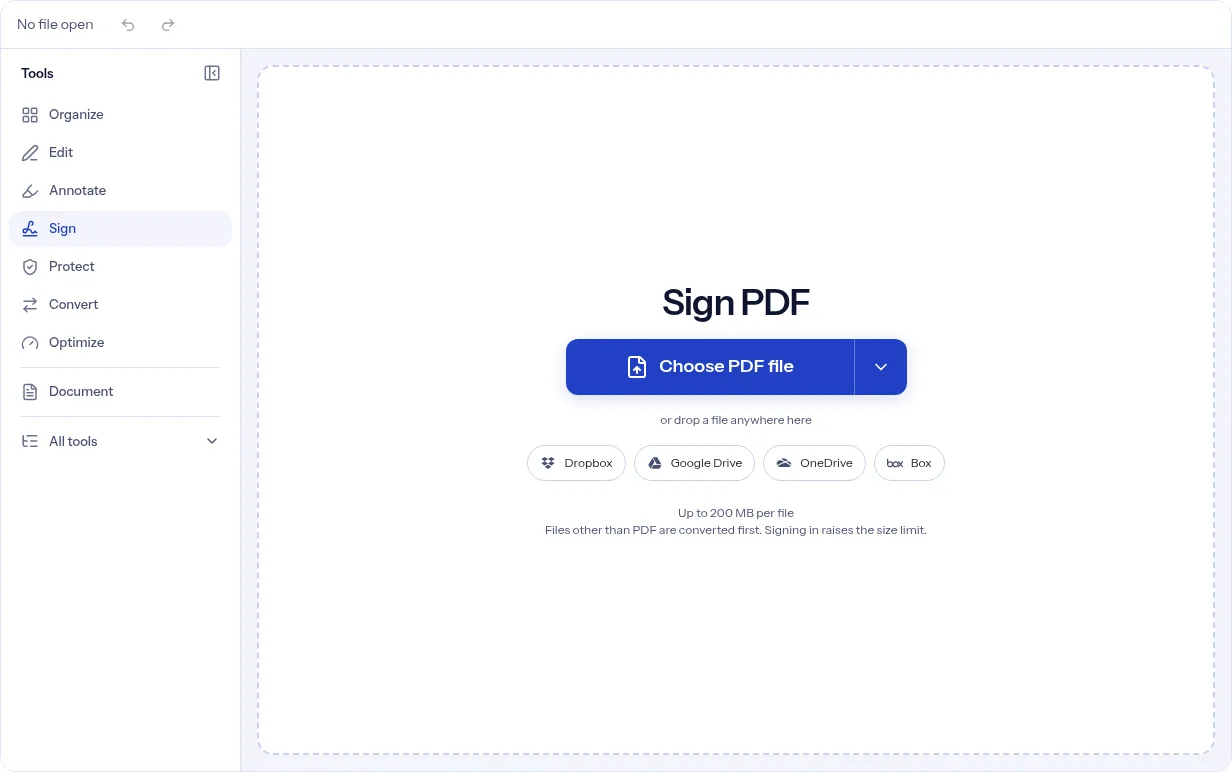
Put your PDF in the upload area by choosing a file, using From URL, pasting from the clipboard or scanning pages with your phone. It opens in the editor with the Sign tool ready.
1 / 5
Say who signs
A box asks who will sign the document. Choose Only me to sign it yourself, or Several people to invite others by email.
2 / 5
Make your signature
In the details box, choose Draw, Type or Upload. Set the pen width and ink colour, pick a handwriting style, or choose your image. Then press Apply.
3 / 5
Place it on the page
Press Place your signature, then click or tap the spot on the page. Repeat for every spot. Under Optional fields you can place initials, your name, the date, text or a company stamp.
4 / 5
Press Sign and download
The panel counts what you have placed. Sign applies your signatures and downloads the PDF. Open the file and check each spot before you send it on.
5 / 5
Why sign a PDF with indox?
Here you make the signature once, place it as often as the document asks, and download the result without a printer or scanner. Signing for yourself needs no sign-up. When other people have to sign, you send the request from the same page and each signer opens a private link without an account.
No account to sign it yourself
Draw, type or upload your signature
Signers do not need an account
A status for every signer
A visible signature, with a separate certificate option
What are the limits when you sign a PDF?
Size
Guests have a lower file size limit. Signing in raises it; a paid plan does not change it.
Formats
This tool works on PDF files. To change a file's type, use the PDF converter.
Privacy
Files are encrypted in transit and processed on indox infrastructure.
Deletion
Free-tier files are kept for 24 hours after the job finishes, then deleted automatically. Signed-in output stays in your history for your plan's retention period.
Limits worth knowing
This is a simple electronic signature: an image of your signature, name or stamp placed on the page. A file several people sign also gets indox's own digital seal, which a PDF reader may not show as trusted. To sign with your own certificate, use Certificate Sign, which needs a paid plan.
The signature is a visible image stamp. In our test the signed file had 0 signature fields, so a reader cannot check who signed or whether the file changed afterward. For that, use Certificate Sign.
A page with a /Rotate 90 setting gets the signature wrong. In our test the stamp came out turned a quarter turn near the bottom of the page, about 120 pt of it was off the page, and the signature line stayed empty. indox still showed Done. Rotate the page upright first with Rotate PDF pages, then sign.
You cannot sign with the camera. Draw, type or upload your signature instead.
Sending a request needs an account. A signed-out visitor who picks Several people is asked to sign in or sign up.
One request allows a limited number of signers and a limited number of invitations per day. If you go over, the page asks you to remove some addresses.
A signer's link expires after a fixed number of days, and the signer sees Link expired. Resend invitation gives that signer a new link, and the old one stops working.
When the signed file is not what you expected, and what each status means
What you see
Why
What to do
The signature is turned and partly off the page, and the line is empty
WhyIn our test of a page with /Rotate 90, the editor showed the signature upright on the line, but the output stamp was turned and about 120 pt of it was off the page. indox still showed Done.
What to doRotate the page upright first with Rotate PDF pages, then sign. Open the downloaded file and check every spot.
A reader shows no signature, or says nothing can be verified
WhyThe signature is an image placed on the page. In our test the file had 0 signature fields.
What is in the fileA signature entry with a byte range over the file and the signature value (ISO 32000-1, section 12.8).
What a reader can checkA change to the signed bytes after signing can be detected. Whether the signer is trusted depends on the certificate.
Several people sign from this page (account needed)
What is in the fileEach signer's mark, then indox's own digital seal on the finished file.
What a reader can checkLater changes can be detected. The seal is indox's, not each signer's, and a reader may not trust it.
What problem does Sign PDF solve, and who is it for?
A form or agreement that needs your signature usually means printing it, signing it by hand and scanning it back, which takes a printer, a scanner and time. Sign PDF puts the signature you draw, type or upload onto the page and gives you a new PDF, or emails the file to each person who has to sign. In the US, the ESIGN Act says a signature or contract cannot be denied legal effect only because it is electronic, and the EU's eIDAS Regulation says an electronic signature cannot be refused legal effect or use as evidence in court for that reason alone. The ESIGN Act does not make anyone accept an electronic signature and leaves out some documents, such as wills, divorce and adoption papers and court orders, so check what the recipient accepts.
People signing forms and agreements
A lease, a consent form, a permission slip or an NDA arrives as a PDF and has to go back signed. Sign it here and send the file back without printing it. A signature you place yourself is an image on the page, so on its own it does not prove who signed.
Freelancers and small teams sending a contract
Send one contract to a client and a partner at once. Each person signs from a private link sent to their email, and you can ask for a one-time code first. When everyone has signed, the file gets a certificate of completion that lists when each person agreed and signed, their IP address and browser, and a SHA-256 fingerprint of the file as sent.
People who received a signing link
You do not need an account. Before you sign, the page tells you that you can ask the sender for a paper copy, that you can withdraw by choosing Decline to sign, and what you need to open the file. The ESIGN Act lists these among the things a consumer must be told before agreeing to receive records electronically. Agree to the notice, add your signature and press Sign document.
When to sign a PDF online
A form needs your signature and there is no printer nearby.
The same signature has to go on several pages.
A contract needs your signature and a second person's, in different places.
A signature image saved on your phone or computer has to go onto a PDF.
A signer has not opened the email and you need to send the invitation again.
Add your PDF, choose Only me, make your signature with Draw, Type or Upload, place it on the page and press Sign. The signed PDF downloads, and no account is needed for this.
How do I sign a PDF on iPhone or Android?
Open this page in your phone's browser and add the PDF with Choose file, From URL or Paste. Draw your signature with a finger, tap the page to place it and press Sign. The digital certificate option is not offered on a phone.
Can I sign a PDF on a Mac?
Yes. The tool runs in your browser, so you do not need a separate app. Follow the same five steps, and draw with the trackpad or type your name in a handwriting style.
Do I need an account to sign a PDF?
Not to sign it yourself. Signing a file with Only me works signed out. An account is needed to email a request to other people, and the people you invite do not need one.
Is an e-signature on a PDF legally valid?
In the United States, the federal ESIGN Act says a signature or contract cannot be denied legal effect, validity or enforceability solely because it is in electronic form. It has exceptions, some documents have their own rules, and other countries differ. This page gives no legal advice, so check the rules for your document.
How do I add multiple signatures to a PDF?
To place your own signature several times, press Place your signature again for each spot. For signatures from different people, choose Several people, add each signer and mark a signature box for each one.
How do I get other people to sign a PDF?
Choose Several people. Sign in, add each person's name and email, mark where they sign, review and press Send for signature. Each person gets a private link by email, and you can follow progress under Sent from this file.
I received a link to sign a PDF. What do I do?
Open the link from the email. If the sender asked for it, press Email me a code and enter the code. Review the document, press Add your signature, agree to sign electronically and press Sign document. You can also choose Decline to sign.
What is the difference between this and a digital signature?
Here your signature is an image placed on the page. A digital signature is made with a certificate and stored inside the file. When several people sign, the finished file also carries indox's digital seal, which is not a signature by any of the signers. To sign with your own certificate, use Certificate Sign. To check a file afterwards, use Check PDF. In our test the signed file had 0 signature fields.
What happens if I sign a page that is rotated?
On upright pages the signature lands where you place it. On a page with a /Rotate 90 setting, our test put the stamp turned and partly off the page. Rotate the page upright first with Rotate PDF pages, then sign it.