Instructions page
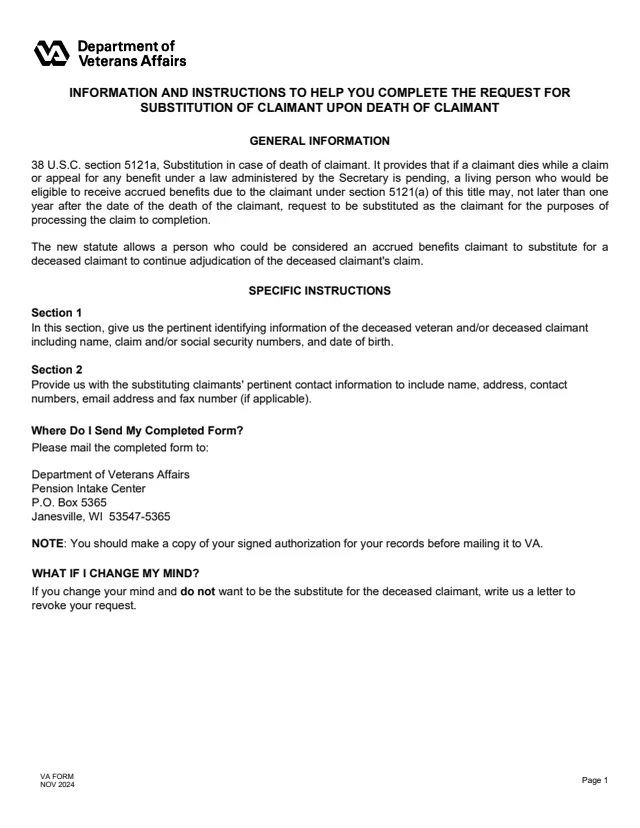
General information on 38 U.S.C. section 5121a, specific instructions for Sections 1 and 2, the mailing address and what to do if you change your mind.
21P-0847
Request for Substitution of Claimant Upon Death of Claimant (VA Form 21P-0847)
VA Form 21P-0847 is the U.S. Department of Veterans Affairs Request for Substitution of Claimant Upon Death of Claimant. VA's form page says to use it if someone you're connected to dies before VA finishes processing their VA claim, decision review, or appeal, and you want to continue their claim.
The instructions cite 38 U.S.C. section 5121a: if a claimant dies while a claim or appeal is pending, a living person who would be eligible to receive accrued benefits due to the claimant under section 5121(a) may, not later than one year after the date of the death of the claimant, request to be substituted as the claimant for the purposes of processing the claim to completion.
The PDF is two pages: an instructions page, then the request in two sections. VA's page says the request can also be submitted online. You can fill out the PDF free in your browser on this page and download the result without an account.
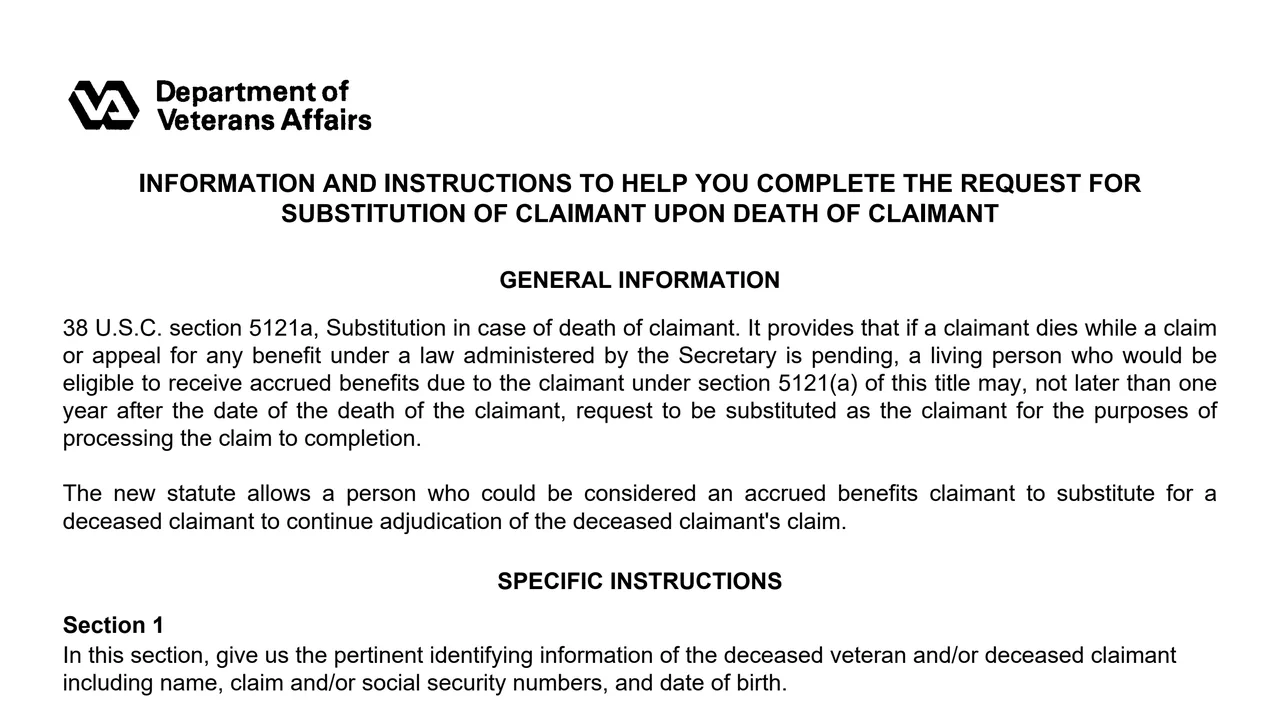
General information on 38 U.S.C. section 5121a, specific instructions for Sections 1 and 2, the mailing address and what to do if you change your mind.
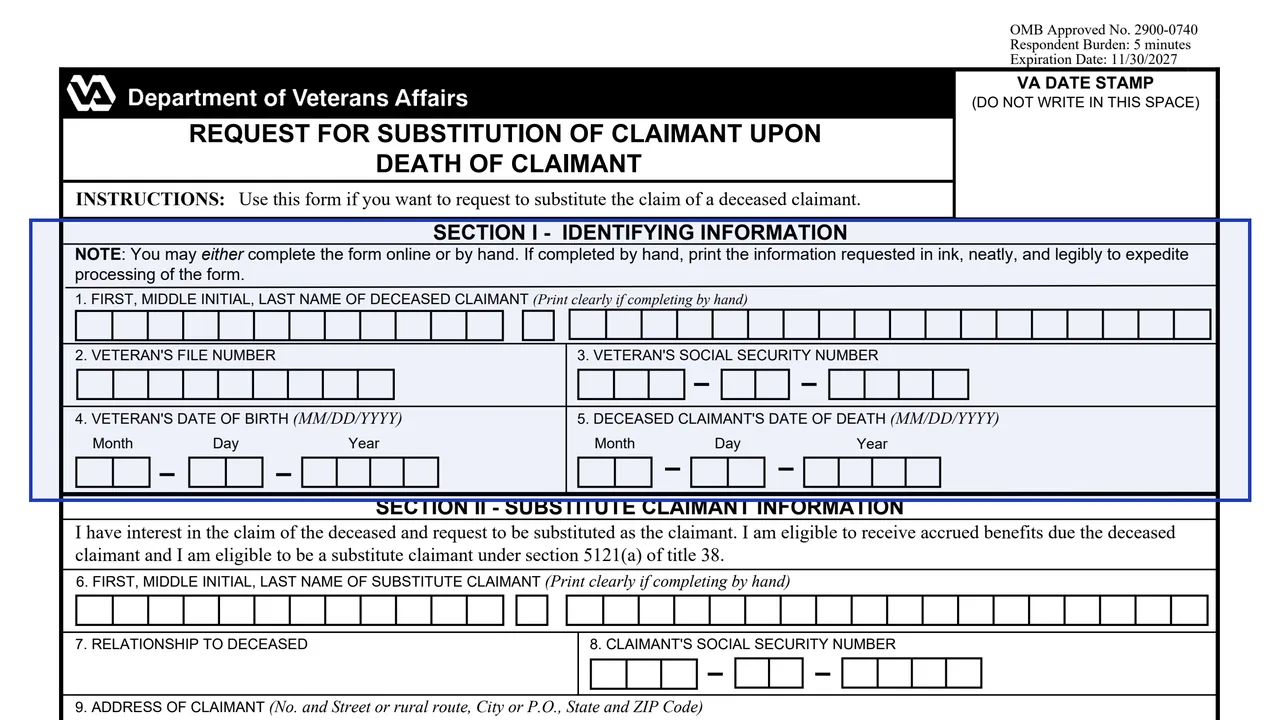
Items 1 to 5: the deceased claimant's name, the Veteran's file number, Social Security number and date of birth, and the deceased claimant's date of death.
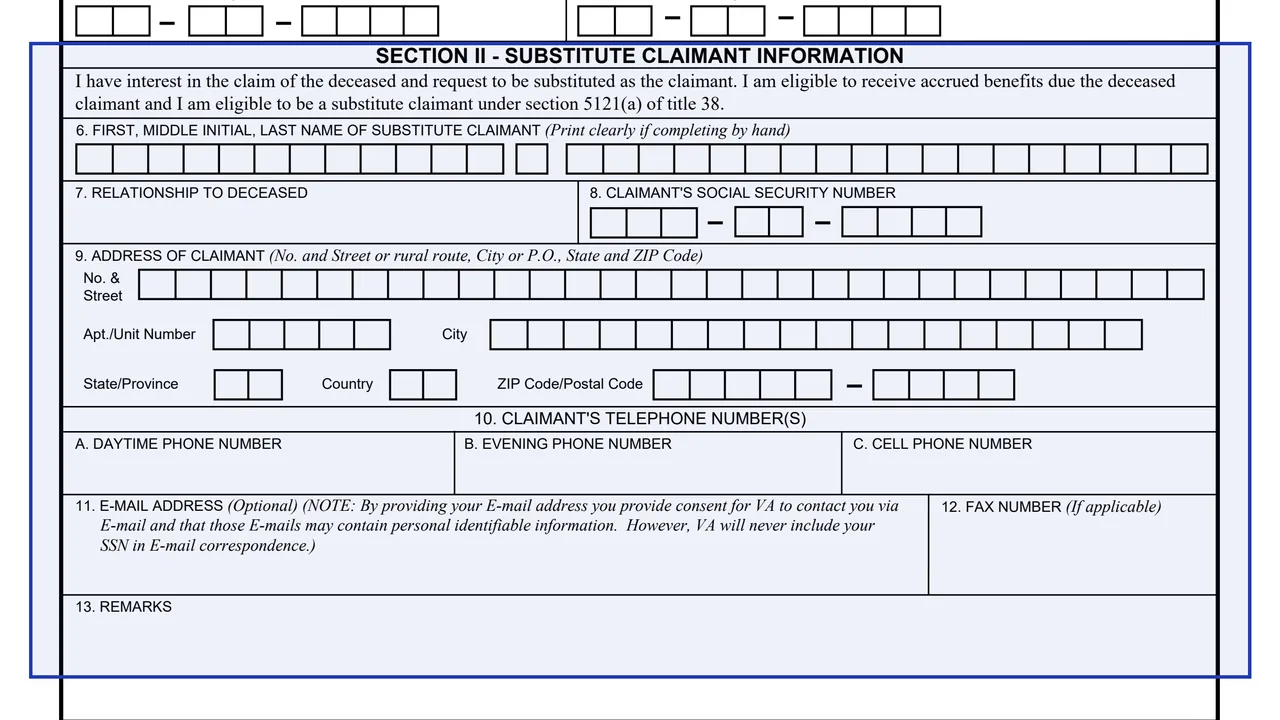
Items 6 to 8: the substitute claimant's name, relationship to the deceased and Social Security number.
Mailing address, daytime, evening and cell phone numbers, an optional email address with a consent note, and a fax number if applicable.
A remarks space, the signature in Item 14A, which the form says not to print, and the date signed in Item 14B.
Section I asks for the deceased claimant's name, the Veteran's file and Social Security numbers, the Veteran's date of birth and the date of death.
The form says it can be completed online or by hand. By hand, it asks for the information printed in ink, neatly and legibly.
Enter your name, relationship to the deceased, Social Security number, address and phone numbers, and an email or fax if you choose.
Sign Item 14A and enter the date in Item 14B.
The instructions note making a copy of the signed form for your records before mailing it to the Pension Intake Center. VA's page also offers an online request.
You get the real form, filled in a browser tab, with nothing standing between you and the finished PDF.
Department of Veterans Affairs, Pension Intake Center, P.O. Box 5365, Janesville, WI 53547-5365.
VA's form page says you can submit your request online instead of filling out and sending the paper form.
The instructions quote 38 U.S.C. section 5121a, under which the request is made not later than one year after the date of the death of the claimant.
The instructions say to write VA a letter to revoke the request if you no longer want to be the substitute.
The NOV 2024 edition supersedes the DEC 2021 edition. It carries OMB Approved No. 2900-0740, which expires 11/30/2027.
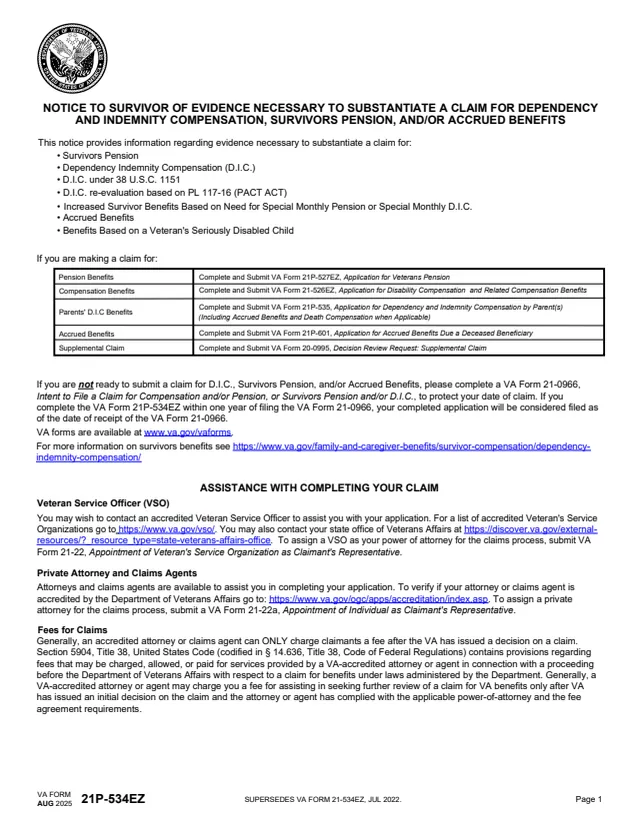
21P-534EZ
626 fields, 20 pages
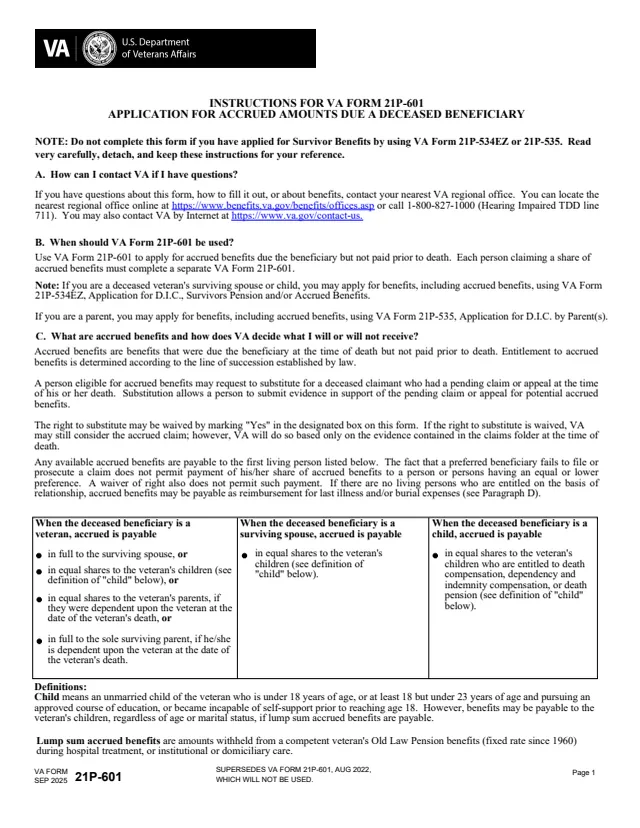
21P-601
107 fields, 5 pages
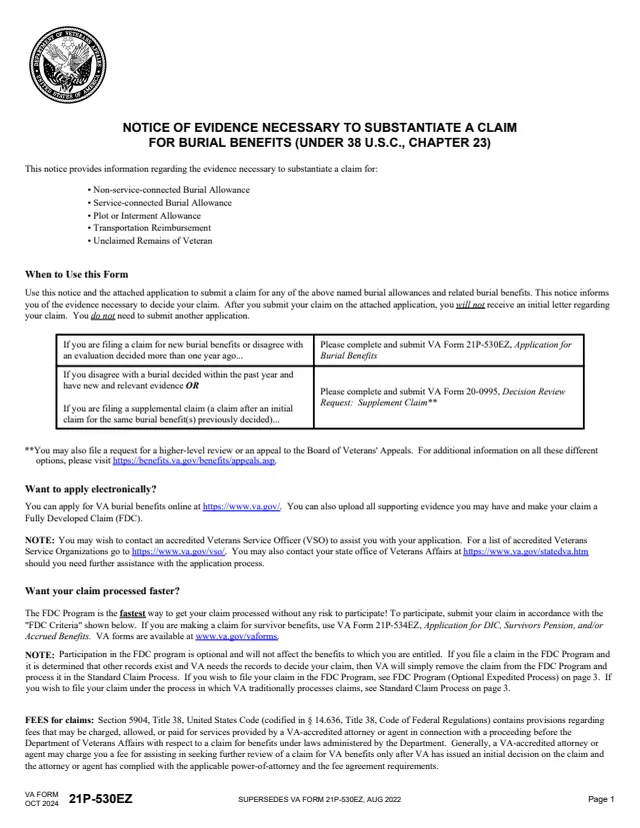
21P-530EZ
93 fields, 8 pages
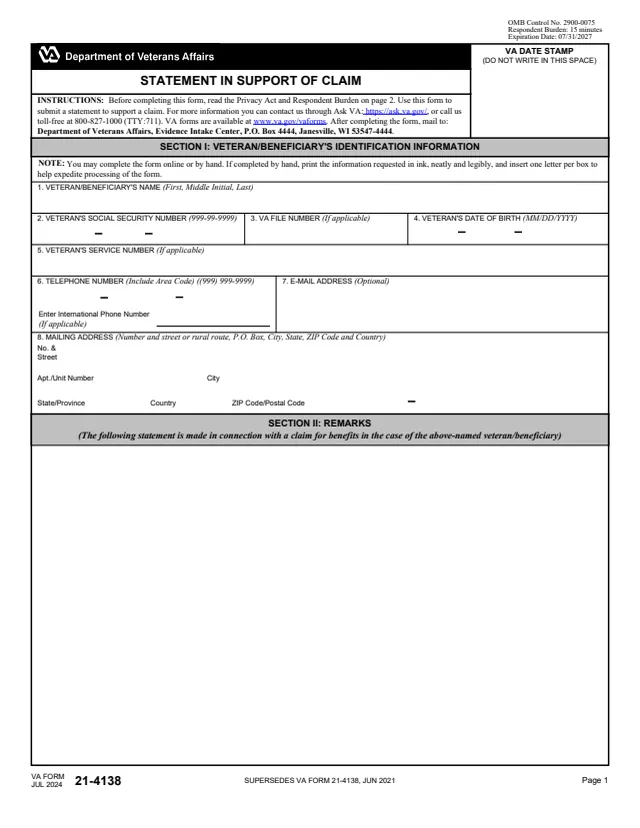
21-4138
33 fields, 2 pages
VA's form page and the form's instructions describe who files the request.
No tool matches that search.
VA's form page says to use it if someone you're connected to dies before VA finishes processing their VA claim, decision review, or appeal, and you want to continue their claim.
The instructions quote 38 U.S.C. section 5121a, which says the request is made not later than one year after the date of the death of the claimant.
Yes. VA's form page says you can submit your request online instead of filling out and sending the paper form.
The instructions list Department of Veterans Affairs, Pension Intake Center, P.O. Box 5365, Janesville, WI 53547-5365.
The instructions say to write VA a letter to revoke your request.
Yes. The form says it may be completed online or by hand, and by hand the information is printed in ink, neatly and legibly. The signature in Item 14A is marked Do NOT print.