Header
The Veteran's first, middle and last name, the VA file number, your complete mailing address and a box for the VA regional office return address.
21P-0519c-1
Improved Pension Eligibility Verification Report (Child or Children)
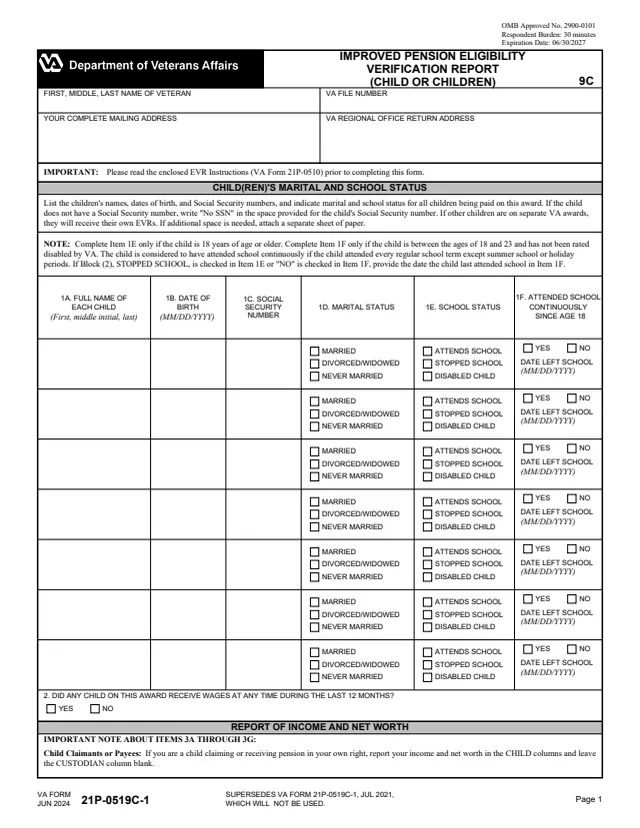
VA Form 21P-0519c-1 is the U.S. Department of Veterans Affairs Improved Pension Eligibility Verification Report (EVR) for a child or children. It lists every child being paid on the award with each child's marital and school status, then reports income, net worth and expenses for the children and, where it applies, their custodian. The form says to read the enclosed EVR Instructions (VA Form 21P-0510) before completing it, and many items point to a paragraph of those instructions.
The form is two pages. Page 1 has the Veteran's name, the VA file number, your mailing address, rows for up to seven children and a question on whether any child received wages in the last 12 months. Page 2 holds monthly and annual income, income changes and net worth in CUSTODIAN and CHILD columns, a note on medical expenses, a school child's educational expenses and the payee's signature.
VA's form page lists it under pension and offers it as a downloadable PDF. You can fill out the PDF free in your browser on this page and download the result without an account.
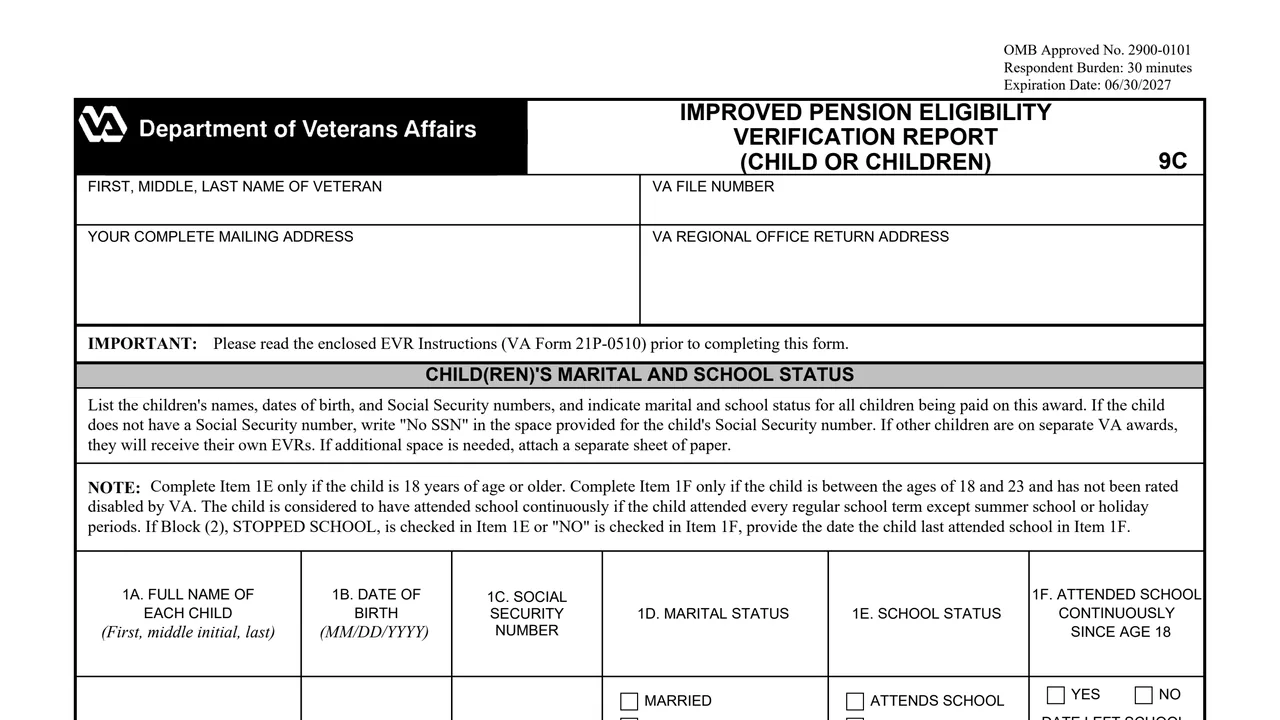
The Veteran's first, middle and last name, the VA file number, your complete mailing address and a box for the VA regional office return address.
Each child's full name, date of birth and Social Security number, marital status (married, divorced or widowed, or never married), school status (attends school, stopped school or disabled child), and whether the child attended school continuously since age 18.
Whether any child on this award received wages at any time during the last 12 months.
Gross monthly amounts from Social Security, U.S. Civil Service, U.S. Railroad Retirement, Black Lung Benefits, other retirement and other sources, then annual wages, interest and dividends and other income, and any income change during the past 12 months.
Cash and non-interest-bearing bank accounts, interest-bearing bank accounts, IRAs and Keogh plans, stocks, bonds and mutual funds, real property other than your home, and all other property, in CUSTODIAN and CHILD columns.
Item 4 points the child's medical expenses to VA Form 21P-8416. Item 5 lists a school child's name and the educational expenses paid. Item 6 is the payee's signature, date and daytime and evening phone numbers.
The form says to read the enclosed EVR Instructions (VA Form 21P-0510) before completing it. Many items name the paragraph of the instructions that applies.
Enter each child's name, birth date, Social Security number and marital status. The form says to write "No SSN" if a child has none and to attach a separate sheet if more space is needed.
The form says to complete Item 1E only if the child is 18 or older, and Item 1F only if the child is between 18 and 23 and has not been rated disabled by VA. If Stopped School or No is checked, give the date the child last attended school.
Use the CHILD and CUSTODIAN columns as the notes on Items 3A to 3G describe. The form says to write "0" or "none" where no income was received and that VA will interpret a blank space as "0" or "None".
If a school child answered Yes to Items 1F and 2, Item 5 asks for educational expenses the child paid out of his or her own funds during the past 12 months.
The form says to read Paragraph 9 of the EVR Instructions before signing Item 6A. Enter the date in Item 6B and daytime and evening phone numbers in Item 6C.
You get the real form, filled in a browser tab, with nothing standing between you and the finished PDF.
The form has a box for the VA regional office return address. It does not print a mailing address of its own.
VA's form page offers VA Form 21P-0519c-1 as a downloadable PDF and lists no online version.
VA's forms feed lists a Spanish version of VA Form 21P-0519c-1 as a related form.
The June 2024 edition supersedes the July 2021 edition, which the form says will not be used. It carries OMB Approved No. 2900-0101, which expires 06/30/2027, and a respondent burden of 30 minutes.
The PDF footer prints JUN 2024. VA's form page shows a form revision date of July 2024.
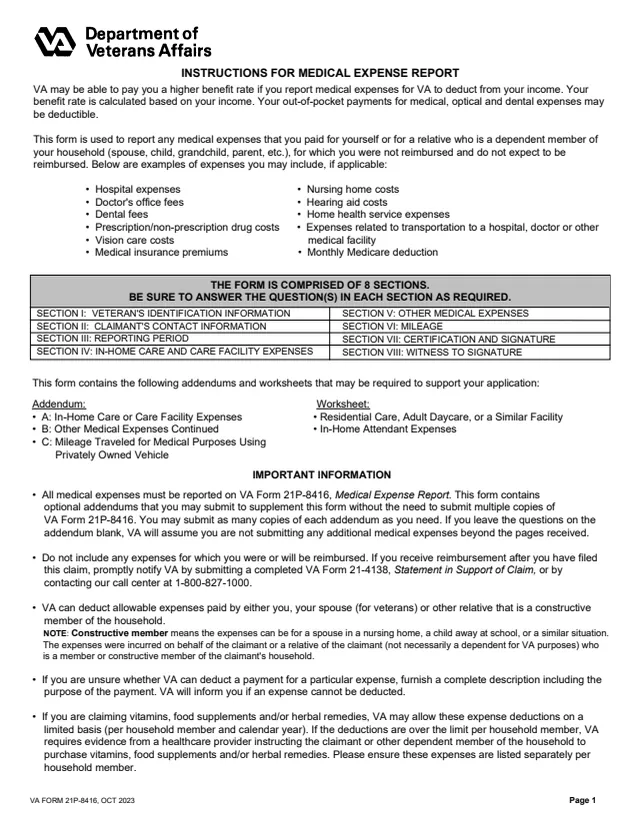
21P-8416
517 fields, 10 pages
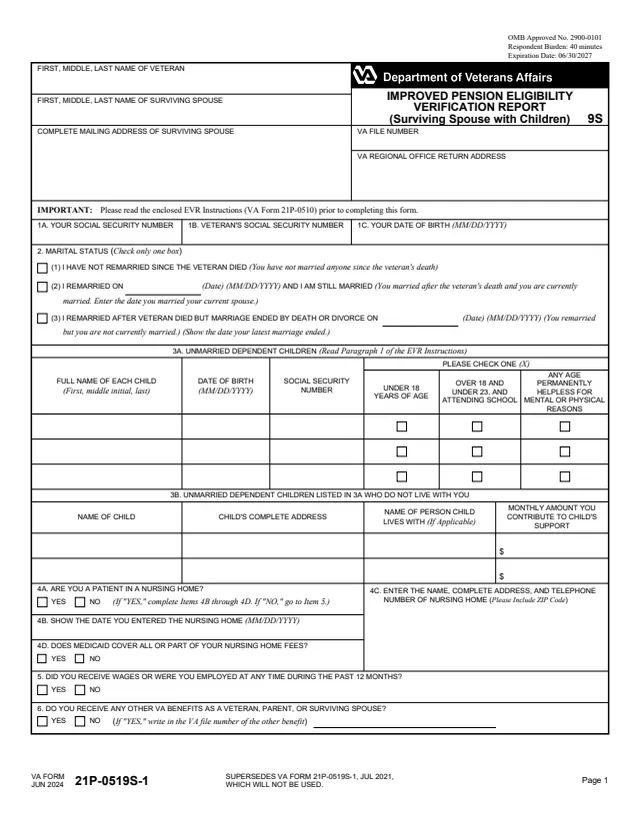
21P-0519s-1
152 fields, 2 pages
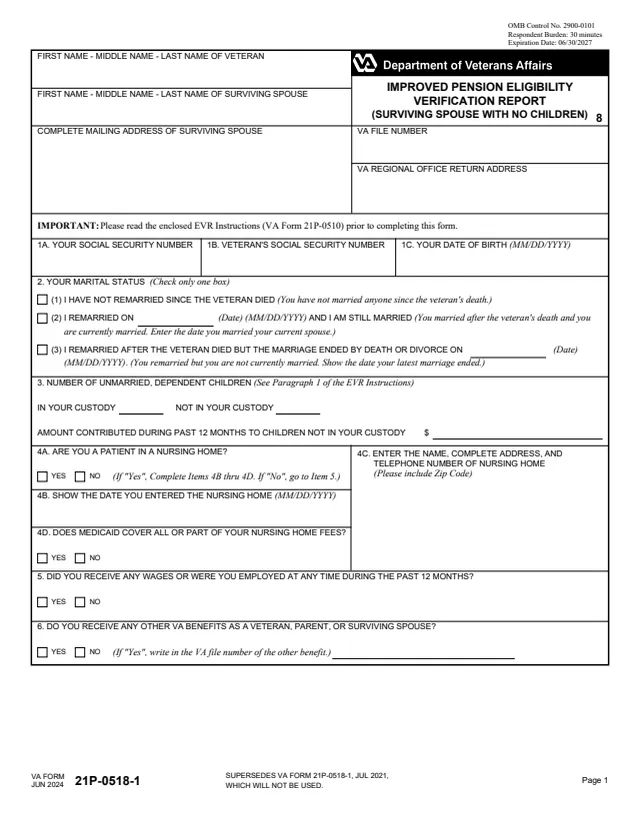
21P-0518-1
62 fields, 2 pages
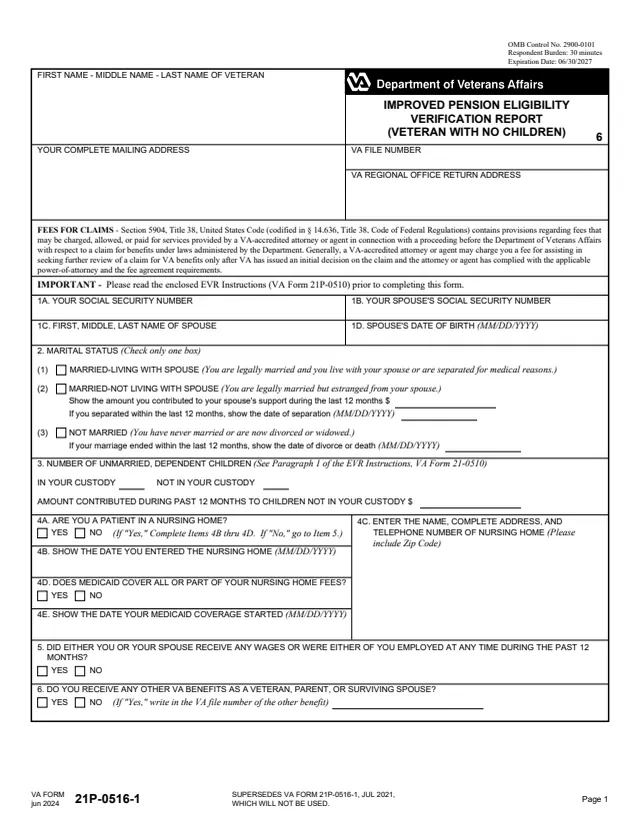
21P-0516-1
96 fields, 2 pages
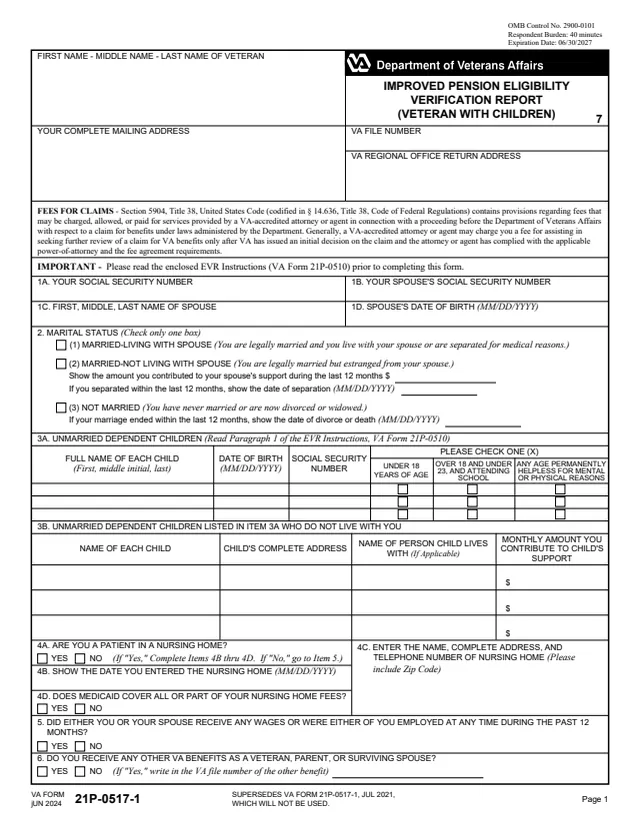
21P-0517-1
160 fields, 2 pages
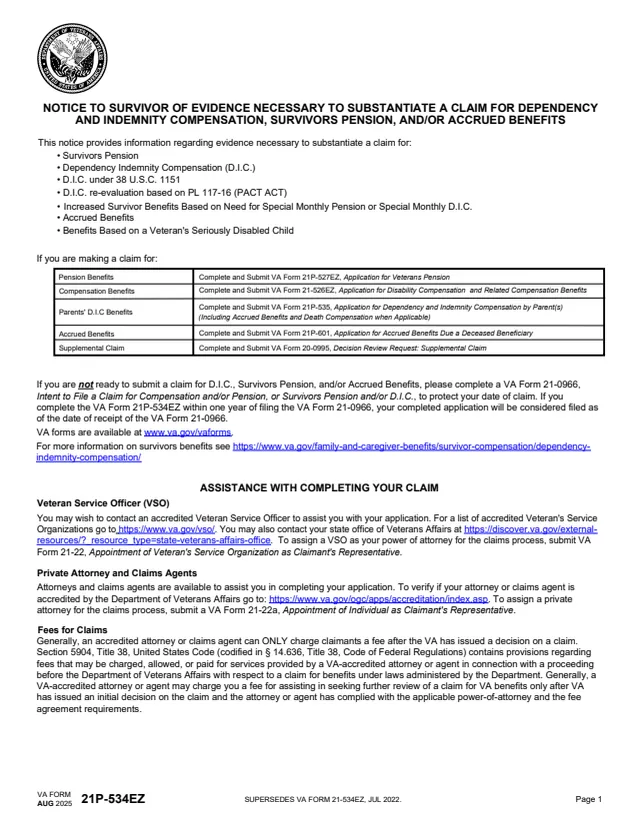
21P-534EZ
626 fields, 20 pages
The form's notes on Items 3A to 3G say who reports what.
No tool matches that search.
It is the Improved Pension Eligibility Verification Report for a child or children. It lists the children being paid on the award, their marital and school status, and the income, net worth and expenses of the children and any custodian.
A custodian claiming or receiving pension for a child enters their own income and net worth there. A child claiming in their own right and an institutional custodian leave the CUSTODIAN columns blank.
The form says to write "No SSN" in the space provided for the child's Social Security number.
The form says to attach a separate sheet of paper if additional space is needed. Children on separate VA awards receive their own EVRs.
The form says to complete Item 1E only if the child is 18 years of age or older, and Item 1F only if the child is between the ages of 18 and 23 and has not been rated disabled by VA.
Item 4 says that if you use this form as your annual Eligibility Verification Report and Paragraph 6 of the EVR Instructions says to report medical expenses, you use VA Form 21P-8416, Medical Expense Report. If you use it as a supplement to a pending claim, the form says you do not need to report medical expenses.
Item 6A is the signature of the payee. The form says to read Paragraph 9 of the EVR Instructions before signing.