Heading
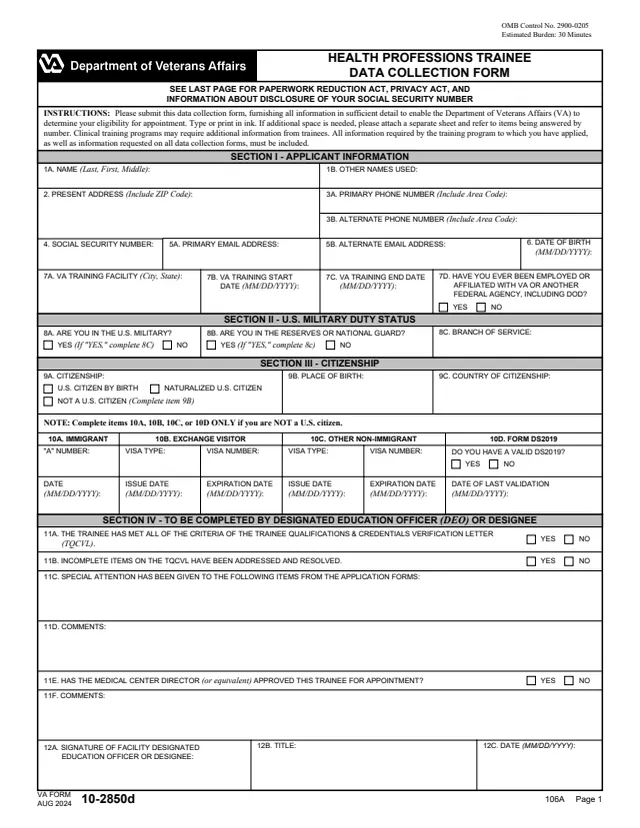
The printed title Certificate of Residency and the words Presented to.
10-2553
Certificate of Residency
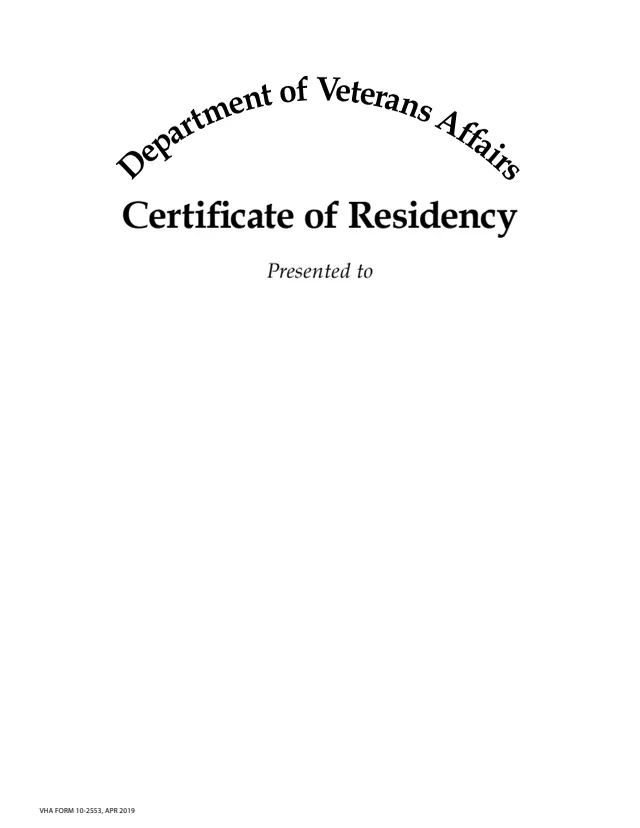
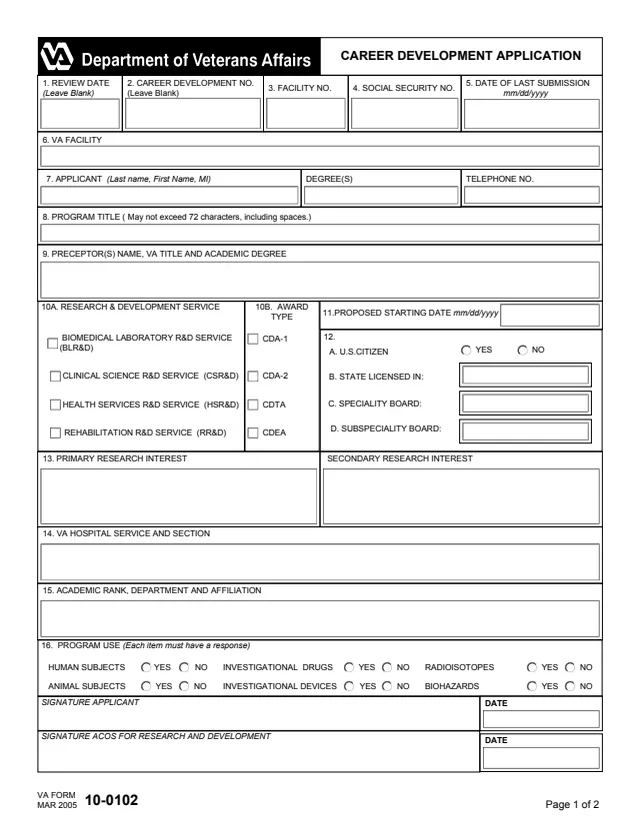
VA Form 10-2553 is a Veterans Health Administration (VHA) Certificate of Residency. It is a one-page certificate template that reads "Certificate of Residency, Presented to", followed by fields for the recipient's name, a description of the recipient's residency, optional text, an optional city, state and date, and the name and title of the official signing the certificate.
The PDF prints no instructions, questions or mailing address. VA's forms feed lists VHA as the administration responsible for it, and VA's form page offers only the downloadable PDF.
You can fill out the PDF free in your browser on this page and download the result without an account.
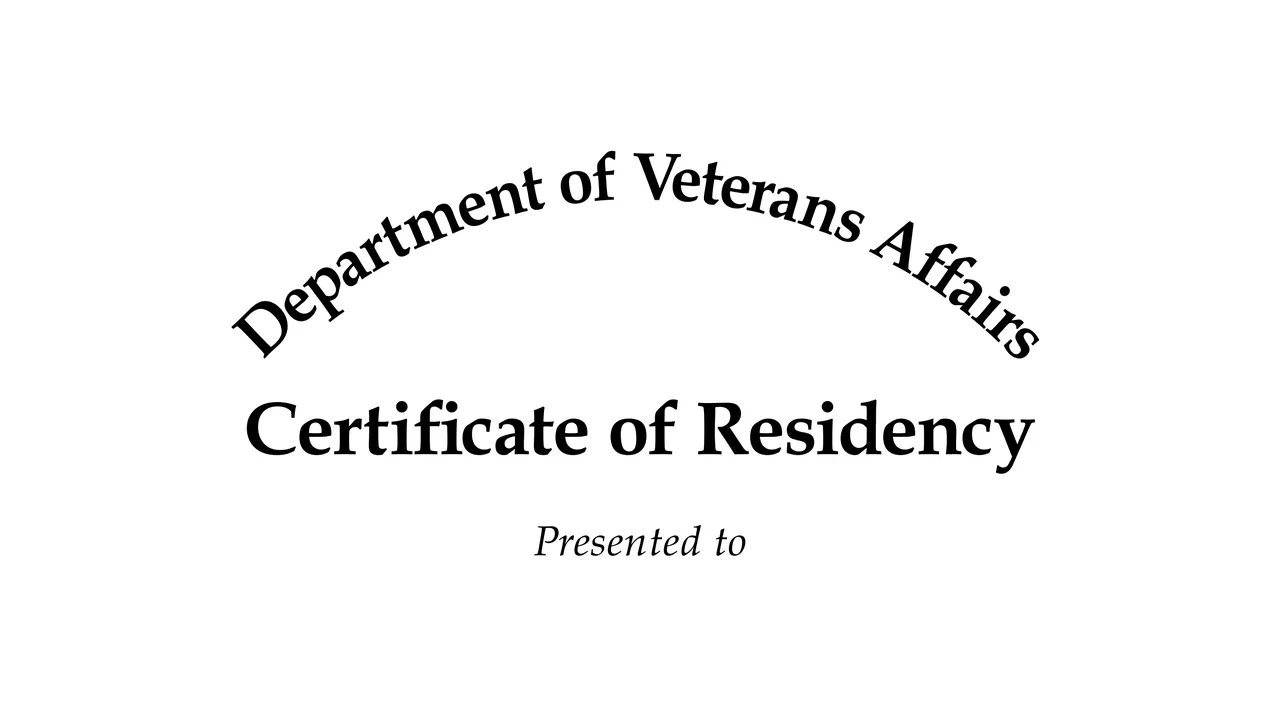
The printed title Certificate of Residency and the words Presented to.
A field to type the name of the recipient and a field to type a description of the recipient's residency.
An optional text field, an optional city and state field and an optional month, date and year field.
Fields for the name and the title of the official signing the certificate.
Enter it in the field under Presented to.
The field's label says to type a description of the recipient's residency.
Fill in optional text, the city and state, and the month, date and year, or leave them blank.
Type the name and title of the official signing the certificate, then download or print it.
You get the real form, filled in a browser tab, with nothing standing between you and the finished PDF.
The PDF prints no mailing address or submission instructions. It is a certificate presented to the recipient.
VA's form page offers the downloadable PDF only, and VA's forms feed lists no online tool for this form.
The footer reads VHA FORM 10-2553, APR 2019. VA's form page lists a form revision date of April 2019.
The certificate's fields name the recipient and the signing official.
No tool matches that search.
It is a one-page VHA Certificate of Residency template, presented to a named recipient and carrying the name and title of the official who signs it.
The PDF's field labels mark the extra text, the city and state, and the month, date and year as optional.
No. The PDF prints no mailing address or submission instructions.
VA's form page offers the downloadable PDF only, and VA's forms feed lists no online tool. The PDF can be filled out free in your browser on this page.