Instructions
A short paragraph at the top says what the form requests, who it is submitted to, that one form is needed per veteran and that it is filed in the veteran's administrative record.
10-0400
Request for Veterans Service Organization (VSO) Access to Computer Patient Record System (CPRS) Read Only
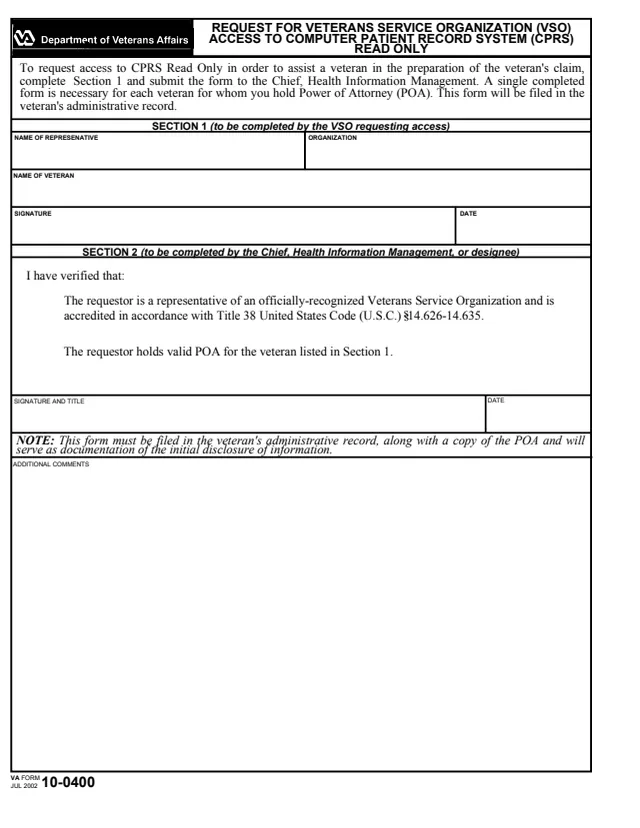
VA Form 10-0400 is the U.S. Department of Veterans Affairs Request for Veterans Service Organization (VSO) Access to Computer Patient Record System (CPRS) Read Only. VA's form page lists it under VHA. The form says it is used to request access to CPRS Read Only in order to assist a veteran in the preparation of the veteran's claim.
The VSO representative requesting access completes Section 1 and submits the form to the Chief, Health Information Management. The form says a single completed form is necessary for each veteran for whom the representative holds Power of Attorney (POA). The Chief, Health Information Management, or a designee completes Section 2.
The form is one page. It says the form is filed in the veteran's administrative record, along with a copy of the POA, and serves as documentation of the initial disclosure of information. You can fill out the PDF free in your browser on this page and download the result without an account.
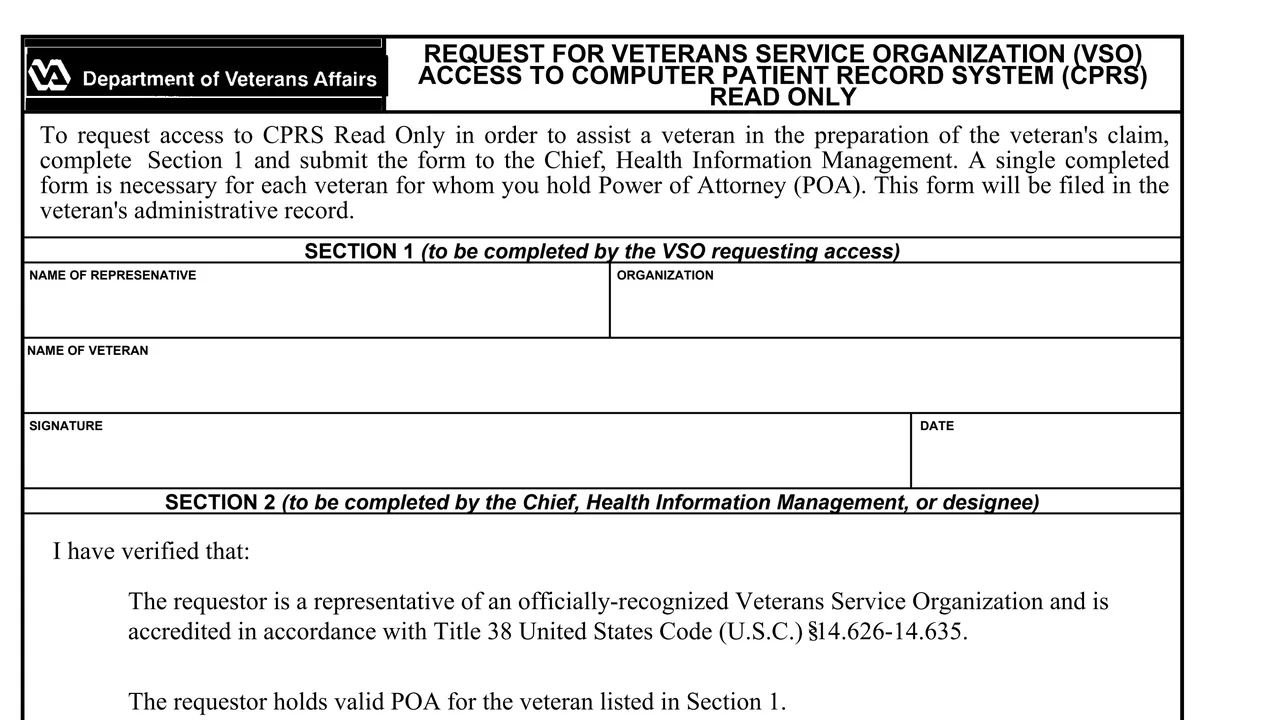
A short paragraph at the top says what the form requests, who it is submitted to, that one form is needed per veteran and that it is filed in the veteran's administrative record.
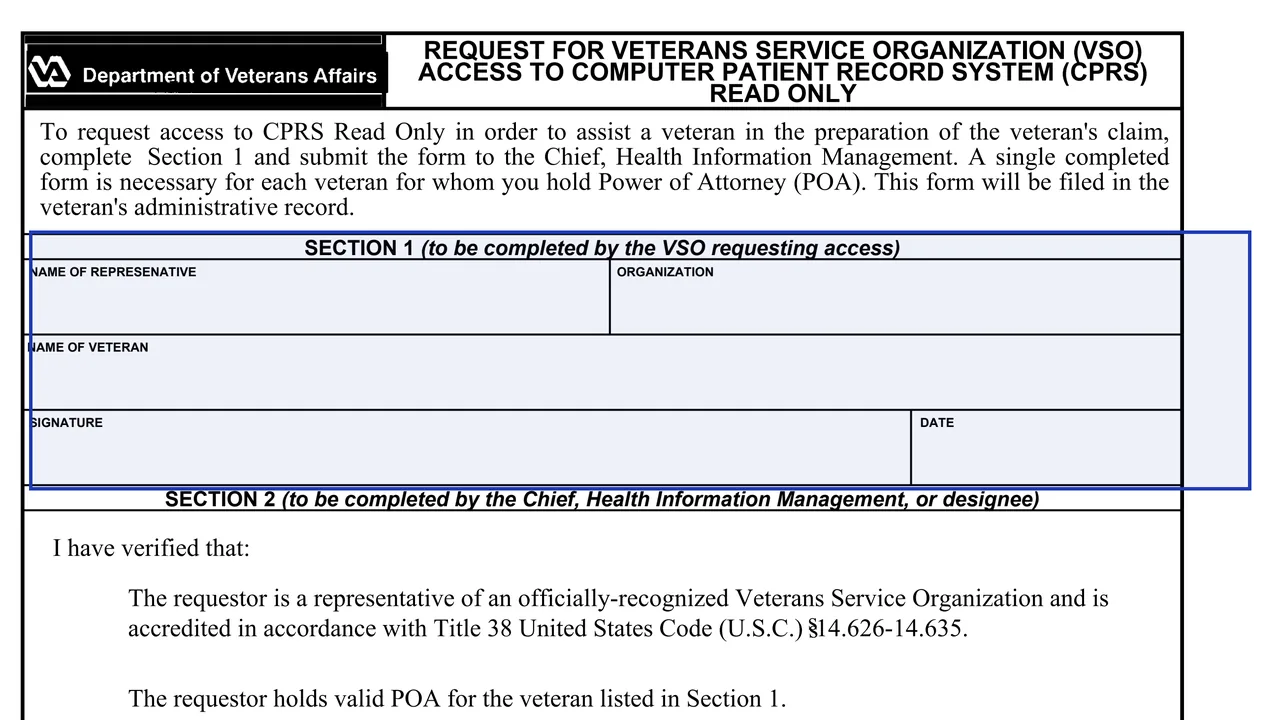
Name of representative, organization, name of veteran, signature and date, completed by the VSO requesting access.
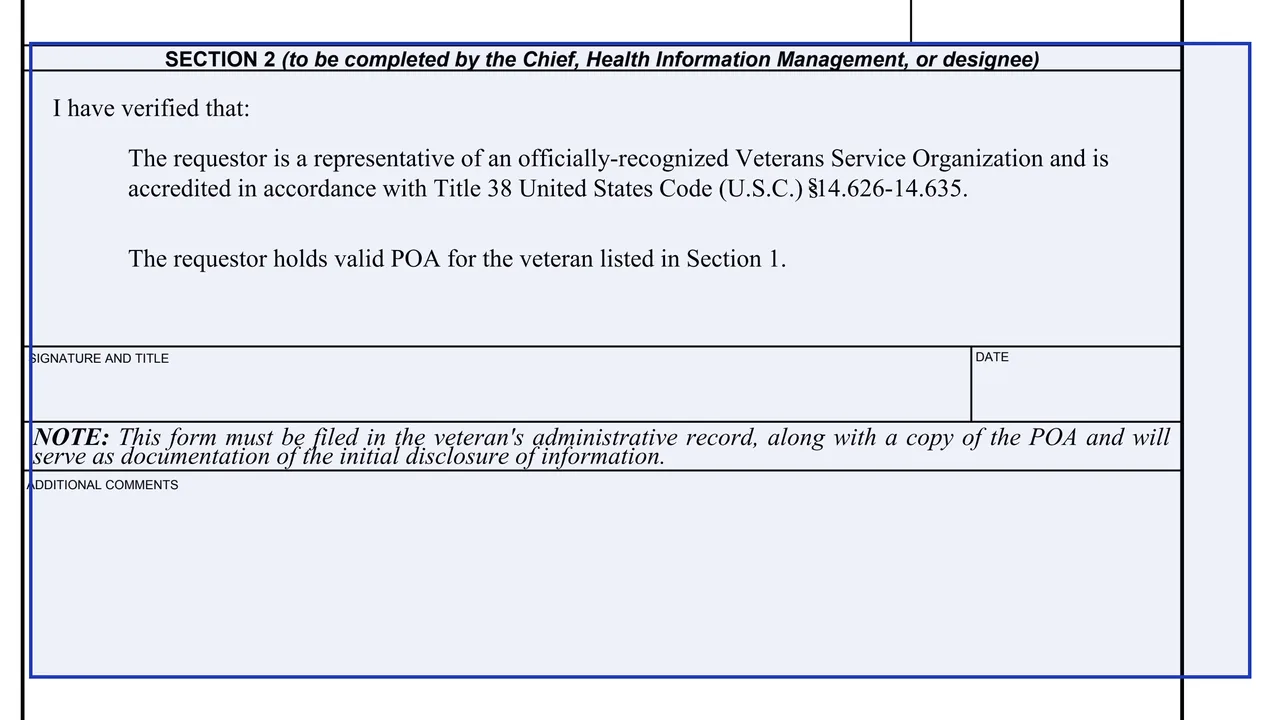
Two statements the reviewer verifies: that the requestor is an accredited representative of an officially-recognized Veterans Service Organization, and that the requestor holds valid POA for the veteran in Section 1. Then a signature and title, and the date.
A note that the form is filed in the veteran's administrative record with a copy of the POA and serves as documentation of the initial disclosure of information, followed by a box for additional comments.
Enter the representative's name, the organization and the name of the veteran for whom the representative holds POA.
The representative signs and dates Section 1.
The form says a single completed form is necessary for each veteran for whom the representative holds POA.
Submit the form to the Chief, Health Information Management, who or whose designee verifies accreditation and POA in Section 2.
The form says it is filed in the veteran's administrative record along with a copy of the POA.
You get the real form, filled in a browser tab, with nothing standing between you and the finished PDF.
The form says to submit it to the Chief, Health Information Management. It prints no mailing address.
The form says it is filed in the veteran's administrative record, along with a copy of the POA, and serves as documentation of the initial disclosure of information.
The current edition is dated JUL 2002, and VA's form page lists its revision date as July 2002.
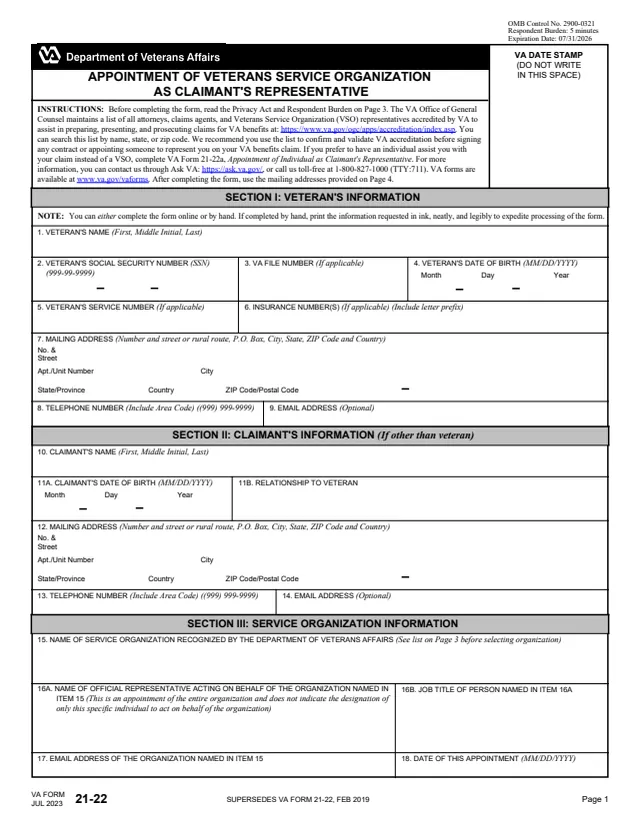
21-22
63 fields, 4 pages
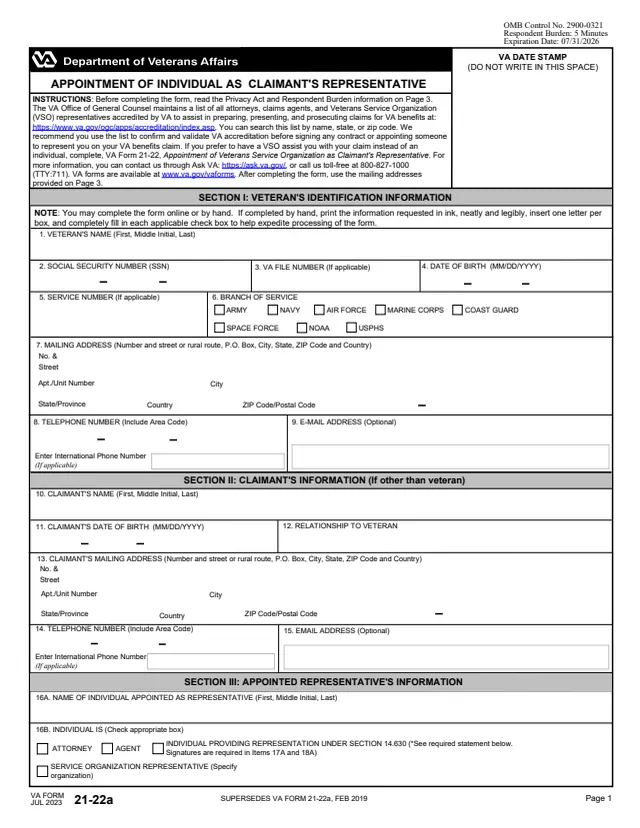
21-22a
90 fields, 3 pages
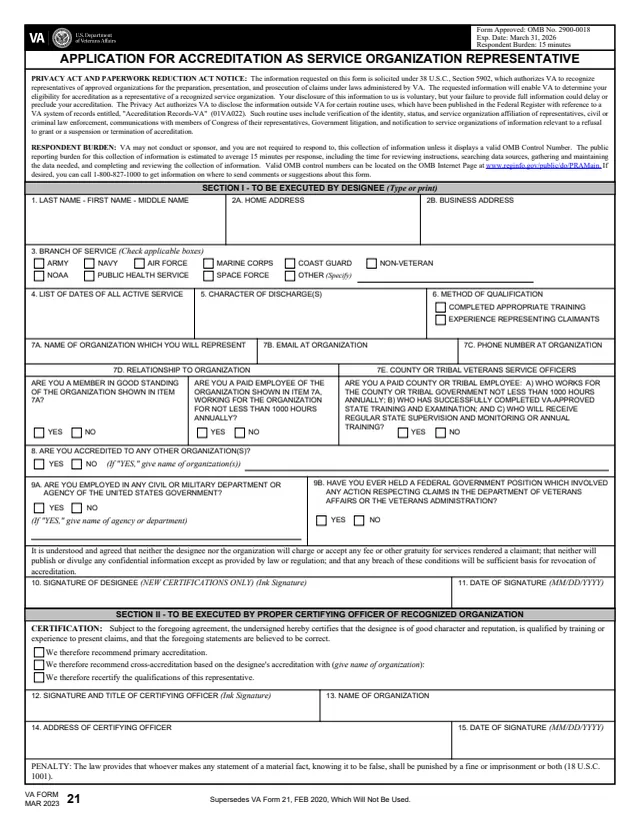
VA21
38 fields, 1 page
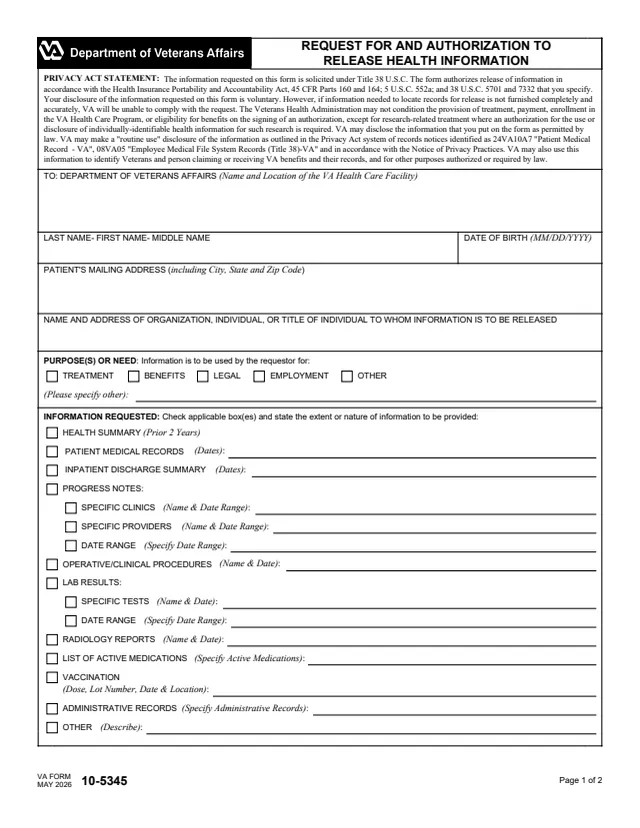
10-5345
61 fields, 2 pages
The form splits the work between the representative and Health Information Management.
No tool matches that search.
The VSO representative requesting access completes Section 1. The Chief, Health Information Management, or designee completes Section 2.
Access to the Computer Patient Record System (CPRS) Read Only, in order to assist a veteran in the preparation of the veteran's claim.
No. The form says a single completed form is necessary for each veteran for whom the representative holds Power of Attorney (POA).
That the requestor is a representative of an officially-recognized Veterans Service Organization, accredited in accordance with Title 38 United States Code (U.S.C.) ss14.626-14.635, and that the requestor holds valid POA for the veteran listed in Section 1.
The form says it is filed in the veteran's administrative record, along with a copy of the POA, and serves as documentation of the initial disclosure of information.