Items 1 to 4: agency and billing details
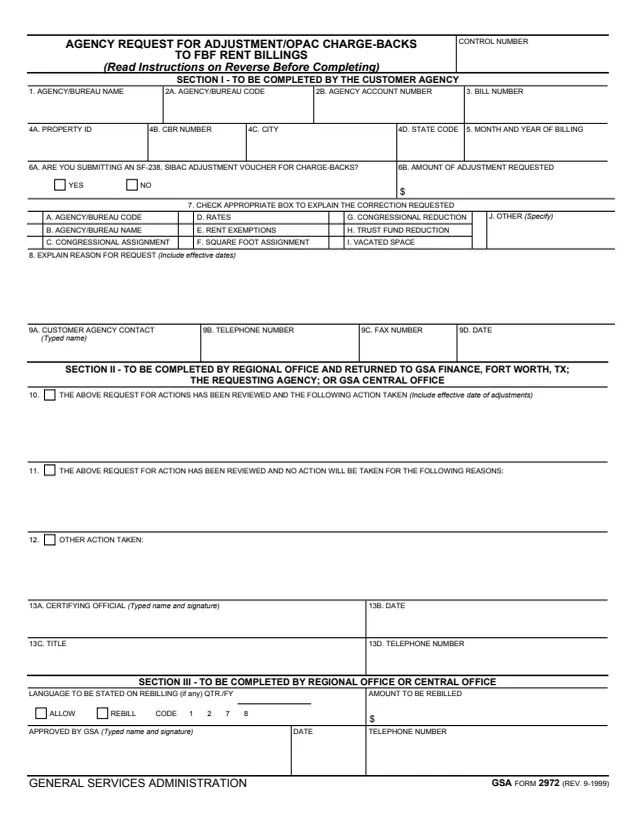
The agency address (department, bureau and complete mailing address including ZIP Code), BOAC No., statement No. and quarter of billing.
GSA2992
Adjustment Voucher for Standard Level User Charge Transaction
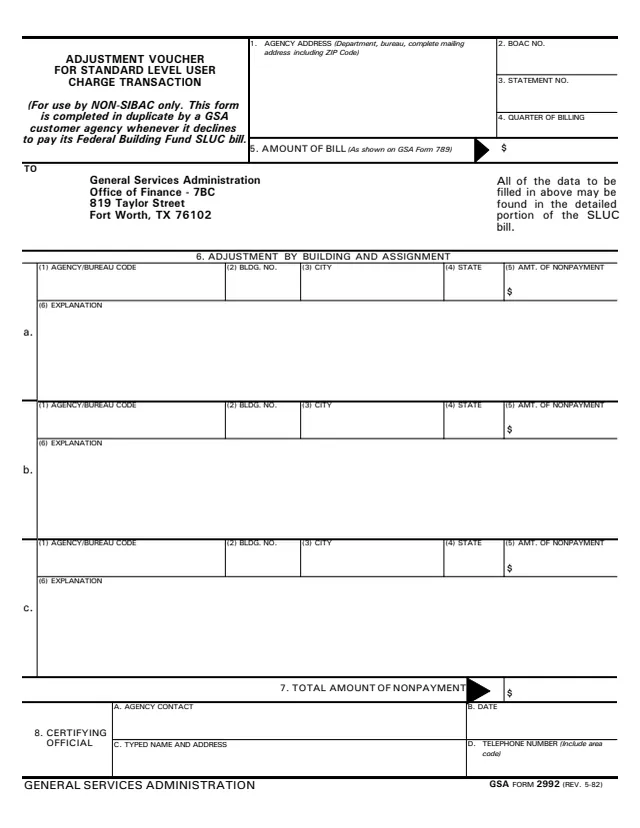
GSA Form 2992, Adjustment Voucher for Standard Level User Charge Transaction, is a General Services Administration form, Rev. 5/1982 (printed REV. 5-82), and GSA hosts it in its forms library. GSA's page lists the authority or regulation as FBF Handbook.
The heading says the form is for use by NON-SIBAC only and is completed in duplicate by a GSA customer agency whenever it declines to pay its Federal Building Fund SLUC bill. The one-page voucher is addressed to GSA's Office of Finance in Fort Worth, TX. It asks for the agency's billing details, the amount of the bill as shown on GSA Form 789, up to three adjustments by building and assignment with an explanation for each, the total amount of nonpayment and a certifying official. It prints no OMB number or privacy statement.
You can fill it out free in your browser on this page and download the result without an account.
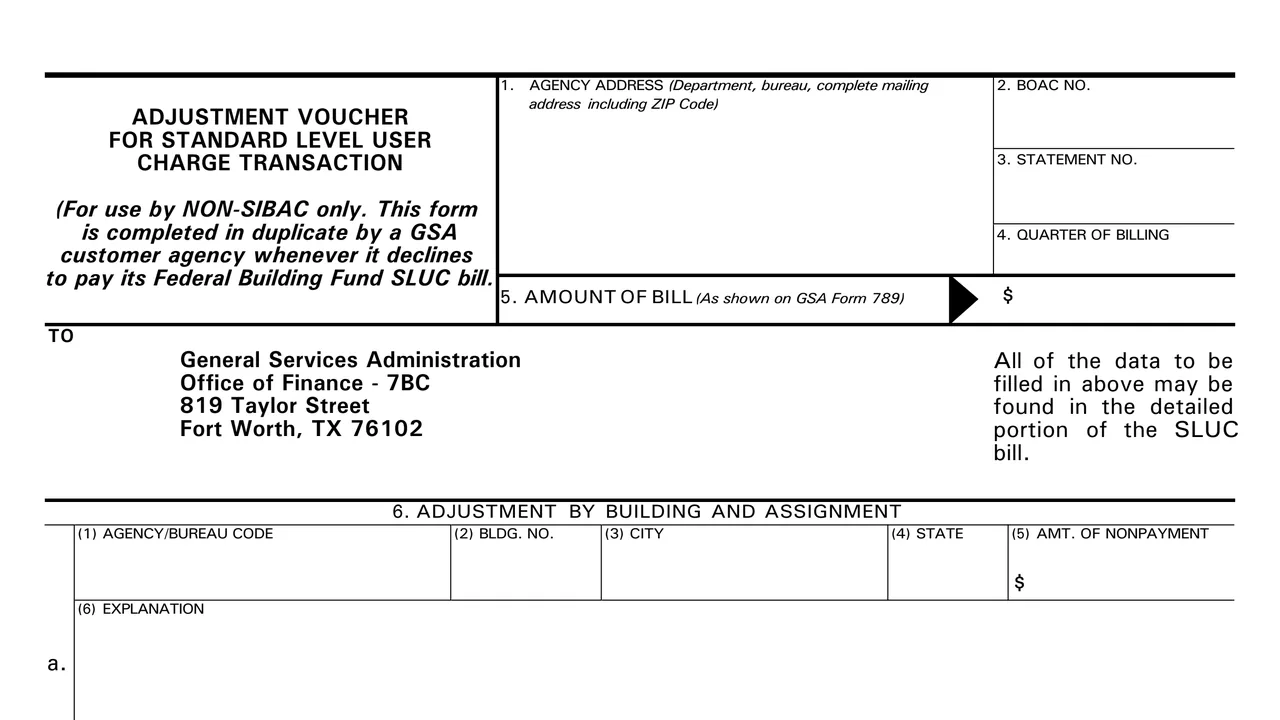
The agency address (department, bureau and complete mailing address including ZIP Code), BOAC No., statement No. and quarter of billing.
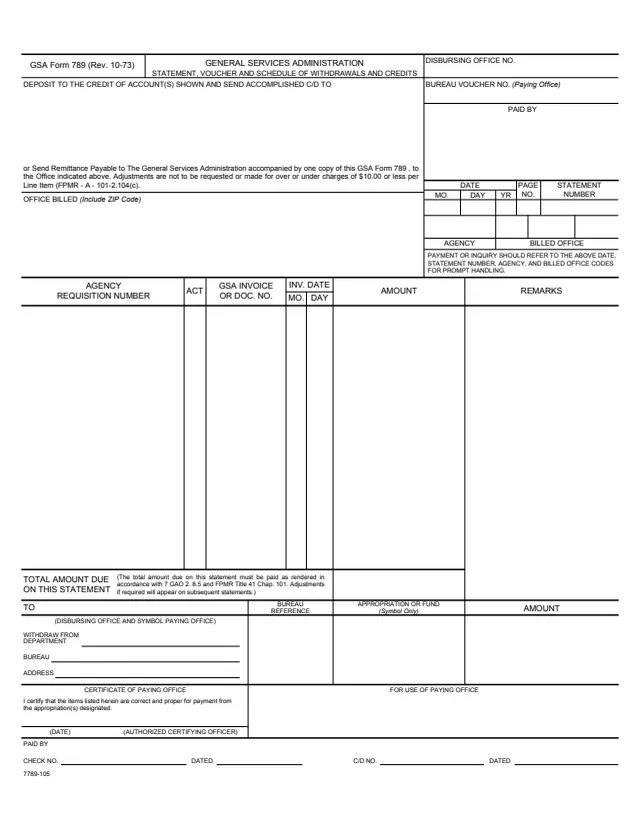
The amount of the bill, as shown on GSA Form 789.
The GSA Office of Finance address, with a note that all of the data to be filled in above may be found in the detailed portion of the SLUC bill.
Three entries, a to c, each with (1) agency/bureau code, (2) building number, (3) city, (4) state, (5) amount of nonpayment and (6) explanation.
One dollar box for the total amount of nonpayment.
A. agency contact, B. date, C. typed name and address and D. telephone number (include area code).
Fill in items 1 to 4. The form says all of the data to be filled in above may be found in the detailed portion of the SLUC bill.
Enter the amount in item 5 as shown on GSA Form 789.
For each building and assignment, enter the agency/bureau code, building number, city, state, amount of nonpayment and an explanation in item 6, entries a to c.
Enter the total amount of nonpayment in item 7.
Fill in the agency contact, date, typed name and address, and telephone number with area code in item 8.
The form says it is completed in duplicate. The TO block names the GSA Office of Finance in Fort Worth.
You get the real form, filled in a browser tab, with nothing standing between you and the finished PDF.
The TO block reads General Services Administration, Office of Finance - 7BC, 819 Taylor Street, Fort Worth, TX 76102.
The form says it is completed in duplicate by the GSA customer agency.
GSA's page lists the authority or regulation as FBF Handbook and a current revision date of 05/1982. The footer reads GSA FORM 2992 (REV. 5-82).
It prints no instructions beyond the heading note, no deadline, no OMB number and no privacy statement.
The heading of the form says who completes it and when. Its blocks show who certifies it and where it goes.
No tool matches that search.
The footer reads GENERAL SERVICES ADMINISTRATION and GSA FORM 2992 (REV. 5-82). GSA hosts it in its forms library.
The form says it is completed in duplicate by a GSA customer agency whenever it declines to pay its Federal Building Fund SLUC bill. The heading says it is for use by NON-SIBAC only.
The form says all of the data to be filled in above may be found in the detailed portion of the SLUC bill. Item 5 asks for the amount of the bill as shown on GSA Form 789.
The TO block reads General Services Administration, Office of Finance - 7BC, 819 Taylor Street, Fort Worth, TX 76102.
Item 6 prints three entries, a, b and c, each with its own building details, amount of nonpayment and explanation. The form does not mention continuation sheets.