DUA details
The DUA Number, the Project Name and the User Role.
CMS-R-0235A
Addendum to Data Use Agreement (DUA)
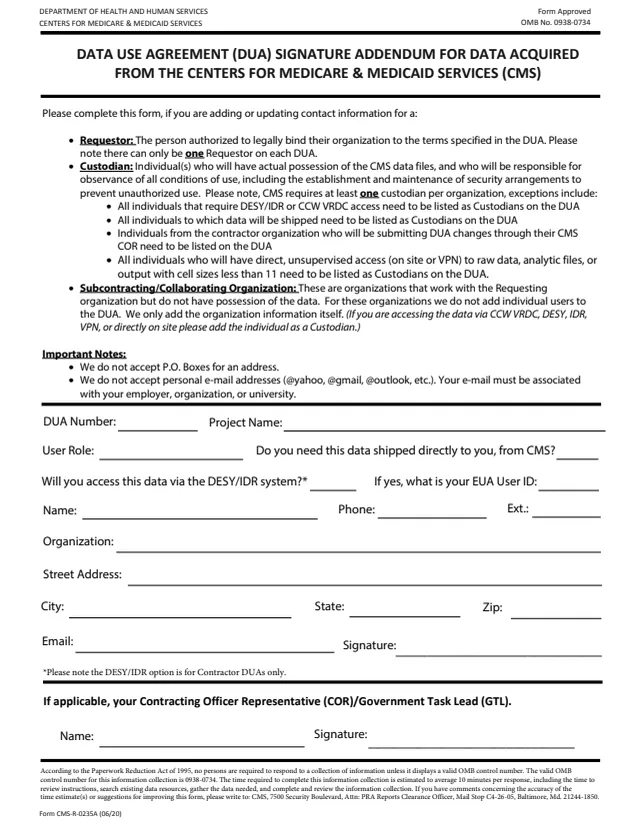
Form CMS-R-0235A is the Data Use Agreement (DUA) Signature Addendum for Data Acquired from the Centers for Medicare & Medicaid Services (CMS). The CMS page lists it as the Addendum to Data Use Agreement (DUA). The form says to complete it when adding or updating contact information for a Requestor, a Custodian or a Subcontracting/Collaborating Organization on a DUA.
It is a one-page form. It asks for the DUA number and project name, the user role, whether the data needs to be shipped directly from CMS, whether the data will be accessed through the DESY/IDR system and the EUA User ID, contact details and a signature, and, if applicable, the name and signature of the Contracting Officer Representative (COR) or Government Task Lead (GTL).
The form says CMS does not accept P.O. Boxes or personal email addresses. You can fill it out free in your browser on this page and download the result without an account.
The DUA Number, the Project Name and the User Role.
Whether you need the data shipped directly to you from CMS, whether you will access it through the DESY/IDR system, and if yes, your EUA User ID.
Name, phone and extension, organization, street address, city, state, ZIP code, email and signature.
If applicable, the name and signature of your Contracting Officer Representative (COR) or Government Task Lead (GTL).
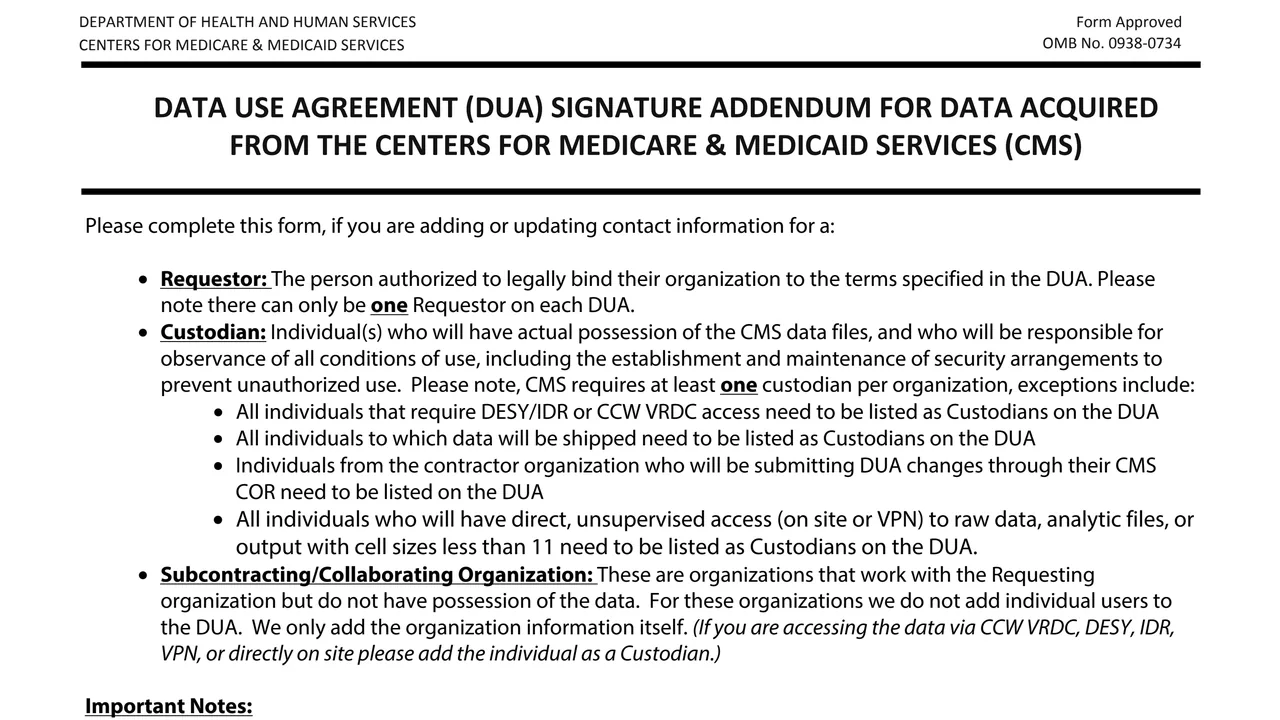
Use the form's definitions to choose Requestor, Custodian or Subcontracting/Collaborating Organization. The form says people accessing data via CCW VRDC, DESY, IDR, VPN or on site are added as Custodians.
Fill in the DUA Number, Project Name and User Role, answer the shipping and DESY/IDR questions, and add the EUA User ID if the DESY/IDR answer is yes.
The form says CMS does not accept P.O. Boxes, and that the email address is to be associated with your employer, organization or university, not a personal address.
Sign the form. If applicable, your COR or GTL adds their name and signature.
You get the real form, filled in a browser tab, with nothing standing between you and the finished PDF.
The form does not print a submission address. The CMS address in its Paperwork Reduction Act notice is for comments on the time estimate or suggestions for improving the form.
The form lists everyone who needs DESY/IDR or CCW VRDC access, everyone data is shipped to, and everyone with direct, unsupervised access to raw data, analytic files or output with cell sizes less than 11.
The form says individuals from the contractor organization who will submit DUA changes through their CMS COR need to be listed on the DUA.
No P.O. Boxes, and no personal email addresses such as @yahoo, @gmail or @outlook, according to the form.
The form estimates an average of 10 minutes per response. It shows OMB No. 0938-0734.
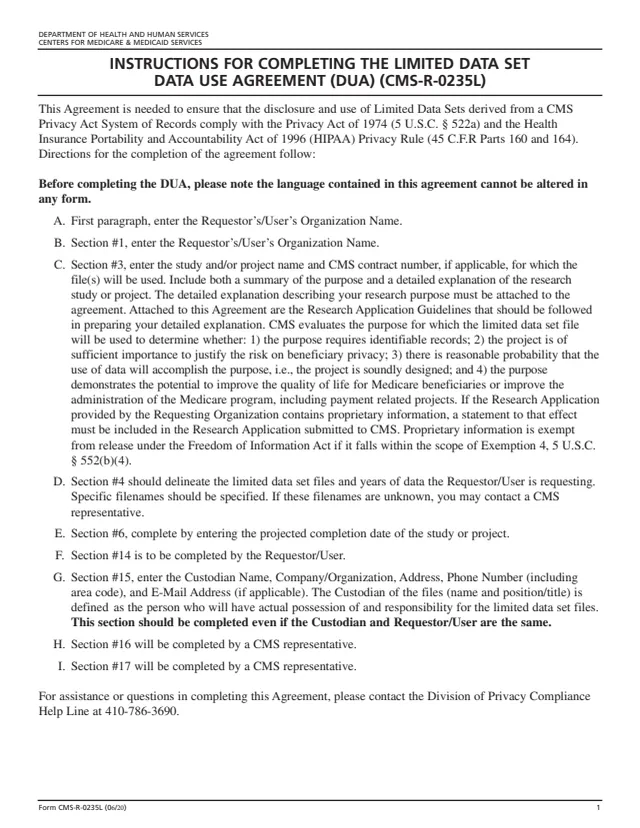
CMS-R-0235L
50 fields, 6 pages
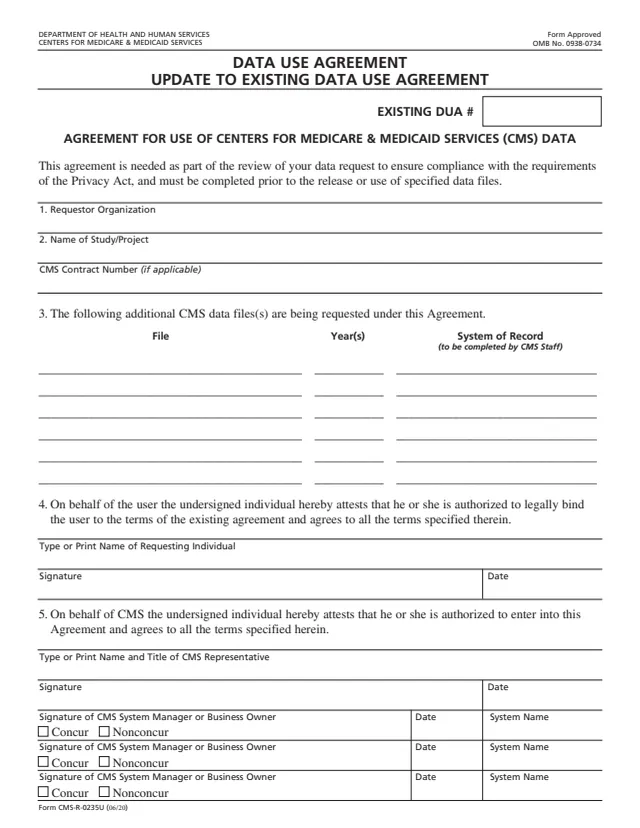
CMS-R-0235U
38 fields, 1 page
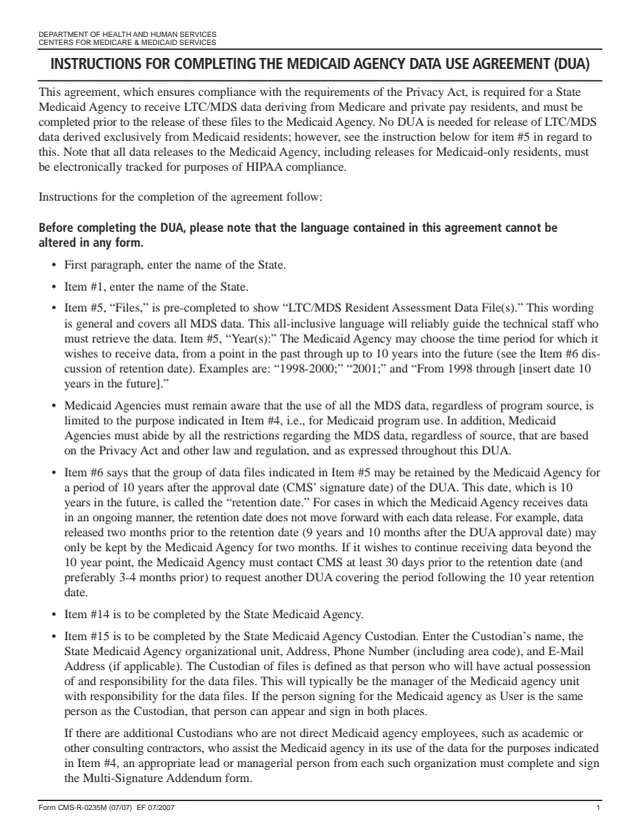
CMS-R-0235M
45 fields, 6 pages
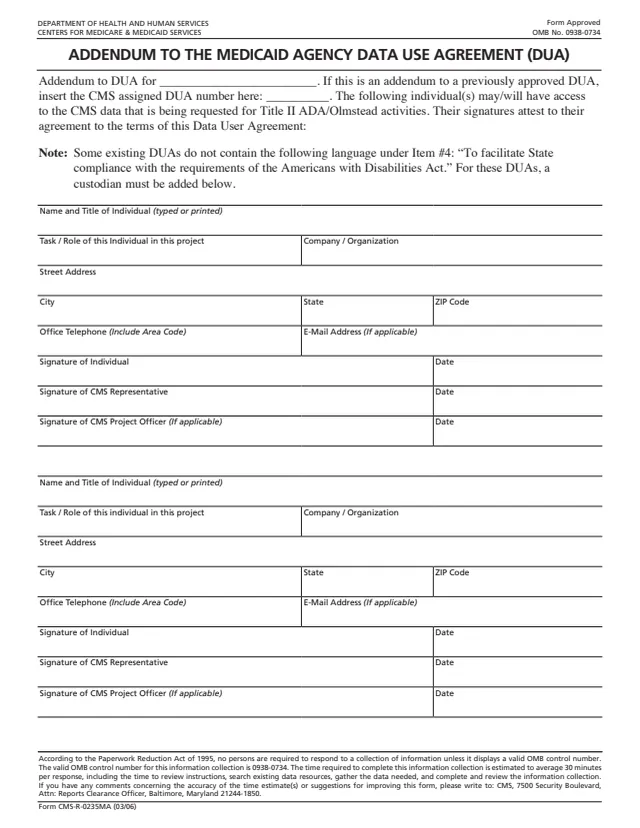
CMS-R-0235MA
26 fields, 1 page
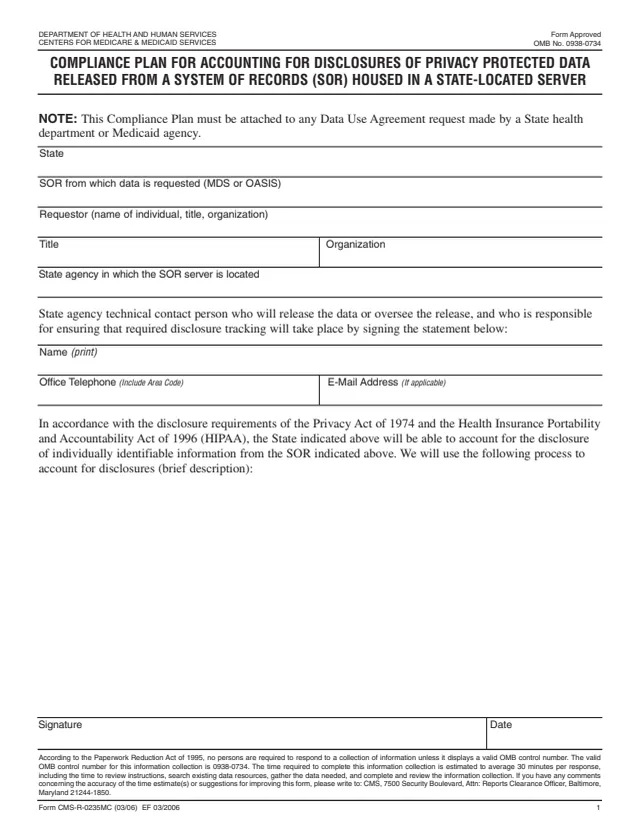
CMS-R-0235MC
10 fields, 1 page
The form defines three roles that can be added or updated on a DUA, plus the COR or GTL.
No tool matches that search.
The form says to complete it when adding or updating contact information for a Requestor, a Custodian or a Subcontracting/Collaborating Organization on a CMS Data Use Agreement.
One. The form says there can only be one Requestor on each DUA, the person authorized to legally bind their organization to its terms.
The form lists anyone who needs DESY/IDR or CCW VRDC access, anyone data will be shipped to, and anyone with direct, unsupervised access to raw data, analytic files or output with cell sizes less than 11.
No. The form says CMS does not accept P.O. Boxes or personal email addresses such as @yahoo, @gmail or @outlook. The email is to be associated with your employer, organization or university.
The form says the DESY/IDR option is for Contractor DUAs only. If you answer yes, it asks for your EUA User ID.
No. The form says only the organization's information is added. Anyone accessing the data via CCW VRDC, DESY, IDR, VPN or directly on site is added as a Custodian.