Section 1: Basic information
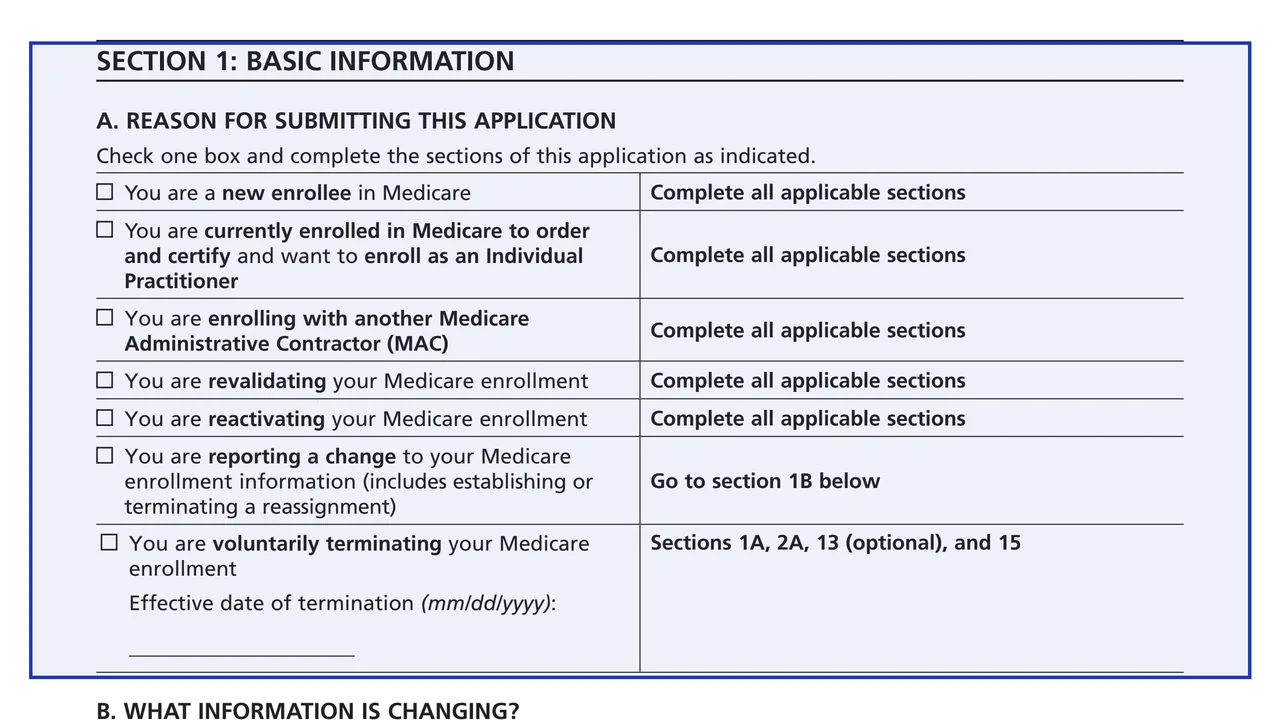
The reason for submitting, from new enrollment, revalidation and reactivation to a change or voluntary termination. For a change, Section 1B maps each kind of information to the sections to complete.
CMS-855I
Medicare Enrollment Application - Physicians and Non-Physician Practitioners
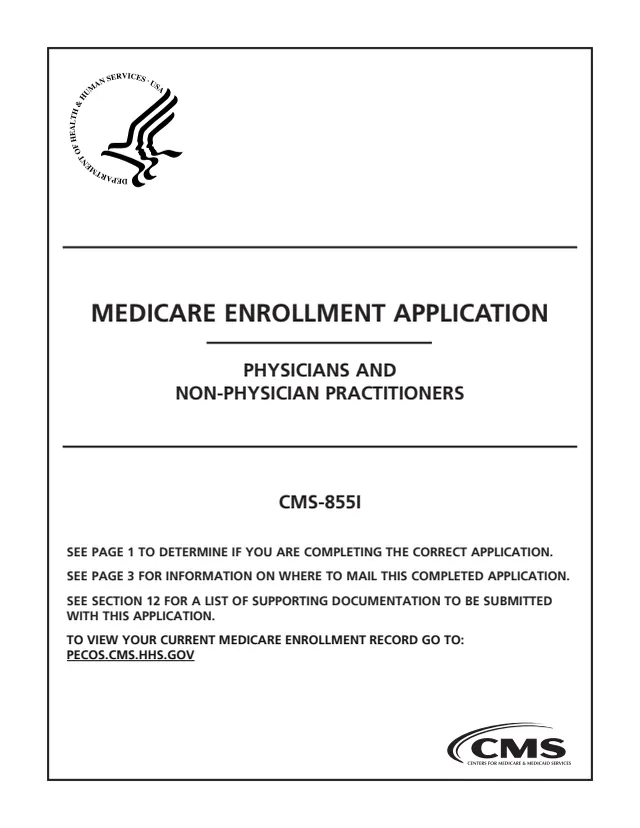
Form CMS-855I is the Medicare Enrollment Application for Physicians and Non-Physician Practitioners from the Centers for Medicare & Medicaid Services (CMS). The form says all physicians, and all eligible professionals as defined in section 1848(k)(3)(B) of the Social Security Act, complete it to enroll in Medicare and receive a Medicare billing number. It is also used to revalidate, reactivate, report changes and add, change or end a reassignment of benefits, since the form notes that the CMS-855R has been discontinued.
After three pages of instructions, Section 1 asks why you are submitting the application and which sections to complete. The rest covers personal identifying information, final adverse legal actions, business information and practice locations, reassignment of benefits, managing employees, billing agencies, supporting documents, a contact person, penalties and signatures. Sections 5, 7, 9, 10 and 11 are intentionally left blank.
The form says the same enrollment actions can be done online through PECOS, the Internet-based Provider Enrollment, Chain and Ownership System. The paper form goes to your designated Medicare Administrative Contractor (MAC), and it says the form is to be typed, not handwritten. You can type it free in your browser on this page and download the result without an account.

The reason for submitting, from new enrollment, revalidation and reactivation to a change or voluntary termination. For a change, Section 1B maps each kind of information to the sections to complete.
Identity and NPI, licenses, certifications and DEA registration, new patient status, correspondence and medical record addresses, residency, and the physician or non-physician specialty with questions for certain professions.
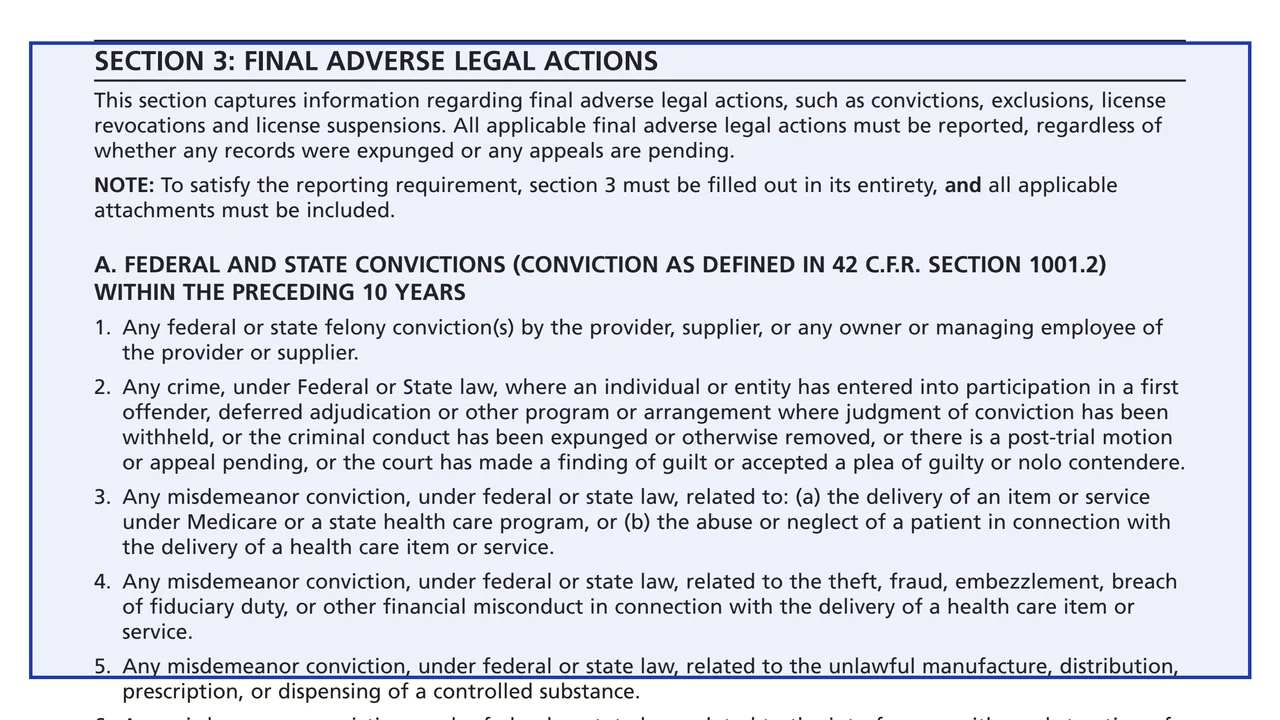
Convictions within the preceding 10 years, exclusions, revocations and suspensions, and a table of each action, its date and who took it. The form says to report them even if records were expunged or appeals are pending.
Private practice structure, legal business name and TIN, practice locations, the remittance and special payments address, medical records storage, services in patients' homes, and in 4F who receives reassigned benefits.
Section 6 lists managing employees and their final adverse legal action history. Section 8 records a billing agency or agent that prepares and submits your claims. The form says neither is needed when reassigning 100% of benefits.
A supporting documents list, an optional contact person, the penalties for falsifying information, and the certification statement signed by the practitioner, plus 15C for an organization/group official in a reassignment.
The form says all fields are required except those marked optional, and to copy a section when more space is needed.
The form says the NPI comes from NPPES in a separate process, and the name, SSN, legal business name and TIN on this application are the same ones used to obtain the NPI.
Check one box in Section 1A. For a change, Section 1B lists the sections to complete, and the form says sections 1, 2A, 3 and 15 are always completed when reporting any information.
Section 4 opens with three boxes that say which parts of it to complete, based on whether you have a private practice and whether you reassign benefits.
Section 12 lists documents such as final adverse legal action records, CMS-460 to be a participating practitioner, CMS-588 with a voided check or bank letter, and IRS confirmation of the TIN and legal business name.
The form says it is to be typed, and that only the individual practitioner can sign Section 15B. A new reassignment also has Section 15C signed by the organization/group's delegated or authorized official.
Send the application with original signatures and all required documents to the MAC that serves your State, or make the same request through PECOS.
You get the real form, filled in a browser tab, with nothing standing between you and the finished PDF.
To your designated Medicare Administrative Contractor (MAC), the one that services your State. The form points to CMS.gov/Medicare/Provider-Enrollment-and-Certification for the MAC's mailing address.
The form says enrollment and changes, including reassignments, can be done through Internet-based PECOS, and that your current enrollment record can be viewed at PECOS.cms.hhs.gov.
The form says the MAC may request more documentation and that it is due within 30 days of the request, citing 42 C.F.R. section 424.525(a)(1) and (2).
Only practice locations within your MAC's jurisdiction go on this application. The form says locations outside it need a separate CMS-855I sent to the MAC with jurisdiction there.
Section 14 lists criminal and civil penalties for deliberately furnishing false information, citing laws such as 18 U.S.C. section 1001, section 1128B(a)(1) of the Social Security Act and the Civil False Claims Act.
The form estimates an average of 0.5 to 3 hours per response, including reviewing instructions and gathering the information.
CMS-855B
960 fields, 54 pages
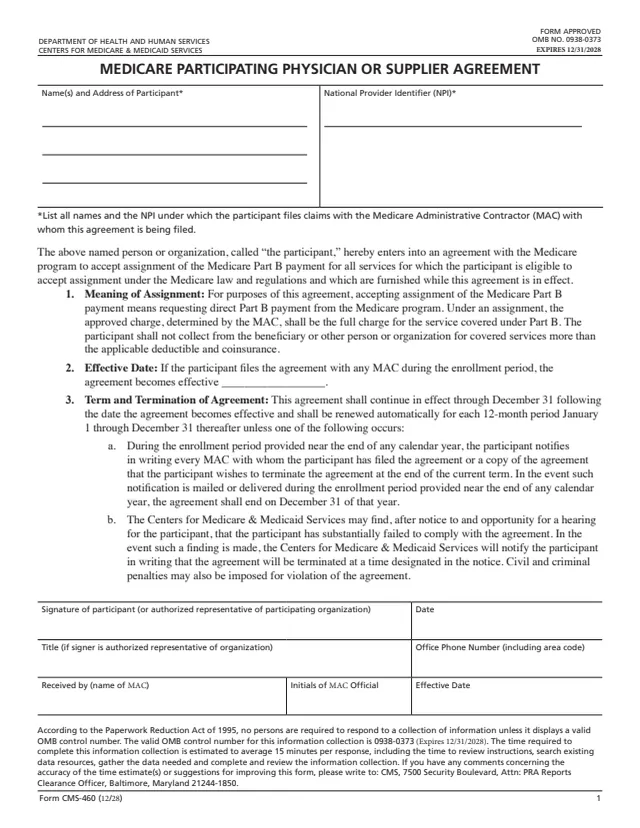
CMS-460
11 fields, 3 pages
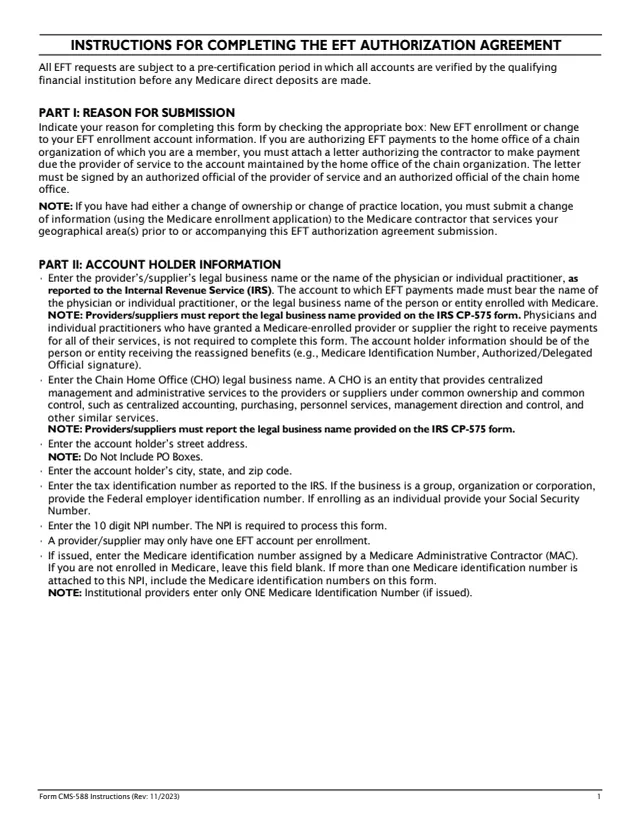
CMS-588
39 fields, 4 pages
CMS-855O
174 fields, 11 pages
CMS-855A
1,236 fields, 72 pages
CMS-855S
1,031 fields, 39 pages
Page 1 of the form lists who completes this application.
No tool matches that search.
The form says physicians and non-physician practitioners can enroll or make changes, including reassignments, through Internet-based PECOS or with the paper CMS-855I. You can also fill out the PDF here free and download it.
No. The form says all reassignment actions are now reported on the CMS-855I and that the CMS-855R (Reassignment of Medicare Benefits) has been discontinued.
No. The instructions in the form say it is to be typed and may not be handwritten.
Section 1B lists the sections for each kind of change, such as practice location, managing employee or billing agency. The form says sections 1, 2A, 3 and 15 are always completed in addition to the section that is changing.
The form says the individual practitioner is the only person who can sign, and that this authority may not be delegated. For a new reassignment, the practitioner signs Section 15B and a delegated or authorized official of the organization/group signs Section 15C.
Yes. The form says an NPI from NPPES is obtained and reported on the application before enrolling, in a process separate from Medicare enrollment. It can be requested online at NPPES.cms.hhs.gov.
To your designated MAC. The form says the MAC that services your State processes the application, and points to CMS.gov/Medicare/Provider-Enrollment-and-Certification for its mailing address.