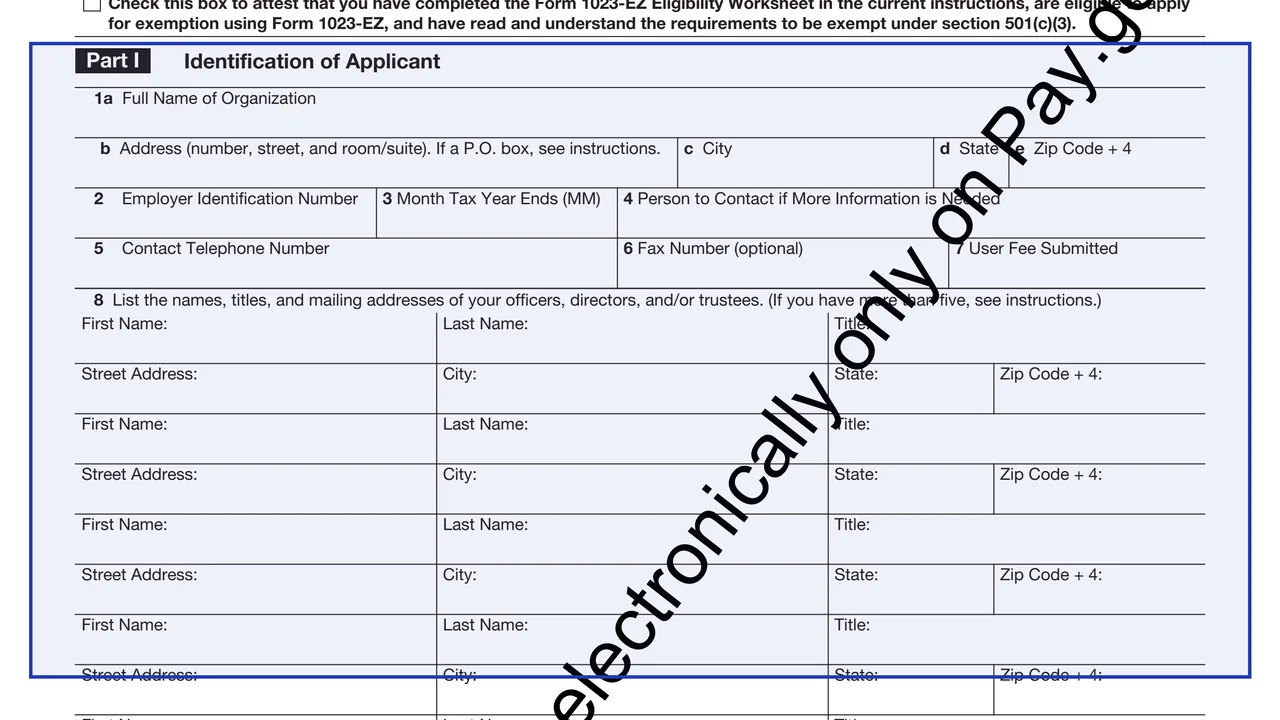
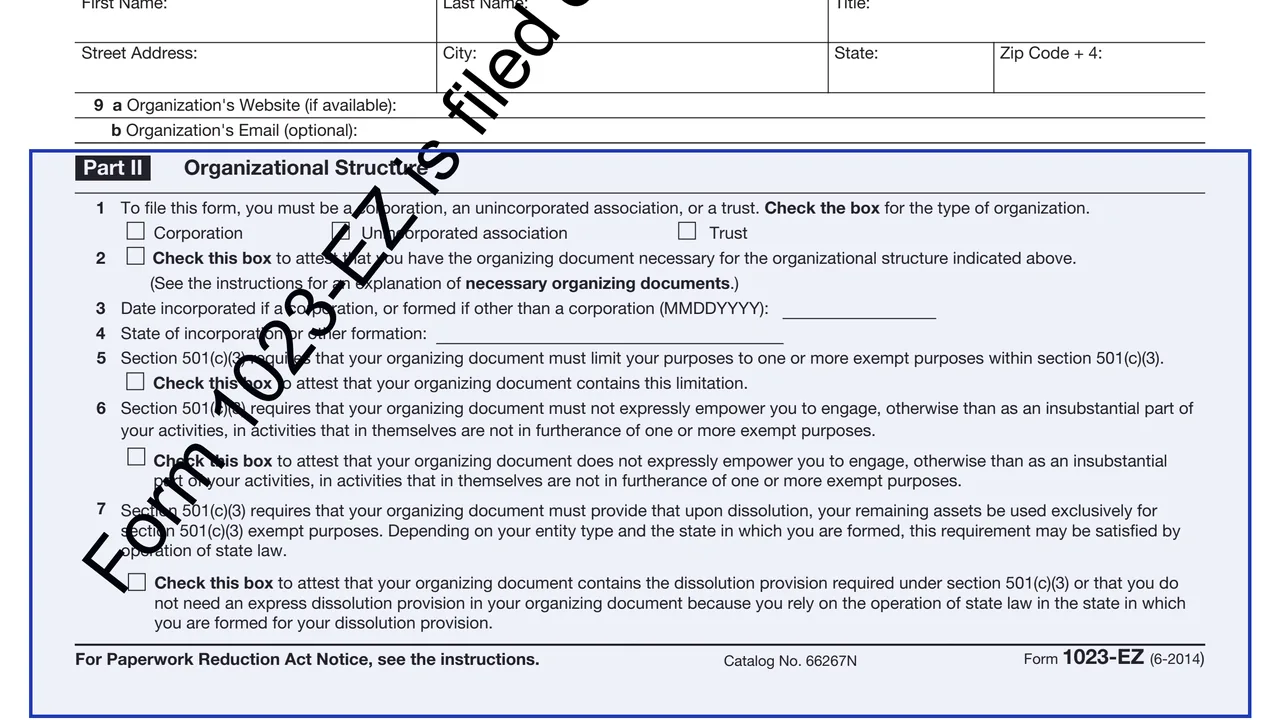
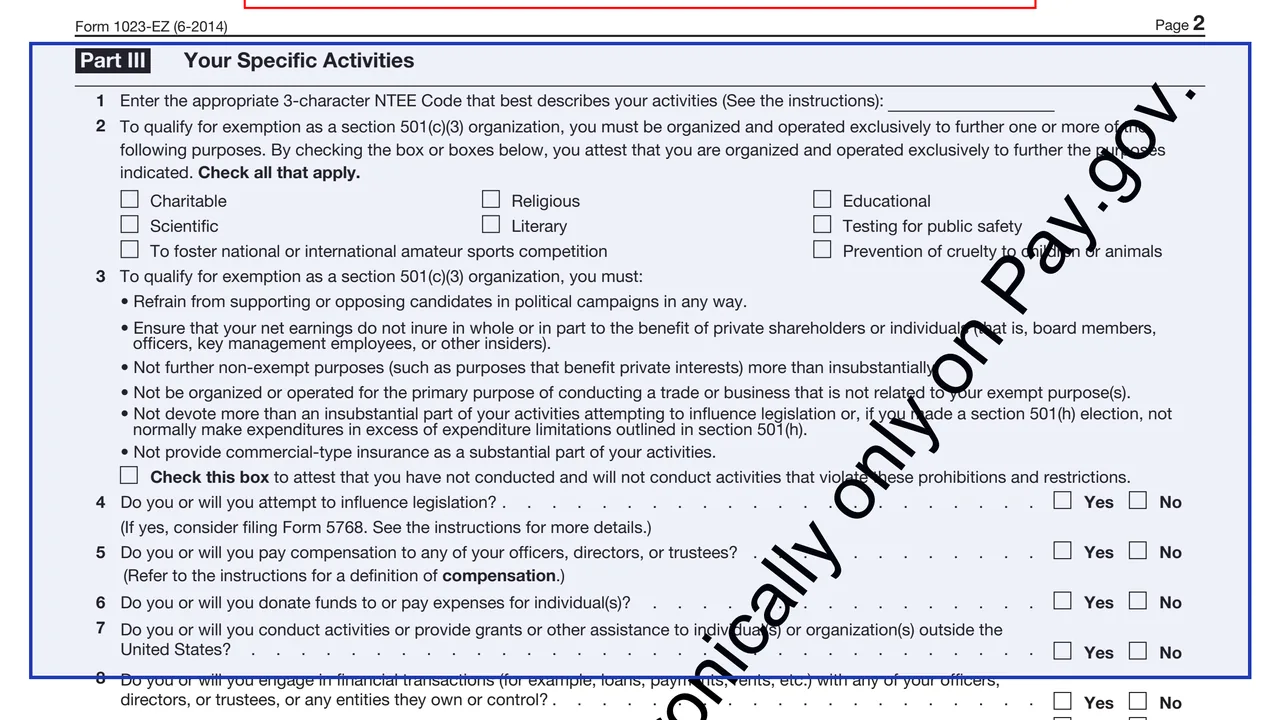
Eligibility attestation
A box at the top to attest that the organization completed the Eligibility Worksheet, is eligible to apply using Form 1023-EZ and understands the requirements to be exempt under section 501(c)(3).
1023-EZ
Streamlined Application for Recognition of Exemption Under Section 501(c)(3) of the Internal Revenue Code
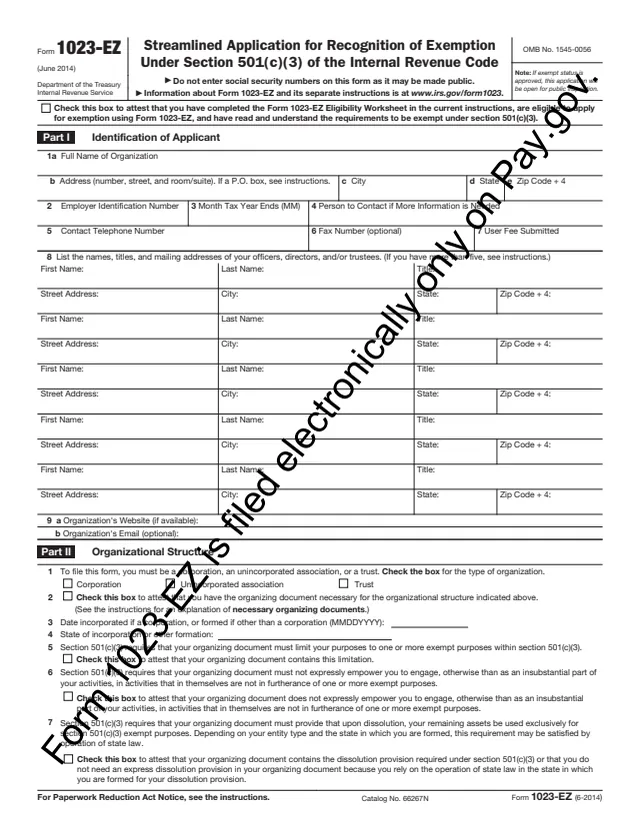
Form 1023-EZ is the streamlined version of Form 1023, the application an organization uses to ask the IRS to recognize it as exempt from federal income tax under section 501(c)(3). The instructions say only certain organizations are eligible, and that each applicant first completes the Form 1023-EZ Eligibility Worksheet at the end of the instructions. An organization that answers "Yes" to any worksheet question applies on Form 1023 instead.
The applicant is the organization: the instructions say "you" means the organization applying for tax-exempt status. An officer, director or trustee listed in Part I, line 8, signs for it. The PDF says Form 1023-EZ is filed electronically only on Pay.gov, and the instructions say the IRS will not accept printed copy submissions. A user fee is paid through Pay.gov when the application is filed.
This page hosts the June 2014 PDF copy of the form. The current instructions, revised 01/2025, follow the Pay.gov version, so some line numbers differ. You can fill out this copy free in your browser on this page and download it without an account, for example to draft answers before entering them on Pay.gov.
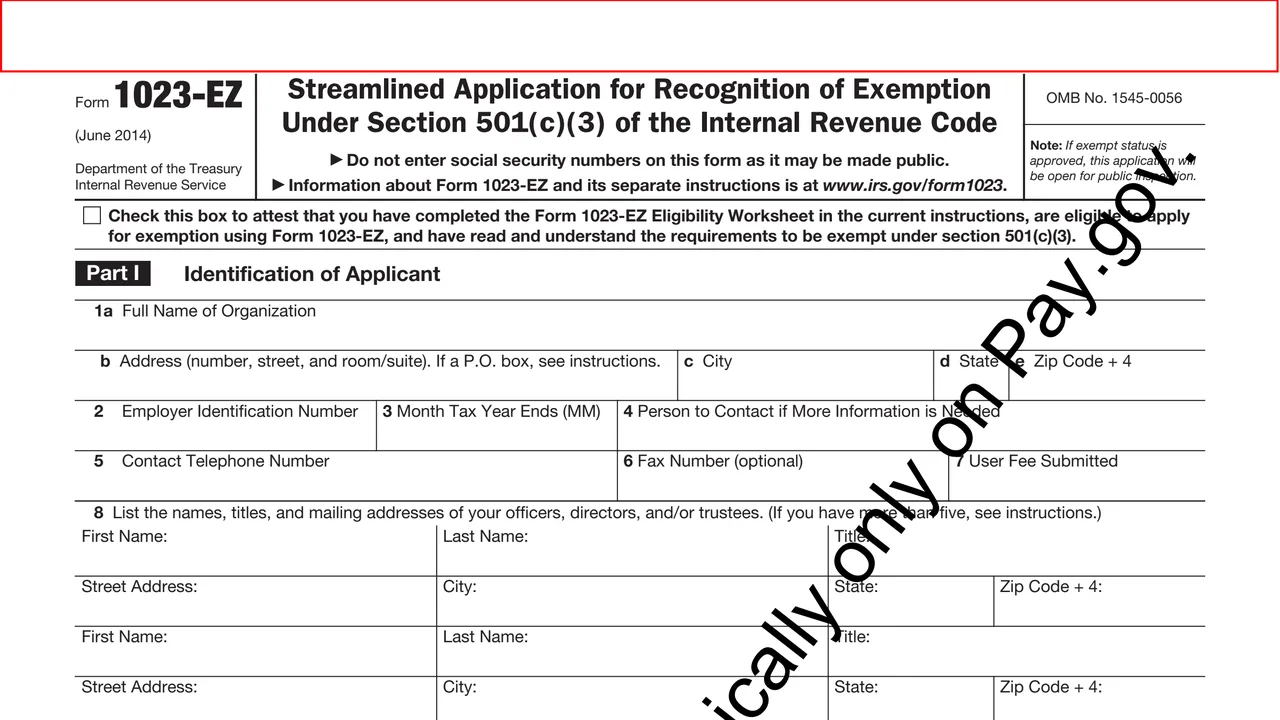
A box at the top to attest that the organization completed the Eligibility Worksheet, is eligible to apply using Form 1023-EZ and understands the requirements to be exempt under section 501(c)(3).
Lines 1 to 9: name and address, EIN, month the tax year ends, contact person, phone, fax, user fee, up to five officers, directors or trustees, website and email.
Entity type, formation date and state, and attestations that the organizing document limits purposes, does not empower non-exempt activities and has a proper dissolution provision.
An NTEE code, the exempt purposes, an attestation on prohibited activities, and Yes or No questions on lobbying, compensation, payments to individuals, foreign activities, insider transactions, unrelated income, gaming and disaster relief.
Boxes for one of three public charity classifications, or, for a private foundation, an attestation about the section 508(e) provisions in its organizing document.
Part V is only for reinstatement after automatic revocation under Rev. Proc. 2014-11. Part VI holds the penalties of perjury declaration, the signer's name and title, signature and date.
Answer the worksheet at the end of the instructions first. The instructions say it is not submitted with the form but kept for the organization's records.
Enter the full name exactly as it appears in the organizing document, including amendments, and the nine-digit EIN. The instructions say the application cannot be submitted until the organization has an EIN. Pay.gov fills in the user fee on line 7.
List officers, directors or trustees. With more than five, the instructions say to list five in a set order, starting with the president or chief executive officer, the treasurer or chief financial officer, and the chair of the governing body.
Check the entity type and enter the formation date and state. The instructions explain what counts as a necessary organizing document and give sample purpose and dissolution clauses.
Enter the 3-character NTEE code from the list in the instructions and check each exempt purpose that applies. The current instructions add a mission description of up to 250 characters as line 1, so later line numbers shift by one compared with this PDF.
Check one foundation classification using the support tests in the instructions, complete Part V only when seeking reinstatement, then sign. On Pay.gov the signer checks the penalties of perjury box and types their name.
The steps follow the instructions revised 01/2025, which describe the Pay.gov version. Where its line numbers differ from this June 2014 PDF, the step says so.
You get the real form, filled in a browser tab, with nothing standing between you and the finished PDF.
The instructions say the form can only be filed electronically at IRS.gov/Form1023EZ or Pay.gov, by entering "Form 1023-EZ" in the search box. The IRS will not accept printed copy submissions.
Paid through Pay.gov when the application is filed, from a bank account or by credit or debit card. The instructions point to the IRS user fees page for current amounts, or 877-829-5500.
The instructions say that if the form is filed within 27 months after the end of the month of legal formation and is approved, the formation date generally becomes the effective date. Otherwise it is the submission date.
The instructions say submitting does not guarantee recognition, an incomplete application may be rejected, and the IRS reviews a random sample of applications before a determination.
If exempt status is approved, the form says the application will be open for public inspection. It says not to enter Social Security numbers because the form may be made public.
The instructions say an exempt organization generally files a Form 990-series return or Form 990-N each year, and that failing to file for 3 consecutive years results in automatic revocation.
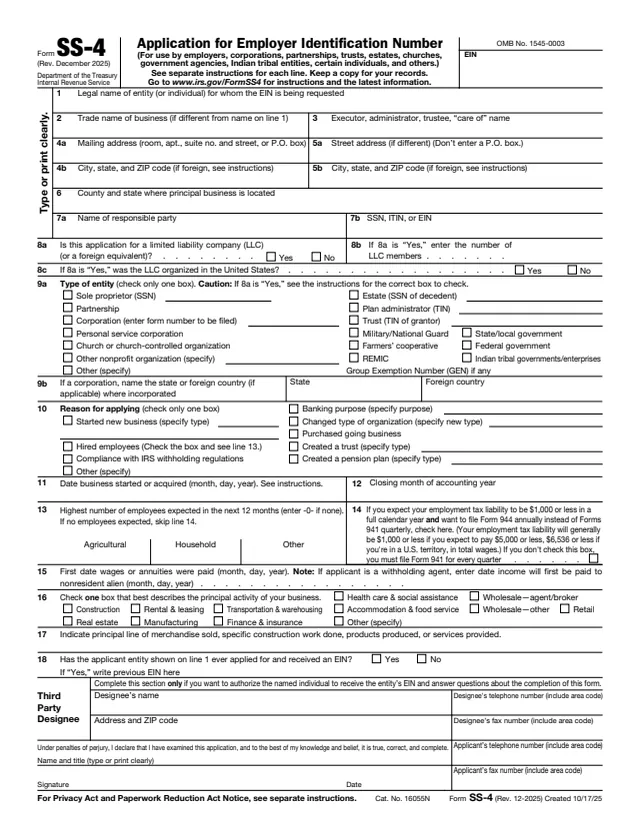
SS-4
89 fields, 2 pages
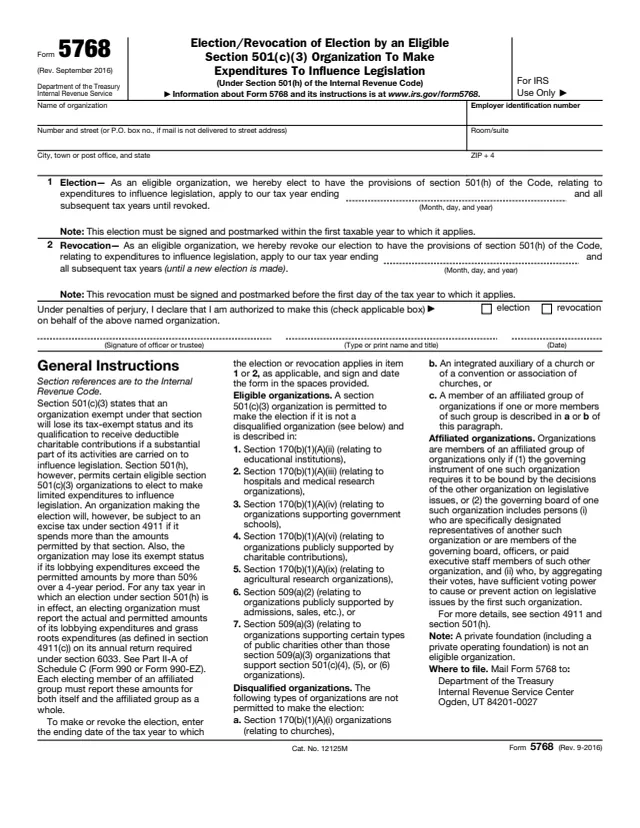
5768
11 fields, 1 page
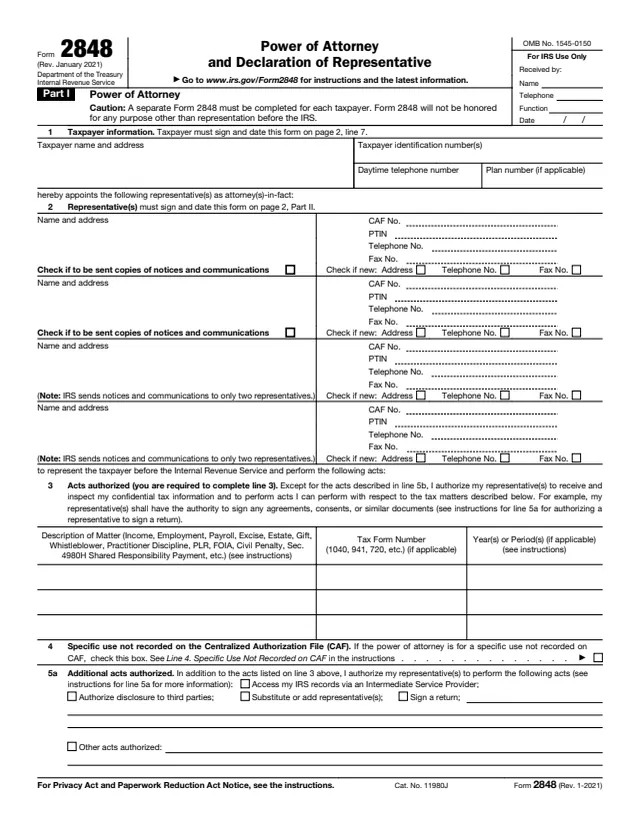
2848
92 fields, 2 pages
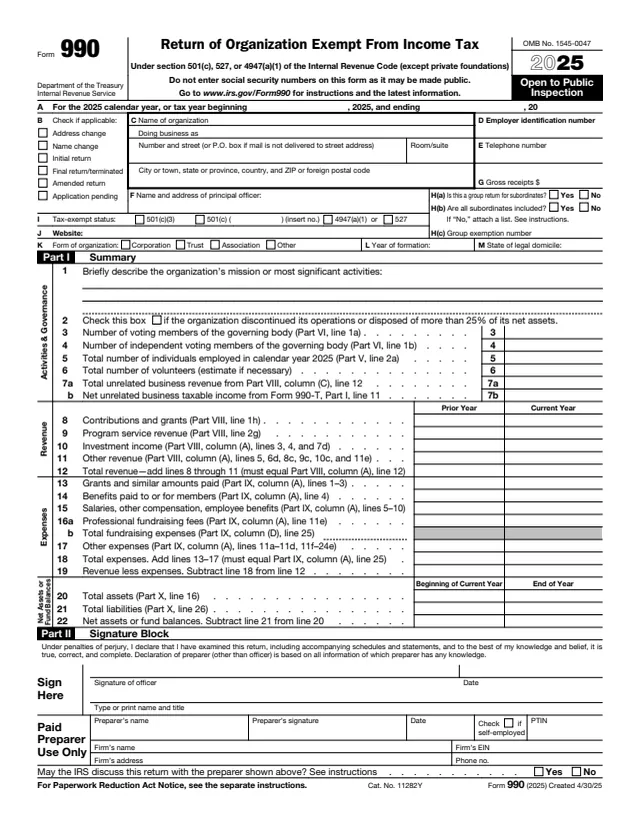
990
1,075 fields, 12 pages
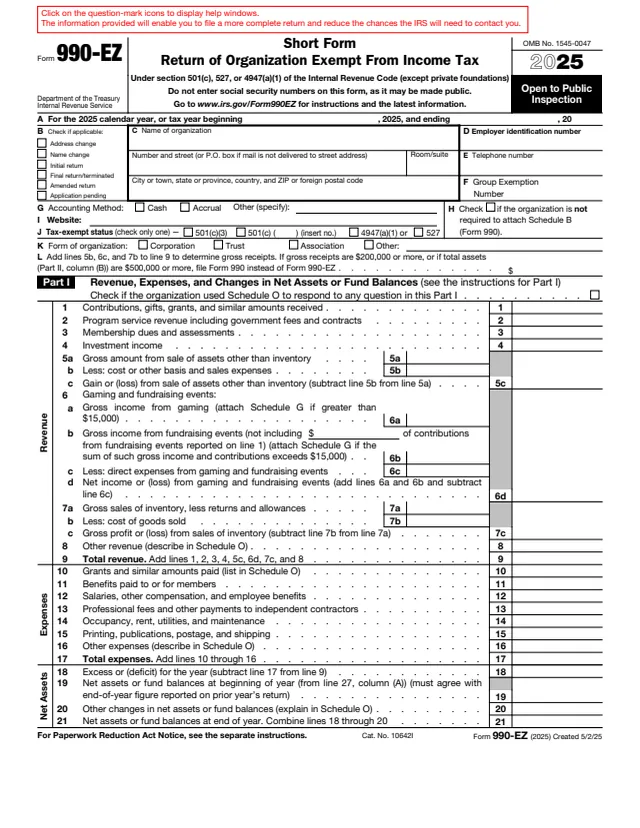
990-EZ
325 fields, 4 pages
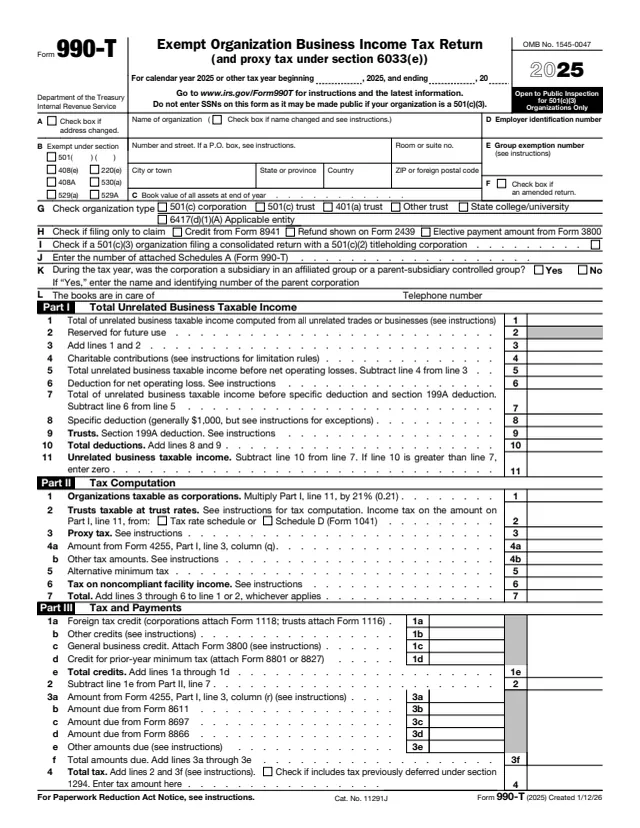
990-T
128 fields, 2 pages
The applicant is an organization, not an individual. The instructions say "you" refers to the organization applying for tax-exempt status and "us" refers to the IRS.
No tool matches that search.
No. The form says it is filed electronically only on Pay.gov, and the instructions say the IRS will not accept printed copy submissions. The PDF here is for drafting and records.
An organization that answers "No" to every question on the Eligibility Worksheet in the instructions. A "Yes" to any question, such as projected annual gross receipts over $50,000 or total assets over $250,000, points to Form 1023.
Yes. The instructions say the application cannot be submitted until the organization has an EIN, which can be requested at IRS.gov/EIN or with Form SS-4.
No. The instructions say LLCs can receive exemption under section 501(c)(3) but are not eligible to apply using this form.
An officer, director or trustee listed in Part I, line 8, who is authorized to sign for the organization, together with their title and the date.
This page hosts the June 2014 PDF. The instructions, revised 01/2025, describe the current Pay.gov form, which adds items such as a care of name in Part I and a mission description in Part III.
The instructions list Exempt Organization Customer Account Services at 877-829-5500, toll free, and IRS.gov/Charities.