Taxpayer information
Taxpayer name(s), taxpayer identification number and address.
12009
Request for an Informal Conference and Appeals Review
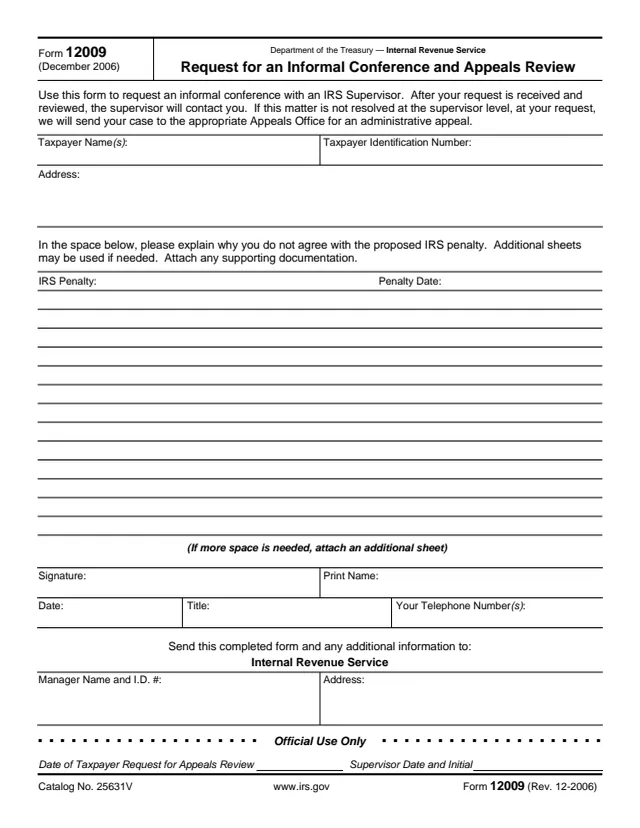
Form 12009, Request for an Informal Conference and Appeals Review, is a one-page IRS form about a proposed IRS penalty. The form says to use it to request an informal conference with an IRS Supervisor. After the request is received and reviewed, the supervisor contacts the taxpayer. If the matter is not resolved at the supervisor level, the form says that, at the taxpayer's request, the IRS will send the case to the appropriate Appeals Office for an administrative appeal.
The form asks for the taxpayer's name, taxpayer identification number and address, the IRS penalty and penalty date, and an explanation of why the taxpayer does not agree with the proposed penalty. It prints no mailing address of its own: the block that says where to send it has blank spaces for an IRS manager's name, I.D. number and address. Form 12009 has no separate instructions and prints no deadline.
You can fill out Form 12009 free in your browser on this page and download it without an account.
Taxpayer name(s), taxpayer identification number and address.
Two fields that name the penalty in question and its date.
A space to explain why the taxpayer does not agree with the proposed IRS penalty. The form says additional sheets may be used and to attach any supporting documentation.
Signature, print name, date, title and telephone number(s).
Internal Revenue Service, with blank spaces for the manager name and I.D. number and an address.
The date of the taxpayer request for Appeals review, and a supervisor date and initial box.
Enter the taxpayer name(s), taxpayer identification number and address.
Enter the IRS penalty in question and the penalty date.
Write why the taxpayer does not agree with the proposed penalty. The form says to attach an additional sheet if more space is needed, along with any supporting documentation.
Sign, print the name, add the date and a title if one applies, and give one or more telephone numbers.
The form says to send the completed form and any additional information to the Internal Revenue Service at the manager name and address in its send to block. The Official Use Only section is for the IRS.
You get the real form, filled in a browser tab, with nothing standing between you and the finished PDF.
The form says to send the completed form and any additional information to the Internal Revenue Service. The manager name, I.D. number and address are blank spaces; the form prints no address of its own.
The form says that after the request is received and reviewed, the supervisor will contact the taxpayer.
If the matter is not resolved at the supervisor level, the form says the IRS will send the case to the appropriate Appeals Office for an administrative appeal, at the taxpayer's request.
Form 12009 has no separate instructions and prints no deadline or fee.
12203
31 fields, 2 pages
12203-A
23 fields, 1 page
12153
79 fields, 4 pages
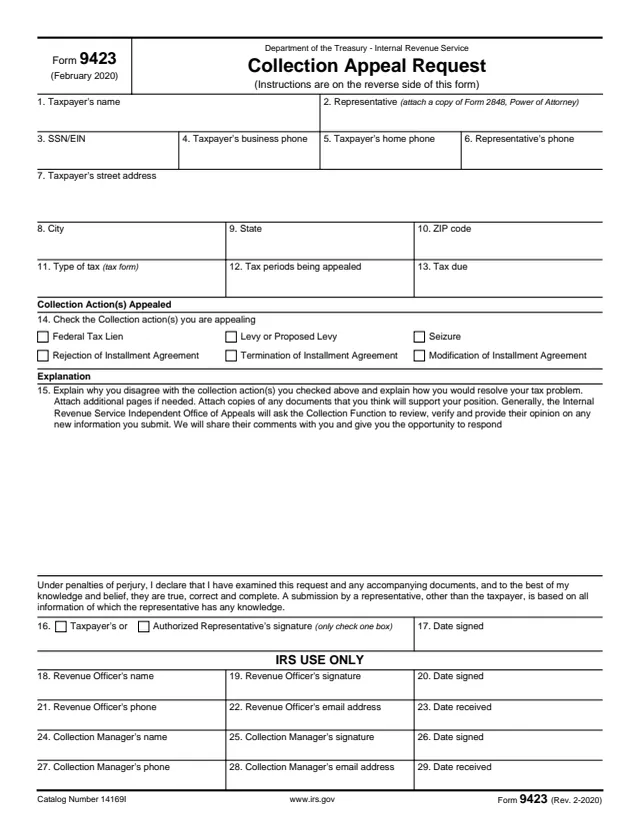
9423
22 fields, 2 pages
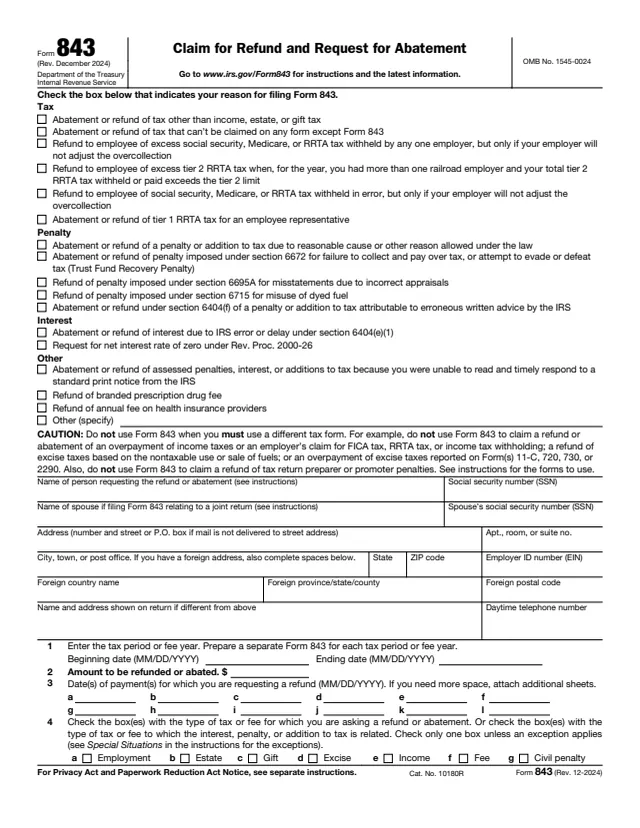
843
85 fields, 2 pages
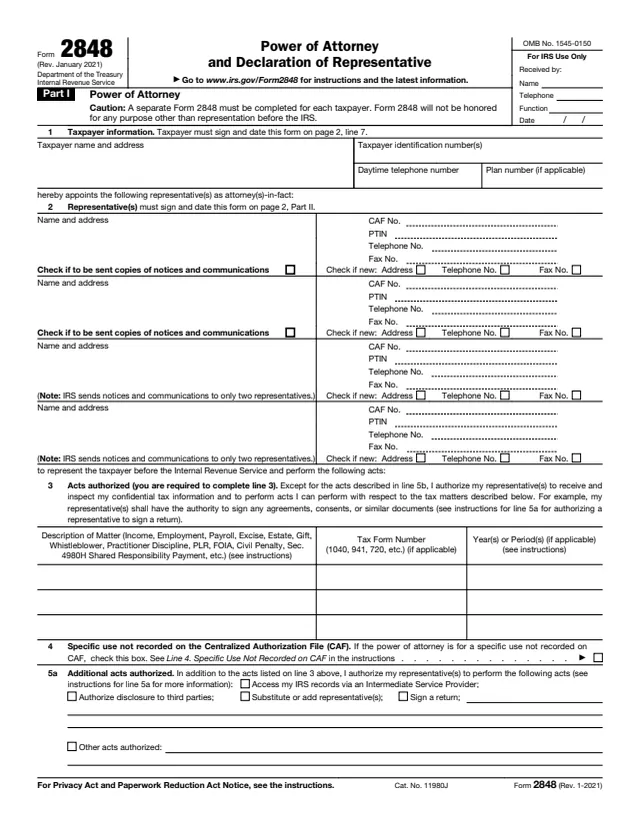
2848
92 fields, 2 pages
The taxpayer who does not agree with a proposed IRS penalty completes, signs and sends the form. An IRS supervisor reviews it, and the bottom section is marked Official Use Only.
No tool matches that search.
The form says it is used to request an informal conference with an IRS Supervisor about a proposed IRS penalty, with an administrative appeal if the matter is not resolved at that level.
An IRS supervisor. The form says the supervisor will contact the taxpayer after the request is received and reviewed.
The form says that if the matter is not resolved at the supervisor level, the IRS will send the case to the appropriate Appeals Office at the taxpayer's request.
To the Internal Revenue Service. The form leaves spaces for an IRS manager's name, I.D. number and address and prints no address itself.
Yes. The form says additional sheets may be used if needed and to attach any supporting documentation.