Taxpayer header
Taxpayer name, tax period and Social Security Number.
12661
Disputed Issue Verification
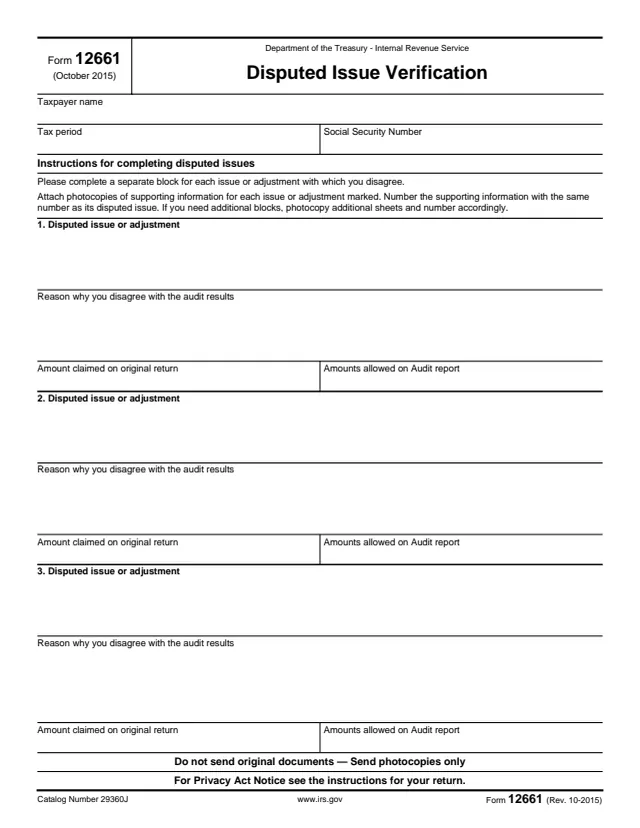
Form 12661, Disputed Issue Verification, is a one-page IRS form for listing each issue or adjustment from an audit that the taxpayer disagrees with. For each one, it asks for a description of the disputed issue or adjustment, the reason the taxpayer disagrees with the audit results, the amount claimed on the original return and the amounts allowed on the audit report.
The top of the form asks for the taxpayer name, the tax period and a Social Security Number. The form says to complete a separate block for each issue, attach photocopies of supporting information numbered to match the issue, and send photocopies only, not original documents. The form does not print a mailing address or a deadline.
You can fill out the PDF free in your browser on this page and download the result without an account.
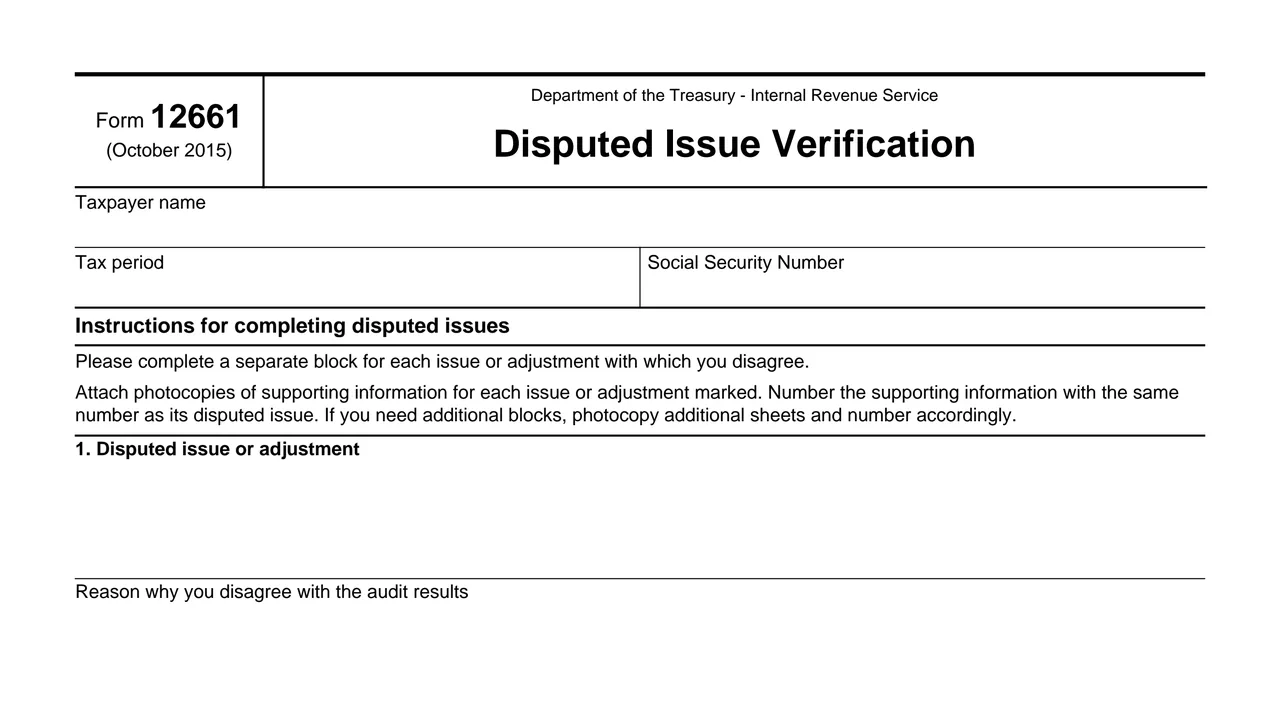
Taxpayer name, tax period and Social Security Number.
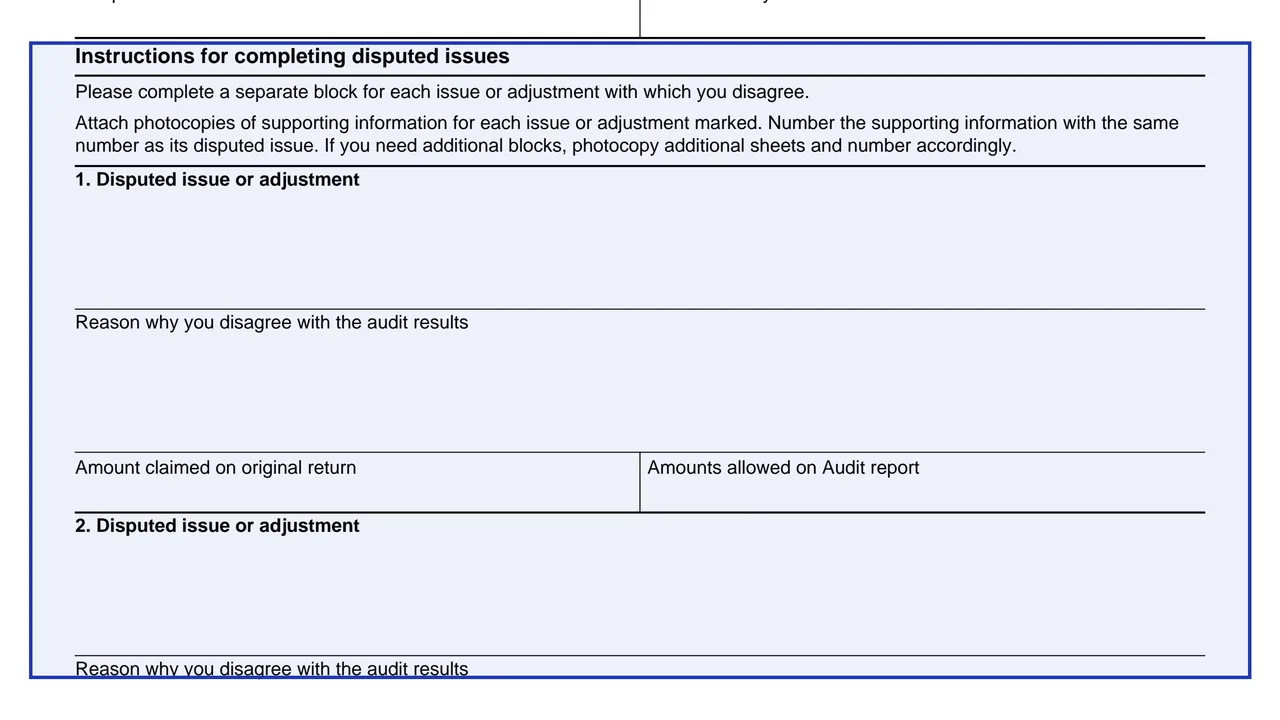
A short printed note: one block per issue or adjustment, numbered photocopies of supporting information, and extra photocopied sheets if needed.
Three numbered blocks, each starting with a space to describe one disputed issue or adjustment.
In each block, a space for the reason the taxpayer disagrees with the audit results.
In each block, the amount claimed on the original return and the amounts allowed on the audit report.
Do not send original documents, send photocopies only. For the Privacy Act Notice, the form points to the instructions for your return.
Enter the taxpayer name, the tax period and the Social Security Number.
Use a separate block for each issue or adjustment you disagree with, and describe it in the first space of the block.
In the same block, write why you disagree with the audit results for that issue.
Enter the amount claimed on the original return and the amount allowed on the audit report for that issue.
Number each piece of supporting information with the same number as its disputed issue. The form says to send photocopies only.
For more than three issues, the form says to photocopy additional sheets and number them accordingly.
You get the real form, filled in a browser tab, with nothing standing between you and the finished PDF.
The form does not print a mailing address, fax number or deadline. It refers to an audit report and the amounts allowed on it.
The form says: Do not send original documents. Send photocopies only.
Supporting information for each issue is numbered with the same number as its disputed issue.
The form says to see the instructions for your return for the Privacy Act Notice.
The form is written for a taxpayer who disagrees with one or more audit results. It does not name the office that receives it.
No tool matches that search.
Yes. The form has three blocks and says to photocopy additional sheets and number them accordingly if you need more.
No. The form says: Do not send original documents. Send photocopies only.
The form says to number the supporting information with the same number as its disputed issue.
For each issue, the amount claimed on the original return and the amounts allowed on the audit report.
The form itself does not print an address, office or fax number.