Payer and recipient boxes
The payer's name, address and telephone number, the payer's TIN, the recipient's TIN, name and address, and an account number.
1099-QA
Distributions From ABLE Accounts
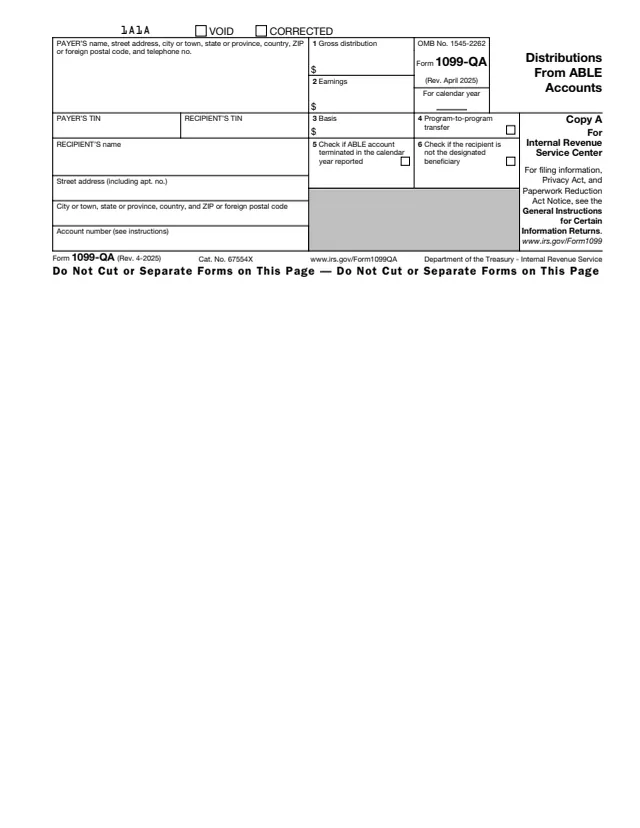
Form 1099-QA, Distributions From ABLE Accounts, is an information return for distributions from an Achieving a Better Life Experience (ABLE) account. The IRS page says any state or its agency or instrumentality that establishes and maintains a qualified ABLE program files this form with the IRS for each ABLE account from which any distribution was made or which was terminated.
Copy A is for the IRS and Copy B goes to the recipient. The recipient is the designated beneficiary of the account, except that a contributor who gets back an excess contribution is listed as the recipient of that form. Copy B carries the Instructions for Recipient, which explain boxes 1 to 6 and point to Form 5329 and the Instructions for Form 1040.
The instructions say Forms 1099-QA and 5498-QA have been converted to an online fillable format because the IRS receives very few paper copies. You can fill out the PDF free in your browser on this page and download it without an account.
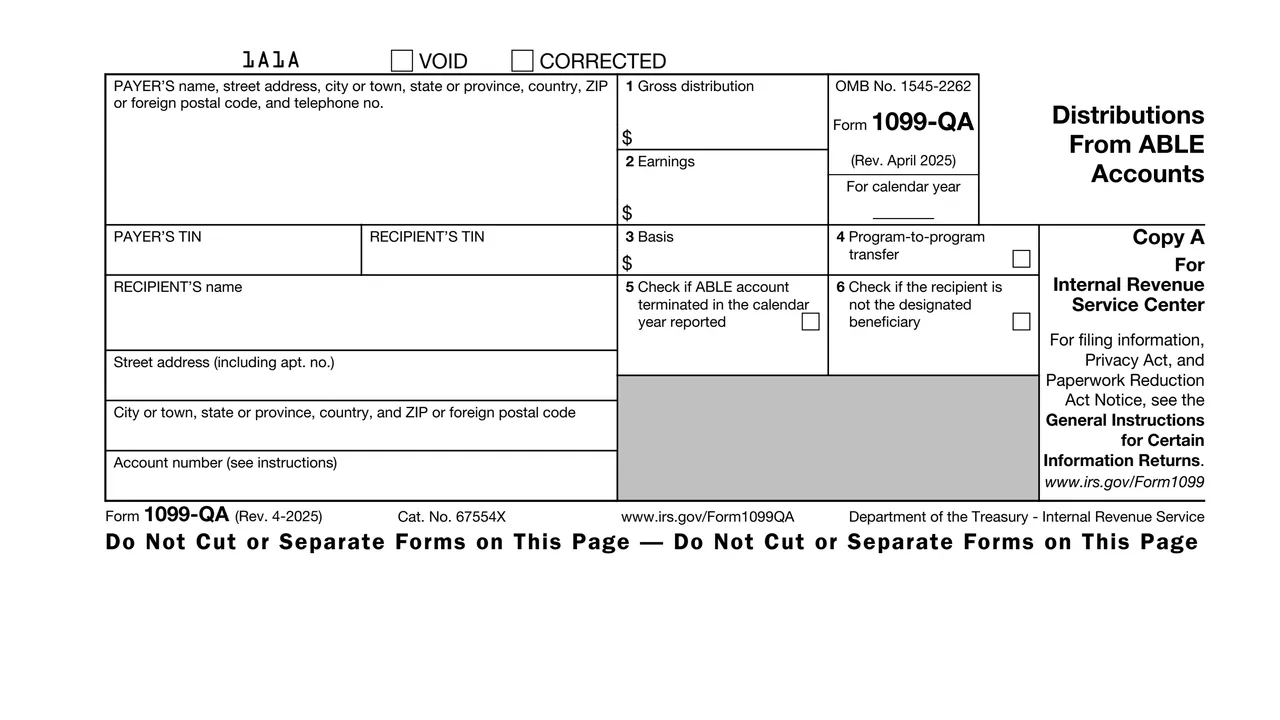
The payer's name, address and telephone number, the payer's TIN, the recipient's TIN, name and address, and an account number.
The gross distribution from the ABLE account in the calendar year. It includes amounts the designated beneficiary intends to roll over, but not program-to-program transfers.
Box 2 holds the earnings part of the box 1 amount. Box 3 holds the basis, the part of the distribution that returns the investment in the account.
A checkbox for a program-to-program transfer made from this ABLE account to another ABLE account.
Box 5 is checked if the ABLE account was terminated in the calendar year reported. Box 6 is checked if the recipient is not the designated beneficiary.
Copy A is for the Internal Revenue Service Center. Copy B is for the recipient, says to keep it for your records, and carries the Instructions for Recipient.
Enter the payer's name, address and TIN. For a state program that uses the state's EIN, the instructions say to enter the state's name on the first name line and the program's name on the second.
List the designated beneficiary as recipient, or the contributor for a returned excess contribution, with that person's TIN. Enter the 4-digit calendar year in the For calendar year space.
Enter the gross distribution for the calendar year. On a form for a contributor, enter the excess contributions returned plus the earnings on them.
The instructions say to figure box 2 by multiplying box 1 by the earning ratio defined in section 1.529A(b)(7). Box 3 is the box 1 amount minus the box 2 earnings.
Check box 4 for a program-to-program transfer from this account during the year, box 5 if the account terminated during the year, and box 6 for a distribution to someone other than the designated beneficiary.
The IRS encourages an account number on every Form 1099-QA. The recipient's TIN may be truncated on the recipient statement, but not on documents filed with the IRS.
You get the real form, filled in a browser tab, with nothing standing between you and the finished PDF.
The instructions say the form is filed with the IRS on or before February 28 of the following year. A due date on a Saturday, Sunday or legal holiday moves to the next day that is not one.
A filer also furnishes a copy of Form 1099-QA or an acceptable substitute statement to the designated beneficiary and to each contributor who received a returned contribution, covering only amounts paid to that recipient.
The instructions say the e-file threshold was lowered to 10 returns, counted across all information returns, for returns required to be filed on or after January 1, 2024. IRIS is the IRS online portal for e-filing information returns.
The instructions say to use the April 2025 revision of Form 1099-QA to file and furnish 2026 information in early 2027, and to keep using it until a superseding revision is issued.
The instructions say to also use Pub. 1099, General Instructions for Certain Information Returns, for who must file, when and where to file, corrections and penalties.
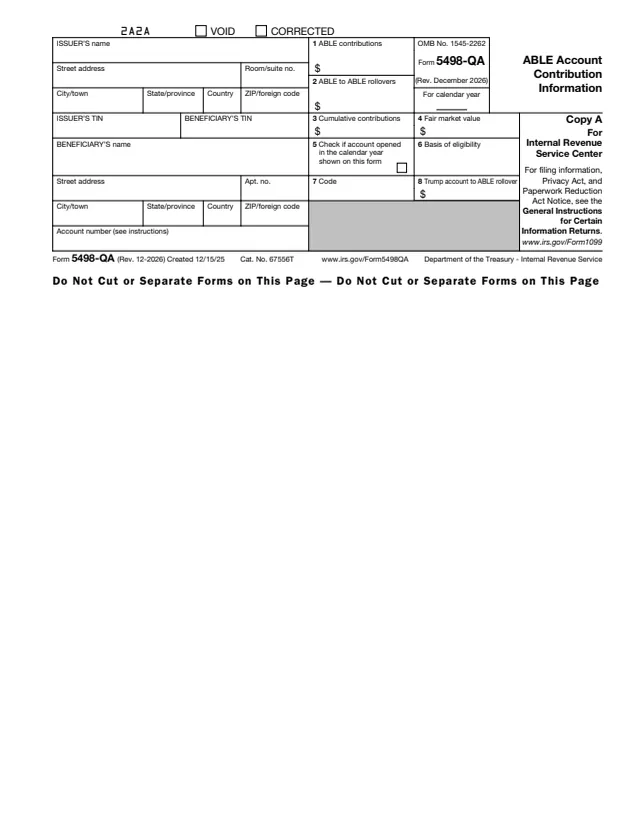
5498-QA
55 fields, 3 pages
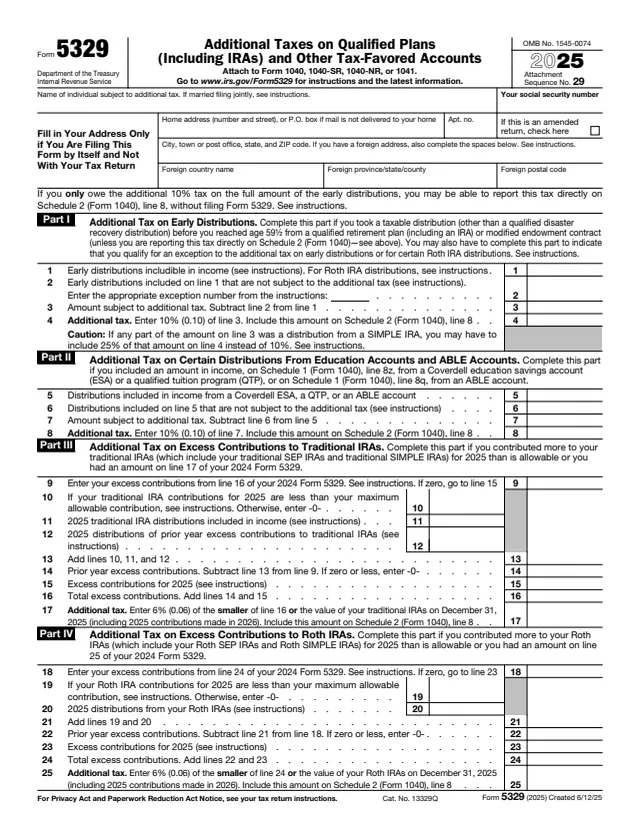
5329
75 fields, 3 pages
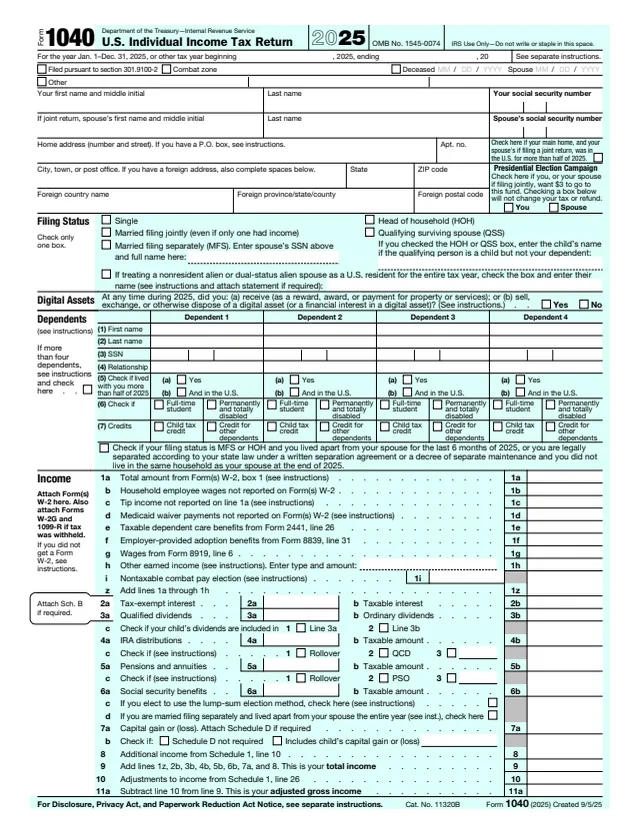
1040
199 fields, 2 pages
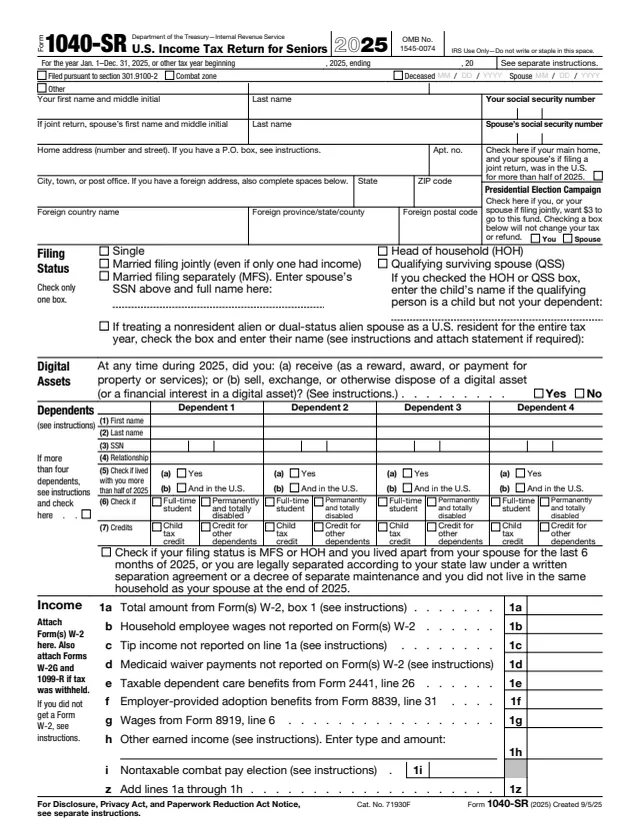
1040-SR
200 fields, 4 pages
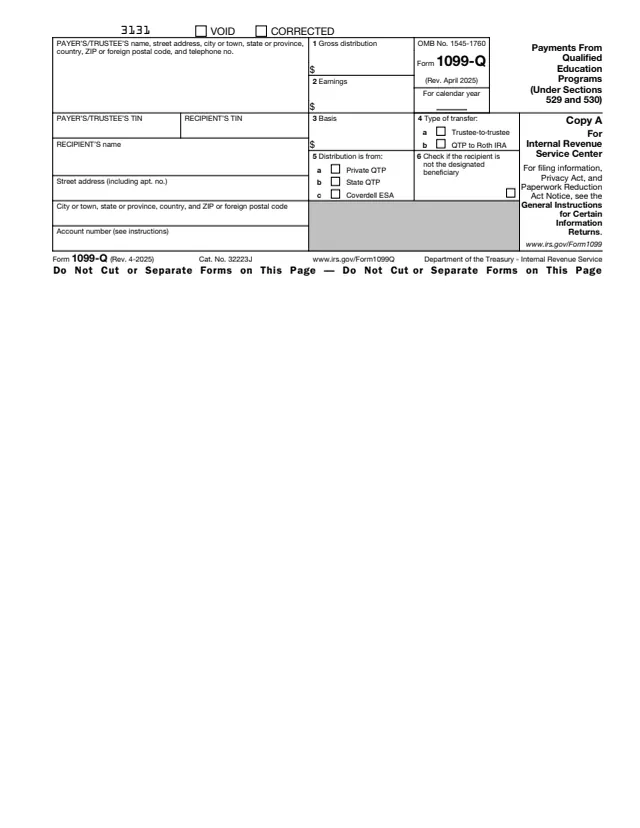
1099-Q
38 fields, 3 pages
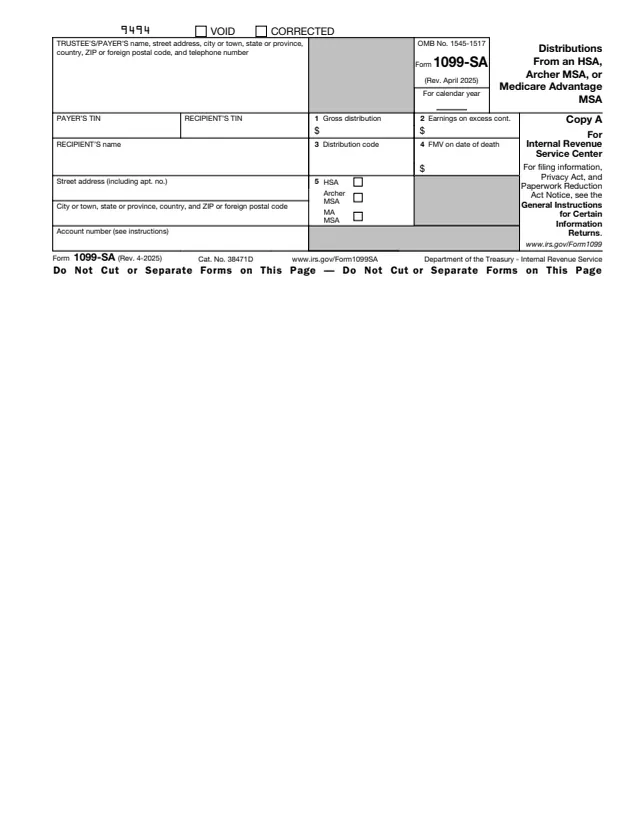
1099-SA
33 fields, 3 pages
The ABLE program that made the distribution completes and files the form. The designated beneficiary or a contributor receives Copy B and does not file it with the IRS.
No tool matches that search.
The IRS page says any state or its agency or instrumentality that establishes and maintains a qualified ABLE program files it, for each ABLE account from which any distribution was made or which was terminated.
No. The designated beneficiary or a contributor receives Copy B. The Instructions for Recipient say taxable amounts are reported as "Other income" on Form 1040 or 1040-SR, and point to Form 5329.
No. The form says the gross distribution includes amounts the designated beneficiary intends to roll over, but not program-to-program transfers. Box 4 is checked when a transfer was made.
The Instructions for Recipient say the recipient is not the designated beneficiary of the ABLE account, and that the recipient and/or the designated beneficiary may be subject to additional taxes and/or penalties on box 1.
The instructions say on or before February 28 of the following year.
Form 5498-QA, ABLE Account Contribution Information. It shares the same instructions as Form 1099-QA.