Filer information
Date of initial receipt of greenmail, the name and identifying number of the person receiving it, and a street, foreign or P.O. box address.
8725
Excise Tax on Greenmail
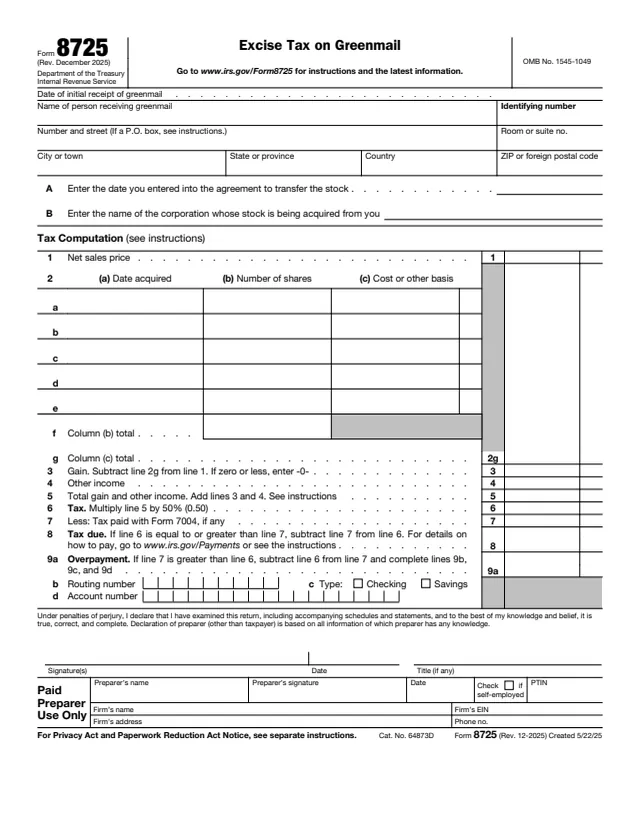
Form 8725 is the return used to report and pay the excise tax on greenmail. The IRS says to use it to report and pay the 50% excise tax imposed under section 5881 on the gain or other income realized on the receipt of greenmail.
The form is completed by the person receiving greenmail. It asks for the date of initial receipt of greenmail, the date the person entered into the agreement to transfer the stock, and the name of the corporation whose stock is being acquired. The tax computation starts from the net sales price, subtracts the cost or other basis of the shares, adds other income and multiplies the total by 50%.
The current version is Rev. December 2025. The form refers to separate instructions at www.irs.gov/Form8725. You can fill out Form 8725 free in your browser on this page and download it without an account.
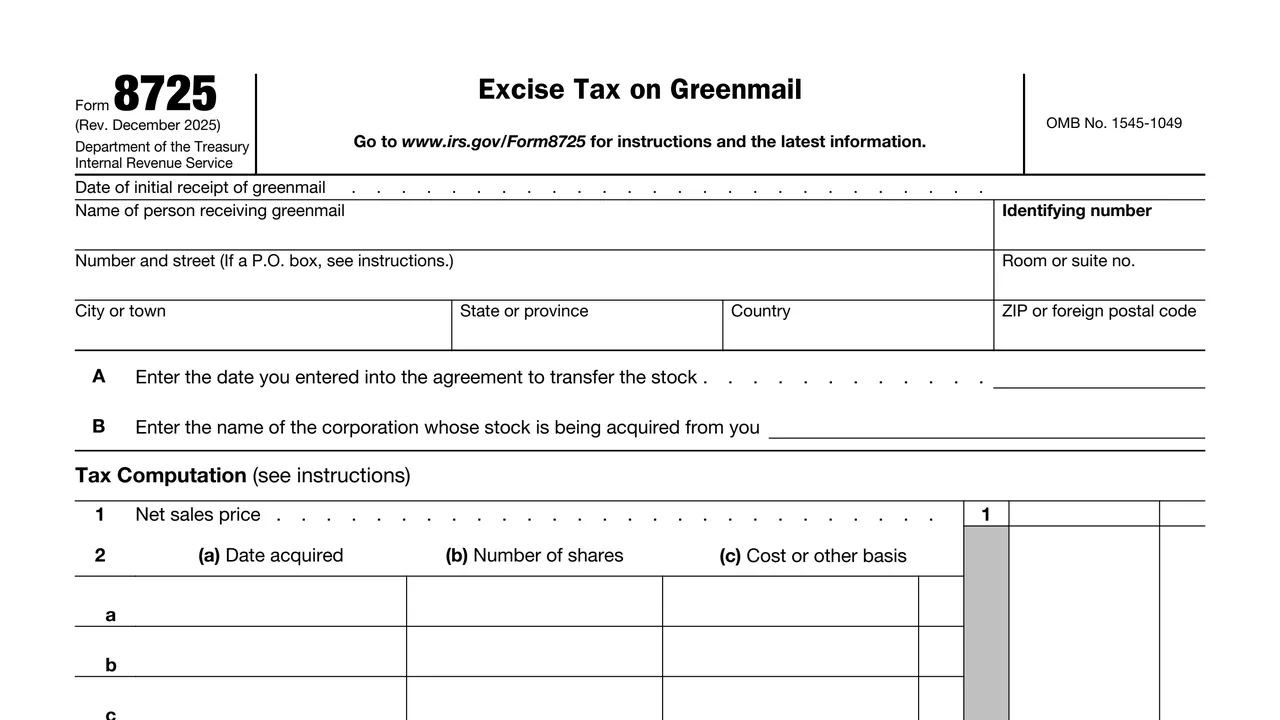
Date of initial receipt of greenmail, the name and identifying number of the person receiving it, and a street, foreign or P.O. box address.
The date of the agreement to transfer the stock and the name of the corporation whose stock is being acquired.
The net sales price, then up to five lots of shares with (a) date acquired, (b) number of shares and (c) cost or other basis, totaled on lines 2f and 2g.
Gain, other income, total gain and other income, and the tax, which is line 5 multiplied by 50% (0.50).
Tax paid with Form 7004, tax due, and an overpayment with routing number, checking or savings type and account number.
Signature(s), date and title (if any) under penalties of perjury, plus the Paid Preparer Use Only area.
Enter the date of initial receipt of greenmail, then the name, identifying number and address of the person receiving it. For a P.O. box, the form says to see the instructions.
Enter the date of the agreement to transfer the stock and the name of the corporation whose stock is being acquired.
Enter the net sales price on line 1. On lines 2a through 2e, list each lot with the date acquired, number of shares and cost or other basis, then total columns (b) and (c) on lines 2f and 2g.
Subtract line 2g from line 1 for the gain, entering -0- if zero or less. Enter other income on line 4, add lines 3 and 4 on line 5, and multiply line 5 by 50% (0.50) on line 6.
Enter any tax paid with Form 7004 on line 7. If line 6 is equal to or greater than line 7, subtract for the tax due on line 8. If line 7 is greater, enter the overpayment on line 9a and complete lines 9b to 9d.
Sign and date the declaration under penalties of perjury and add a title if any. A paid preparer completes the preparer area.
You get the real form, filled in a browser tab, with nothing standing between you and the finished PDF.
Line 8 says that for details on how to pay, go to www.irs.gov/Payments or see the instructions.
The form says to go to www.irs.gov/Form8725 for instructions and the latest information. The form itself does not print a filing address or due date.
An overpayment on line 9a can go by direct deposit using the routing number, account type and account number on lines 9b to 9d.
Tax paid with Form 7004 is subtracted on line 7. The IRS page for Form 8725 lists Form 7004 among its related items.
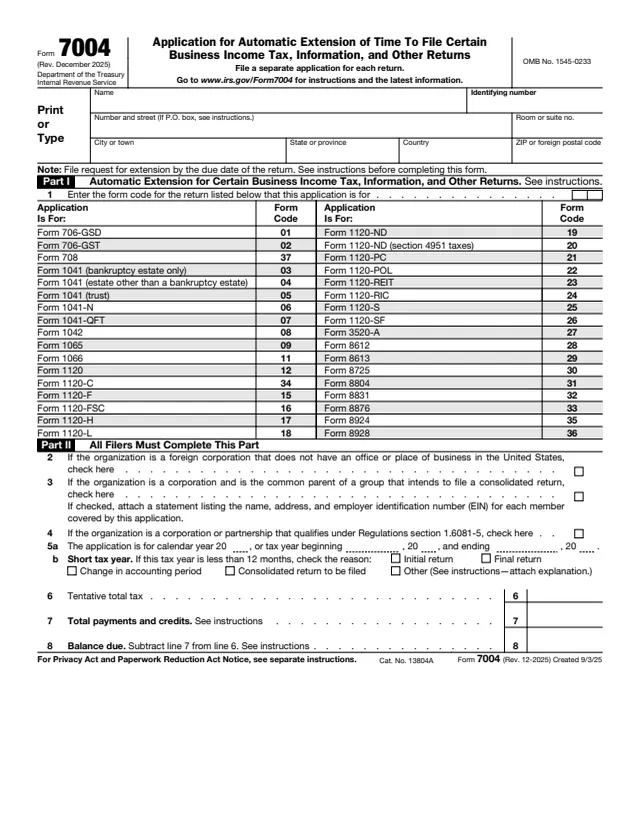
7004
26 fields, 1 page
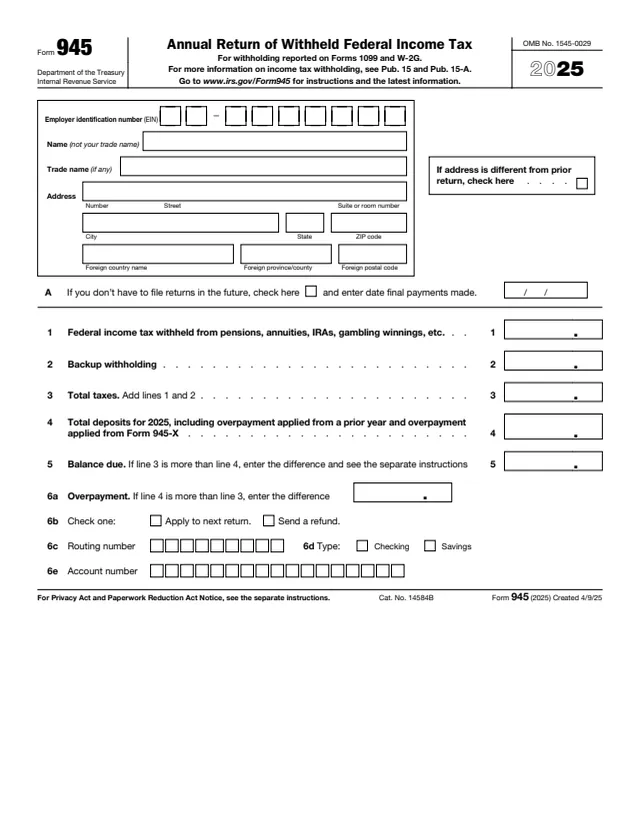
945
88 fields, 3 pages
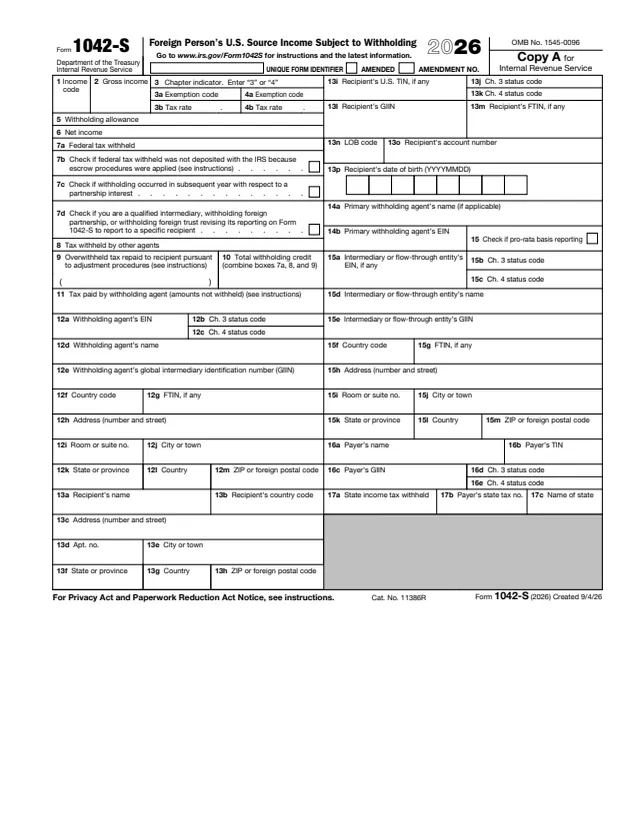
1042-S
300 fields, 7 pages
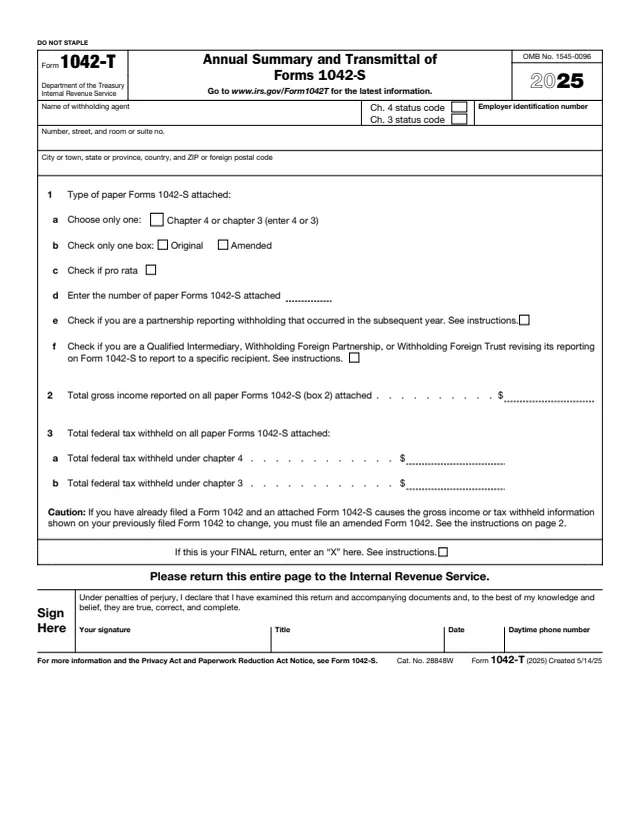
1042-T
19 fields, 2 pages
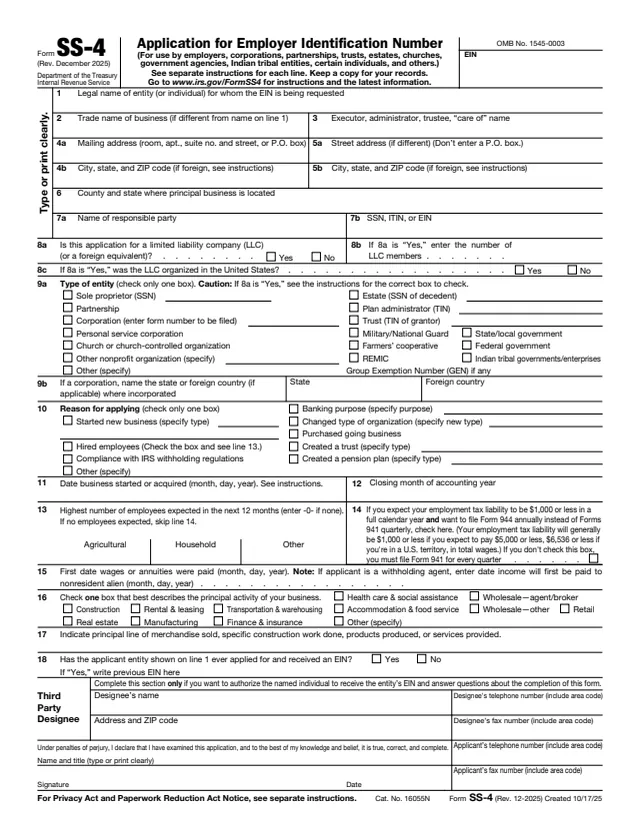
SS-4
89 fields, 2 pages
The form is completed by the person receiving greenmail, whose name and identifying number go at the top. The IRS page describes it as the form to report and pay the section 5881 excise tax.
No tool matches that search.
The IRS says to use it to report and pay the 50% excise tax imposed under section 5881 on the gain or other income realized on the receipt of greenmail.
Line 6 multiplies the total gain and other income on line 5 by 50% (0.50).
Line 3 subtracts the total cost or other basis of the shares on line 2g from the net sales price on line 1. If the result is zero or less, the form says to enter -0-.
The form points to www.irs.gov/Form8725 for instructions and the latest information.
Yes. Line 7 subtracts tax paid with Form 7004, if any, before the tax due or overpayment is figured.