Where to send
The fax number and the mailing address of IRS National Public Liaison, printed at the top of the form.
15320
Application for Security Summit Membership
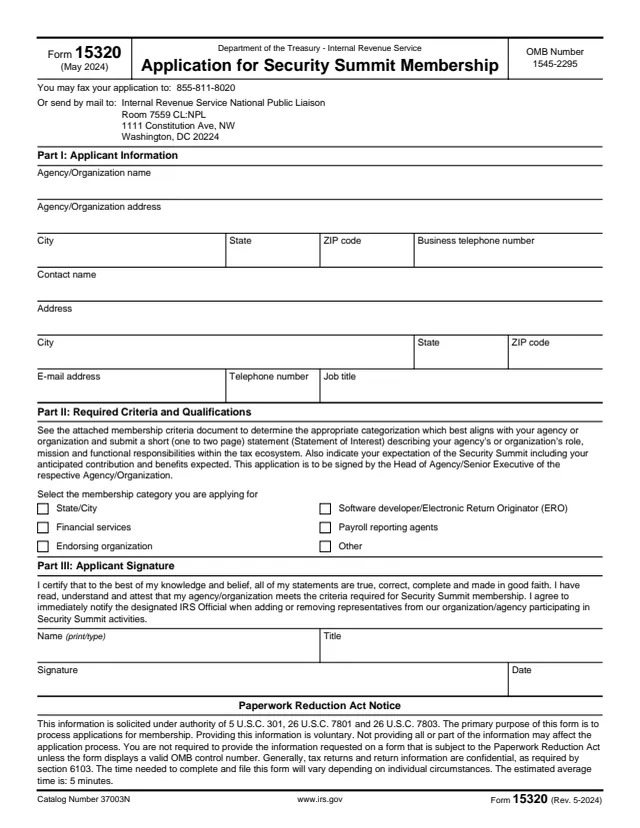
Form 15320, Application for Security Summit Membership, is completed by an agency or organization, not by an individual taxpayer. The applicant gives its name, address and a contact person, selects a membership category, and submits a short Statement of Interest.
The form says the Statement of Interest is one to two pages and describes the agency's or organization's role, mission and functional responsibilities within the tax ecosystem, along with its expectation of the Security Summit, including its anticipated contribution and benefits expected. The application is signed by the Head of Agency/Senior Executive of the agency or organization.
The form says it can be faxed to 855-811-8020 or mailed to the IRS National Public Liaison. You can fill out Form 15320 free in your browser on this page and download the result without an account.
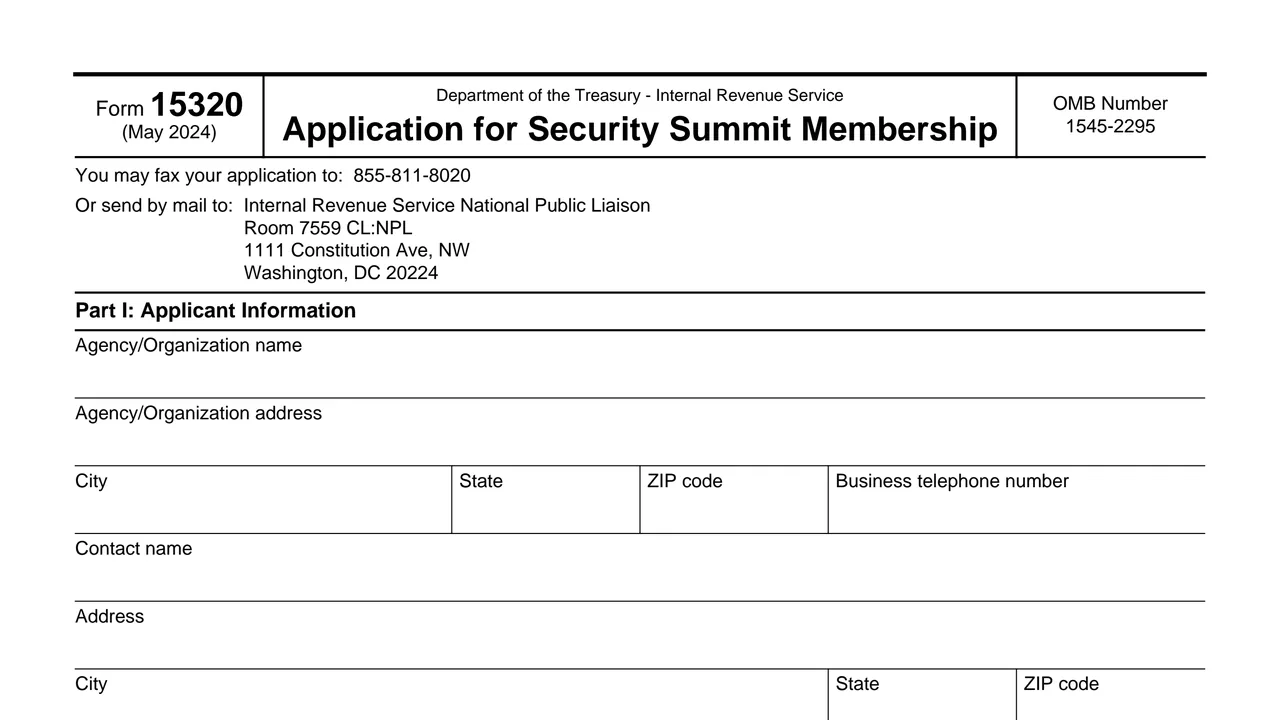
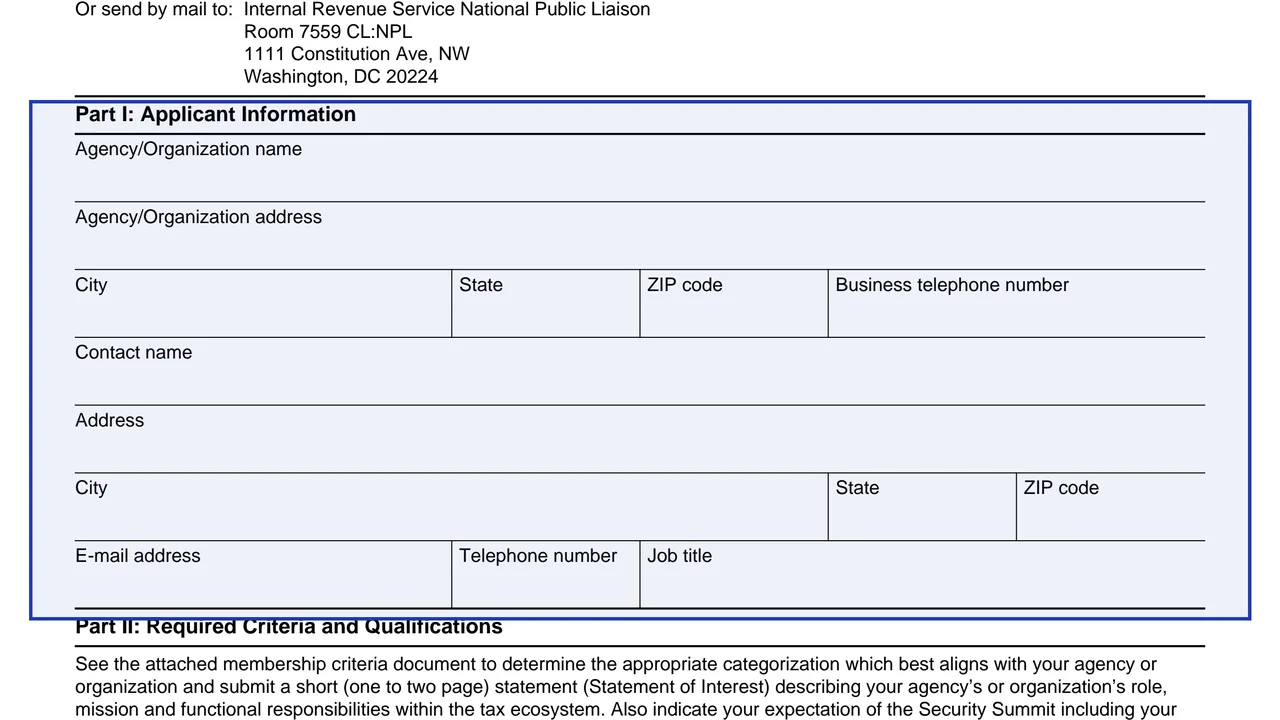
The fax number and the mailing address of IRS National Public Liaison, printed at the top of the form.
The agency or organization's name, address and business telephone number, then the contact's name, address, email, telephone number and job title.
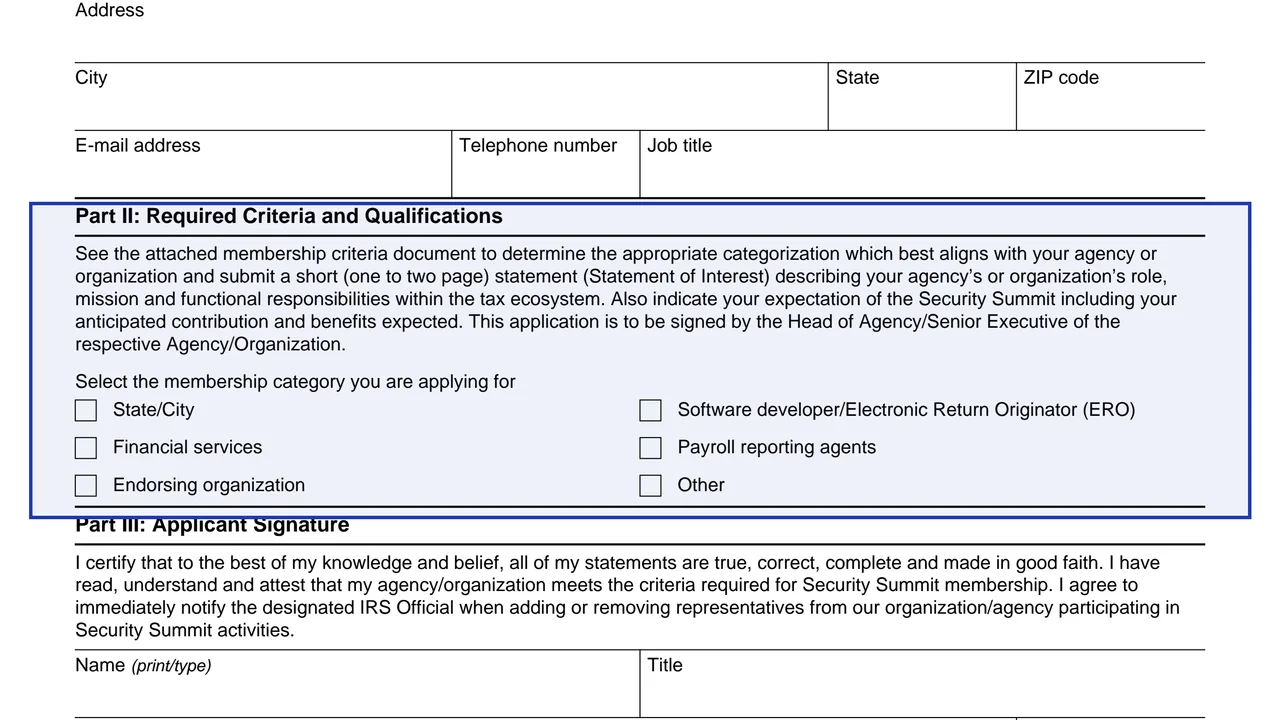
Directions for the Statement of Interest and six boxes for the membership category.
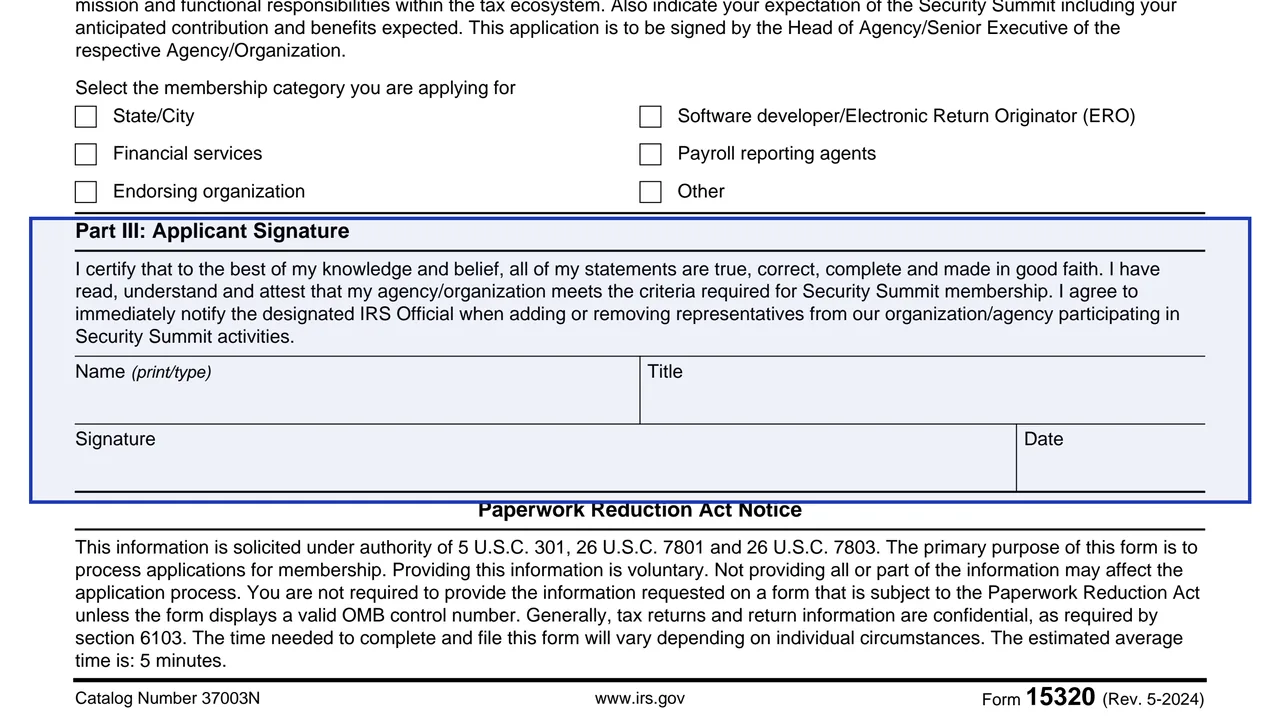
A certification that the statements are true and that the applicant meets the membership criteria, with name, title, signature and date.
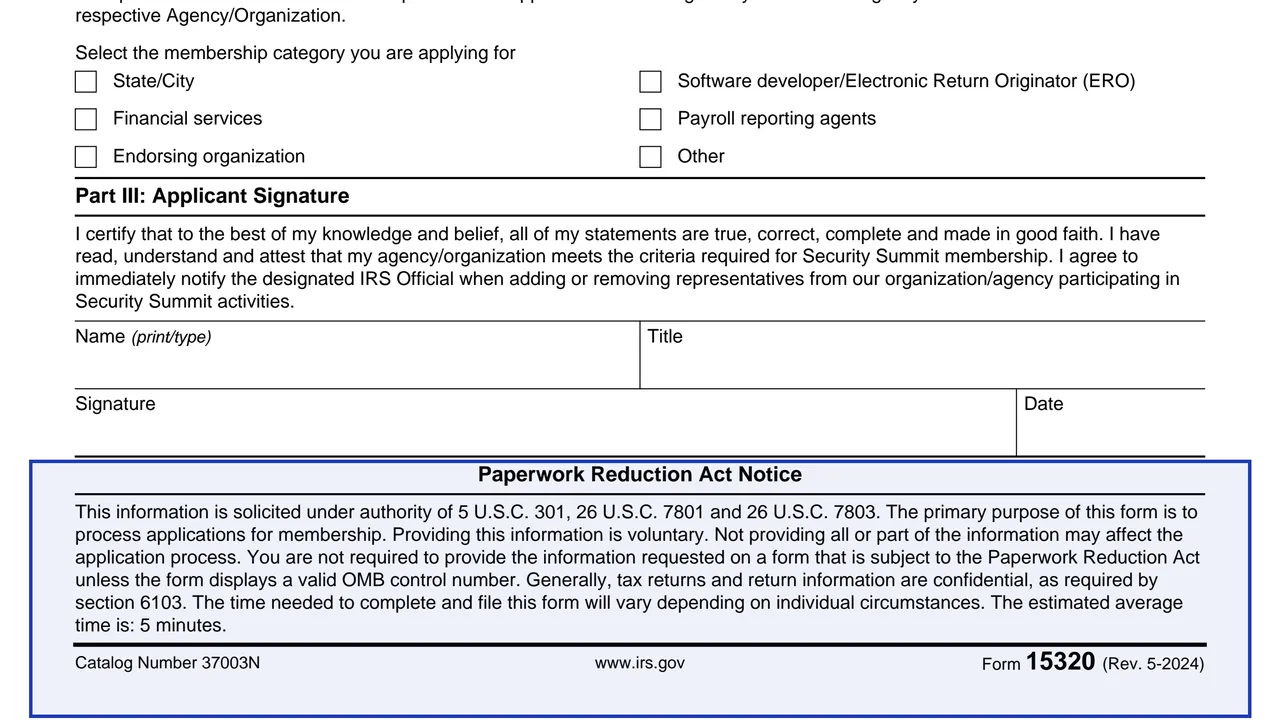
The authority for the form and its purpose. It says providing the information is voluntary and the estimated average time is 5 minutes.
In Part I, enter the agency or organization name, address, city, state, ZIP code and business telephone number.
Enter the contact's name, address, city, state, ZIP code, email address, telephone number and job title.
In Part II, select the category you are applying for. The form says to use the membership criteria document to find the category that best aligns with the agency or organization.
Prepare a one to two page statement of the organization's role, mission and functional responsibilities within the tax ecosystem, and its expectations, anticipated contribution and benefits expected.
The Head of Agency/Senior Executive prints their name and title, signs and dates Part III.
Fax the application to 855-811-8020 or mail it to the address printed at the top of the form.
You get the real form, filled in a browser tab, with nothing standing between you and the finished PDF.
The form says the application may be faxed to 855-811-8020.
Internal Revenue Service National Public Liaison, Room 7559 CL:NPL, 1111 Constitution Ave, NW, Washington, DC 20224.
Part II asks for a short statement of one to two pages along with the application.
By signing, the applicant agrees to immediately notify the designated IRS Official when adding or removing representatives taking part in Security Summit activities.
The Paperwork Reduction Act Notice says providing the information is voluntary, and not providing all or part of it may affect the application process.
An agency or organization applying for Security Summit membership completes the form, and its Head of Agency/Senior Executive signs it. It goes to IRS National Public Liaison.
No tool matches that search.
An agency or organization. The form lists State/City, Financial services, Endorsing organization, Software developer/Electronic Return Originator (ERO), Payroll reporting agents and Other as categories.
The form says it is signed by the Head of Agency/Senior Executive of the agency or organization.
Fax it to 855-811-8020, or mail it to Internal Revenue Service National Public Liaison, Room 7559 CL:NPL, 1111 Constitution Ave, NW, Washington, DC 20224.
One to two pages on the organization's role, mission and functional responsibilities within the tax ecosystem, plus its expectations, anticipated contribution and benefits expected.
The Paperwork Reduction Act Notice gives an estimated average time of 5 minutes.
Part II refers to an attached membership criteria document. The downloaded PDF has only the one-page application.