Last updated
Convert a font file
Goal: Your font in the format you need, downloaded to your device.
Before you start
- Have the font file on your device, such as a TTF file.
- Check that the font's licence lets you convert it.
- You don't need an account.
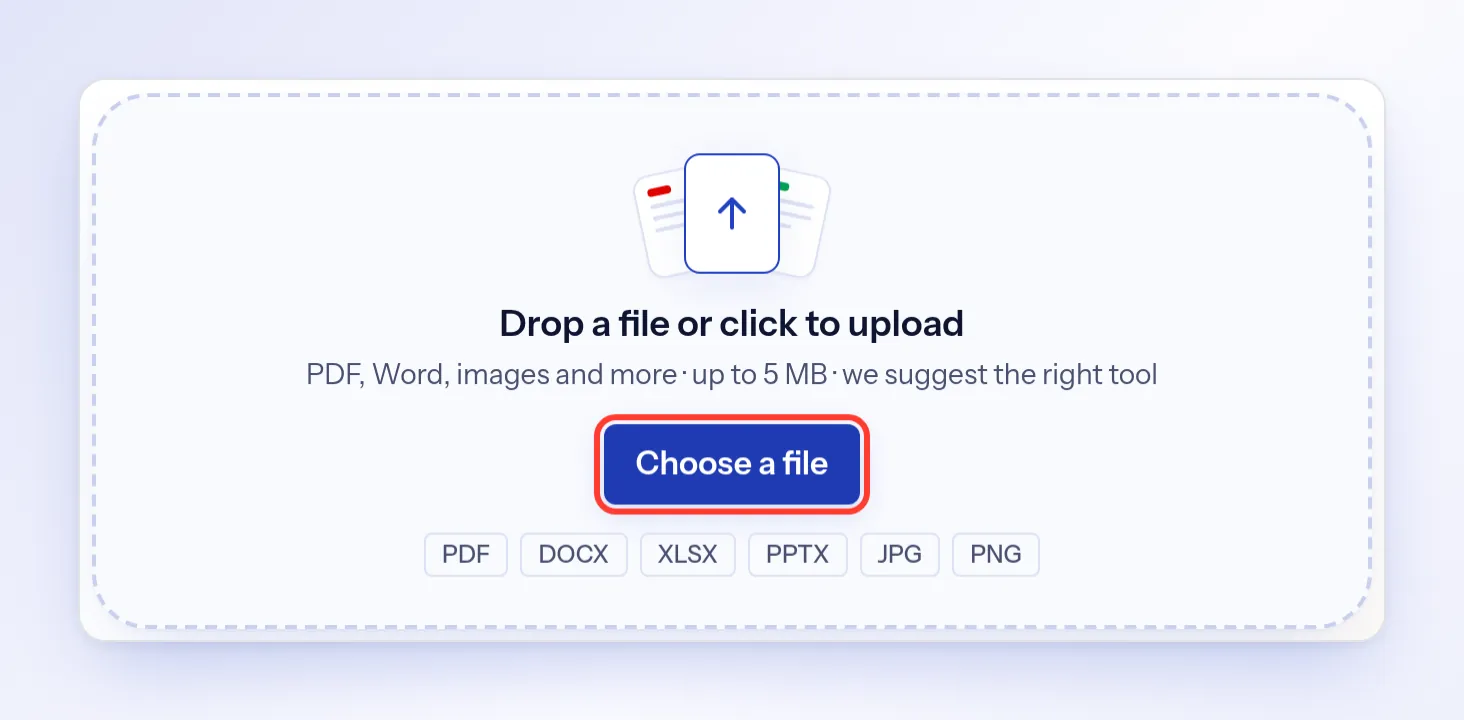
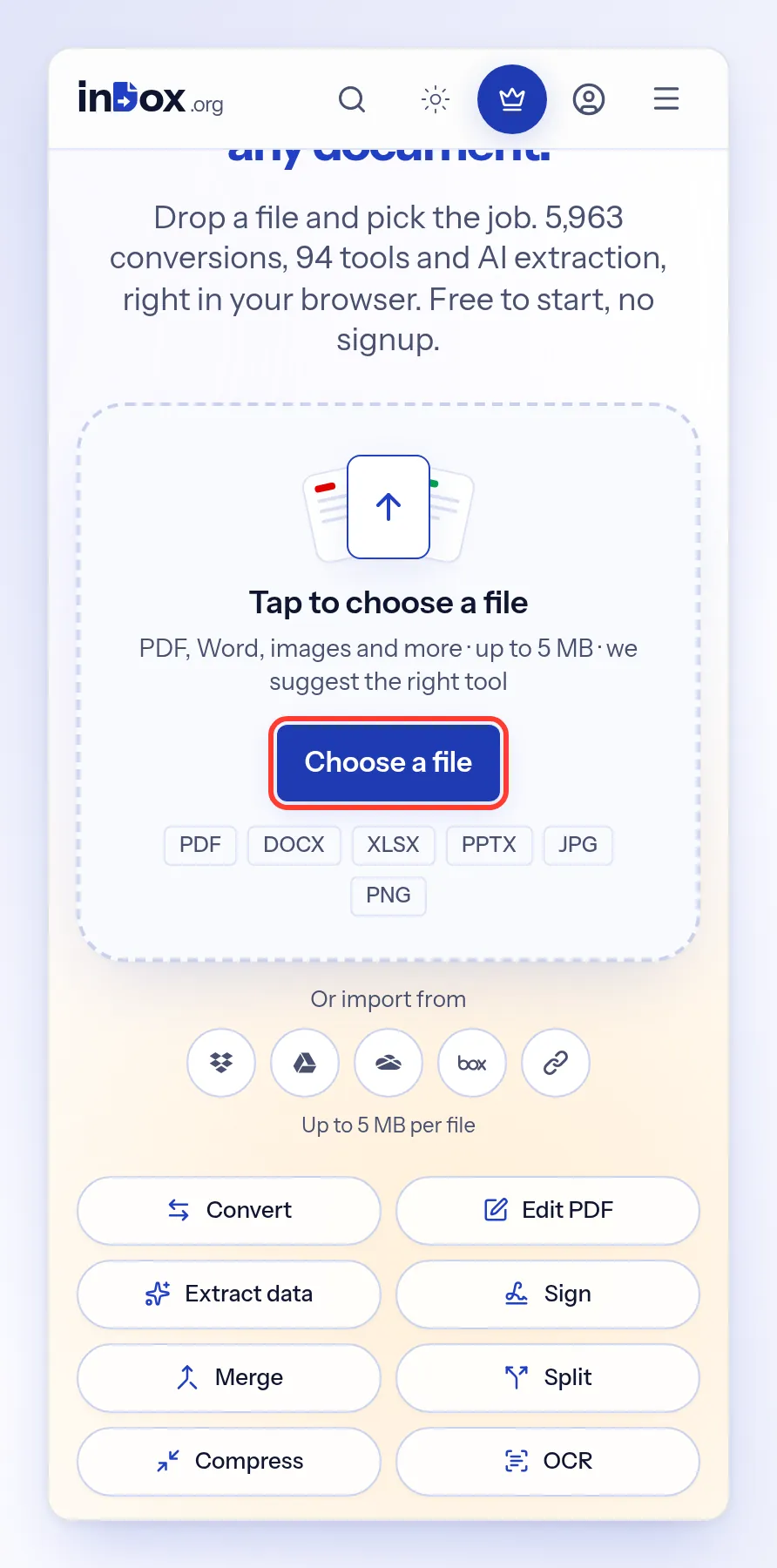
Choose your font file
On the indox.org home page , select Choose a file and pick your font.
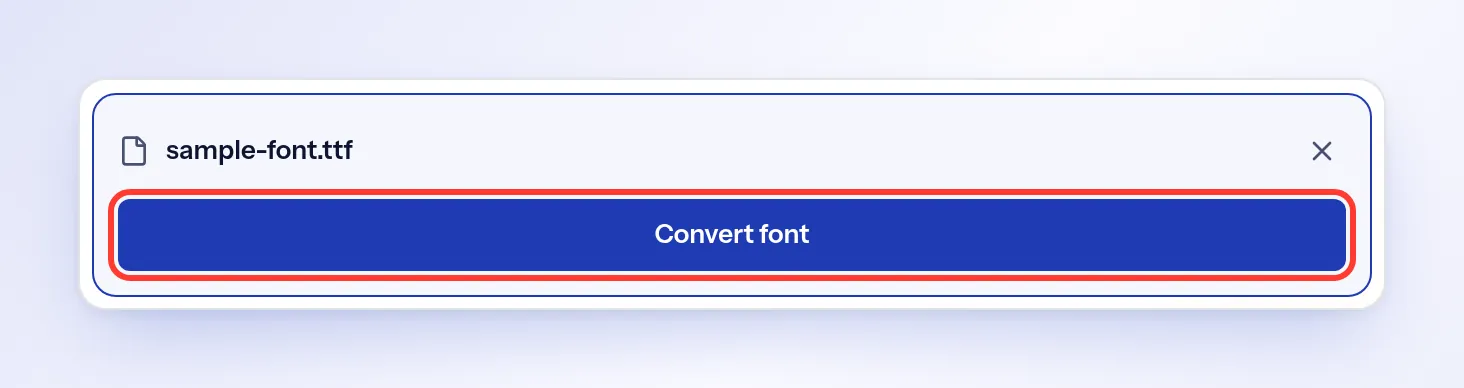
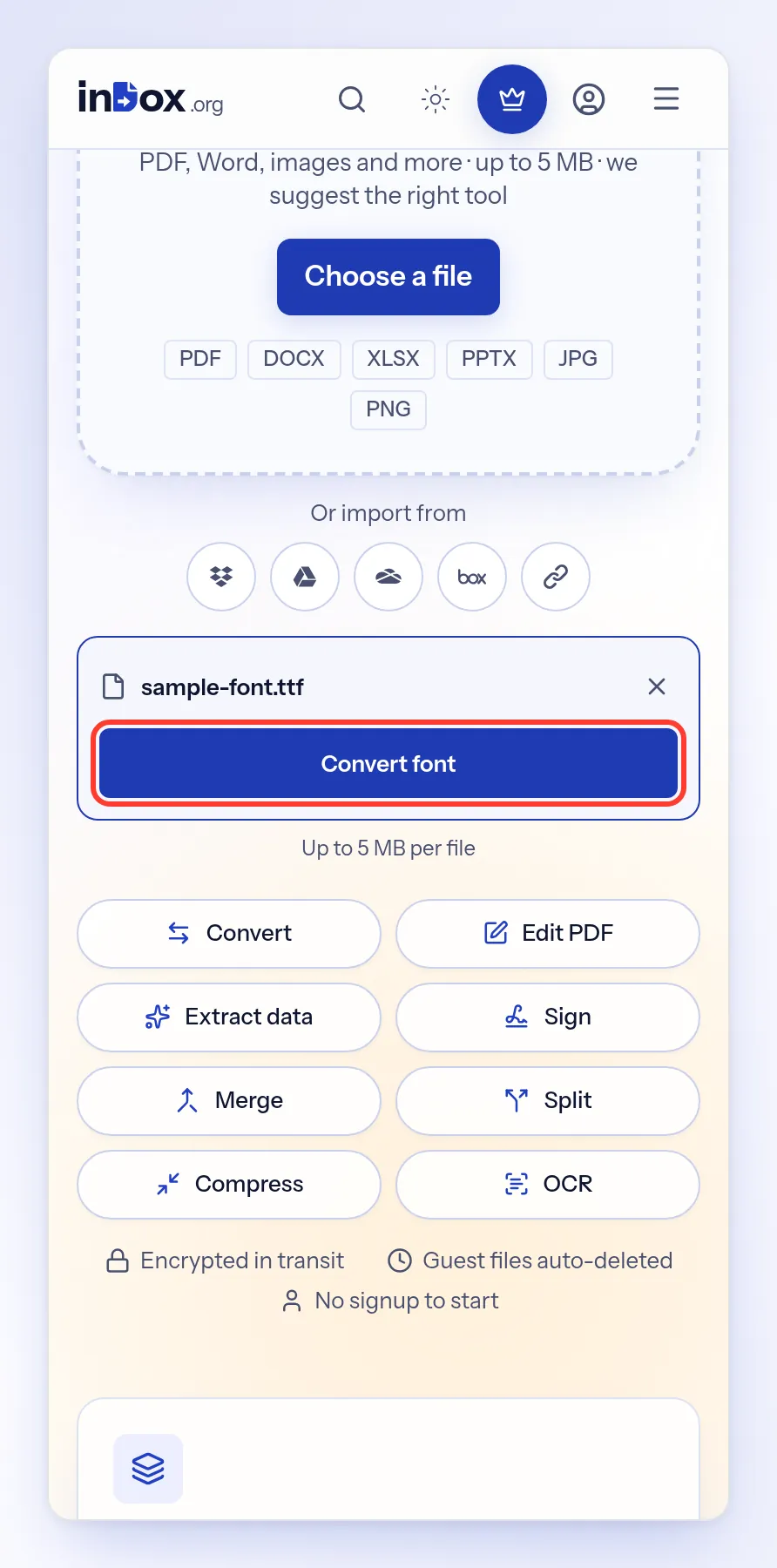
Select Convert font
Under your file name, select Convert font.
Check the output format
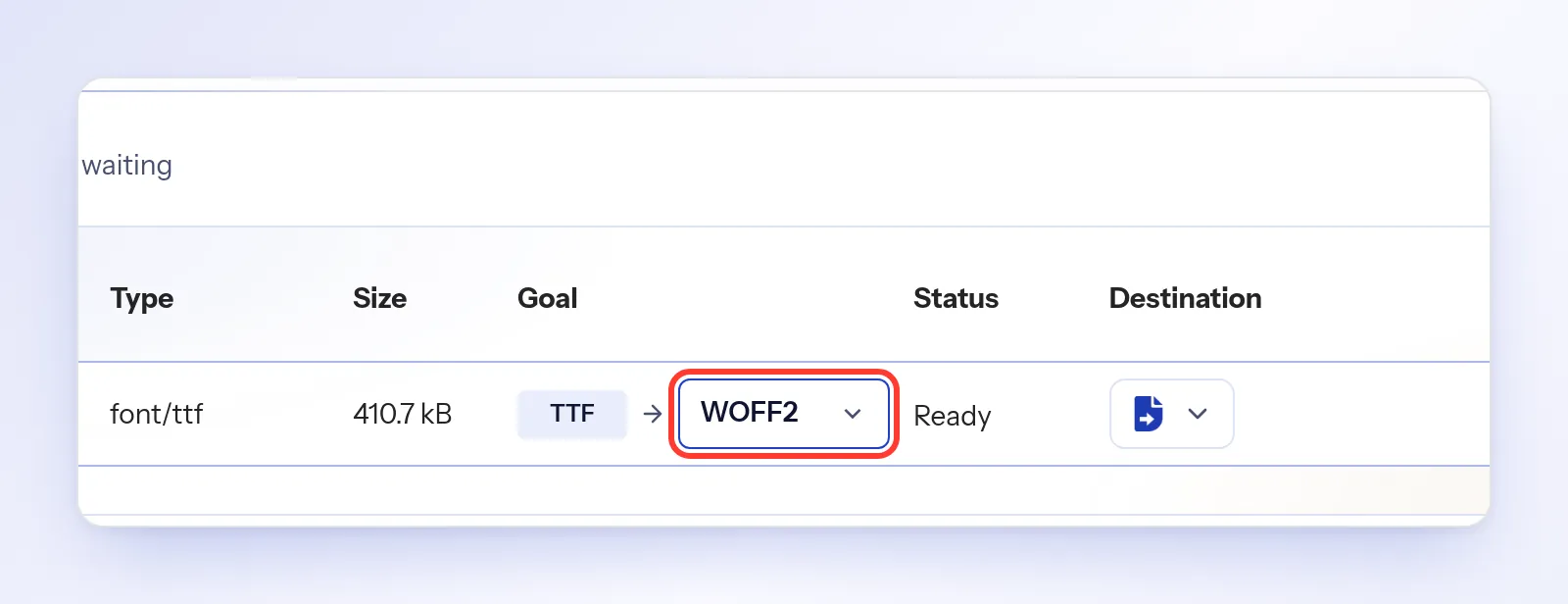
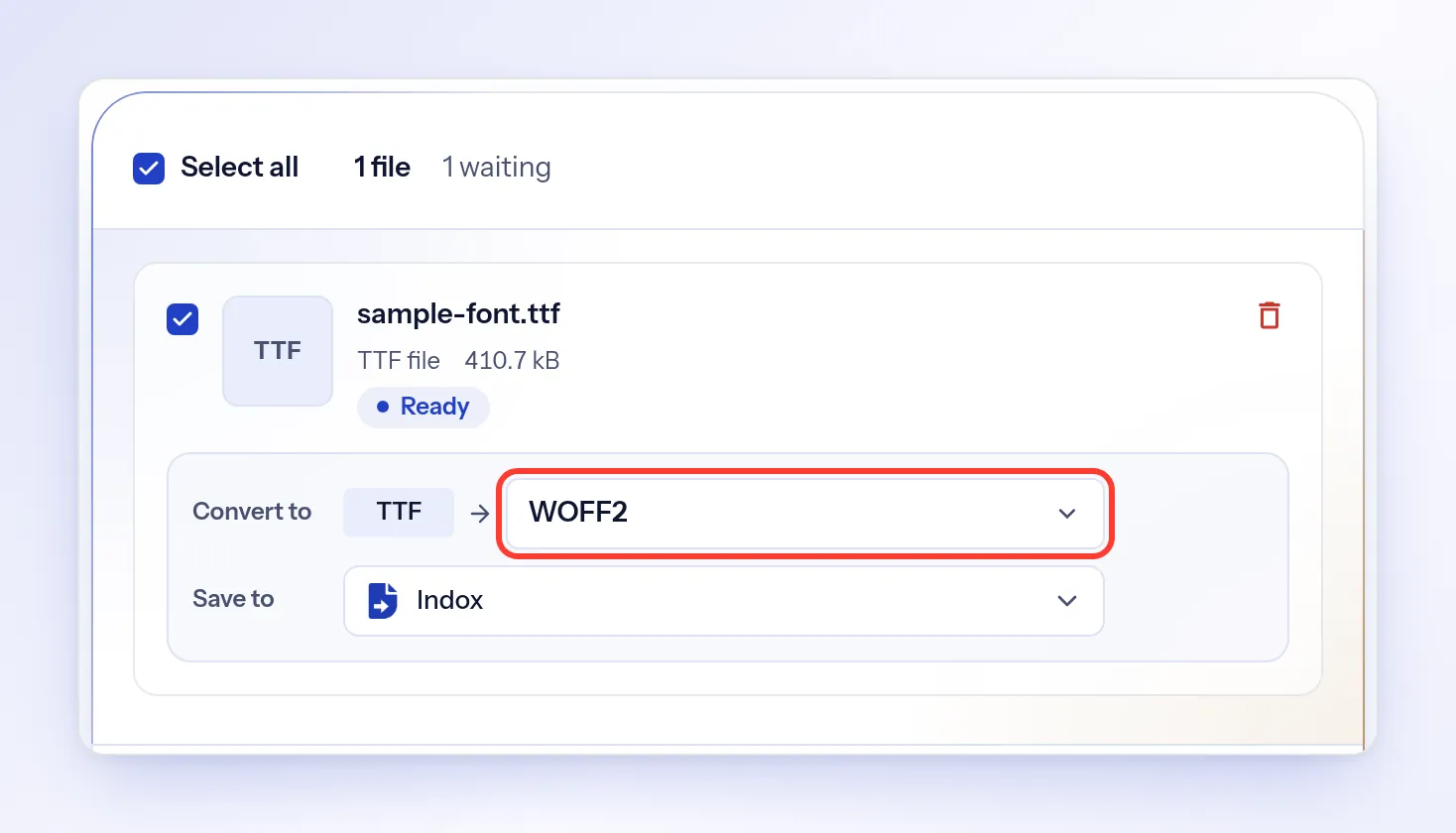
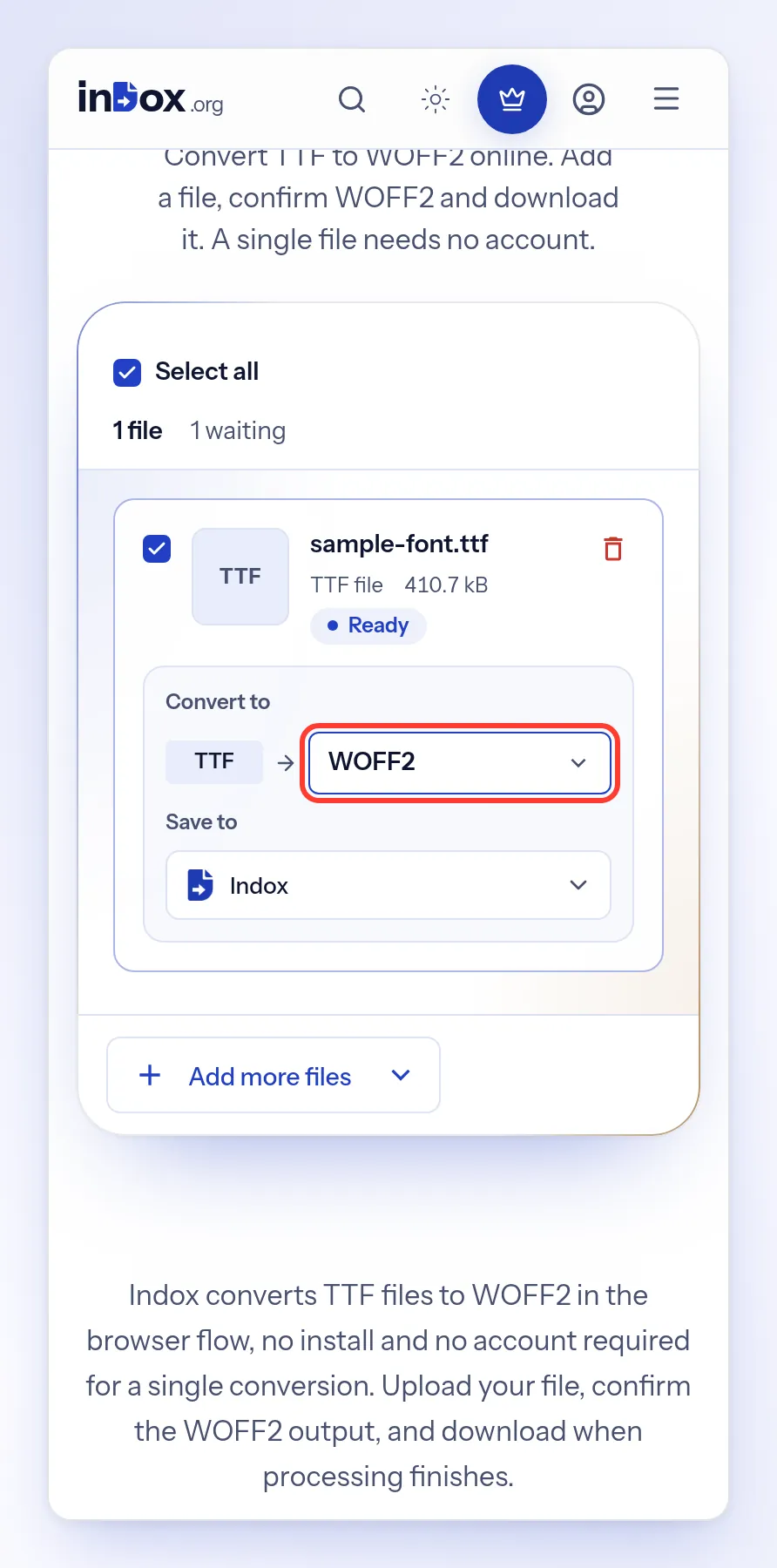
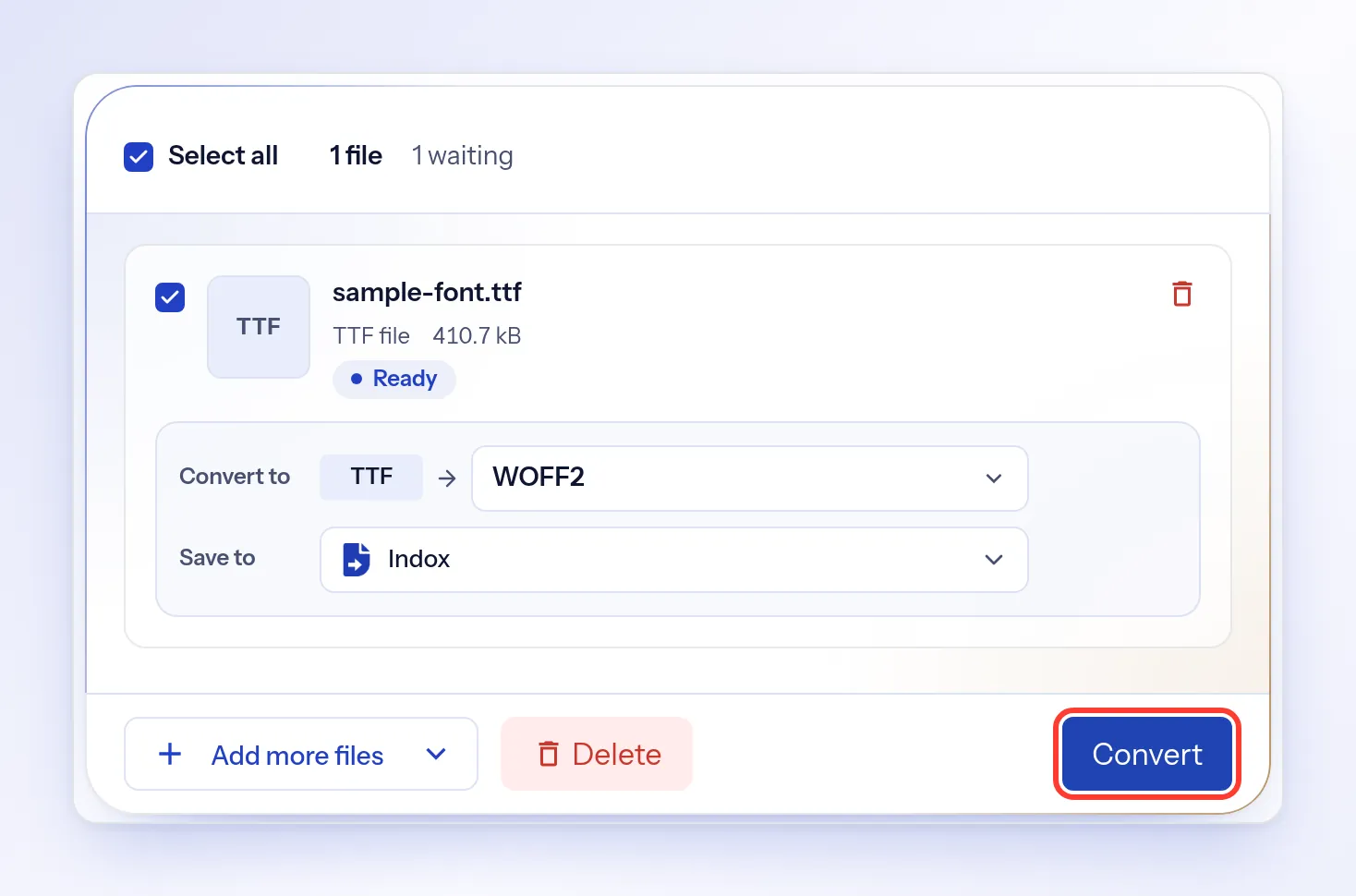
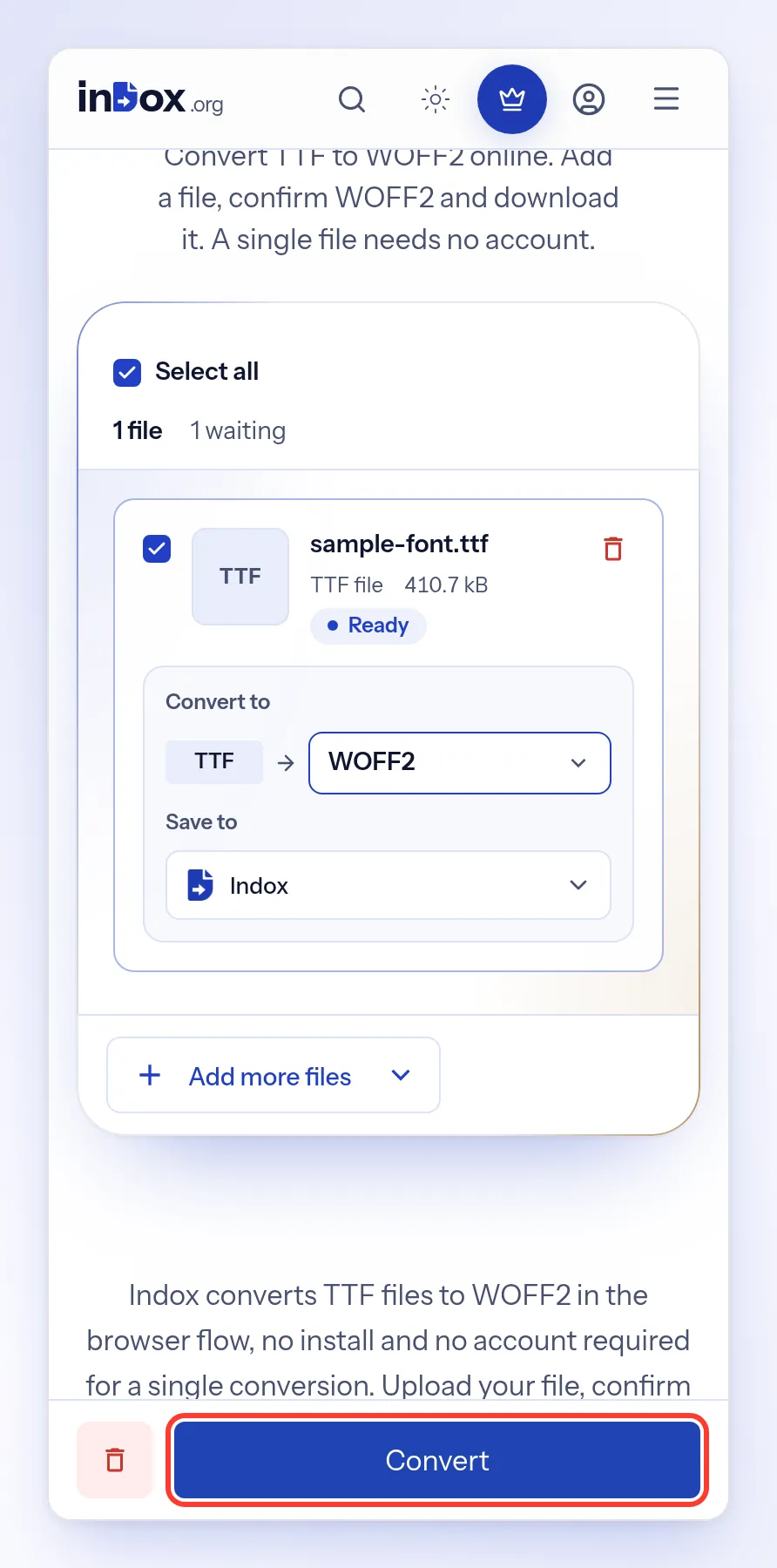
The converter opens with WOFF2 selected. To change it, select the format and pick another one. For a TTF file the list also has OTF, WOFF, EOT, PFA, PFB and SVG.
Convert the font
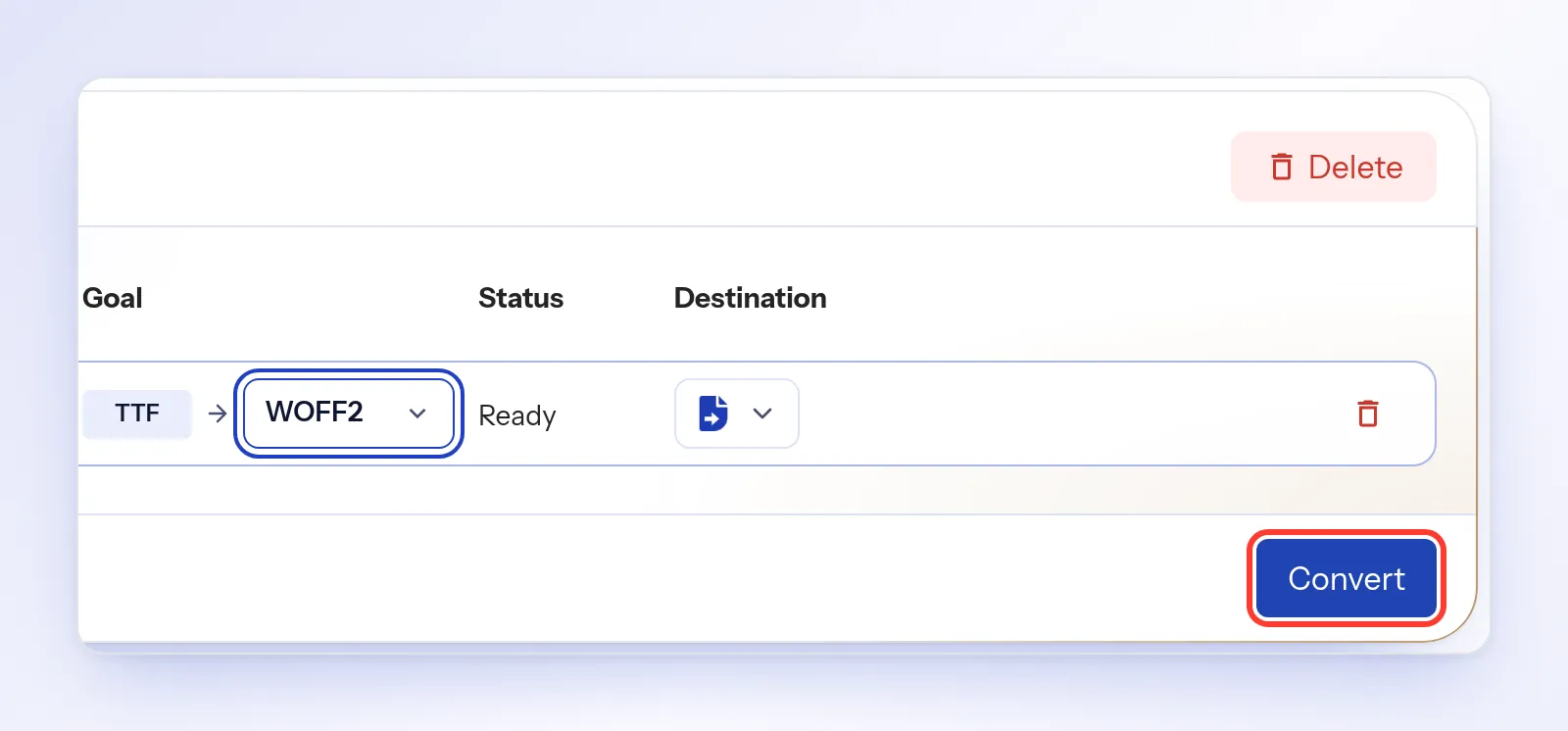
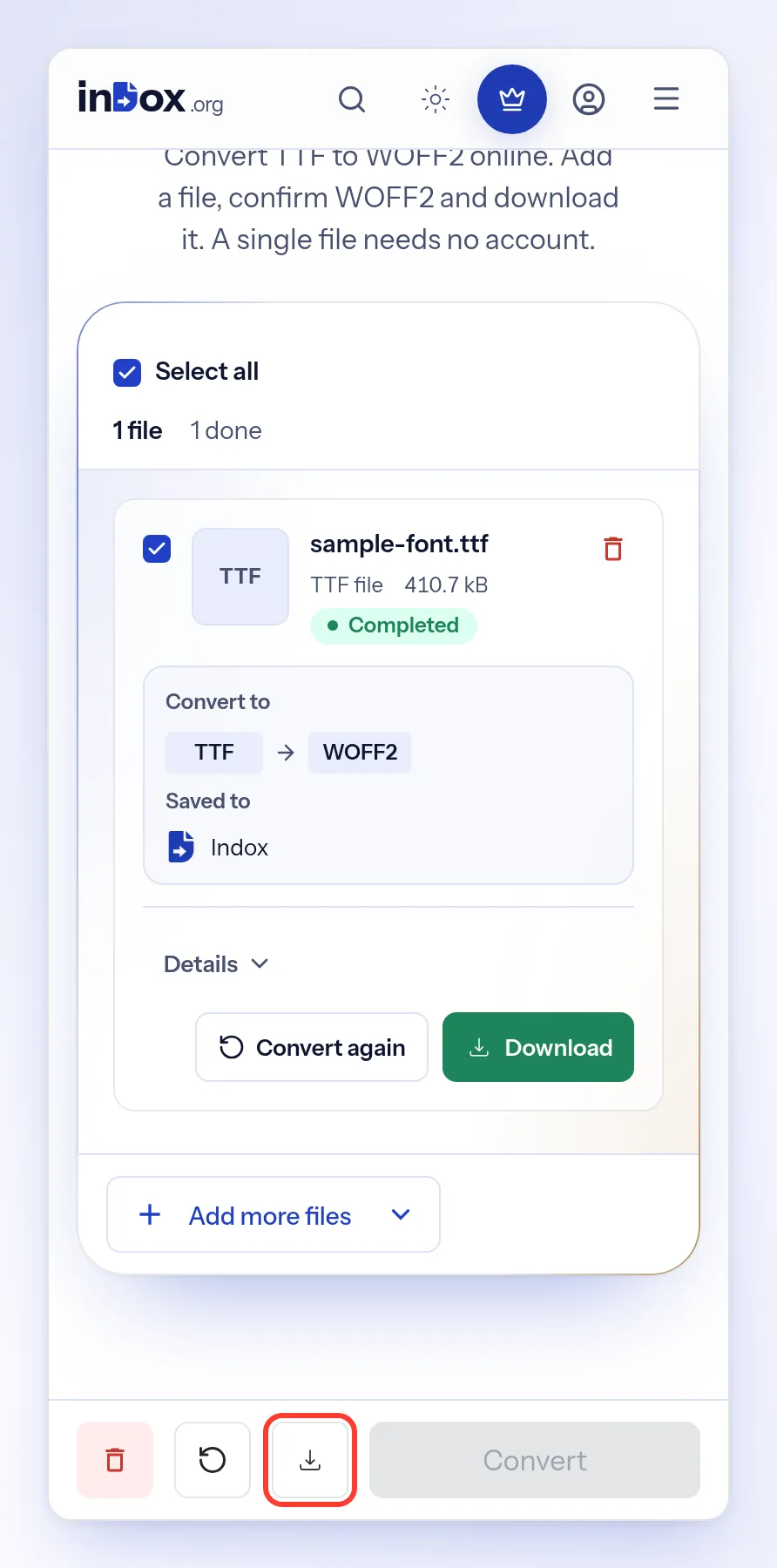
Select Convert. When your font is ready, its status changes to Completed.
Download the result
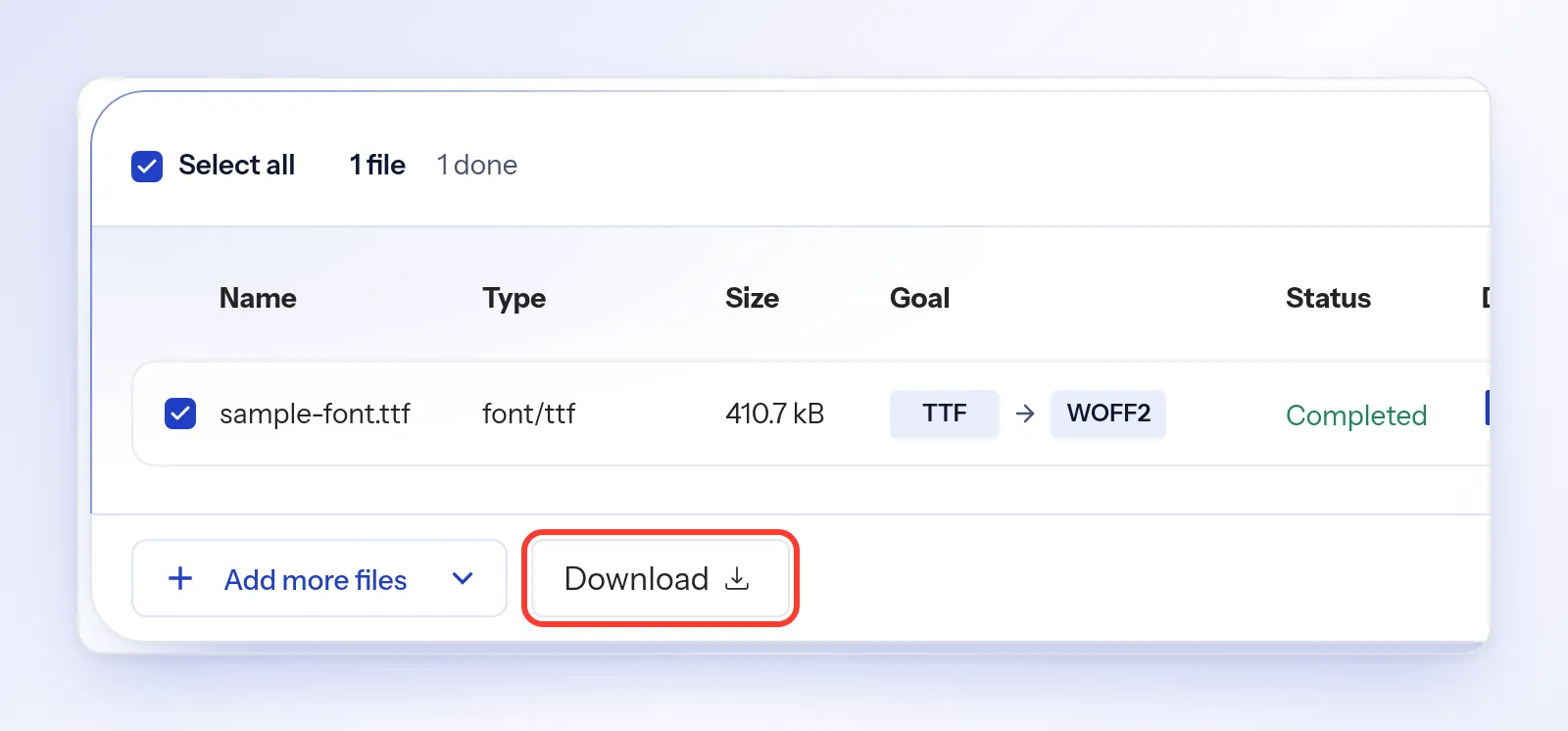
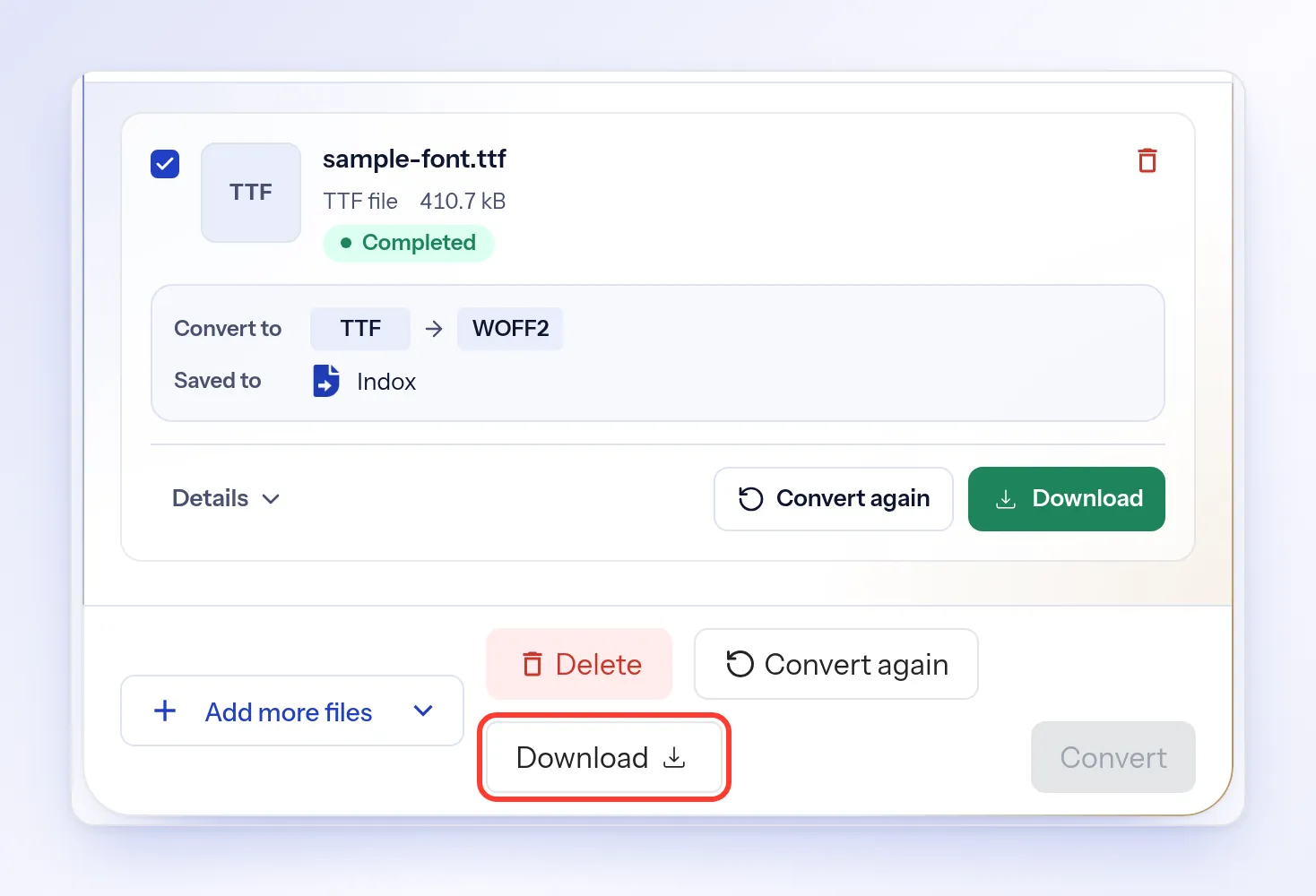
Select Download. On a phone, it's the download button at the bottom of the screen.
Troubleshooting
| Problem | Cause | Fix |
|---|---|---|
| The status shows Error | The conversion failed | Select Why it failed to see the reason, then select Convert to try again |
| Download is greyed out | The file hasn't finished converting | Wait until the status shows Completed |
| You see File is too large | The file is over your upload limit | Use a smaller file. The message shows your limit |
| The format you need isn't in the list | indox can't convert this font type to that format | Pick the closest format in the list |