Last updated
Convert a file in the browser extension
Goal: Your file in the format you need, downloaded without leaving the tab you're on.
Before you start
- Install the extension from the extensions page . It runs in a desktop browser.
- Sign in to your indox account in the extension. Unlike the website, the extension needs an account.
Open the side panel
Select the INDOX icon in your browser's toolbar. The side panel opens beside your page.
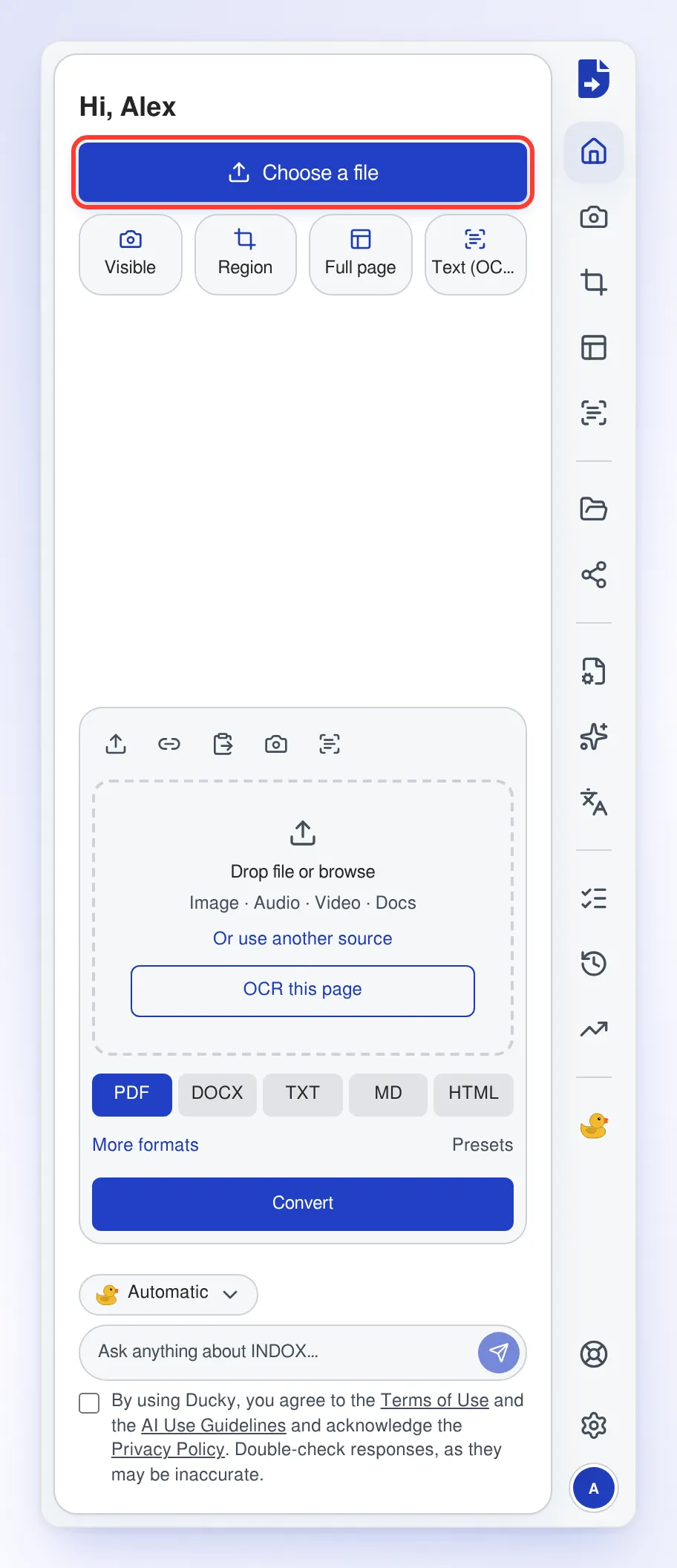
Choose your file
Select Choose a file and pick your file.
Pick the output format
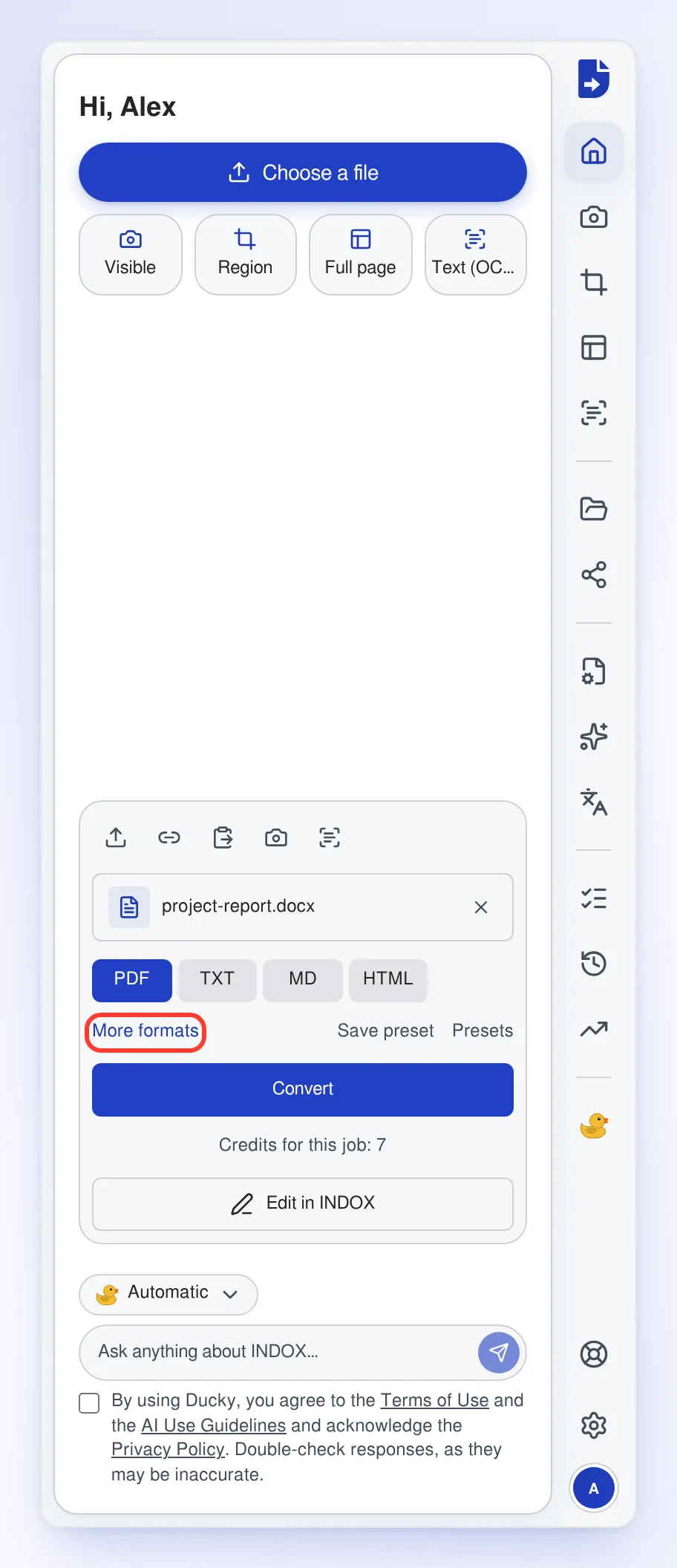
Select a format, such as PDF. For other formats, select More formats.
Convert the file
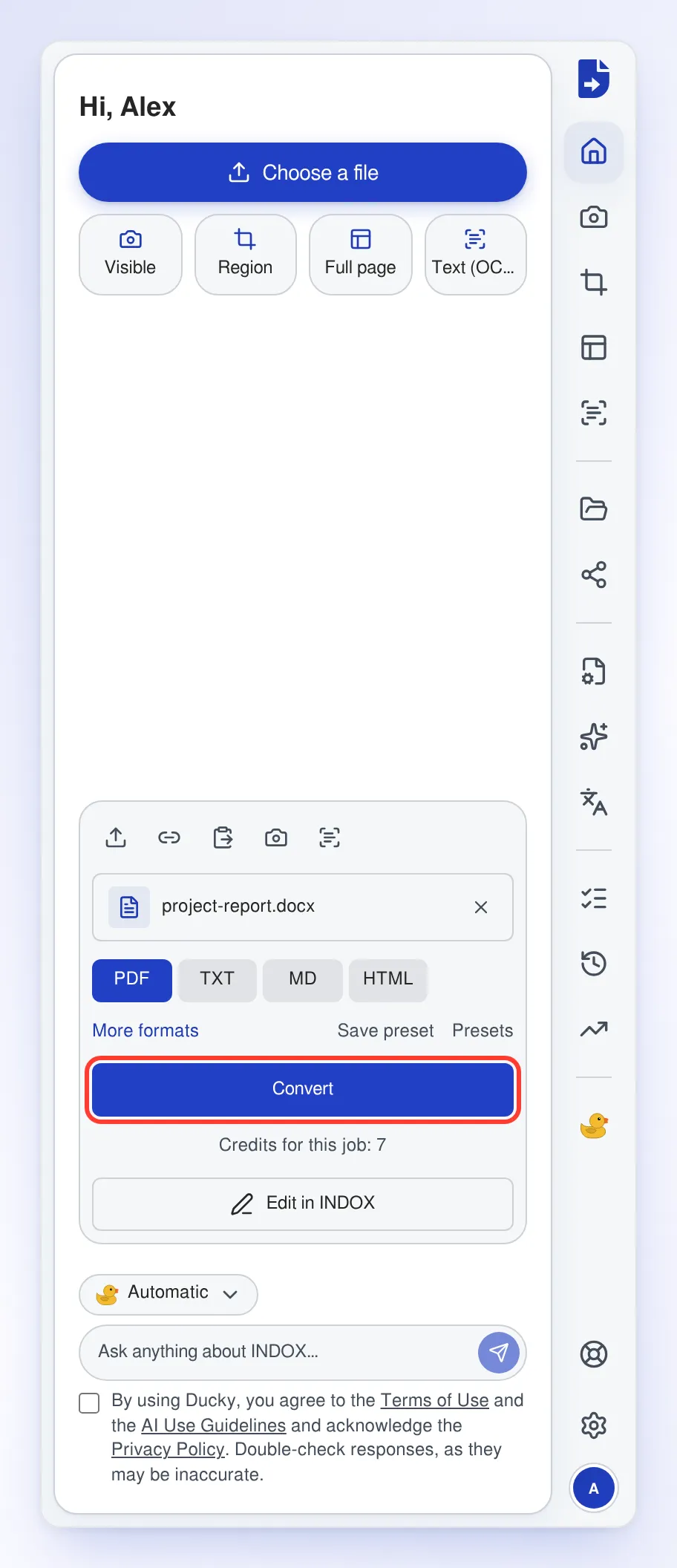
Check the credits the job will use, shown under the button, then select Convert.
Download the result
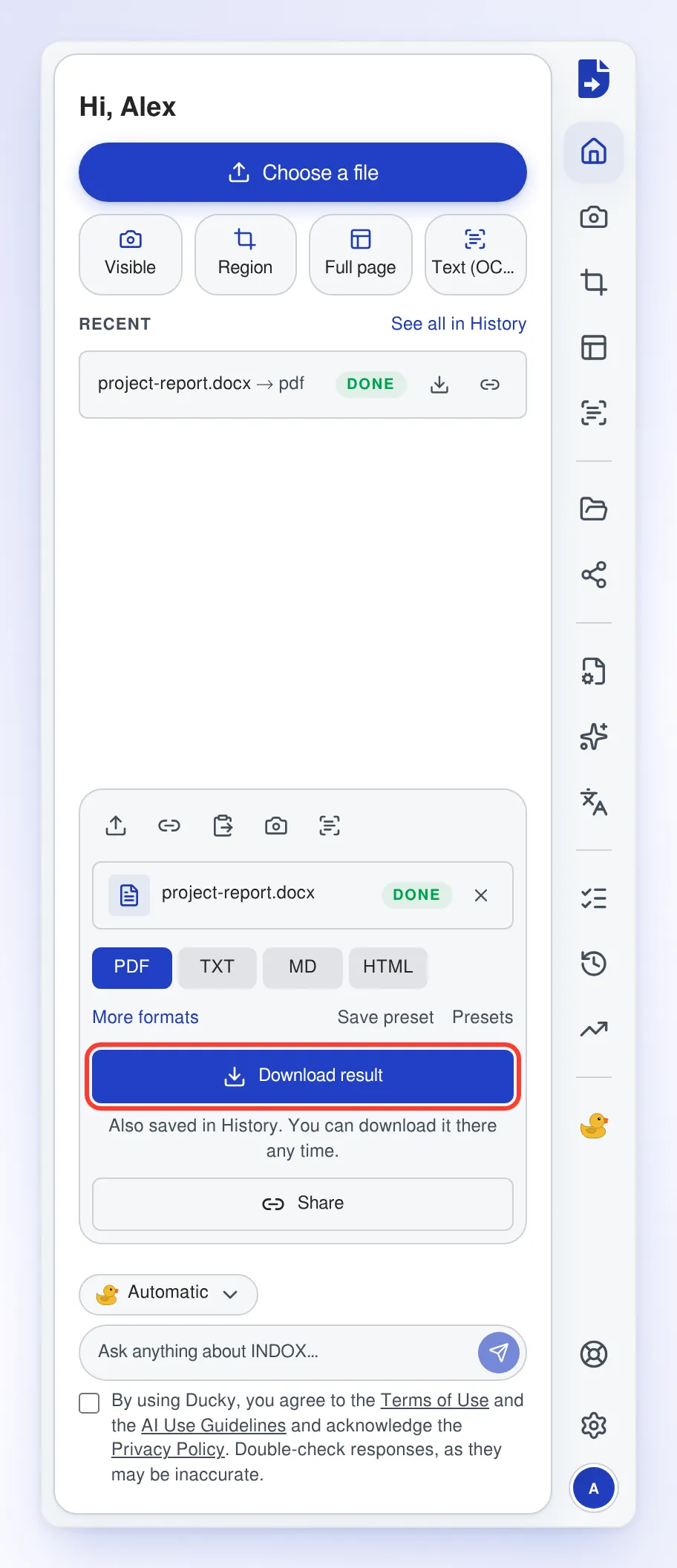
When the file shows DONE, select Download result. The file also stays in History, so you can download it again later.
Troubleshooting
| Problem | Cause | Fix |
|---|---|---|
| You see This file is too large for your plan. | The file is over your plan's upload limit | Use a smaller file |
| You see This file isn't what its name says. | The file's contents don't match its extension | Check that you picked the right file |
| You see You're offline | Your device has no connection | Reconnect, then convert the file |